
Introducció
This manual provides detailed instructions for the setup, operation, maintenance, and troubleshooting of your Escali Primo Digital Food Scale, Model P115. Designed for precise weight measurement in the kitchen, this scale is a versatile tool for cooking, baking, and portion control. Please read this manual thoroughly before using your scale to ensure optimal performance and longevity.
Producte acabatview
The Escali Primo Digital Food Scale features a simple two-button operation, a sealed control panel for easy cleaning, and a compact design. It offers accurate measurements for various ingredients.
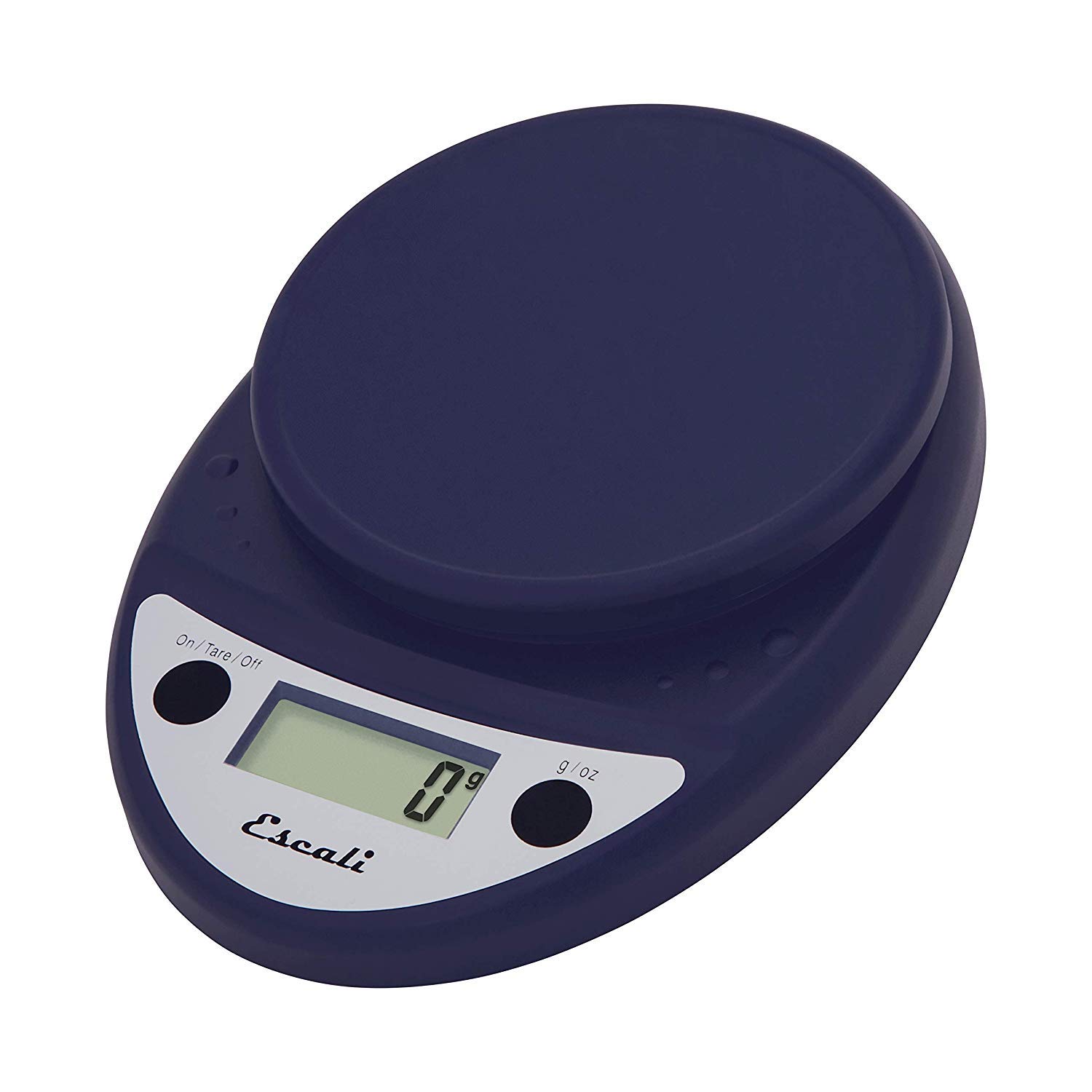
This image displays the Escali Primo Digital Food Scale in royal blue, showcasing its oval shape, weighing platform, digital display, and two control buttons.
Característiques principals:
- Disseny durador: Lightweight and rounded for enhanced durability.
- Accurate & Capable: Measures up to 11 lb (5,000 g) in 0.1 oz (1 g) increments.
- Característica de la tara: Allows you to reset the scale to zero weight to measure multiple items or subtract container weight.
- Fàcil de llegir: Features a crisp digital display.
- Selecció d'unitats: Measures in pounds + ounces, ounces, and grams.
- Spill Guard: A clear plastic shield covers the control panel for easy cleaning.
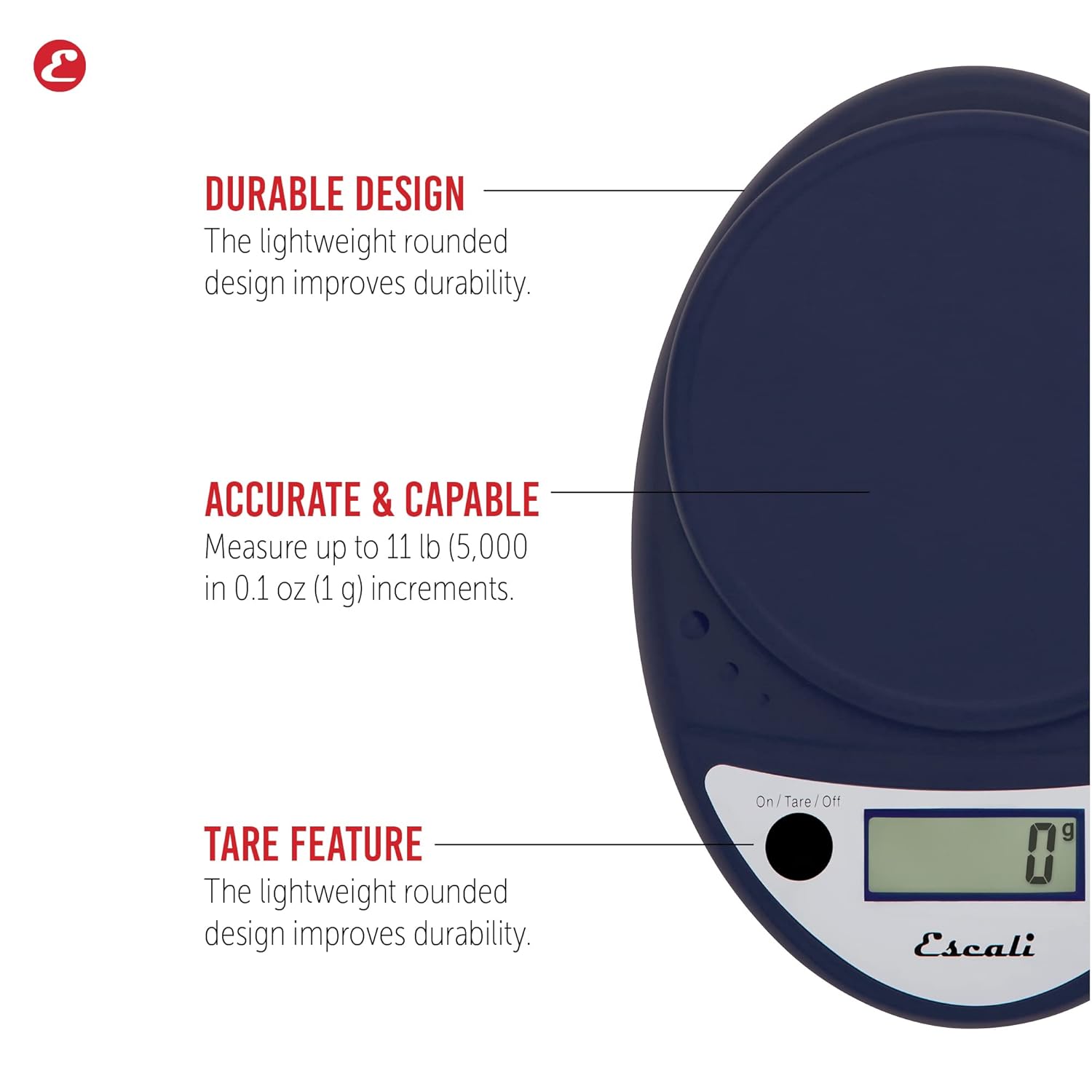
This image highlights the durable design, accurate measurement capabilities (up to 11 lbs / 5000g in 0.1 oz / 1g increments), and the tare feature of the scale.

This image illustrates the easy-to-read digital display, the unit selection function (pounds+ounces, ounces, grams), and the spill guard protecting the control panel.
Configuració
- Instal·lació de la bateria: The scale requires two (2) AA batteries, which are included. Open the battery compartment on the underside of the scale, insert the batteries according to the polarity indicators (+/-), and close the compartment securely.
- Col·locació: Col·loqueu la bàscula sobre una superfície dura, plana i estable. Les superfícies irregulars poden afectar la precisió.
Instruccions de funcionament
Encès/Apagat
- Per girar l'escala ON, premeu On/Tare/Off botó. La pantalla mostrarà "0".
- Per girar l'escala OFF, manteniu premut el botó On/Tare/Off button for approximately 3 seconds. The scale also features an automatic shut-off after four minutes of inactivity to conserve battery life.
Selecció d'unitats
- Premeu el botó g/oz button to cycle through the available measurement units: grams (g), ounces (oz), and pounds:ounces (lb:oz). Select your desired unit before weighing.
Articles de pesatge
- Turn on the scale. Ensure the display shows "0" in your desired unit.
- Col·loqueu amb cura l'element o elements que s'han de pesar al centre de la plataforma de pesatge.
- Llegeix el pes que es mostra a la pantalla.
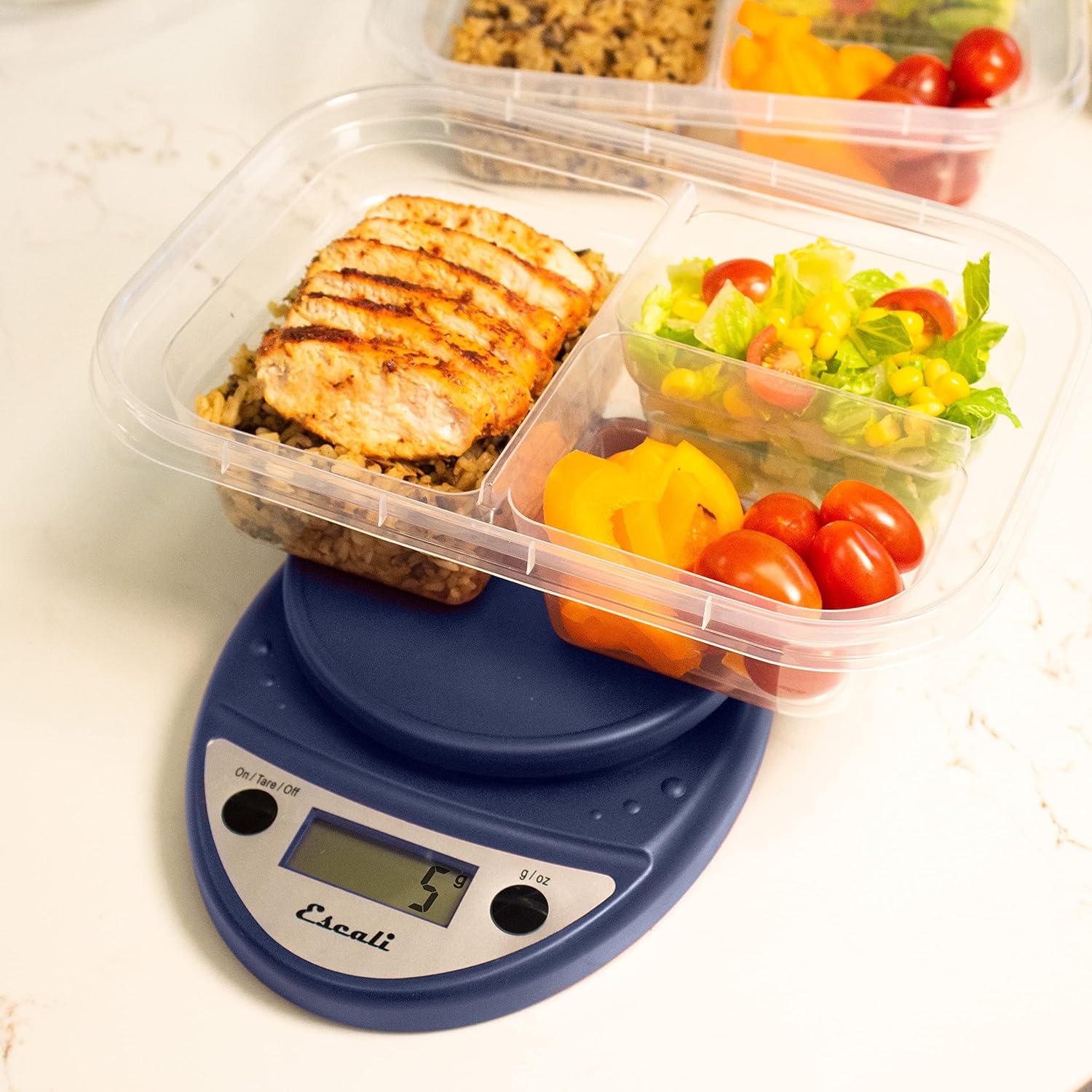
This image shows the Escali Primo Digital Food Scale being used to weigh meal prep containers filled with food, demonstrating its practical application for portion control.
Funció Tara
The tare function allows you to subtract the weight of a container or to weigh multiple ingredients consecutively in the same bowl.
- Col·loqueu un recipient buit a la plataforma de pesatge. La pantalla mostrarà el seu pes.
- Premeu el botó On/Tare/Off botó. La pantalla es reiniciarà a "0".
- Add the ingredient(s) to the container. The display will show only the weight of the added ingredient(s).
- Repetiu els passos 2 i 3 per a ingredients addicionals.

This image illustrates the scale being used to weigh flour in a glass bowl, demonstrating the tare function's utility in baking by zeroing out the bowl's weight.
Manteniment i cura
- Neteja: The sealed control panel and rounded design make the scale easy to clean. Wipe the scale with a damp tela. No submergiu la bàscula en aigua ni utilitzeu netejadors abrasius.
- Emmagatzematge: Store the scale in a dry place at room temperature.
- Substitució de la bateria: When the battery indicator appears on the display, replace the two AA batteries.
Resolució de problemes
| Problema | Causa possible | Solució |
|---|---|---|
| L'escala no s'encén | Bateries gastades o mal instal·lades | Canvieu les piles o assegureu-vos de la polaritat correcta. |
| Lectures inexactes | Uneven surface, overloaded scale, or interference | Place on a flat, stable surface. Do not exceed maximum capacity. Remove any electronic devices nearby. |
| La pantalla mostra "Err" | Bàscula sobrecarregada | Remove items immediately. Do not exceed 11 lb (5,000 g). |
If you encounter issues not listed here, please refer to the support section for assistance.
Especificacions
- Model: P115
- Capacitat: 11 lliures (5,000 g)
- Increments: 0.05 oz (1 g)
- Unitats: oz, lb:oz, g
- Dimensions: 8.5 x 6 x 1.5 polzades
- Font d'alimentació: 2 piles AA (incloses)
- Tipus de visualització: LED
- Característiques especials: Auto Shut Off, Sealed Control Panel, Tare Function
Garantia i Suport
Informació de la garantia
The Escali Primo Digital Food Scale is backed by a Garantia de per vidaAquesta garantia cobreix els defectes de materials i de fabricació en condicions d'ús normal. Si us plau, conserveu el comprovant de compra per a reclamacions de garantia.
Atenció al client
For further assistance, technical support, or warranty inquiries, please visit the official Escali weblloc web o poseu-vos en contacte amb el seu departament d'atenció al client. La informació de contacte normalment es pot trobar a l'embalatge del producte o a la fitxa oficial de la marca. weblloc: www.escali.com


