
1. Introducció
This manual provides essential information for the safe and efficient use of your Philips 52PFL8605K/02 52-inch LED TV. Please read these instructions carefully before operating the device and retain them for future reference.
2. Informació de seguretat
Observeu sempre les següents precaucions de seguretat per evitar descàrregues elèctriques, incendis o lesions:
- No exposeu el televisor a la pluja o la humitat.
- Do not open the TV cabinet. Refer all servicing to qualified personnel.
- Assegureu-vos que hi hagi una ventilació adequada al voltant del televisor. No bloquegeu les obertures de ventilació.
- Eviteu que el cable d'alimentació sigui trepitjat o pessigat.
- Desendolleu el televisor durant tempestes o quan no l'utilitzeu durant períodes prolongats.
3. Configuració
3.1 Desembalatge
Carefully remove the TV and all accessories from the packaging. Keep packaging materials for future transport or storage.
3.2 Instal·lació del suport / Muntatge a la paret
If using the included stand, attach it securely to the TV following the instructions provided in the separate quick start guide. Ensure all screws are tightened. If wall mounting, use a VESA-compatible wall mount kit (sold separately) and follow the wall mount manufacturer's instructions. Always ensure the wall can support the TV's weight.

Image: The Philips 52PFL8605K/02 TV securely placed on its elegant stand.
3.3 Cables de connexió
- Potència: Connecteu el cable d'alimentació al televisor i després a una presa de corrent.
- Antena/cable: Connect your antenna or cable TV signal to the 'ANTENNA IN' port.
- Dispositius HDMI: Connecteu reproductors de Blu-ray, consoles de jocs o altres dispositius HDMI als ports HDMI.
- Altres dispositius: Use component, composite, or PC inputs as needed.
3.4 Assistent de configuració inicial
Upon first power-on, the TV will guide you through an initial setup process. This includes language selection, country, channel scanning, and network connection (if applicable).
4. Funcionament del televisor
4.1 Control remotview
The remote control allows you to access all TV functions. Familiarize yourself with the button layout.
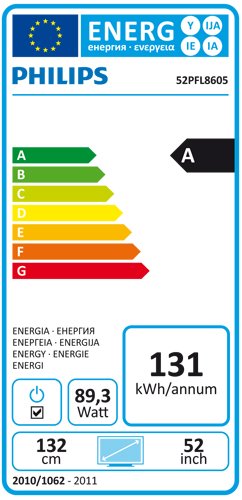
Image: The Philips TV remote control, featuring power, navigation, channel, volume, and numeric buttons.
4.2 Funcions bàsiques
- Potència: Premeu el botó Poder botó per encendre o apagar el televisor.
- Volum: Utilitza el Volum +/- botons per ajustar el nivell de so.
- Canal: Utilitza el Canal +/- botons per canviar de canal.
- Font: Premeu el botó Font button to select input sources (HDMI, AV, etc.).
4.3 Navegació de menús
Premeu el botó Casa button on the remote to access the main menu. Use the arrow keys to navigate and OK per confirmar les seleccions. Premeu Enrere or Sortida per tornar a la pantalla anterior o sortir del menú.
4.4 Configuració d'imatge i so
Within the main menu, navigate to 'Picture' and 'Sound' settings to customize your viewing experience. Adjust brightness, contrast, color, sharpness, and sound modes to your preference.
Funció Ambilight 4.5
Your Philips TV features Ambilight, which projects light from the sides of the TV onto the surrounding wall, matching the colors of the on-screen content. This enhances the viewing experience. Ambilight settings can be adjusted in the TV menu to change mode, brightness, and color intensity.
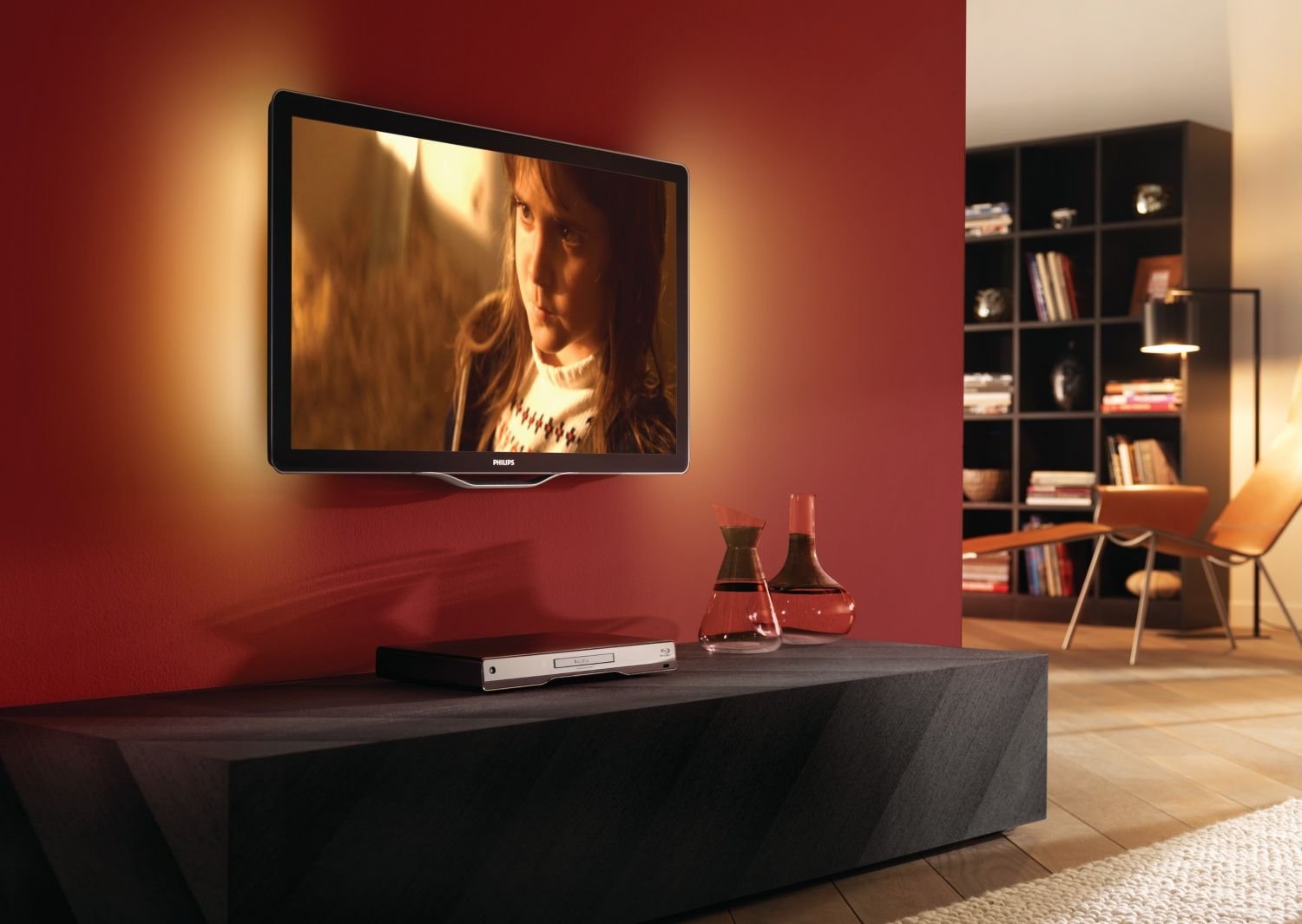
Image: The Philips TV displaying content with its Ambilight feature illuminating the wall behind it.
4.6 Funcionalitat 3D
This TV supports 3D viewing. To experience 3D content, you will need compatible 3D glasses and a 3D source. Refer to the 3D glasses manual for specific usage instructions.
5. Manteniment
5.1 Neteja del televisor
- Pantalla: Netegeu suaument la pantalla amb un drap suau i sense borrissol. Per a les marques difícils, utilitzeu un netejador de pantalles dissenyat específicament per a televisors, aplicant-lo al drap, no directament a la pantalla.
- Gabinet: Netegeu el moble amb un drap suau i sec. No utilitzeu productes de neteja abrasius ni dissolvents.
Desendolla sempre el televisor abans de netejar-lo.
5.2 Actualitzacions de programari
Periodically check the Philips support website for available software updates for your TV model. Updates can improve performance and add new features. Follow the instructions provided with the update carefully.
6. Solució De Problemes
If you encounter issues with your TV, consult the following common problems and solutions:
| Problema | Possible solució |
|---|---|
| Sense poder | Check if the power cord is securely connected to the TV and the wall outlet. Ensure the outlet is functional. |
| No hi ha imatge, però hi ha so | Comproveu la font d'entrada. Assegureu-vos que els dispositius externs estiguin encesos i connectats correctament. Proveu un altre cable HDMI. |
| No hi ha so, però hi ha imatge | Check the volume level and mute status. Ensure audio cables are connected correctly. Check sound settings in the menu. |
| El comandament a distància no funciona | Canvieu les piles. Assegureu-vos que no hi hagi cap obstacle entre el comandament a distància i el sensor d'infrarojos del televisor. |
| Image appears blurry or with 'streaks' | This can sometimes be a characteristic of certain LCD panels. Ensure the picture settings are optimized. If persistent, contact customer support. |
Si el problema persisteix després de provar aquestes solucions, poseu-vos en contacte amb el servei d'atenció al client de Philips.
7. Especificacions
- Model: 52PFL8605K/02
- Mida de la pantalla: 52 polzades (132 cm)
- Tipus de visualització: LCD LCD
- Dimensions (L x P x A): 124.51 x 5.11 x 75.69 cm (sense suport)
- Pes: 33 Kilograms (without stand)
- ASIN: B003EA7UVK
7.1 Etiqueta energètica
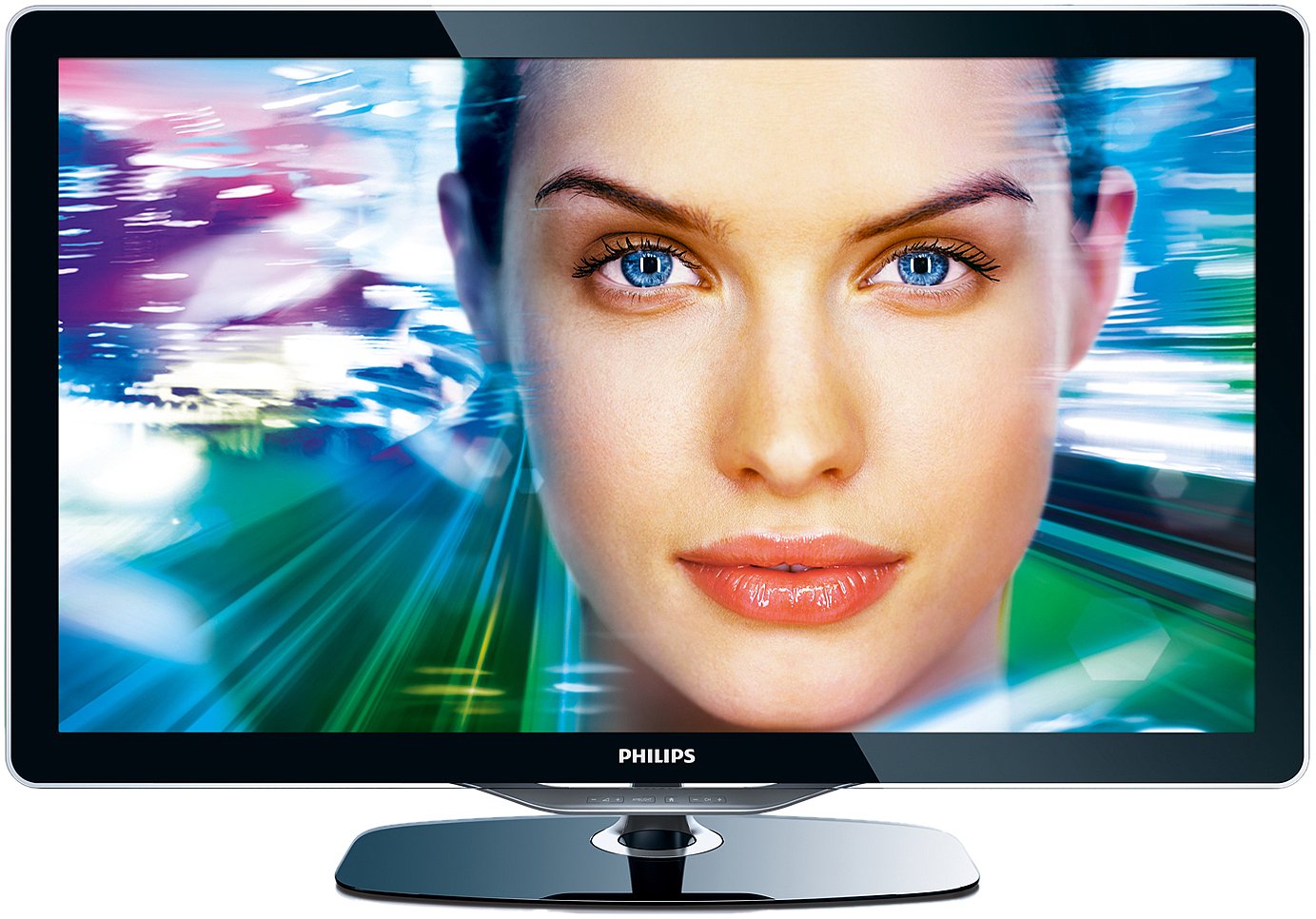
Image: The energy efficiency label for the Philips 52PFL8605K/02 TV, indicating an 'A' rating and annual energy consumption.
8. Garantia i Suport
Your Philips TV comes with a limited warranty. Please refer to the warranty card included with your product for details on coverage and duration. For technical support, service, or to find authorized service centers, please visit the official Philips support weblloc web o contacteu amb la seva línia directa d'atenció al client.