
Introducció
The Ozeri 4x3motion Digital Pocket 3D Pedometer is designed to accurately track your physical activity. It utilizes advanced Tri-Axis technology and a Digital 3D Acceleration Sensor, allowing for precise measurement of steps, distance, speed, calories burned, and exercise time, regardless of the pedometer's orientation. The device features a clear LCD with a backlight for visibility in various lighting conditions. It is engineered to filter out incidental vibrations, ensuring that only continuous steps are counted for improved accuracy. The pedometer includes a Lithium battery and a bonus strap.
Les característiques clau inclouen:
- Tri-Axis Technology for accurate tracking in any position.
- Digital 3D Acceleration Sensor for enhanced precision.
- Records steps, distance, average speed, calories burned, and time spent exercising.
- Bright LCD with night view llum de fons.
- Vibration filtering to prevent miscounts.
- Disseny compacte i prim.
- 7-Day Memory for activity data.
- Built-in Clock, Calendar, and Sports Timer.
- Auto Sleep technology to conserve battery.
Contingut del paquet
- Ozeri 4x3motion Digital Pocket 3D Pedometer
- CR2032 Lithium Battery (pre-installed or included)
- Bonus Strap / Lanyard
- Manual d'instruccions
Dispositiu acabatview
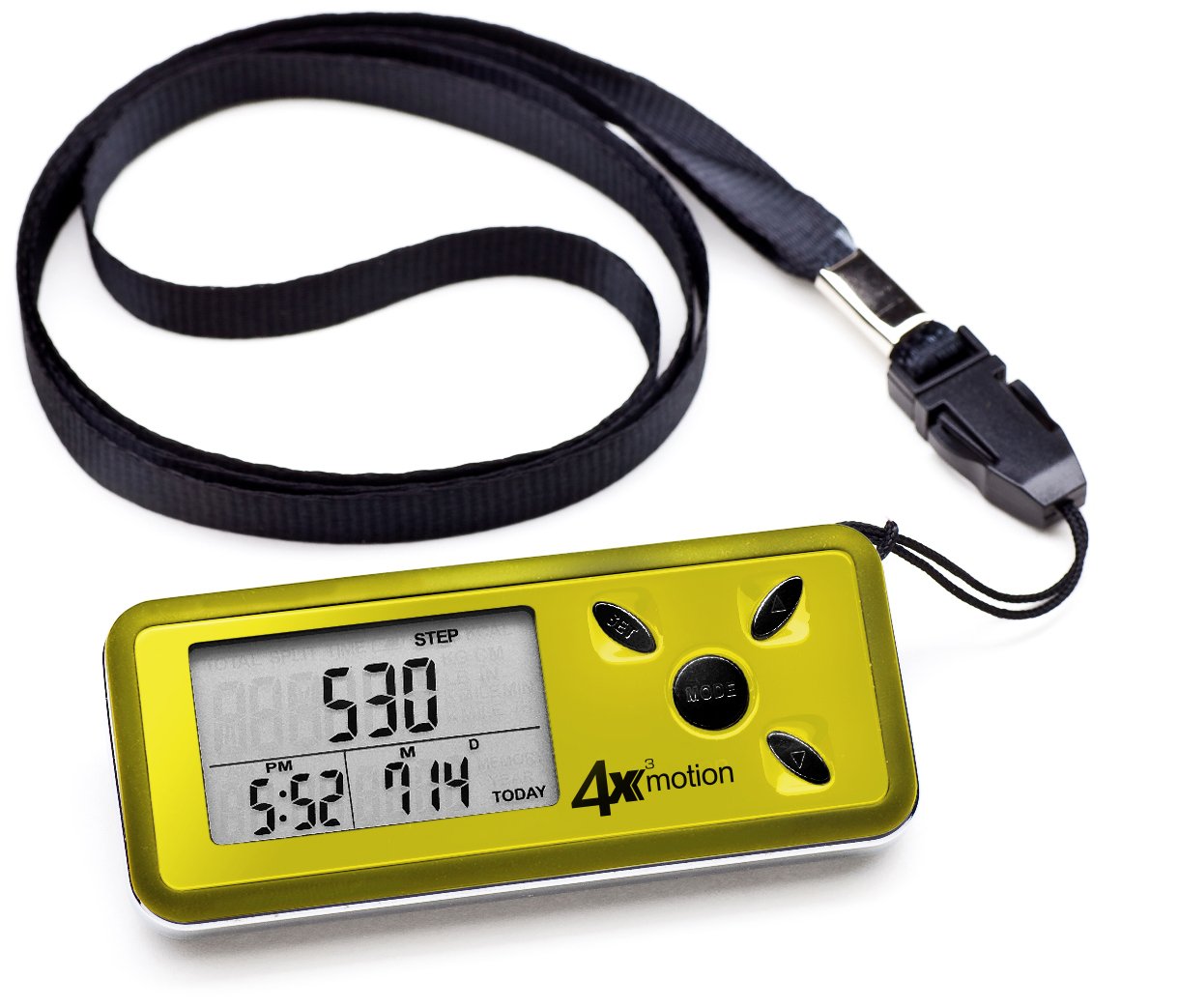
Imatge: Davant view of the Ozeri 4x3motion Pedometer. The display shows "STEP 530" and the time "PM 6:26". Buttons labeled "SET", "MODE", and arrow buttons are visible on the right side.
The pedometer features a clear LCD screen and several control buttons:
- Botó MODE: Used to switch between different display modes (Steps, Distance, Calories, Speed, Exercise Time, Split). Also used to confirm settings.
- Botó SET: Used to enter and exit setup mode for personal data and time.
- Botons de fletxa amunt/avall: Used to adjust values during setup or navigate options.
Configuració
1. Instal·lació de la bateria
The pedometer typically comes with a CR2032 Lithium battery pre-installed. If the display is blank or dim, you may need to replace the battery. To install or replace the battery:
- Localitzeu el compartiment de la bateria a la part posterior del dispositiu.
- Use a small coin or screwdriver to open the battery cover.
- Insert a new CR2032 Lithium battery with the positive (+) side facing up.
- Tanqueu de manera segura la tapa de la bateria.
2. Configuració inicial
After battery installation or a reset, the pedometer will prompt you to set your personal data. This information is crucial for accurate calorie and distance calculations.
- Unitats: Premeu el botó SET button to select between Metric (cm/kg) or Imperial (inches/lbs) units. Use the arrow buttons to change, then MODE per confirmar.
- Alçada: Enter your height. Use arrow buttons to adjust, MODE per confirmar.
- Pes: Enter your weight. Use arrow buttons to adjust, MODE per confirmar.
- Longitud del pas: Measure your average stride length (distance covered in one step) and enter it. This is vital for accurate distance tracking. Use arrow buttons to adjust, MODE per confirmar.
- Format horari: Select 12-hour or 24-hour format. Use arrow buttons to adjust, MODE per confirmar.
- Hora: Set the current time (hours and minutes). Use arrow buttons to adjust, MODE per confirmar cada segment.
- Data: Set the current date (Year, Month, Day). Use arrow buttons to adjust, MODE per confirmar cada segment.
The pedometer will now be ready for use.
Instruccions de funcionament
Wearing the Pedometer
Thanks to its Tri-Axis technology, the Ozeri 4x3motion Pedometer can be worn in various positions while maintaining accuracy. You can place it in your pocket, bag, or wear it around your neck using the included strap.
Modes de visualització
Premeu el botó MODE button repeatedly to cycle through the following display screens:
- Passos: Displays the total number of steps taken for the current day.
Imatge: Display showing "STEP 530".
- Distància: Shows the total distance walked or run for the current day.
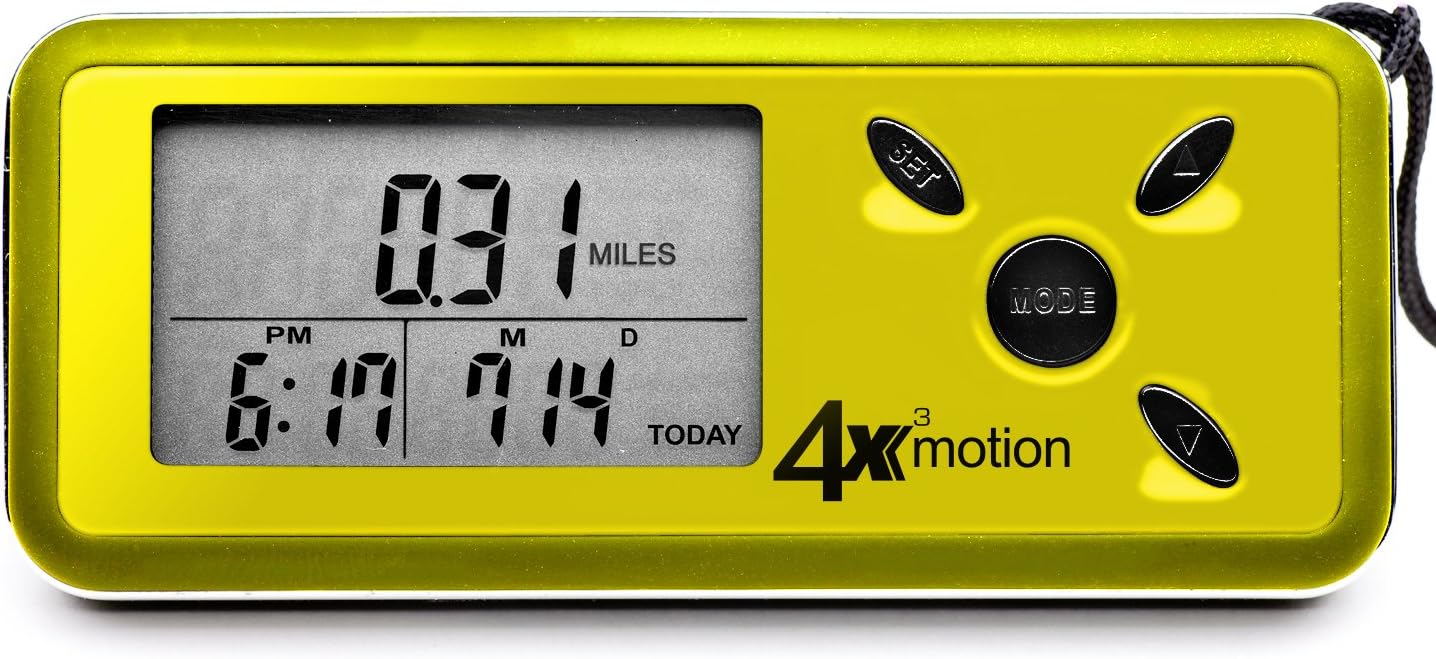
Imatge: Display showing "0.31 MILES".
- Calories cremades: Displays the estimated calories burned for the current day.

Imatge: Display showing "KCAL 10.6".
- Velocitat mitjana: Shows your average speed during activity for the current day.

Imatge: Display showing "4.41 MILES /H".
- Temps d'exercici: Displays the total active time for the current day.
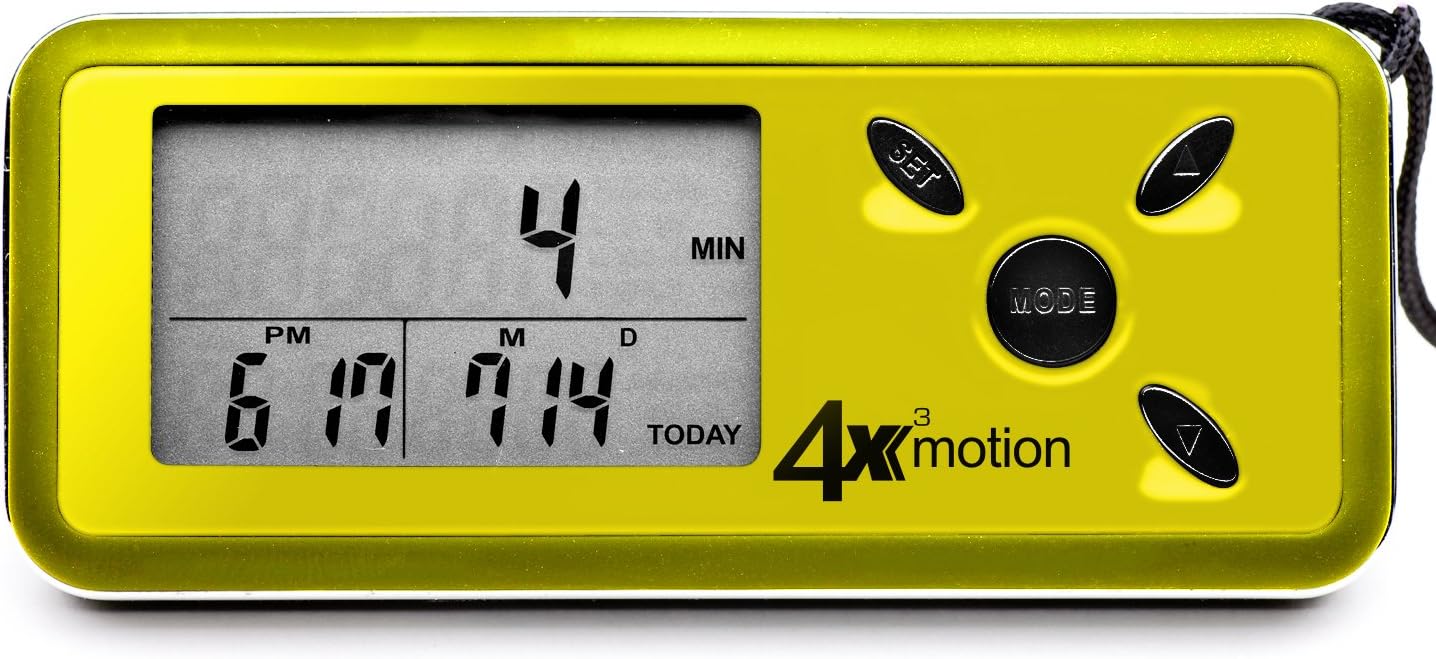
Imatge: Display showing "4 MIN".
- Mode dividit: Allows you to track a specific segment of activity independently. Press SET to start/stop the split timer and reset split data. The main display will continue to track total daily activity.
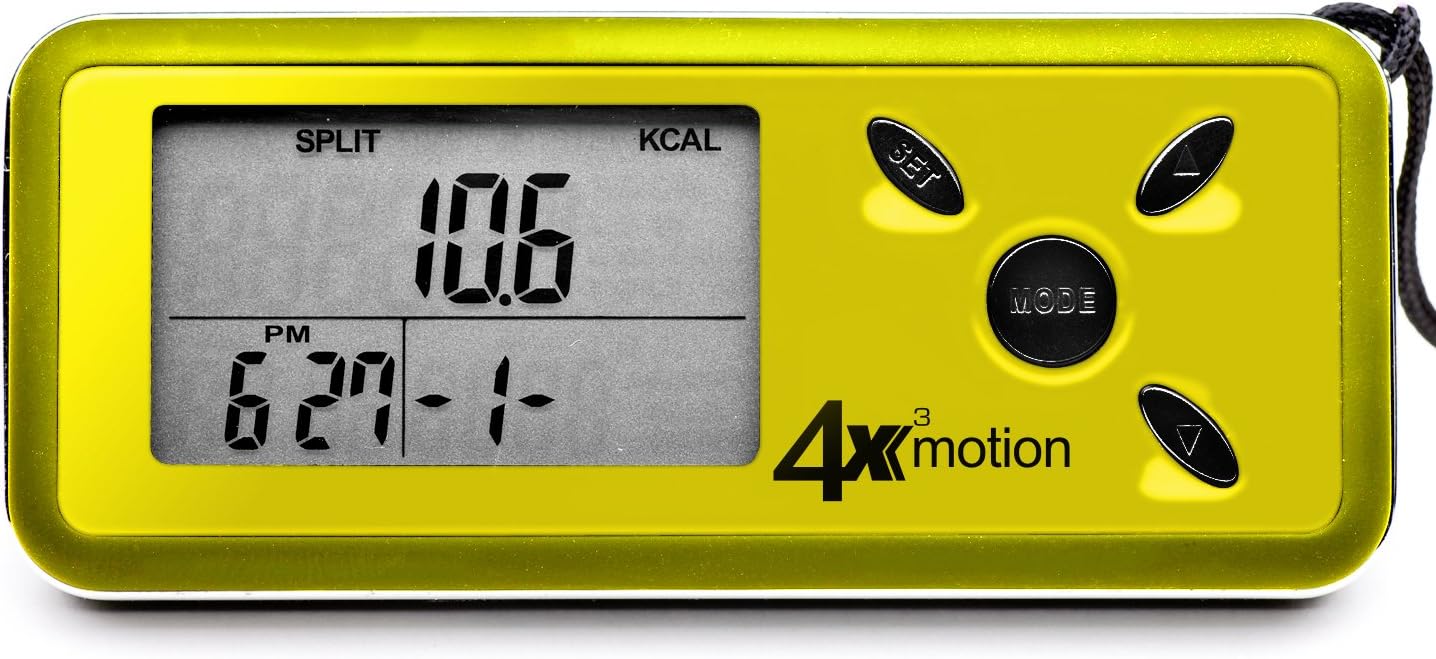
Imatge: Display showing "SPLIT KCAL 10.6".
Daily Reset and Memory
The pedometer automatically resets daily activity data to zero at midnight. It stores up to 7 days of historical data, which can be accessed by pressing the arrow buttons while in the main display modes (Steps, Distance, etc.).
Llum de fons
To activate the blue backlight for night viewing, press any button. The backlight will remain on for a few seconds.
Manteniment
Neteja
Netegeu el podòmetre amb un drap suau i sec. No utilitzeu productes de neteja abrasius ni submergiu el dispositiu en aigua.
Canvi de bateria
When the display becomes dim or the device stops responding, it's time to replace the CR2032 Lithium battery. Refer to the "Battery Installation" section under Setup for instructions.
Emmagatzematge
Guardeu el podòmetre en un lloc fresc i sec, allunyat de la llum solar directa i de temperatures extremes.
Resolució de problemes
- Pedometer not counting steps:
- Ensure the battery is properly installed and has sufficient charge. Replace if necessary.
- The pedometer is designed to filter out incidental movements and only begins counting after a sequence of continuous steps. Try walking for a short period to see if it registers.
- Verify that your personal settings (height, weight, stride length) are correctly entered. Incorrect stride length can affect accuracy.
- Inaccurate readings (distance/calories):
- Ensure your stride length, height, and weight settings are accurate. Recalibrate if needed.
- The pedometer's accuracy relies on consistent movement. Very short, sporadic movements may not be fully captured.
- La pantalla està en blanc o té poca llum:
- Replace the CR2032 Lithium battery.
- Ensure the battery is inserted with the correct polarity (+ side up).
- Device resets unexpectedly:
- This could indicate a low battery. Replace the CR2032 Lithium battery.
- Ensure buttons are not being accidentally pressed for extended periods while in a pocket or bag.
Especificacions
| Característica | Detall |
|---|---|
| Número de model | PD4X3Y |
| Marca | Ozeri |
| La tecnologia de sensors | Tri-Axis, Digital 3D Acceleration Sensor |
| Tipus de visualització | LCD amb llum de fons |
| Mida de la pantalla | 0.96 polzades |
| Memòria | 7-Day Activity Data |
| Tipus de bateria | Bateria de liti CR2032 |
| Durada estimada de la bateria | Approximately 1 year (depending on usage) |
| Pes de l'article | 0.06 lliures (aprox. 27 grams) |
| Material | Plàstic |
| Color | groc |
| UPC | 815817010247, 885354199231 |
Garantia i Suport
For warranty information or technical support, please contact Ozeri customer service. Refer to the product packaging or the official Ozeri weblloc web per obtenir les dades de contacte més actualitzades.