
Introducció
Thank you for choosing the Philips Snow Edition 64GB USB 3.0 Flash Drive. This manual provides essential information for the proper setup, operation, and maintenance of your device. This high-speed flash drive offers reliable data storage and transfer capabilities, compatible with various operating systems and devices.
Configuració i primer ús
The Philips Snow Edition USB 3.0 Flash Drive is designed for plug-and-play functionality. No special drivers are typically required for most modern operating systems.
Connecting the Flash Drive
- Locate an available USB port on your computer or compatible device. The drive supports USB 2.0, USB 3.0, and USB 3.1 ports. For optimal performance, use a USB 3.0 or 3.1 port.
- Remove the protective cap from the flash drive.
- Introduïu la unitat flaix fermament al port USB.
- The LED indicator on the drive will illuminate, indicating a proper connection and activity.
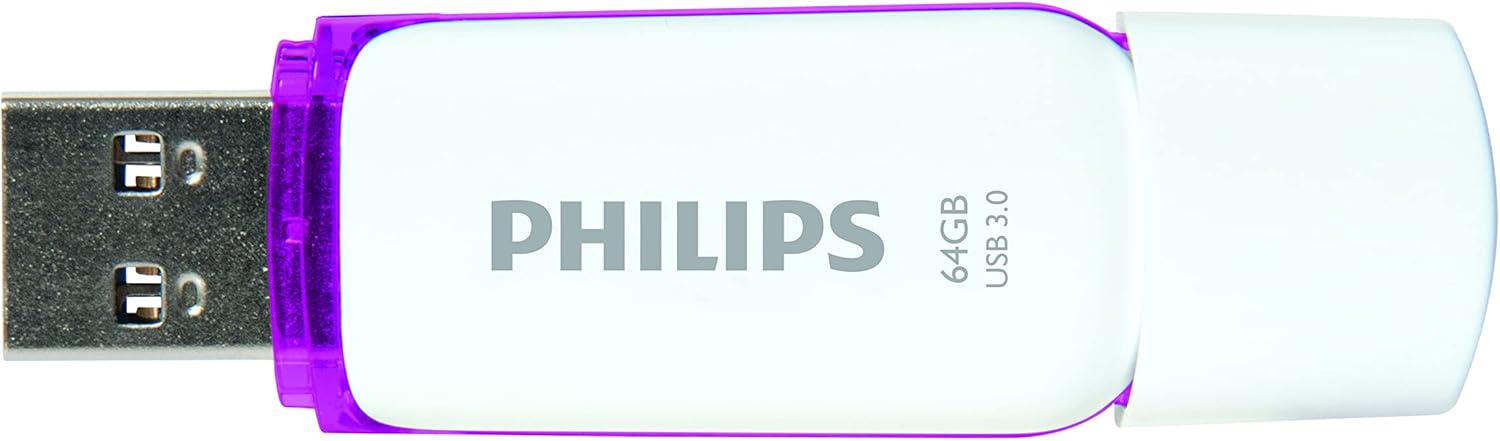
Image: Philips USB 3.0 Flash Drive with its protective cap removed, revealing the USB Type-A connector. The drive is white with purple accents.
Compatibilitat del sistema
The flash drive is compatible with the following operating systems:
- Windows XP and higher
- Mac OS 9.0 o superior
- Linux 2.4.0 o superior
Instruccions de funcionament
Accessing the Drive
Once connected, your computer's operating system should automatically detect the flash drive and assign it a drive letter (e.g., "Removable Disk (E:)"). You can access the drive through "My Computer" or "This PC" on Windows, or through the Finder on Mac OS.
Transferència Files
Per transferir files to or from the flash drive, simply drag and drop files or folders between your computer's storage and the flash drive's window. The LED indicator will pulsate faster during file transfer operations.

Image: The Philips USB 3.0 Flash Drive shown in a diagram connecting to various devices such as a laptop, desktop computer, car audio system, television, and printer, illustrating its versatility.

Image: The Philips USB 3.0 Flash Drive displayed alongside icons for documents, images, music, and video, indicating its use for storing various types of digital media.
Extracció segura de la unitat
Expulseu sempre la unitat flaix de manera segura abans de treure-la físicament de l'ordinador. Això evita que les dades es corrompin.
- Windows: Click the "Safely Remove Hardware and Eject Media" icon in the system tray, then select the flash drive.
- Mac US: Drag the flash drive icon from the desktop to the Trash, or right-click (Control-click) the drive icon and select "Eject."
Cura i Manteniment
To ensure the longevity and optimal performance of your Philips flash drive, follow these guidelines:
- Keep the protective cap on the USB connector when not in use to prevent dust and debris from entering.
- Eviteu exposar la unitat a temperatures extremes, llum solar directa o humitat elevada.
- Do not drop the drive or subject it to strong impacts. While designed to be shock-proof, excessive force can cause damage.
- Clean the exterior of the drive with a soft, dry cloth. Do not use liquid cleaners or solvents.
- Expulseu sempre la unitat de manera segura abans de treure-la per evitar la pèrdua o la corrupció de dades.
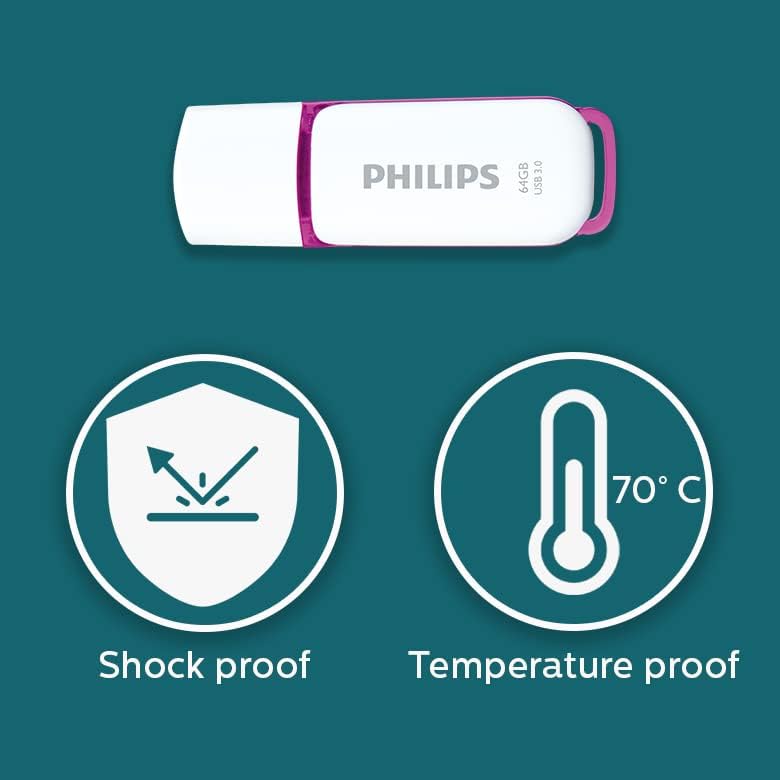
Image: Graphic illustrating the shock-proof and temperature-proof features of the Philips USB flash drive, indicating its durability.
Resolució de problemes
If you encounter issues with your Philips flash drive, refer to the following common problems and solutions:
Unitat no detectada
- Assegureu-vos que la unitat estigui completament inserida al port USB.
- Proveu un port USB diferent a l'ordinador.
- Proveu la unitat en un altre ordinador per descartar un problema específic de l'ordinador.
- Check your computer's Device Manager (Windows) or System Information (Mac) to see if the drive is listed.
- Reinicieu l'ordinador.
Velocitats de transferència lentes
- Ensure you are using a USB 3.0 or USB 3.1 port on your computer. Connecting to a USB 2.0 port will result in slower speeds.
- The actual performance can depend on the host device and the type of files'estan transferint (moltes petites files transfer slower than one large file).
- Tanqueu altres aplicacions que puguin estar utilitzant recursos del sistema.
- Assegureu-vos que els controladors USB de l'ordinador estiguin actualitzats.
Data Corruption or Errors
- Always safely eject the drive before removing it. Unplugging the drive directly can lead to data corruption.
- Run a disk check utility on the drive (e.g., Error Checking on Windows, Disk Utility on Mac) to scan for and repair errors.
- If the drive continues to show errors, it may indicate a hardware issue.
Especificacions
| Nom del model | SNOW USB3.0 |
| Número de model | FM64FD75B/10 |
| Capacitat d'emmagatzematge de memòria | 64 GB |
| Interfície del maquinari | USB 3.0 |
| Tecnologia de connectivitat | USB tipus A |
| Velocitat de lectura | Fins a 100 MB/s |
| Velocitat d'escriptura | ≥60 MB/s |
| Color | Blanc / porpra |
| Dimensions del producte | 0.79 x 0.28 x 2.36 polzades (20 x 7 x 59 mm) |
| Pes de l'article | 0.261 unces |
| Característica especial | Lightweight, Shock-proof, Temperature-proof |
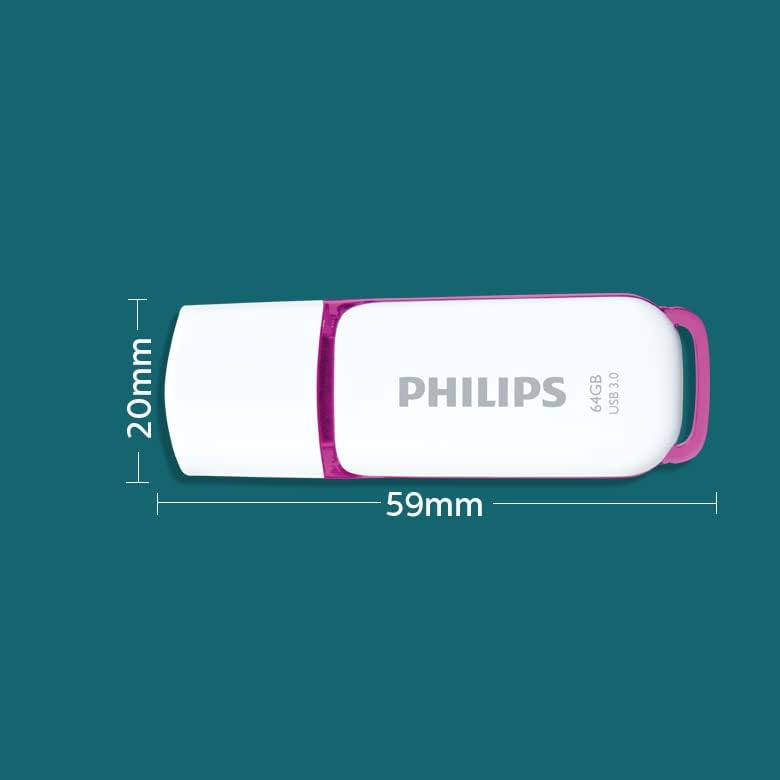
Image: A diagram illustrating the physical dimensions of the Philips USB flash drive, showing a width of 20mm and a length of 59mm.
Informació de la garantia
This Philips USB Flash Drive comes with a 1 any de garantia covering parts and labor from the date of purchase. Please retain your proof of purchase for warranty claims. The warranty does not cover damage caused by misuse, accidents, unauthorized modifications, or normal wear and tear.
Suport i Contacte
For further assistance, technical support, or warranty inquiries, please visit the official Philips support weblloc o poseu-vos en contacte amb el seu servei d'atenció al client.
Podeu trobar més informació i recursos de suport visitant la Botiga Philips a Amazon.