
1. Introducció
The Digitek DWM 101 Mini is a compact and lightweight 2-in-1 wireless microphone system designed for versatile audio recording. It is compatible with a wide range of devices including iOS and Android smartphones, DSLR cameras, PCs, and laptops, making it ideal for vlogging, live streaming, video tutorials, meetings, and interviews. This system features stable 2.4G wireless transmission with an extended range of up to 80 meters, ensuring reliable connectivity. Equipped with an omnidirectional condenser mic, it delivers professional audio quality with intelligent noise reduction for clear sound in various environments.
2. Què hi ha a la caixa
Upon unboxing your Digitek DWM 101 Mini Wireless Microphone System, please verify that all the following components are included:
- 2 micròfons sense fil (transmissors)
- 1 x receptor
- 1 x Type-C Connector
- 1 x Lightning Connector
- 1 x Manual d'usuari
- 1 x Magnetic Clip Set
- 1 x Carry Case
- 1 x DSLR Audio Output Cable
- 1 x 3.5mm Output Cable
- Auriculars de monitor
- Cable de càrrega de tipus C a tipus C

Figure 2.1: All components included in the Digitek DWM 101 Mini Wireless Microphone System package.
3. Producte acabatview
The Digitek DWM 101 Mini system consists of two compact transmitters and one receiver, designed for ease of use and portability.
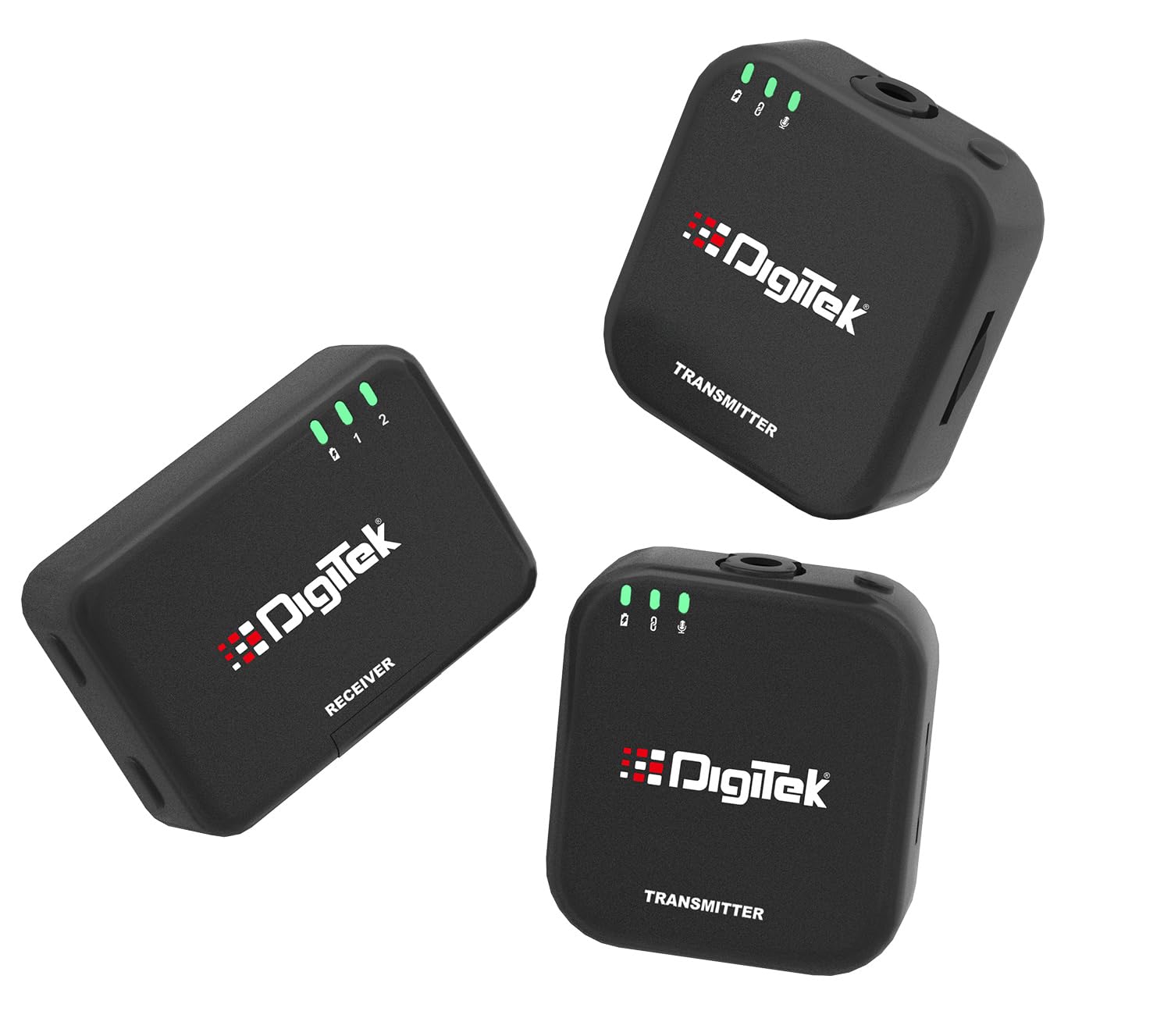
Figure 3.1: Digitek DWM 101 Mini Wireless Microphone System components.
3.1 transmissor (TX)
The transmitter unit features an integrated omnidirectional condenser microphone for accurate sound pickup. It includes LED indicators for battery status, pairing, and mute functions. A built-in TF card slot allows for direct recording, providing a reliable backup.

Figure 3.2: Transmitter unit with LED indicators.

Figure 3.3: Transmitter unit showing TF card slot for dual recording.
3.2 Receptor (RX)
The receiver unit connects to your recording device (smartphone, DSLR, PC). It receives audio signals from the transmitters and facilitates real-time monitoring.
4. Configuració
The Digitek DWM 101 Mini is designed for simple plug-and-play operation.
4.1 Càrrega inicial
Before first use, fully charge both transmitters and the receiver using the provided Type-C charging cable and charging case. A full charge takes approximately 1.5 hours.

Figura 4.1: Informació sobre la bateria i la càrrega.
4.2 Connexió al dispositiu
The receiver automatically pairs with the transmitters upon power-on.
- Per a telèfons intel·ligents (iOS/Android): Use the appropriate Type-C or Lightning connector to plug the receiver directly into your phone's charging/audio port.
- Per a càmeres rèflex digitals: Connect the receiver to your camera's microphone input using the provided DSLR Audio Output Cable.
- Per a PC/ordinadors portàtils: Connect the receiver to your computer's audio input using the appropriate cable.
5. Instruccions de funcionament
5.1 Encès/Apagat
Press and hold the power button on each transmitter and the receiver to turn them on or off. The units will automatically pair when powered on.
5.2 Enregistrament
Once connected, the microphone system is ready for recording. Ensure your recording device's audio input is set to the external microphone. The system offers:
- Primary Recording: Audio is transmitted wirelessly to your connected device.
- TF Card Recording (Backup): Insert a TF card into the transmitter's slot to record audio directly onto the card. This provides a reliable backup, especially useful for critical recordings or when primary device recording is not feasible.
5.3 Monitorització en temps real
Connect the provided monitor earphones to the receiver's audio output port to listen to the audio being recorded in real-time. This allows you to ensure optimal sound quality during your session.
5.4 Reducció del soroll
The DWM 101 Mini features intelligent noise reduction to minimize ambient sounds and deliver crystal-clear audio. This function is active by default.

Figure 5.1: Advanced Noise Reduction for clear audio.
5.5 Abast sense fil
The system operates on a 2.4GHz wireless transmission frequency, providing a stable connection up to 80 meters in open environments. Obstacles like walls may reduce the effective range.
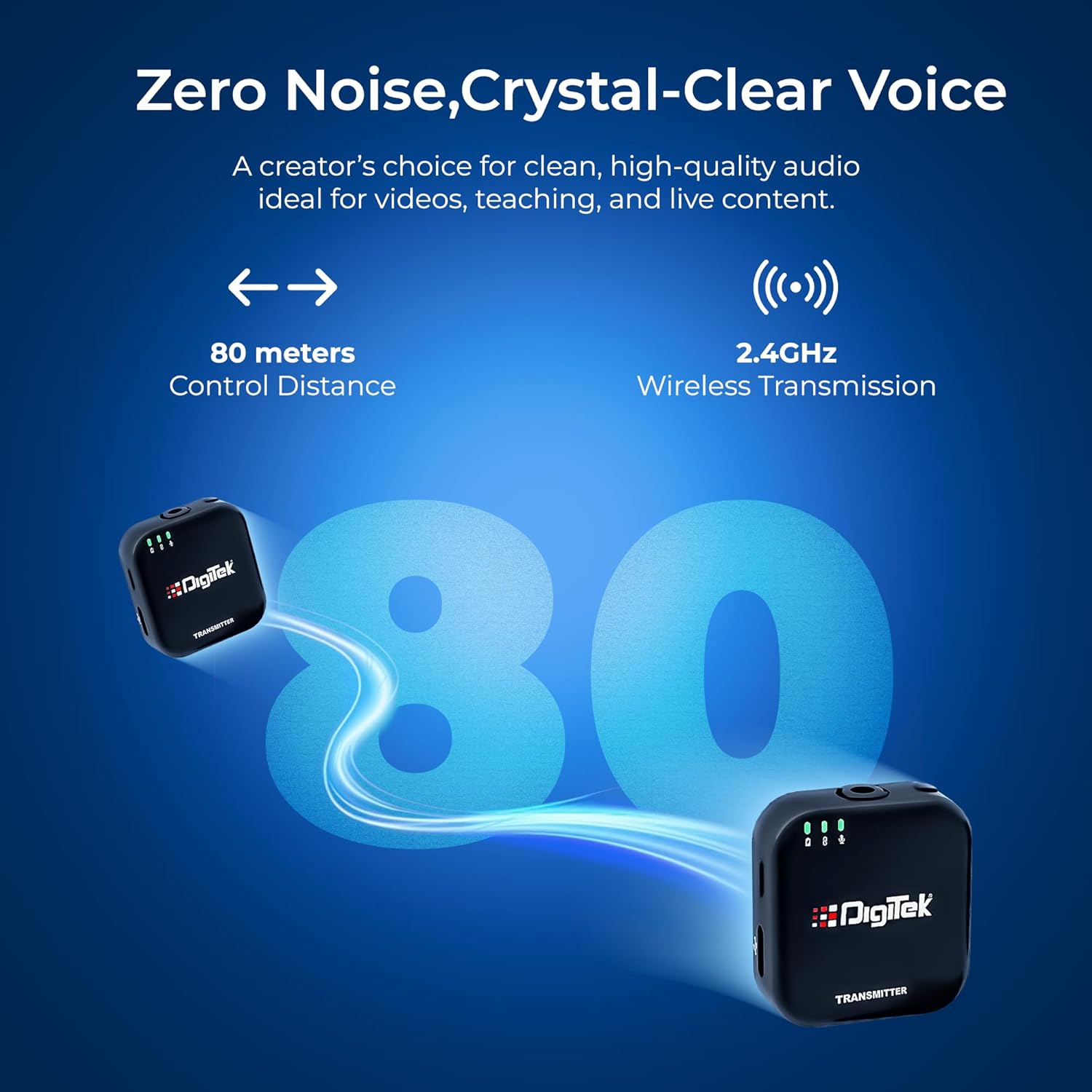
Figure 5.2: Wireless transmission range and frequency.
6. Manteniment
- Neteja: Feu servir un drap suau i sec per netejar les unitats. No utilitzeu netejadors líquids ni dissolvents.
- Emmagatzematge: Store the microphone system in its carry case in a cool, dry place away from direct sunlight and extreme temperatures.
- Cura de la bateria: To prolong battery life, avoid fully discharging the units frequently. Charge them regularly, even if not in use for extended periods.
- Manipulació: Handle the units with care. Avoid dropping or subjecting them to strong impacts.
7. Solució De Problemes
| Problema | Causa possible | Solució |
|---|---|---|
| Sense so ni volum baix | Incorrect connection; Receiver not powered on; Device input settings incorrect; Transmitter muted. | Ensure receiver is properly connected to device. Check receiver and transmitter power. Verify device's audio input is set to external mic. Check transmitter's mute status via LED indicators. |
| Intermittent audio or signal drops | Out of range; Obstructions between TX and RX; Interference from other 2.4GHz devices; Low battery. | Reduce distance between transmitter and receiver. Minimize obstructions. Move away from other wireless devices. Charge units fully. |
| Mala qualitat d'àudio / Soroll excessiu | High ambient noise; Microphone too far from source; Damaged mic. | Ensure microphone is positioned optimally. The intelligent noise reduction should handle most background noise. If issue persists, contact support. |
| Unitats que no s'aparellen | Units not powered on; Too far apart during initial power-on. | Ensure both transmitter(s) and receiver are powered on. Place them close to each other when powering on for the first time or after a reset. |
| TF card recording not working | TF card not inserted correctly; TF card full or corrupted; Incompatible TF card. | Ensure TF card is inserted correctly. Check card capacity and format if necessary. Try a different TF card. |
8. Especificacions
| Característica | Detall |
|---|---|
| Nom del model | DWM 101 Mini |
| Tecnologia de connectivitat | Sense fil (2.4 GHz) |
| Tipus de connector | USB tipus C |
| Usos recomanats | Camera, Smartphones, PC, Laptop |
| Pes de l'article | 200 g |
| Dimensions de l'article (LxWxH) | 55 x 37 x 4 centímetres |
| Tipus de bateria | 12V batteries (included) |
| Temps d'execució continu | Aprox. 4.5 hores |
| Temps de càrrega | Aprox. 1.5 hores |
| abast sense fils | Fins a 80 metres (entorn obert) |
| Tipus de micròfon | Condensador omnidireccional |
| Relació S/N | 32 dB ± 2 dB |
| País d'origen | Xina |
| Fabricant | IMS Mercantiles Limited |
9. Garantia i Suport
For warranty information and technical support regarding your Digitek DWM 101 Mini Wireless Microphone System, please contact the manufacturer directly:
- Fabricant: IMS Mercantiles Limited
- Adreça: 704, 7th floor, Ring Road Mall, Sec-3, Rohini, Delhi 110085
- Customer Helpline (Toll Free): 1800-123-544-444
- Correu electrònic: support@digitek.net.in
Si us plau, conserveu el comprovant de compra per a qualsevol reclamació de garantia.