

Image: The Bluedio HT Turbine Wireless Bluetooth 4.1 Stereo Headphones, featuring a sleek black design with silver accents on the headband and earcups.
Introducció
The Bluedio HT Turbine Wireless Bluetooth 4.1 Stereo Headphones are designed to deliver a rich audio experience with powerful bass and clear sound across all frequencies. Featuring Bluetooth 4.1 for stable connectivity and long battery life, these headphones offer both wireless convenience and the option for wired listening. The ergonomic design with soft earmuffs ensures comfort for extended use.
Key features include 57mm ultra-large dynamic drivers for surging low-frequency shock, acoustic echo cancellation and noise reduction for clear calls, and an audio sharing function to connect with another H(Shooting Brake) headphone. They also support 4 languages for voice prompts: Chinese, English, French, and Spanish.
Què hi ha a la caixa
Upon opening your Bluedio HT Turbine headphones package, you should find the following items:
- Bluedio HT Turbine Wireless Bluetooth Headphones
- Micro-USB charging cable (5ft)
- Cable d'àudio de 3.5 mm
- Manual d'usuari

Image: The Bluedio HT Turbine headphones, along with their included micro-USB charging cable, 3.5mm audio cable, and user manual, neatly packaged in their retail box.
Configuració
Carregant els auriculars
Before first use, ensure your Bluedio HT Turbine headphones are fully charged. Connect the provided Micro-USB charging cable to the charging port on the headphones and the other end to a USB power source (e.g., computer USB port, USB wall adapter). A full charge typically takes approximately 2 hores.
Vinculació amb un telèfon mòbil
- Mantingueu la distància entre l’auricular i el telèfon mòbil a menys d’un metre. Com més a prop, millor.
- When the headset is off (if not, power off the headset first), press and hold the MFB (botó multifunció) for 5 seconds or so, only when you see the LED remains blue can you release the button, the headset is in pairing mode.
- Activeu el Bluetooth del vostre telèfon mòbil, afegiu / cerqueu dispositius.
- When "H" or "Bluedio" appears, select it. (If asked for a pass code: Enter "0000")
Atenció:
If pairing is not successful within 60 seconds, the LED goes out and the headset is out of pairing mode. Repeat the pairing procedure.

Image: Visual guide illustrating the steps to pair the Bluedio HT Turbine headphones with a mobile device, showing the multi-function button, blue LED indicator, and a smartphone's Bluetooth menu.
Instruccions de funcionament
Controls acabatsview
The Bluedio HT Turbine headphones feature intuitive controls located on the earcup for easy management of your audio and calls. These include touch controls for media playback and volume adjustment.
- Botó multifunció (MFB): Power On/Off, Pairing, Play/Pause, Answer/End Calls.
- Augment de volum / pista següent: Increase volume, skip to next song.
- Baixada de volum / pista anterior: Decrease volume, go to previous song.
- Port micro-USB: Per carregar els auriculars.
- Conector d'àudio de 3.5 mm: For wired connection when battery is low or for non-Bluetooth devices.

Imatge: Una imatge detallada view of the right earcup of the Bluedio HT Turbine headphones, highlighting the control buttons for power, volume, track control, and the charging port.
Funció d'ús compartit d'àudio
The Bluedio HT Turbine headphones support an Audio Sharing function. This allows you to connect your headphones to another H(Shooting Brake) headphone via an audio cable (sold separately) to share music instantly. It is recommended to use headphones with an impedance of 32 Ohms or higher for optimal audio sharing performance.
Manteniment
To ensure the longevity and optimal performance of your Bluedio HT Turbine headphones, follow these maintenance guidelines:
- Neteja: Use a soft, dry cloth to clean the headphones. Do not use abrasive cleaners, alcohol, or chemical solvents, as these may damage the surface.
- Emmagatzematge: Quan no els utilitzeu, guardeu els auriculars en un lloc fresc i sec, allunyats de la llum solar directa i de temperatures extremes.
- Eviteu la humitat: Do not expose the headphones to water or excessive moisture. If they get wet, wipe them dry immediately.
- Manejar amb cura: Avoid dropping the headphones or subjecting them to strong impacts, which can damage internal components.
- Càrrega: Charge the headphones regularly, even if not used frequently, to maintain battery health. Avoid overcharging for extended periods.
Resolució de problemes
If you encounter issues with your Bluedio HT Turbine headphones, refer to the following common troubleshooting steps:
| Problema | Possible solució |
|---|---|
| Els auriculars no s'engeguen. | Ensure the headphones are fully charged. Connect to a power source and allow sufficient charging time. |
| No es pot emparellar amb el dispositiu. |
|
| Sense so o amb un volum baix. |
|
| Distorsió del so o connexió intermitent. |
|
Especificacions
Detailed technical specifications for the Bluedio HT Turbine Wireless Bluetooth 4.1 Stereo Headphones:
| Característica | Detall |
|---|---|
| Versió Bluetooth | V4.1 |
| Bluetooth Profiles | A2DP, AVRCP, HSP, HFP |
| Freqüència de transmissió Bluetooth | 2.4 GHz-2.48 GHz |
| Interval d'operació | Up to 10m (free space) |
| Resposta de freqüència | 20Hz-20kHz |
| Temps de conversa | Fins a 45 hores |
| Bluetooth Music Time | Fins a 40 hores |
| Temps d'espera | Fins a 1625 hores |
| Temps de càrrega | 2 hores |
| Mida del controlador d'àudio | 57 mil·límetres |
| Impedància | 16 ohms |
| Col·locació de l'orella | Sobre l'orella |
| Material | Artificial Protein Leather, Soft Earmuffs |
| Pes de l'article | 7.7 unces |
| Dimensions del producte | 7.2 x 6.9 x 3.4 polzades |
| Tipus de bateria | 1 bateria de polímer de liti (inclosa) |
Garantia i Suport
For warranty information, technical support, or any inquiries regarding your Bluedio HT Turbine headphones, please contact Bluedio customer service directly.
You can find more information and support resources on the official Bluedio weblloc:
Alternatively, you may contact them via email:
Correu electrònic: accessoryservice2@bluedio.com
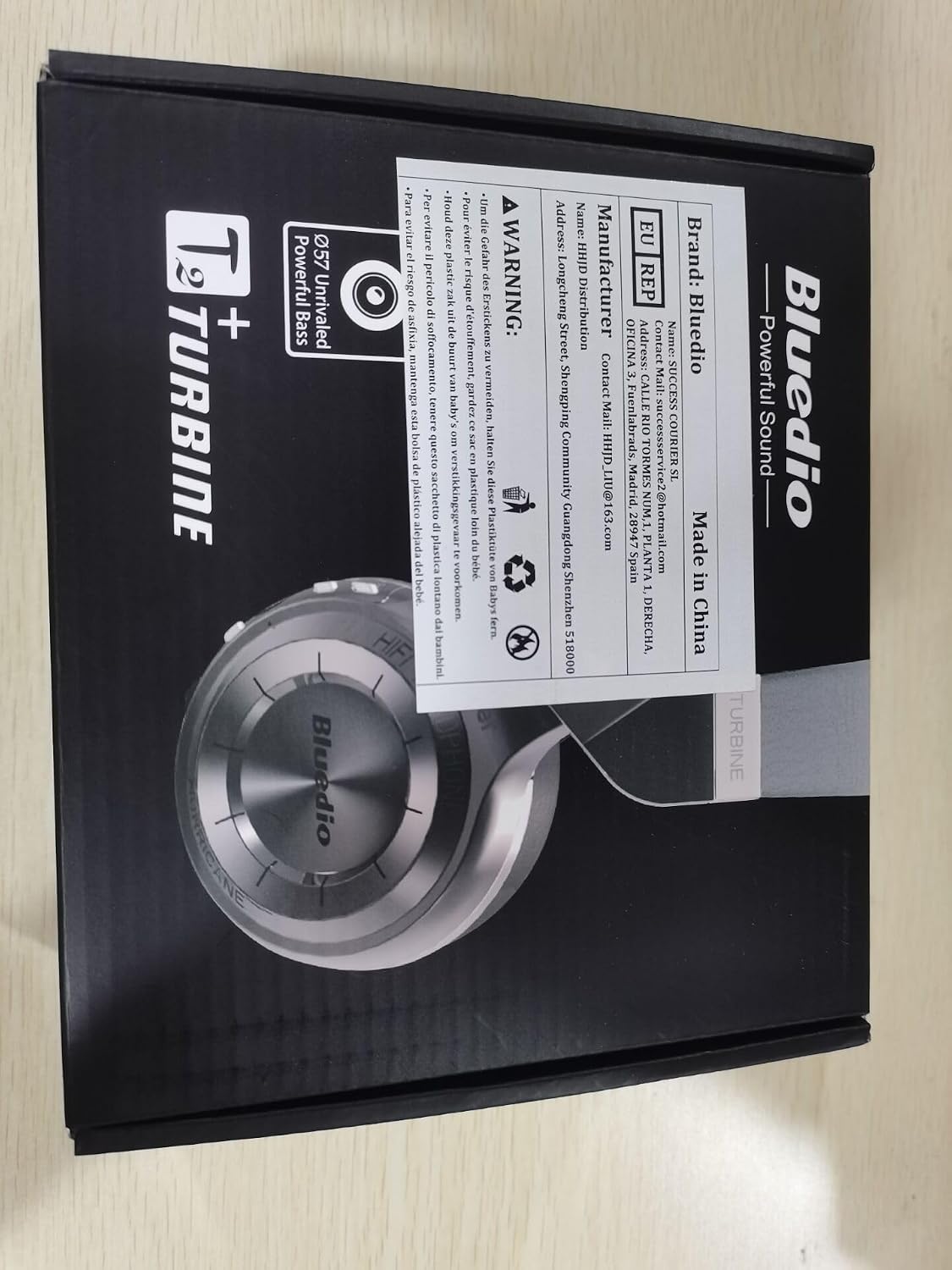
Image: The back of the Bluedio HT Turbine product box, displaying manufacturer details, contact email, and other product information.