
Informació important de seguretat
Please read these instructions carefully before using the shredder. Keep this manual for future reference.
- Mantingueu els nens i les mascotes lluny de la trituradora.
- Keep loose clothing, jewelry, hair, and other foreign objects away from the shredder opening.
- Do not insert fingers or hands into the shredder opening.
- Desendolleu la trituradora quan no l'utilitzeu o abans de netejar-la.
- Do not shred metal objects, large paper clips, or hard plastic (except credit cards as specified).
- No utilitzeu productes en aerosol, lubricants a base de petroli ni altres productes inflamables a la trituradora ni a prop d'ella.
- No feu funcionar la trituradora si el cable d'alimentació està danyat.
- The shredder is equipped with overheat protection. If it overheats, it will automatically shut off. Allow it to cool down before resuming operation.
Contingut del paquet
Assegureu-vos que hi hagi tots els elements:
- Amazon Basics AS665C Paper Shredder Unit
- Paperera
- Manual d'instruccions (aquest document)
Configuració
- Desembaleu la trituradora: Traieu amb cura tots els components de l'embalatge.
-
Position the Waste Bin: Place the shredder head securely on top of the provided waste bin. Ensure it is properly seated.
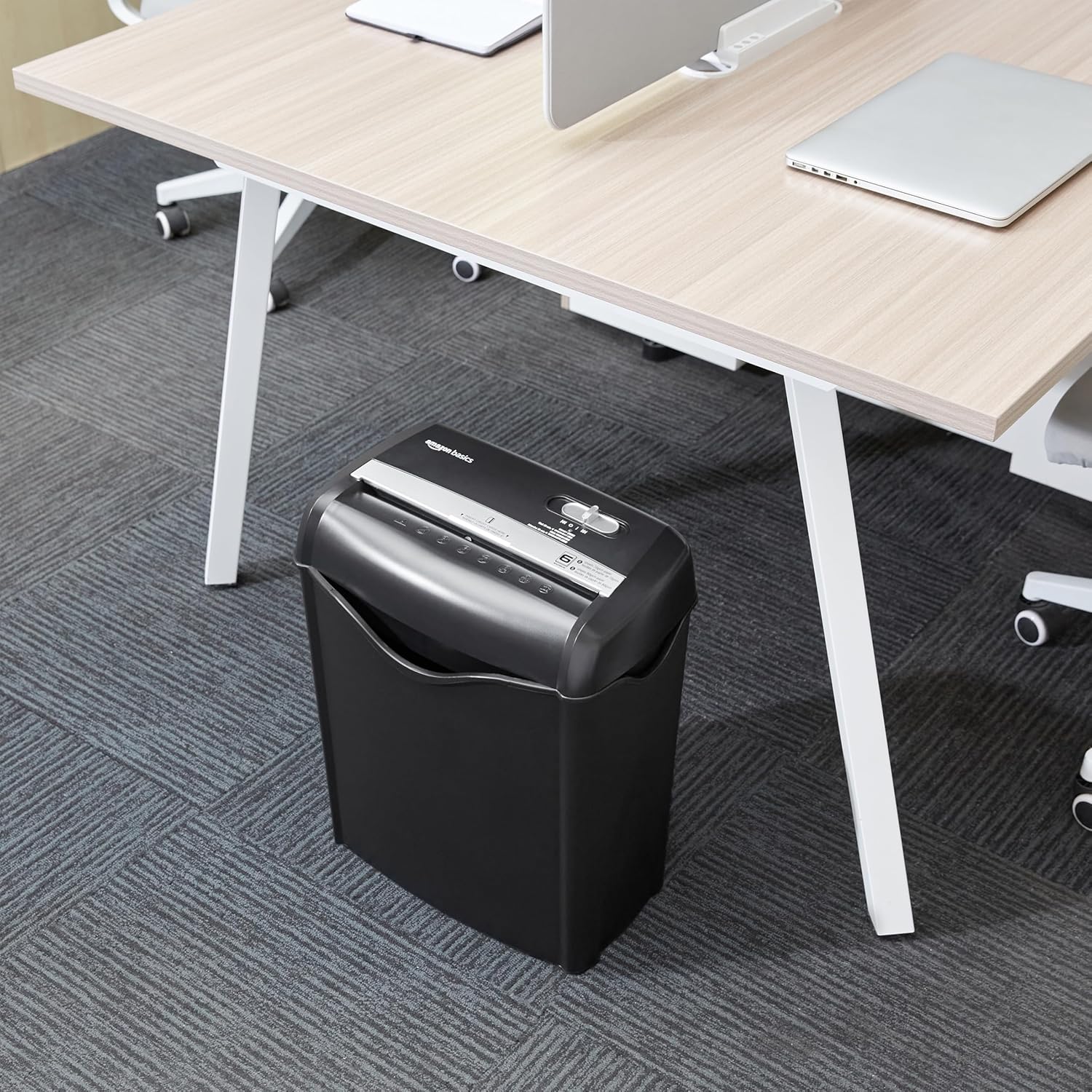
Image: The Amazon Basics AS665C Paper Shredder positioned under a desk, demonstrating its compact size and ease of placement in an office or home environment.
- Connectar l'alimentació: Connecteu el cable d'alimentació a una presa de corrent estàndard.
Instruccions de funcionament
Interruptor de control
The shredder features a slide switch with three positions:
- AUTOMÀTIC (I): The shredder will automatically start when paper is inserted and stop when shredding is complete.
- APAGAT (O): La trituradora està apagada.
- REV (<<): Activa la funció inversa per eliminar els embussos de paper.

Imatge: Una imatge detallada view of the shredder's control switch, showing the "AUTO", "OFF", and "REV" settings, along with the "READY" (green) and "OVERHEAT" (red) indicator lights.
Shredding Documents
- Seleccioneu el mode: Posa l'interruptor de control a AUTOMÀTIC (I) position. The "READY" indicator light (green) will illuminate.
-
Inserir paper: Insert up to 6 sheets of 70gsm paper (or 5 sheets of 80gsm paper) straight into the paper entry slot. The shredder will automatically start and stop.
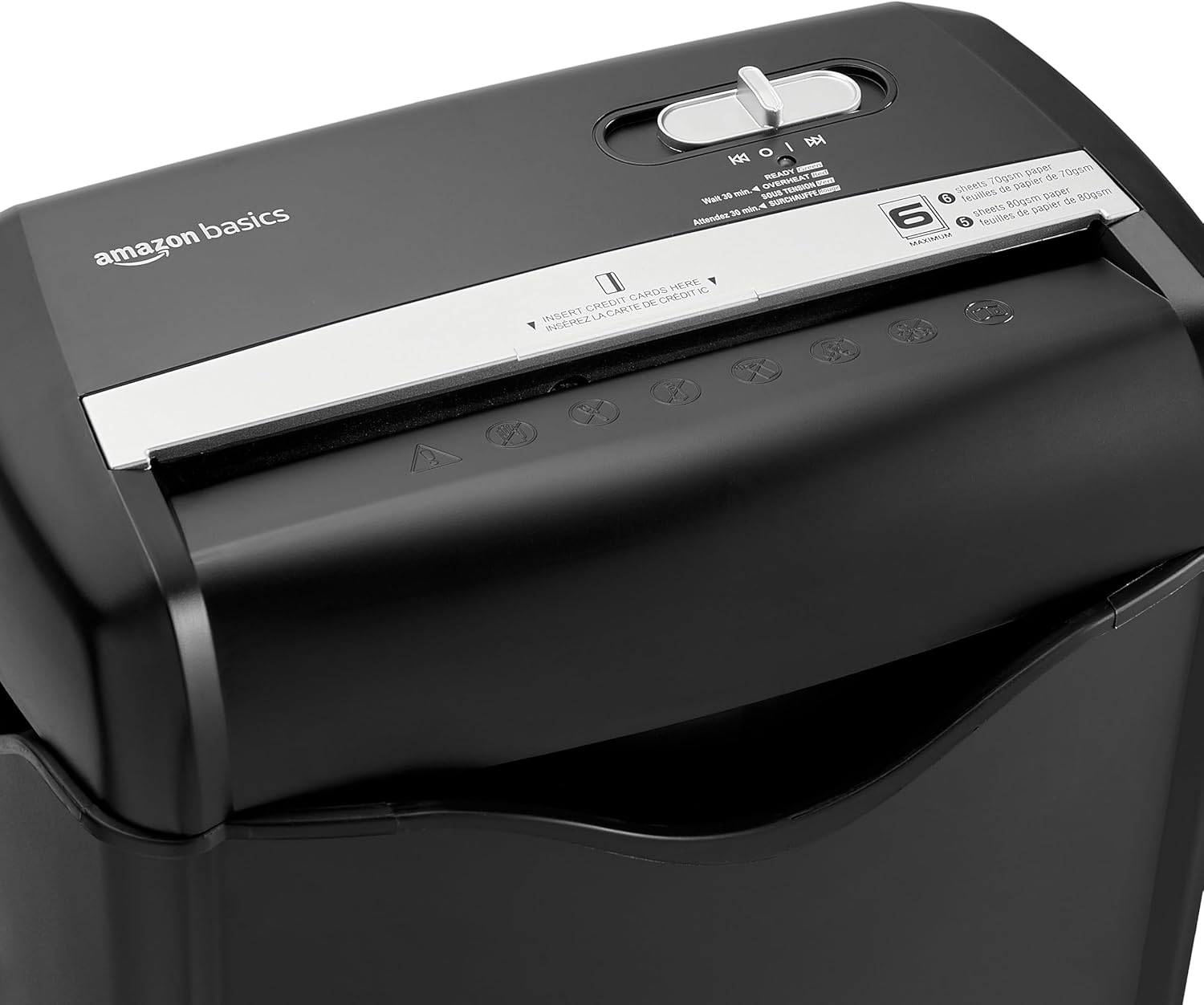
Imatge: Superior view of the shredder, highlighting the paper entry slot, the control switch, and the "MAXIMUM" sheet capacity label.

Image: A close-up of the shredder's label indicating the maximum sheet capacity: 6 sheets of 70gsm paper or 5 sheets of 80gsm paper.
-
Trituració de targetes de crèdit: Insert one credit card at a time into the dedicated credit card slot.

Imatge: Un primer pla view of the shredder's dedicated slot for inserting credit cards, clearly labeled "INSERT CREDIT CARDS HERE".
- Protecció contra el sobreescalfament: The shredder will automatically shut off if it runs continuously for too long or if the motor overheats. The "OVERHEAT" indicator light (red) will illuminate. Allow the shredder to cool down for approximately 30 minutes before resuming operation.

Image: A pile of cross-cut shredded paper, demonstrating the small particle size for enhanced security. A quarter coin is placed next to it for scale.
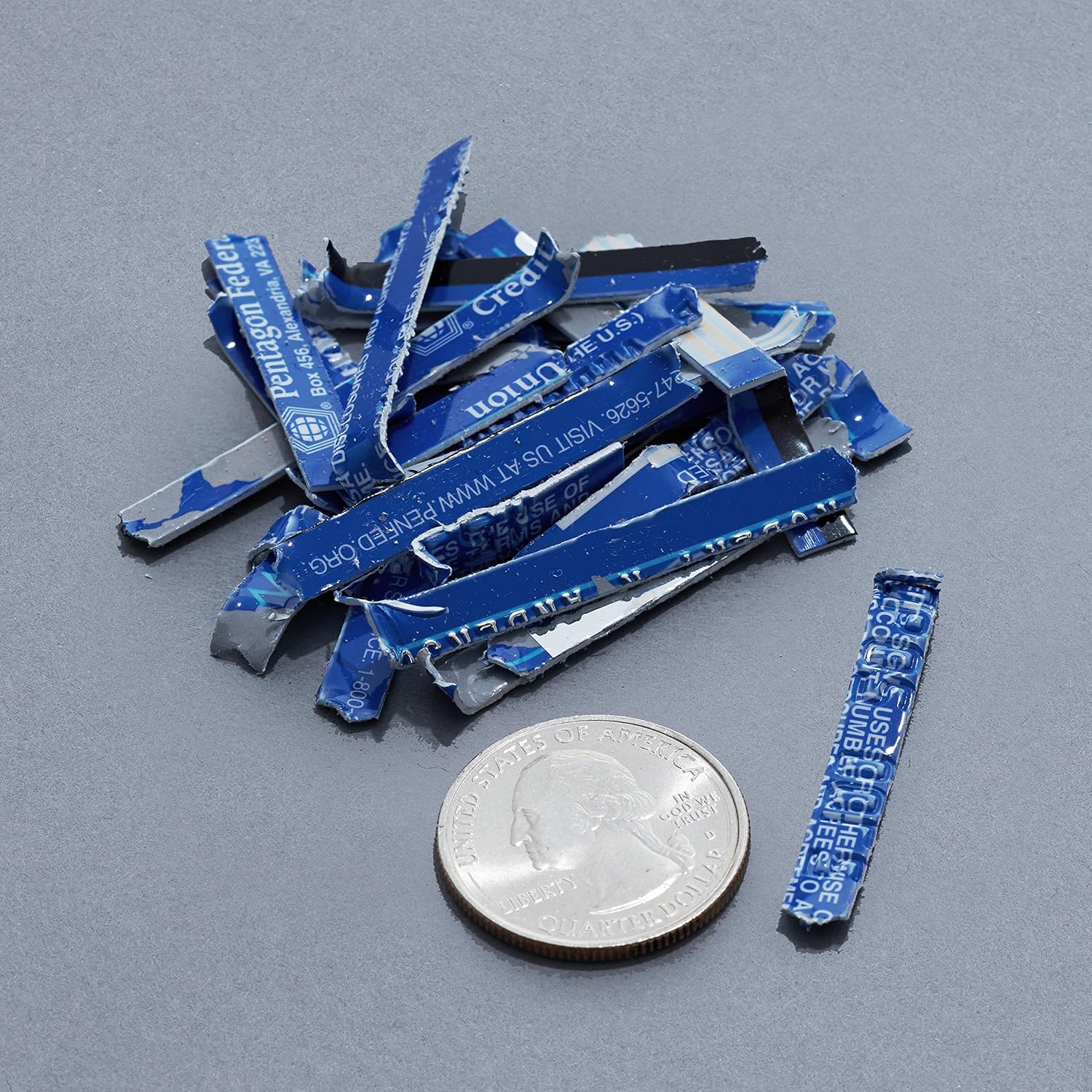
Image: A collection of shredded credit card pieces, illustrating the secure destruction of plastic cards. A quarter coin is included for size reference.
Manteniment
Buidatge de la paperera
Regularly empty the waste bin to prevent paper jams and ensure optimal performance. Unplug the shredder before removing the head to empty the bin.
Neteja
- Unplug the shredder before cleaning.
- Wipe the exterior of the shredder with a soft, dry cloth.
- No utilitzeu netejadors abrasius ni dissolvents.
- For optimal performance, periodically oil the shredder blades with shredder oil sheets or liquid shredder oil. Follow the oil product's instructions.
Resolució de problemes
| Problema | Causa possible | Solució |
|---|---|---|
| La trituradora no arrenca. |
|
|
| Emballament de paper. |
|
|
| La trituradora s'atura durant el funcionament. |
|
|
Especificacions
| Característica | Detall |
|---|---|
| Marca | Conceptes bàsics d'Amazon |
| Número de model | AS665C (Manufacturer Model: AS662C-EU) |
| Tipus de trituració | Tall transversal |
| Capacitat del full | 6 sheets (70gsm paper) / 5 sheets (80gsm paper) |
| Trituradors | Paper, targetes de crèdit |
| Font d'alimentació | Elèctric amb cable |
| Característiques especials | Portable, Overheat Protection, Manual Reverse |
| Dimensions del producte (L x A x A) | 30.7 x 19.6 x 38.1 cm (12.1 x 7.7 x 15 polzades) |
| Pes del producte | 3.72 kg (8.2 lliures) |
| Material | Plàstic i Metall |
Garantia i Suport
For warranty information and customer support, please refer to the Amazon Basics weblloc web o contacteu directament amb el servei d'atenció al client d'Amazon. Conserveu el rebut de compra per a reclamacions de garantia.