
Introducció
This operating manual provides essential information for the safe and effective use of the Thermal Dynamics CutMaster 75 Plasma Cutter. It includes detailed instructions for installation, operation, maintenance, and troubleshooting. Adherence to these guidelines will ensure optimal performance and longevity of your equipment. Please read this manual thoroughly before operating the plasma cutter.
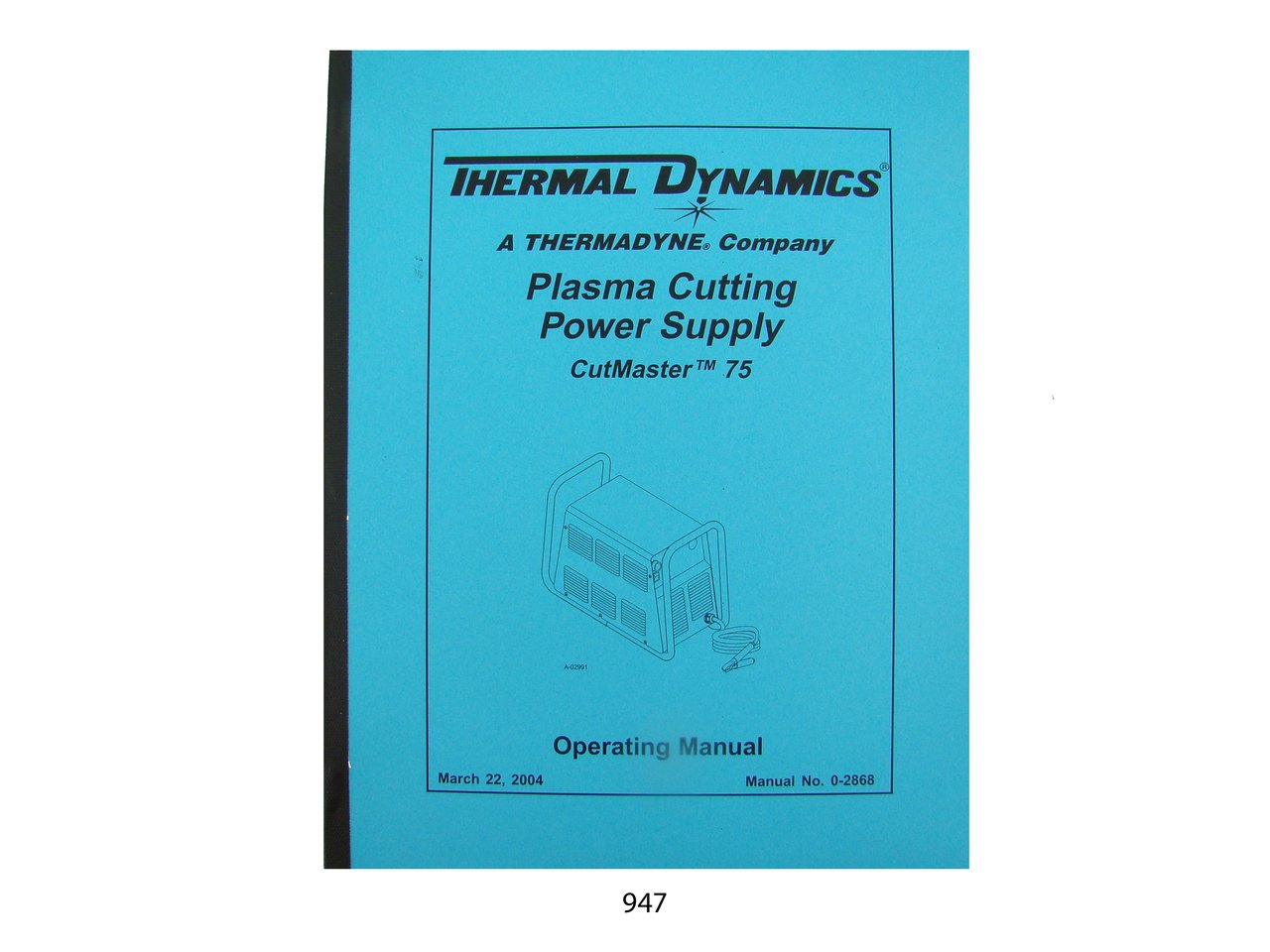
Image: Front cover of the Thermal Dynamics CutMaster 75 Plasma Cutter Operating Manual.
Instal·lació
Proper installation is crucial for the safe and efficient operation of your CutMaster 75 plasma cutter. This section outlines the necessary steps for setting up the unit.
- Desembalatge: Carefully remove the plasma cutter and all accessories from its packaging. Inspect for any shipping damage.
- Requisits d'alimentació: Ensure the power supply meets the specifications listed on the unit's nameplate. Connect the power cord to a grounded outlet.
- Connexió de subministrament d'aire: Connect a clean, dry compressed air supply to the designated inlet. Maintain the recommended air pressure for optimal cutting performance.
- Treball Clamp Connexió: Securely attach the work clamp a la peça de treball, garantint un bon contacte elèctric.
- Torch Connection: Connect the plasma torch to the unit according to the instructions provided in the manual.
Refer to the detailed diagrams within the full manual for specific connection points and requirements.
Funcionament
This section provides instructions for operating the Thermal Dynamics CutMaster 75 Plasma Cutter. Always prioritize safety during operation.
- Precaucions de seguretat: Wear appropriate personal protective equipment (PPE), including welding helmet, gloves, and protective clothing. Ensure adequate ventilation.
- Encès: Turn on the main power switch of the plasma cutter.
- Ajust de pressió d'aire: Adjust the air pressure regulator to the recommended setting for the material thickness being cut.
- Configuració actual: Select the appropriate cutting current based on the material type and thickness.
- Procediment de tall: Position the torch nozzle at the start point of the cut. Depress the torch trigger to initiate the arc and begin cutting. Maintain a consistent travel speed.
- Apagar: After completing the work, turn off the plasma cutter and disconnect the power supply.
Note: This manual does not cover the specific operation or servicing of the plasma torch itself. Refer to the torch manufacturer's documentation for torch-specific instructions.
Manteniment i Manteniment
Regular maintenance ensures the longevity and reliable performance of your CutMaster 75 plasma cutter. This section outlines key servicing procedures.
- Controls diaris: Inspect cables, hoses, and connections for wear or damage. Check air filter for moisture or debris.
- Electrode and Nozzle Replacement: Periodically inspect and replace worn electrodes and nozzles as needed. Refer to the full manual for detailed replacement procedures.
- Manteniment del filtre d'aire: Clean or replace the air filter cartridge regularly to ensure a clean and dry air supply.
- Neteja general: Keep the unit clean and free from dust and metal particles. Use compressed air to clear internal components if necessary, ensuring power is disconnected.
For detailed servicing instructions, including component replacement and internal adjustments, consult the comprehensive service section of the complete manual.
Resolució de problemes
This section provides guidance for identifying and resolving common issues that may arise during the operation of your CutMaster 75 plasma cutter.
- Sense arc: Check power supply, work clamp connection, air pressure, and torch consumables (electrode, nozzle).
- Mala qualitat de tall: Verify correct cutting speed, current setting, air pressure, and condition of torch consumables.
- Sobreescalfament: Ensure adequate ventilation around the unit. Check for blocked air intakes or excessive duty cycle usage. Allow the unit to cool down.
- Air Pressure Issues: Inspect air supply hose for kinks or leaks. Check air filter for clogging.
If an issue persists after following these steps, refer to the detailed troubleshooting charts and wiring diagrams in the full manual, or contact qualified service personnel.
Parts Lists and Wiring Diagrams
The complete manual includes comprehensive sections dedicated to parts identification and electrical schematics.
- Llistes de peces: Detailed breakdowns of all major components and sub-assemblies, including part numbers, to assist with ordering replacement parts.
- Seqüència d'operació: Explanations of the operational flow of the plasma cutter's systems.
- Torch Control Cable Wiring Diagram: Specific diagrams for the torch control connections.
- Esquemes de cablejat: Complete electrical schematics for the CutMaster 75 unit, essential for advanced servicing and diagnostics.
These sections are invaluable resources for maintenance and repair, ensuring correct component identification and electrical integrity.
Especificacions
Key specifications for the Thermal Dynamics CutMaster 75 Plasma Cutter Operating Manual:
- Model Covered: CutMaster 75
- Data de publicació: març de 2004
- Número de publicació: 0-2868
- Nombre de pàgines: Aproximadament 43
- ASIN: B00NGWGVUC
- Editor: Thermal Dynamics
Garantia i Suport
This operating manual focuses solely on the technical aspects of the CutMaster 75 plasma cutter. It does not contain information regarding product warranty, customer support contacts, or return policies. For details on warranty coverage, technical support, or service inquiries, please refer to the original purchase documentation or contact Thermal Dynamics directly through their official channels.