
Introducció
The TYLT VU Solo is a Qi-enabled wireless charging pad designed to provide convenient and efficient charging for compatible smartphones. This manual provides essential information for setting up, operating, maintaining, and troubleshooting your device to ensure optimal performance.
Contingut del paquet
Comproveu que el vostre paquet contingui els elements següents:
- TYLT VU Solo Qi Wireless Charging Pad
- Adaptador d'alimentació (si inclòs)
- Cable micro-USB
Configuració
Follow these steps to set up your TYLT VU Solo charging pad:
- Connecteu el poder: Insert the micro-USB cable into the port on the back of the TYLT VU Solo. Connect the other end of the cable to the provided power adapter, then plug the adapter into a wall outlet.
- Col·locació: Place the charging pad on a flat, stable surface. The micro-suction base helps secure the pad to solid surfaces.
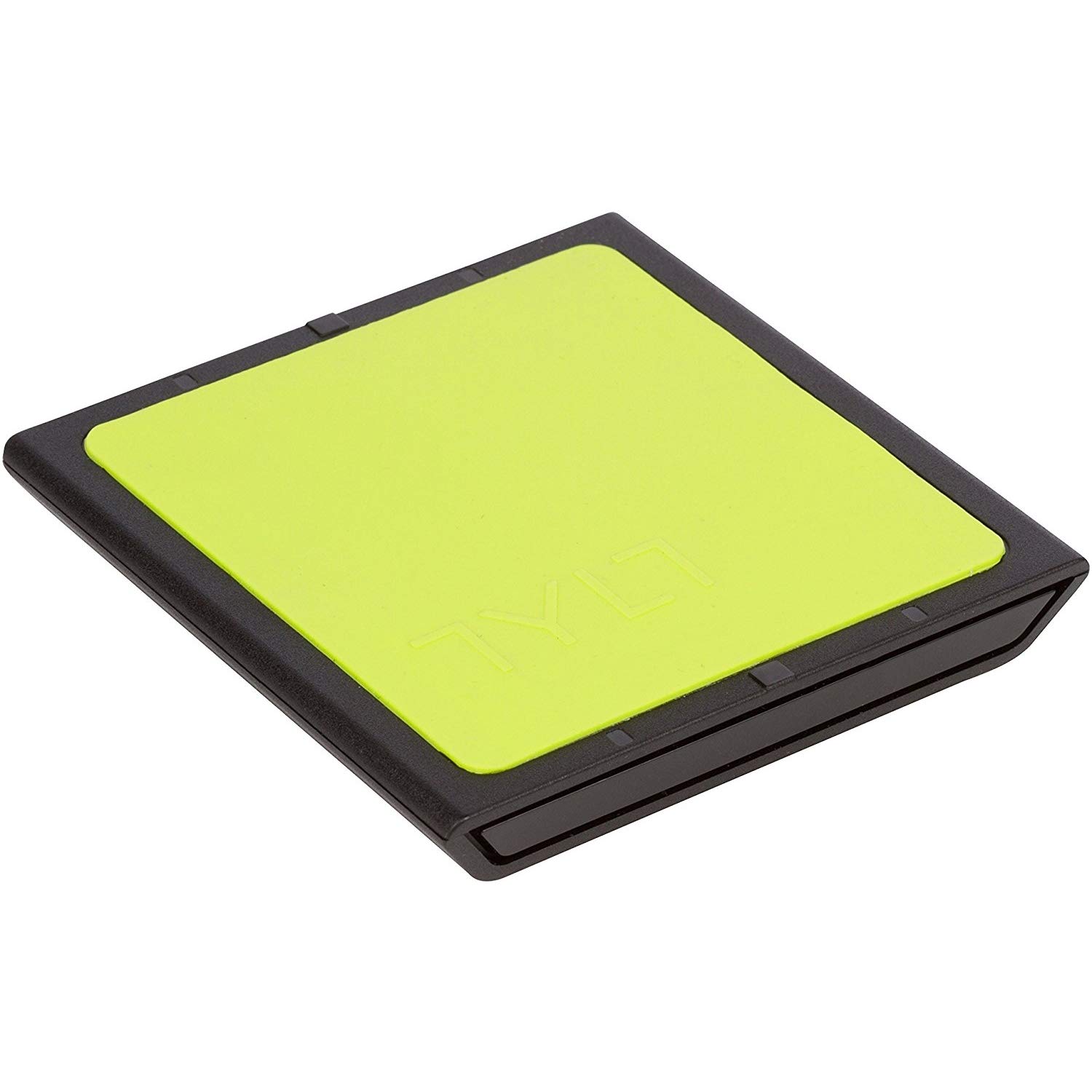
Image: The TYLT VU Solo Qi Wireless Charging Pad, showing its compact design.

Imatge: Lateral view of the TYLT VU Solo, illustrating its slim profile.
Instruccions de funcionament
To charge your Qi-compatible smartphone:
- Col·locació del dispositiu: Place your Qi-enabled smartphone directly onto the silicone surface of the VU Solo charging pad. The VU Solo features an alignment ledge to assist with proper coil alignment. Match the coils once, then set the alignment ledge to touch the top of your device.
- Confirmació de càrrega: Your phone should indicate that it is charging wirelessly. The VU Solo is designed to charge through most phone cases.

Image: A Samsung Galaxy phone positioned on the TYLT VU Solo for wireless charging.

Image: The TYLT VU Solo charging pad in use, with a smartphone receiving a charge.
Manteniment
To ensure the longevity and proper function of your TYLT VU Solo:
- Neteja: Use a soft, dry cloth to clean the surface of the charging pad. Avoid using harsh chemicals or abrasive cleaners.
- Emmagatzematge: Quan no l'utilitzeu, guardeu el carregador en un lloc fresc i sec, allunyat de la llum solar directa i de temperatures extremes.
- Manipulació: Eviteu deixar caure el dispositiu o sotmetre-lo a forts impactes.
Resolució de problemes
If you encounter issues with your TYLT VU Solo, refer to the following common problems and solutions:
- El dispositiu no es carrega:
- Ensure the power adapter is securely plugged into a working wall outlet and the micro-USB cable is firmly connected to the charging pad.
- Verify that your smartphone is Qi-compatible.
- Adjust the placement of your phone on the charging pad to ensure proper coil alignment.
- Traieu les carcasses gruixudes del telèfon que puguin interferir amb la càrrega sense fil.
- Càrrega lenta:
- Ensure you are using the original power adapter and cable provided with the VU Solo.
- Comproveu si hi ha aplicacions en segon pla al telèfon que puguin estar consumint massa energia.
- Compatibility Note for Google Pixel: Google Pixel phones do not have native Qi-enabled charging capabilities without an add-on accessory.
Especificacions
| Marca | TYLT |
| Número de model | VUSOLOG-T |
| Tipus de connector | USB; Micro-USB |
| Dispositius compatibles | Telèfons intel·ligents (amb Qi) |
| Entrada Voltage | 9 Volts |
| Wattage | 5 watts |
| Característica especial | Càrrega sense fils |
| Pes de l'article | 0.16 lliures |
| UPC | 781420058245 |
Garantia
TYLT warrants this product to be free of defects in design, assembly, material, or workmanship for a period of un any from the date of purchase. TYLT will repair or replace, at its option, any defective product free of charge, excluding shipping charges.
Suport
For further assistance or inquiries, please visit the official TYLT website or contact their customer support. Refer to the product packaging or TYLT's weblloc web per obtenir la informació de contacte més actualitzada.