
CAD Audio MH100
Manual d'instruccions dels auriculars d'estudi tancats CAD Audio MH100
Introducció
The CAD Audio MH100 are closed-back, midsized studio headphones designed for precision audio monitoring. Featuring 40mm neodymium drivers, they deliver extended frequency response, clarity, and detail. These headphones are engineered for comfort and effective sound isolation, making them suitable for extended listening sessions in studio environments.

Una part frontal detallada view of the CAD Audio MH100 Closed-back Studio Headphones, showcasinels auriculars i la diadema ajustable.
Contingut del paquet
The CAD Audio MH100 package includes:
- CAD Audio MH100 Closed-back Studio Headphones
Configuració
Connectant els auriculars
The MH100 headphones utilize a standard 3.5mm audio jack for connectivity.
- Locate the audio output port on your device (e.g., audio interface, mixer, computer, or portable player).
- Insert the 3.5mm jack of the MH100 headphones firmly into the device's audio output port.
- Assegureu-vos que la connexió sigui segura per evitar interrupcions d'àudio.
Ajustar per comoditat
The headband is adjustable to fit various head sizes. Gently slide the earcups up or down along the headband until they rest comfortably over your ears.
The earcups are designed to provide sound isolation. Ensure they form a seal around your ears for optimal audio performance and comfort.
Instruccions de funcionament
Reproducció d'àudio
Once connected, play audio from your source device. Adjust the volume level on your device to a comfortable listening level. Avoid excessively high volumes to protect your hearing.
Aïllament acústic
The closed-back design of the MH100 headphones provides passive noise isolation, reducing external distractions and preventing sound leakage. This feature is beneficial for studio monitoring and critical listening environments.
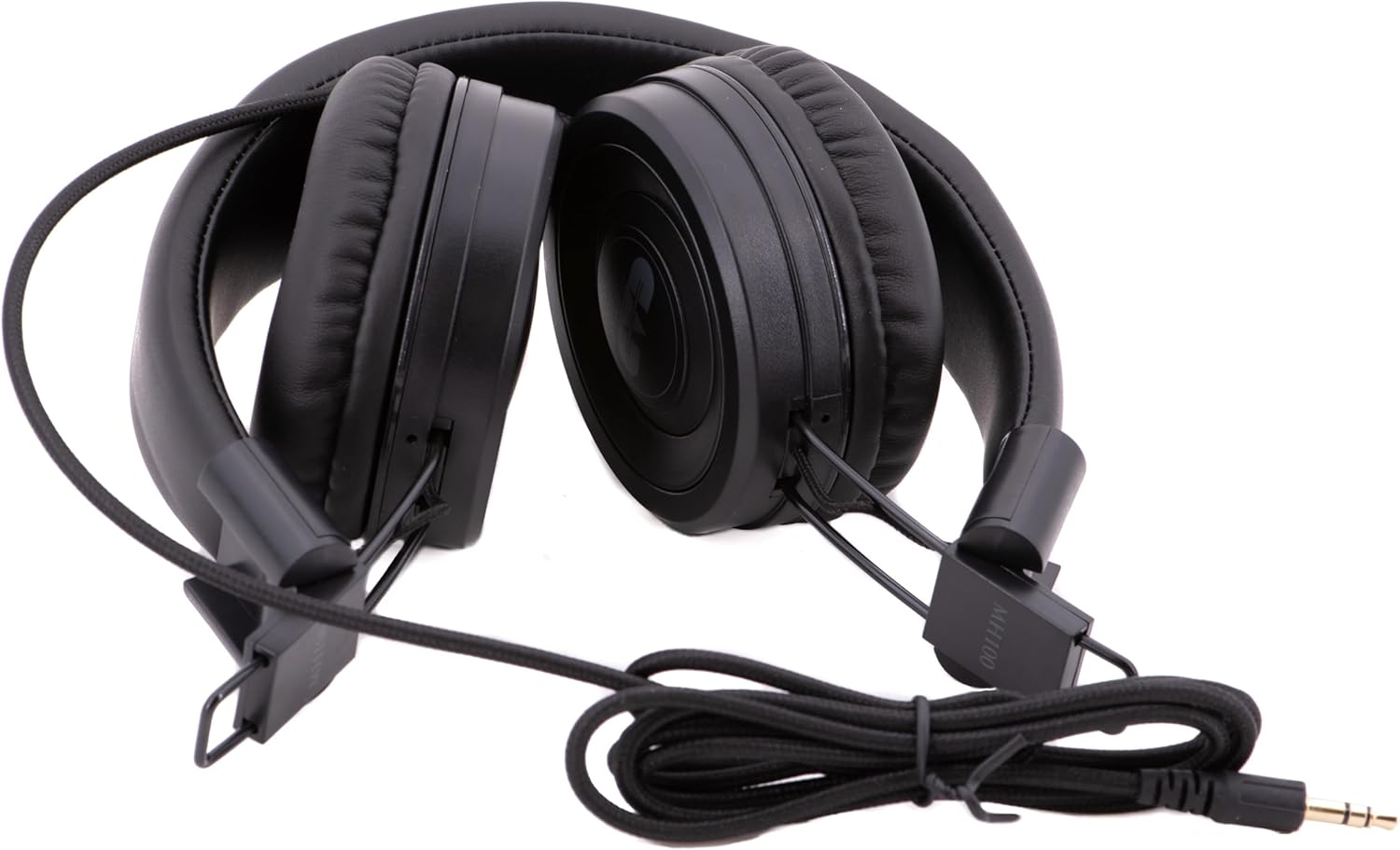
The CAD Audio MH100 headphones shown in a folded configuration, highlighting their portability and the coiled cable.
Manteniment i cura
Neteja
To clean the headphones, use a soft, dry cloth. For ear cushions, a slightly damp Es pot fer servir un drap amb sabó suau, però assegureu-vos que estiguin completament secs abans d'usar-los. No utilitzeu productes químics agressius ni netejadors abrasius.
Emmagatzematge
When not in use, store the headphones in a clean, dry place away from extreme temperatures and direct sunlight. Avoid placing heavy objects on them. The MH100 headphones can be folded for compact storage.
Cura de cables
Avoid sharply bending or twisting the audio cable. Always grasp the plug, not the cable, when disconnecting from a device.
Resolució de problemes
Sense so
- Assegureu-vos que el connector d'àudio de 3.5 mm estigui completament inserit tant als auriculars com al dispositiu font d'àudio.
- Check the volume level on your audio source device.
- Prova els auriculars amb una font o dispositiu d'àudio diferent per descartar un problema específic del dispositiu.
- Inspeccioneu el cable per veure si hi ha danys visibles.
So distorsionat
- Reduce the volume level on your audio source.
- Assegureu-vos que la font d'àudio reprodueixi àudio d'alta qualitat file.
- Comproveu si hi ha connexions soltes.
Poor Sound Isolation
- Adjust the earcups to ensure they form a complete seal around your ears.
- Ensure the ear cushions are not worn or damaged.
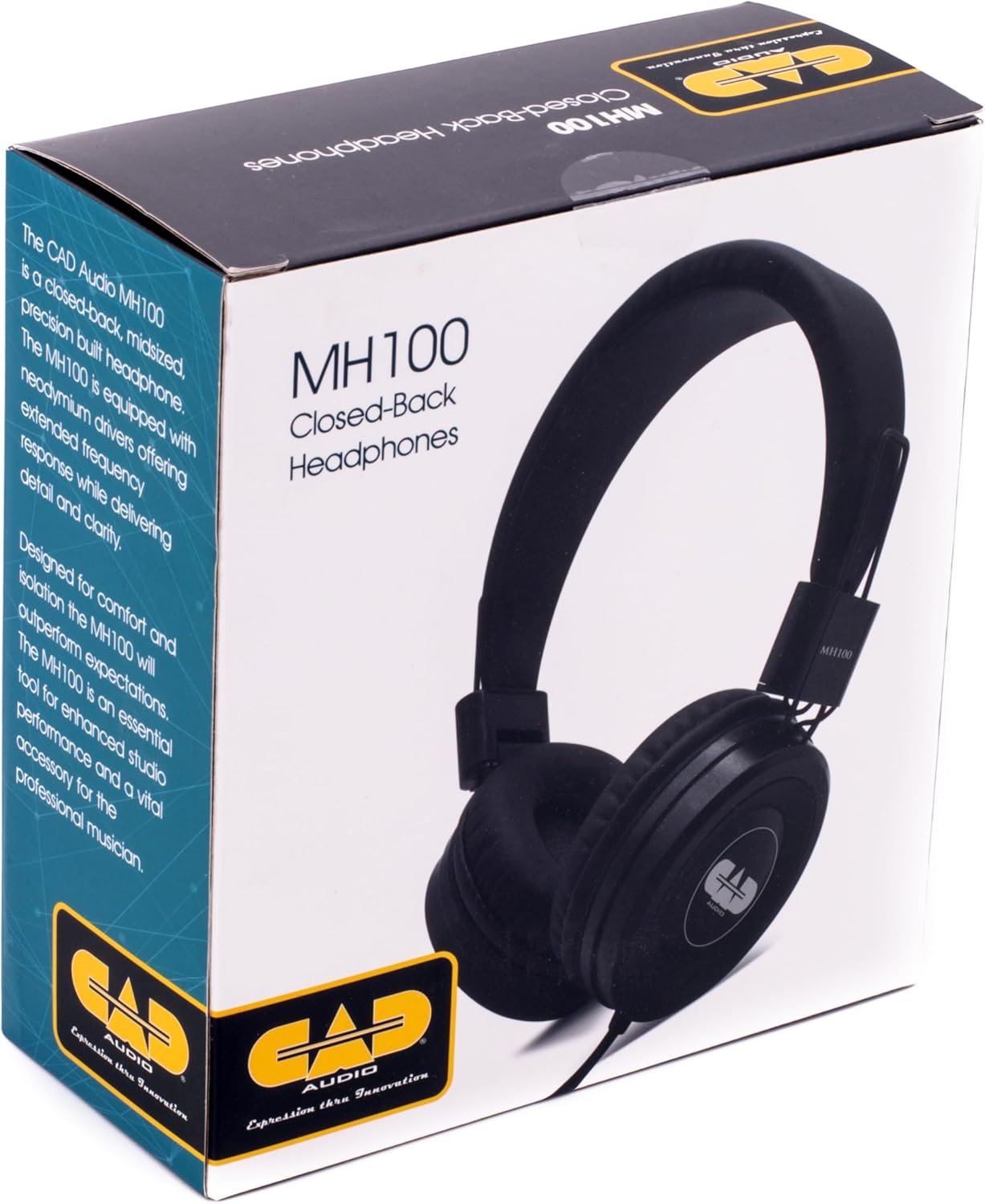
The retail box for the CAD Audio MH100 Closed-back Studio Headphones, displaying product information and branding.
Especificacions
| Model | MH100 |
| Tipus de conductor | Dynamic, Neodymium |
| Mida del controlador | 40 mm |
| Resposta de freqüència | 20Hz-18kHz |
| Sensibilitat | 98 dB |
| Manipulació de potència | 500 mW |
| Connectivitat | Cablejat, Jack de 3.5 mm |
| Forma de l'auricular | Sobre l'orella |
| Control de soroll | Aïllament acústic (passiu) |
| Pes de l'article | 0.23 quilograms (aproximadament 8 unces) |
| Dimensions del producte | 8.25 x 5 x 11.25 polzades |
Garantia i Suport
CAD Audio products are designed for reliability and performance. For specific warranty information, please refer to the warranty card included with your product or visit the official CAD Audio weblloc.
For technical support, troubleshooting assistance, or service inquiries, please contact CAD Audio customer support through their official channels.
Podeu trobar més informació i recursos de suport a CAD Audio Store on Amazon.
Ask a question about this manual
Ask about setup, troubleshooting, compatibility, parts, safety, or missing instructions. Manuals+ will review the question and use this page’s manual context to help answer it.