
Introducció
This manual provides instructions for the Datalogic Barcodescanner Touch TD1100 90 Light, model TD1120-BK-90K1. It covers essential information for setting up, operating, maintaining, and troubleshooting your device to ensure optimal performance. Please read this manual thoroughly before using the scanner.
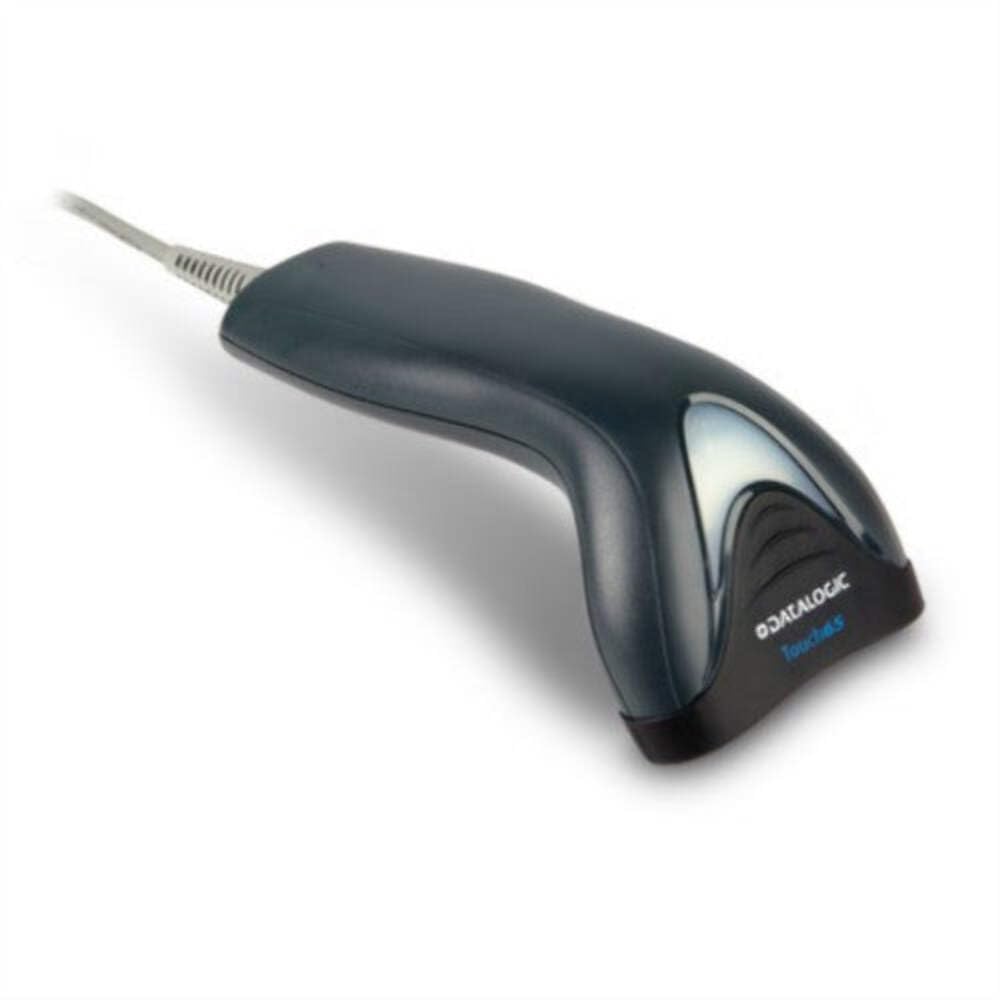
Image: The Datalogic Touch TD1100 90 Light barcode scanner, showing its ergonomic design and integrated cable.
Configuració
1. Desembalatge
Traieu amb cura tots els components de l'embalatge. Verifiqueu que hi hagi tots els elements:
- Datalogic Touch TD1100 90 Light Barcode Scanner
- Cable USB (integrat)
- Guia d'inici ràpid (si s'inclou)
2. Connexió de l'escàner
The TD1120-BK-90K1 model connects via a USB interface. Follow these steps:
- Localitza un port USB disponible al teu ordinador (de sobretaula o portàtil).
- Insert the USB connector of the scanner's cable firmly into the USB port.
- The operating system should automatically detect the new hardware and install the necessary drivers. This process may take a few moments.
- Once drivers are installed, the scanner will typically emit a short beep or an indicator light will illuminate, signifying it is ready for use.
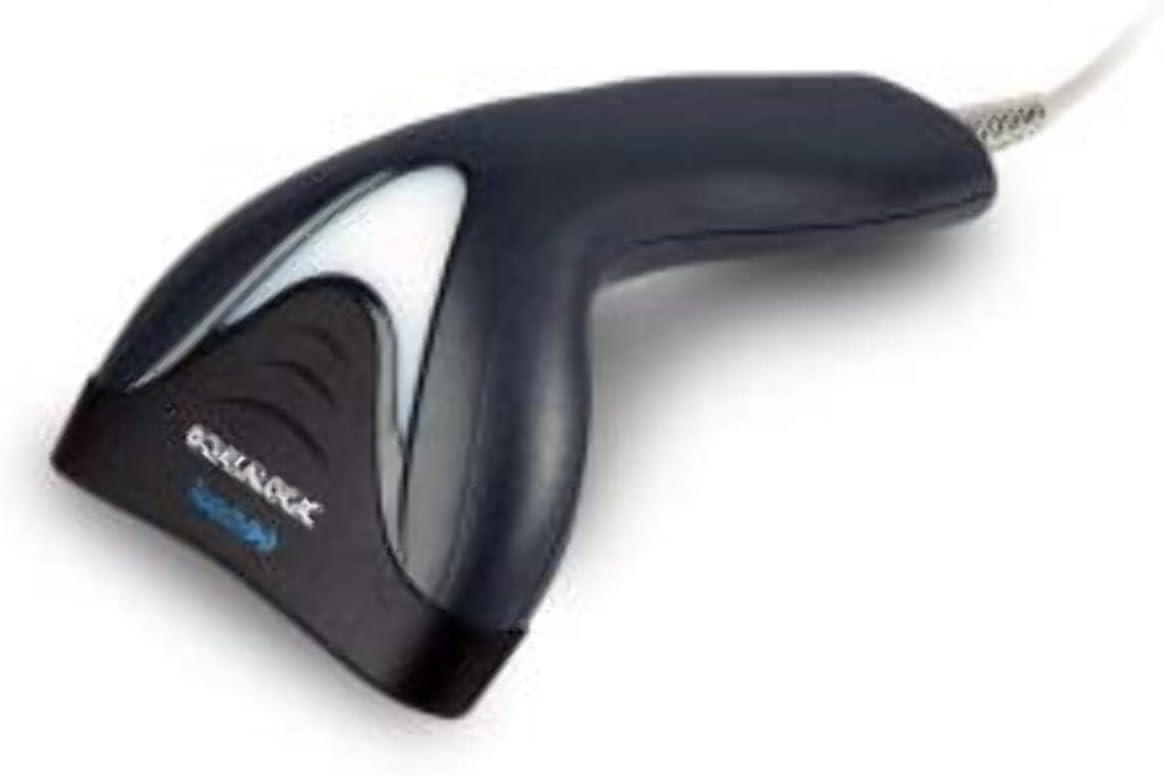
Imatge: Lateral view of the Datalogic Touch TD1100 90 Light barcode scanner, highlighting the integrated cable for connection.
Instruccions de funcionament
1. Procediment bàsic d'escaneig
Per escanejar un codi de barres:
- Ensure the scanner is connected and powered on.
- Open an application on your computer where you want the scanned data to appear (e.g., a text editor, spreadsheet, or POS software).
- Hold the scanner with the scanning window facing the barcode.
- Press and hold the trigger button. A red aiming line or light will project from the scanning window.
- Position the aiming line across the entire barcode.
- Once the barcode is successfully read, the scanner will emit a beep and/or the indicator light will flash green. The data will then appear in your active application.
- Deixeu anar el botó del disparador.
2. Scanning Techniques
- Distància òptima: Hold the scanner at an appropriate distance from the barcode, typically between 2-10 cm (1-4 inches), depending on the barcode size and density.
- Angle: Scan barcodes at a slight angle to avoid direct reflection, which can interfere with reading.
- Codis de barres danyats: For poorly printed or damaged barcodes, try scanning from different angles or distances.
Manteniment
1. Neteja de l'escàner
Una neteja regular ajuda a mantenir un rendiment òptim d'escaneig.
- Finestra d'escaneig: Utilitzeu un drap suau i sense pelusa dampened with a mild, non-abrasive cleaner (e.g., isopropyl alcohol or glass cleaner) to gently wipe the scanning window. Avoid harsh chemicals or abrasive materials.
- Exterior: Netegeu l'exterior casing amb un suau, damp cloth. Do not allow liquids to enter the scanner.
- Assegureu-vos que l'escàner estigui desconnectat de la font d'alimentació abans de netejar-lo.
2. Emmagatzematge
When not in use, store the scanner in a clean, dry environment, away from direct sunlight, extreme temperatures, and corrosive materials.
Resolució de problemes
If you encounter issues with your Datalogic TD1100 scanner, refer to the following common problems and solutions:
| Problema | Causa possible | Solució |
|---|---|---|
| L'escàner no s'encén ni respon. | Loose cable connection, faulty USB port, power issue. |
|
| L'escàner no llegeix codis de barres. | Incorrect scanning technique, damaged barcode, dirty scanning window, incompatible barcode type, application not ready. |
|
| Les dades escanejades apareixen incorrectament. | Keyboard wedge settings, incorrect language settings. |
|
Especificacions
Key technical specifications for the Datalogic Touch TD1100 90 Light (TD1120-BK-90K1):
- Número de model: TD1120-BK-90K1
- Marca: Datalogic
- Taxa d'escaneig: 90 fotogrames per segon (fps)
- Tecnologia de connectivitat: Bluetooth
- Dispositius compatibles: Escriptori, ordinador portàtil
- Font d'alimentació: Funciona amb bateria
- Pes de l'article: 153 grams
- Angle real de View: 3.5 graus
- Fabricant: Datalogic
Note: Some specifications like "Battery Powered" and "Bluetooth" might be generic for the TD1100 series. The TD1120-BK-90K1 is primarily a wired USB scanner.
Garantia i Suport
Informació de la garantia
Datalogic products are covered by a standard manufacturer's warranty. For specific warranty terms and conditions, please refer to the warranty card included with your product or visit the official Datalogic weblloc web. Conserveu el comprovant de compra per a reclamacions de garantia.
Suport tècnic
For technical assistance, troubleshooting beyond this manual, or to inquire about repairs, please contact Datalogic customer support. You can typically find contact information on the Datalogic weblloc web o a la documentació que s'inclou amb l'escàner.
- Datalogic Official Weblloc: www.datalogic.com
- Recursos de suport: Check the support section of the website for FAQs, drivers, and additional documentation.


