
1. Introducció
This manual provides essential information for the safe and effective operation of your Hantek DSO5102P Digital Storage Oscilloscope. Please read this manual thoroughly before using the device and keep it for future reference. The Hantek DSO5102P is a 100MHz, 1GSa/s, 2-channel digital storage oscilloscope featuring a 7-inch TFT display.
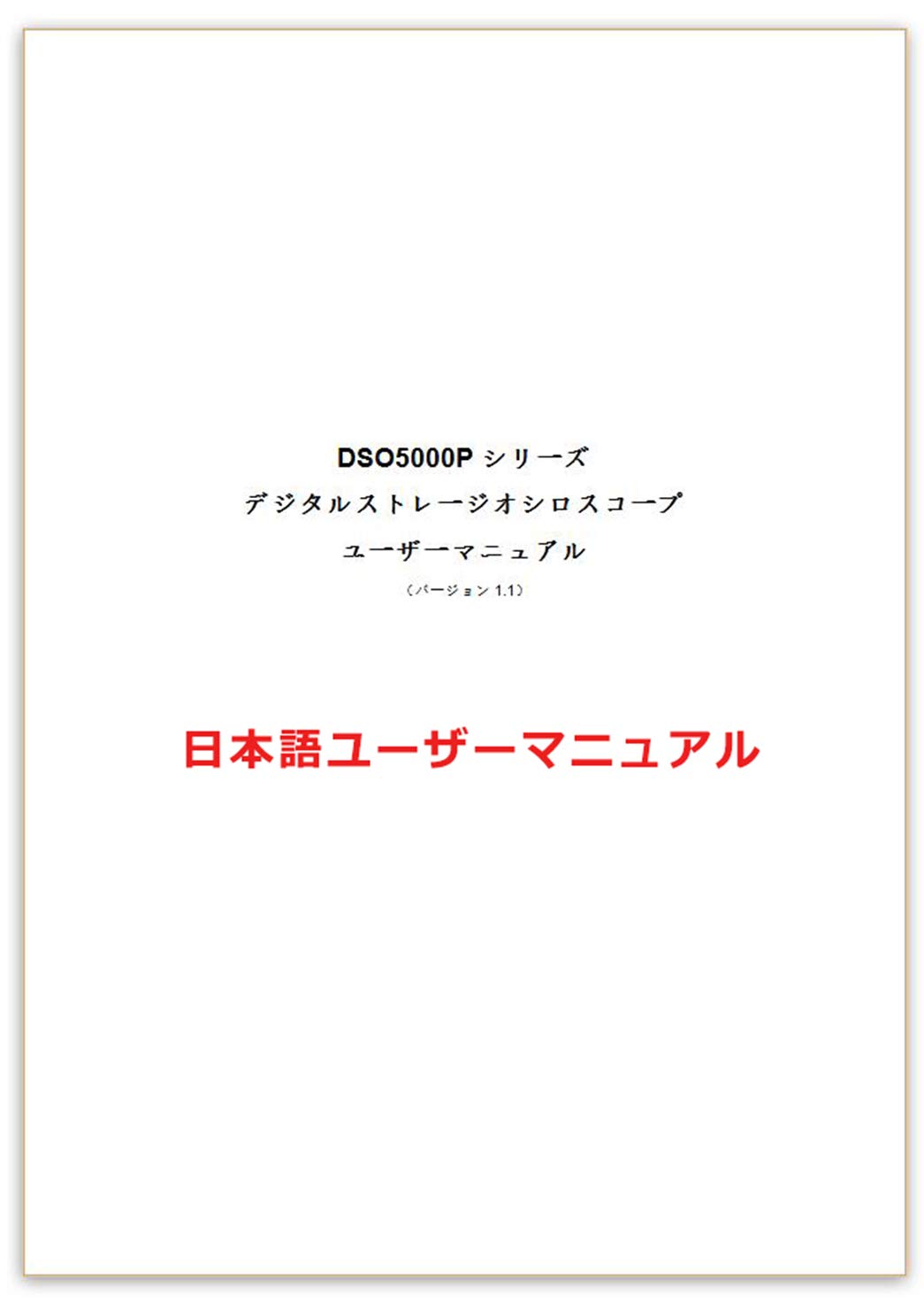
Figure 1.1: User Manual Cover for Hantek DSO5102P.
2. Producte acabatview
The Hantek DSO5102P is designed for precise waveform analysis in various electronic applications. It offers a wide range of features for signal measurement and analysis.

Figure 2.1: Hantek DSO5102P Oscilloscope and its standard accessories, including probes and power cable.
Característiques principals:
- Ample de banda de 100 MHz
- 1 GSa/s Real-time Sampli Rate
- 2 canals
- 7-inch TFT LCD Display with 800x480 resolution
- 40K Record Length
- Connectivitat de dispositius i host USB

Figura 2.2: Frontal view of the Hantek DSO5102P, illustrating its primary specifications.
3. Configuració
3.1 Desembalatge i inspecció
Carefully unpack the oscilloscope and all accessories. Inspect the device for any signs of damage during transit. If any damage is found, contact your supplier immediately.
3.2 Connexió d'alimentació
- Ensure the power switch on the oscilloscope is in the OFF position.
- Connecteu el cable d'alimentació proporcionat a l'entrada de CA del panell posterior de l'oscil·loscopi.
- Connecteu l'altre extrem del cable d'alimentació a una presa de corrent de CA amb connexió a terra.
3.3 Connexió i compensació de la sonda
- Connect the probe to one of the input channels (CH1 or CH2) on the front panel.
- Connecteu la pinça de terra de la sonda al terminal de terra de l'oscil·loscopi.
- Turn on the oscilloscope.
- Connect the probe tip to the probe compensation output terminal (usually a square wave signal).
- Adjust the probe compensation trimmer until a flat-top square wave is displayed on the screen. This ensures accurate measurements.

Figure 3.1: Front panel layout with input channels and controls.
4. Instruccions de funcionament
4.1 Funcionament bàsic
- Encès/apagat: Premeu el botó d'engegada del panell frontal per encendre o apagar el dispositiu.
- Configuració automàtica: Premeu el botó AJUSTE AUTOMÀTIC button to automatically adjust vertical, horizontal, and trigger settings for a stable waveform display.
- Controls verticals: Utilitza el VOLTS/DIV knobs for CH1 and CH2 to adjust the vertical scale (voltage per division). Use the POSICIÓ knobs to move the waveform vertically.
- Controls horitzontals: Utilitza el SEC/DIV knob to adjust the horizontal scale (time per division). Use the POSICIÓ knob to move the waveform horizontally.
- Controls de disparador: Ajusteu el NIVELL knob to set the trigger threshold. Use the TRIGGER MENU button to access trigger settings (Edge, Pulse, Video, Slope, Alternate).
4.2 Funcions de mesura
The DSO5102P offers various automatic measurement functions. Press the MESURA button to display a menu of available measurements. Use the function keys (F1-F5) to select desired parameters such as Vpp, Vmax, Vmin, Freq, Period, Rise Time, Fall Time, etc.
4.3 Desar i recuperar formes d'ona
To save a waveform, press the SAVE/RECALL button. Select the desired save location (internal memory or USB drive) and format. To recall a saved waveform, navigate to the RECORDA menú i seleccioneu file.
5. Manteniment
5.1 Neteja
Regularly clean the exterior of the oscilloscope with a soft, damp cloth. Do not use abrasive cleaners or solvents that could damage the casing o pantalla. Assegureu-vos que el dispositiu estigui apagat i desendollat abans de netejar-lo.
5.2 Emmagatzematge
When not in use for extended periods, store the oscilloscope in a dry, dust-free environment. Protect it from extreme temperatures and humidity. It is recommended to keep the original packaging for safe storage and transport.
5.3 Calibració
For optimal performance, periodic calibration by qualified personnel is recommended. Refer to the full service manual or contact Hantek support for calibration procedures and intervals.
6. Solució De Problemes
This section addresses common issues you might encounter with your Hantek DSO5102P. If the problem persists after following these steps, contact customer support.
| Problema | Causa possible | Solució |
|---|---|---|
| Sense pantalla després de l’encesa | Power cord not connected; Power switch off; Internal fault | Check power cord connection; Ensure power switch is ON; Contact support if problem persists |
| Unstable waveform | Incorrect trigger settings; Probe compensation issue; Signal too noisy | Adjust trigger level/mode; Perform probe compensation; Use signal averaging or filtering |
| No es mostra cap forma d'ona | Probe not connected; Channel turned off; Vertical scale too high/low | Connect probe correctly; Ensure channel is ON; Adjust VOLTS/DIV knob |
| Dispositiu USB no reconegut | Faulty USB drive; Incorrect file system; USB port issue | Try another USB drive; Ensure USB drive is FAT32 formatted; Contact support |
7. Especificacions
The following table details the technical specifications of the Hantek DSO5102P Digital Storage Oscilloscope.

Figure 7.1: Detailed specifications of the DSO5102P.
| Característica | Especificació |
|---|---|
| Número de model | DSO5102P |
| Ample de banda | 100 MHz |
| Canals | 2 |
| S en temps realampli Rate | 1 GSa/s |
| Mostra | 7-inch TFT LCD, 800x480 |
| Durada del registre | 40K |
| Pes del producte | 3.34 quilos |
| Dimensions del producte (LxWxH) | 31 x 11 x 14 cm |
| Piles incloses | No |
| Descatalogat pel fabricant | No |
8. Garantia i Suport
For warranty information, technical support, or service inquiries, please refer to the documentation provided with your purchase or visit the official Hantek weblloc web. Conserveu el rebut de compra com a comprovant de compra per a reclamacions de garantia.


