
Introducció
Thank you for choosing the KOCASO GPCT723 Fitness Bracelet. This manual provides detailed instructions on how to set up, operate, and maintain your new fitness tracker. Please read this manual thoroughly before using the device to ensure proper functionality and to maximize your experience.
Què hi ha a la caixa
- KOCASO GPCT723 Fitness Bracelet
- Cable de càrrega USB
- Manual d'usuari (aquest document)

Image: The KOCASO GPCT723 Fitness Bracelet in blue, alongside its black USB charging cable.
Producte acabatview
The KOCASO GPCT723 is a sleek fitness bracelet designed to track your daily activity and provide smart notifications. It features a compact OLED display and a comfortable silicone band.
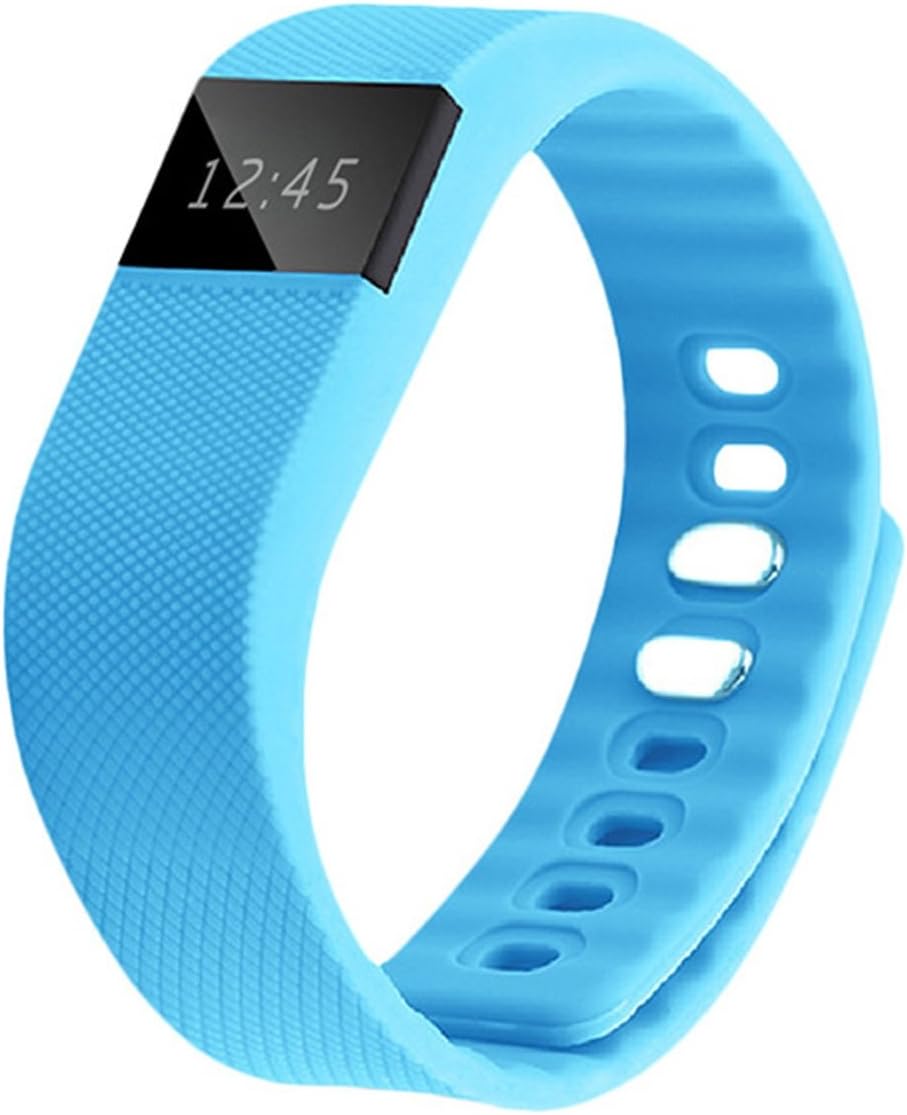
Imatge: Frontal view of the KOCASO GPCT723 Fitness Bracelet, showing the OLED screen displaying "12:45".
Components:
- Pantalla OLED: Shows time, activity data, and notifications.
- Botó lateral: Used to cycle through display modes and activate the screen.
- Contactes de càrrega: Located on the underside for connecting the USB charging cable.
- Corretja ajustable: Securely fits various wrist sizes.

Image: Close-up of the underside of the fitness bracelet, highlighting the three gold charging contact points.
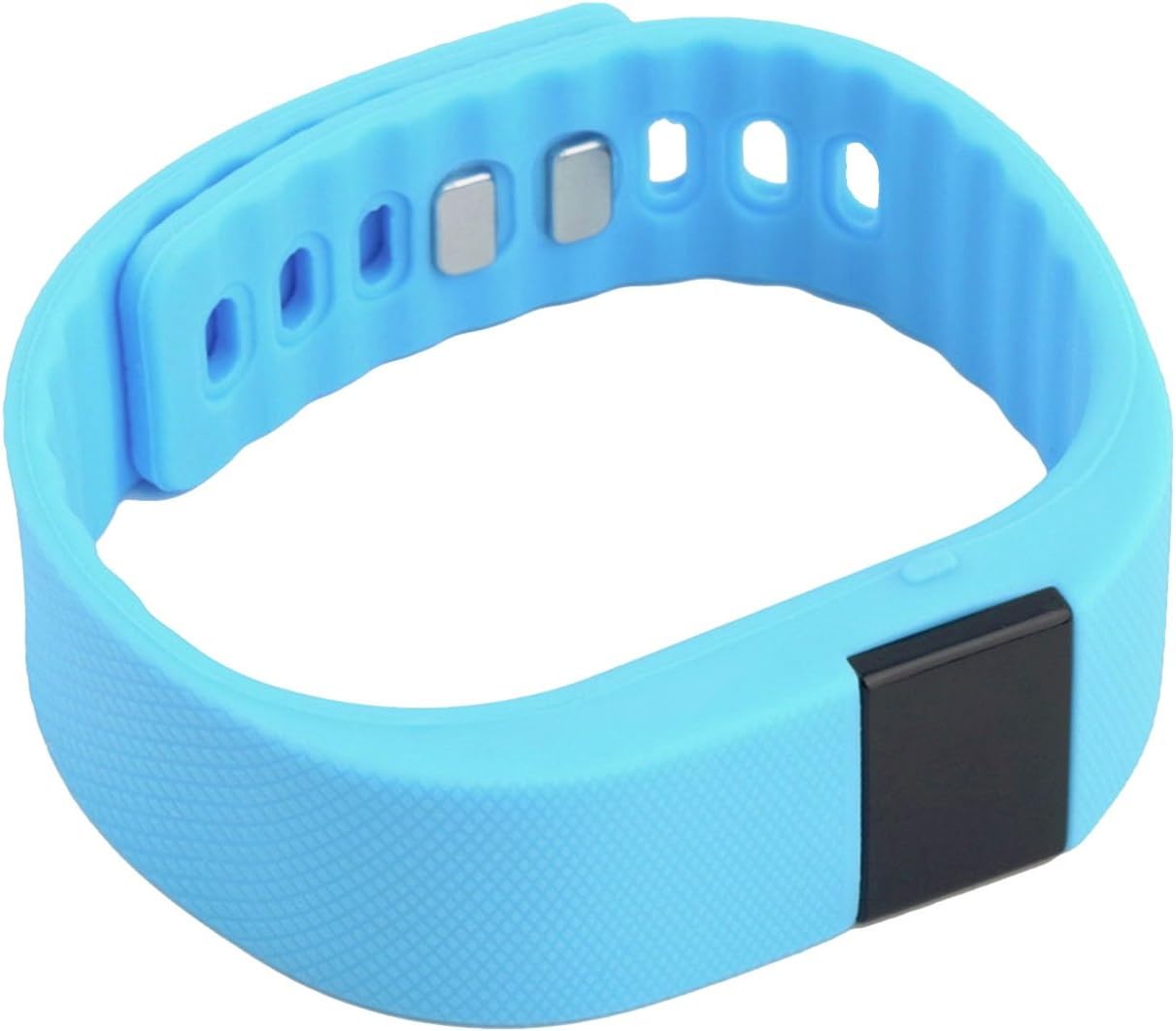
Imatge: View of the fitness bracelet showing the adjustable strap and the metal clasp mechanism.
Configuració
1. Càrrega del dispositiu
Before first use, fully charge your fitness bracelet. Connect the USB charging cable to the charging contacts on the underside of the bracelet and plug the USB end into a power source (e.g., computer USB port or USB wall adapter).
Image: The fitness bracelet and its dedicated USB charging cable, illustrating how they connect.
2. Instal·lació de l'aplicació
To unlock the full features of your KOCASO GPCT723, download the "Dayday Band" application on your smartphone. You can find it by scanning the QR code provided in the product packaging or by searching for "Dayday Band" in the Google Play Store (for Android 4.3 and later with Bluetooth 4.0) or Apple App Store (for iOS 7.0 and later with Bluetooth 4.0).
3. Emparellament amb el telèfon intel·ligent
- Assegureu-vos que el Bluetooth estigui habilitat al vostre telèfon intel·ligent.
- Open the "Dayday Band" app.
- Follow the in-app instructions to search for and pair with your KOCASO GPCT723. The connection range is approximately 10 meters (33 feet).
Funcionament del dispositiu
Displaying Time and Activity Data
The screen remains dark to conserve power. To illuminate the display and view the time or cycle through activity data (distance, calories burned), simply press the side button once.
Image: The fitness bracelet showing the current time on its OLED display.

Image: The fitness bracelet displaying an activity icon (running person) and "0.0", likely indicating steps or distance.
Notificacions intel·ligents
When connected to your smartphone via Bluetooth, the bracelet will vibrate to alert you of incoming SMS messages, social media notifications, and other reminders configured through the "Dayday Band" app.
App Features (via "Dayday Band" app)
The "Dayday Band" app provides access to advanced features:
- Real-time activity statistics (distance, calories burned, sleep quality).
- Smart alarm clock.
- Recordatori sedentari.
- Exercise statistics sharing.
- Remote camera control.
- I més.

Image: A person wearing the blue fitness bracelet on their wrist while holding a basketball, demonstrating its use during activity.

Image: A woman wearing the blue fitness bracelet on her wrist, appearing to be engaged in a running or exercise activity.
Manteniment
- Mantingueu el dispositiu net i sec. Netegeu-lo amb un drap suau i sec.amp tela si cal.
- Avoid exposing the bracelet to extreme temperatures or direct sunlight for prolonged periods.
- No intenteu desmuntar el dispositiu, ja que això anul·larà la garantia.
- Regularly clean the charging contacts to ensure proper charging.

Imatge: Detallada view of the fitness bracelet's strap texture, adjustment holes, and the metal clasp components.
Resolució de problemes
Device not turning on/displaying:
- Assegureu-vos que el dispositiu estigui completament carregat.
- Press the side button firmly to activate the display.
No es pot emparellar amb el telèfon intel·ligent:
- Assegureu-vos que el Bluetooth estigui activat al telèfon.
- Ensure the "Dayday Band" app is installed and open.
- Check if your phone meets the minimum OS requirements (Android 4.3+/iOS 7.0+ with Bluetooth 4.0).
- Restart both the bracelet (if possible) and your smartphone.
- Ensure the bracelet is within 10 meters (33 feet) of your phone.
Seguiment d'activitats inexacte:
- Ensure the bracelet is worn snugly on your wrist.
- Calibrate the device through the "Dayday Band" app if an option is available.
Especificacions
| Característica | Detall |
|---|---|
| Número de model | GPCT723-azul |
| Mostra | 0.49" OLED |
| Bateria | Li-ion de 3.7V 50mAh |
| Entrada | 5 V / 5 mA |
| Connectivitat | Bluetooth 4.0 |
| Interval Bluetooth | Approx. 10 meters / 33 feet |
| Requisits del sistema operatiu | Android 4.3+ (Bluetooth 4.0), iOS 7.0+ (Bluetooth 4.0) |
| Dimensions (L×W×H) | 22 x 2 x 2.1 cm |
| Pes | 0.95 oz / 26.9 g |
| Color | Blau |
Garantia i Suport
For warranty information and customer support, please refer to the documentation included with your purchase or contact KOCASO customer service through their official weblloc web. Conserveu el comprovant de compra per a qualsevol reclamació de garantia.