
1. Introducció
This manual provides detailed instructions for the SF Xtreme Gear Analog-Digital Watch, model NP77070PP02. This timepiece features both analog and digital displays, quartz movement, and a durable plastic strap. Please read this manual thoroughly to ensure proper use and maintenance of your watch.
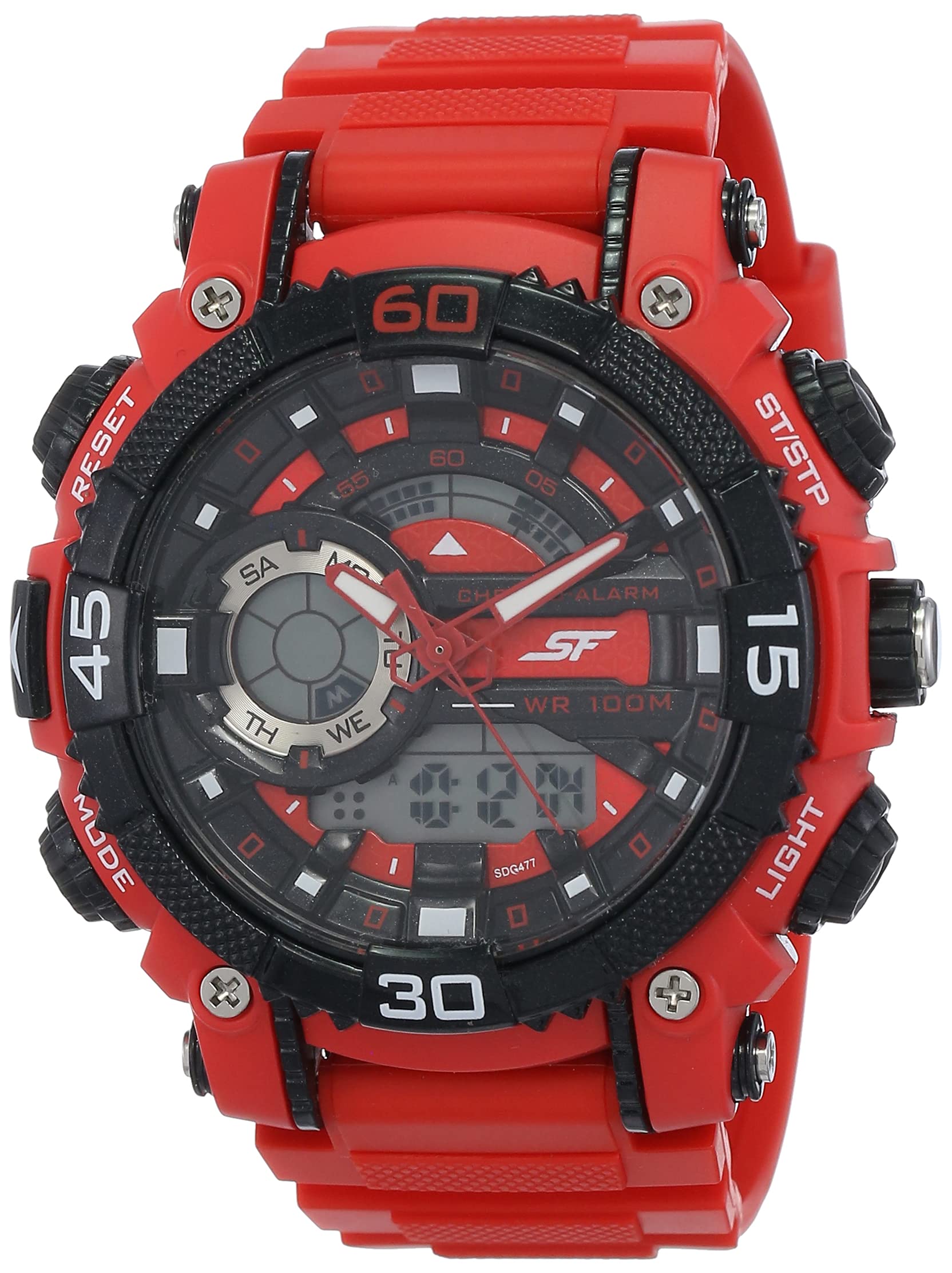
Figura 1: Frontal view of the SF Xtreme Gear Analog-Digital Watch.
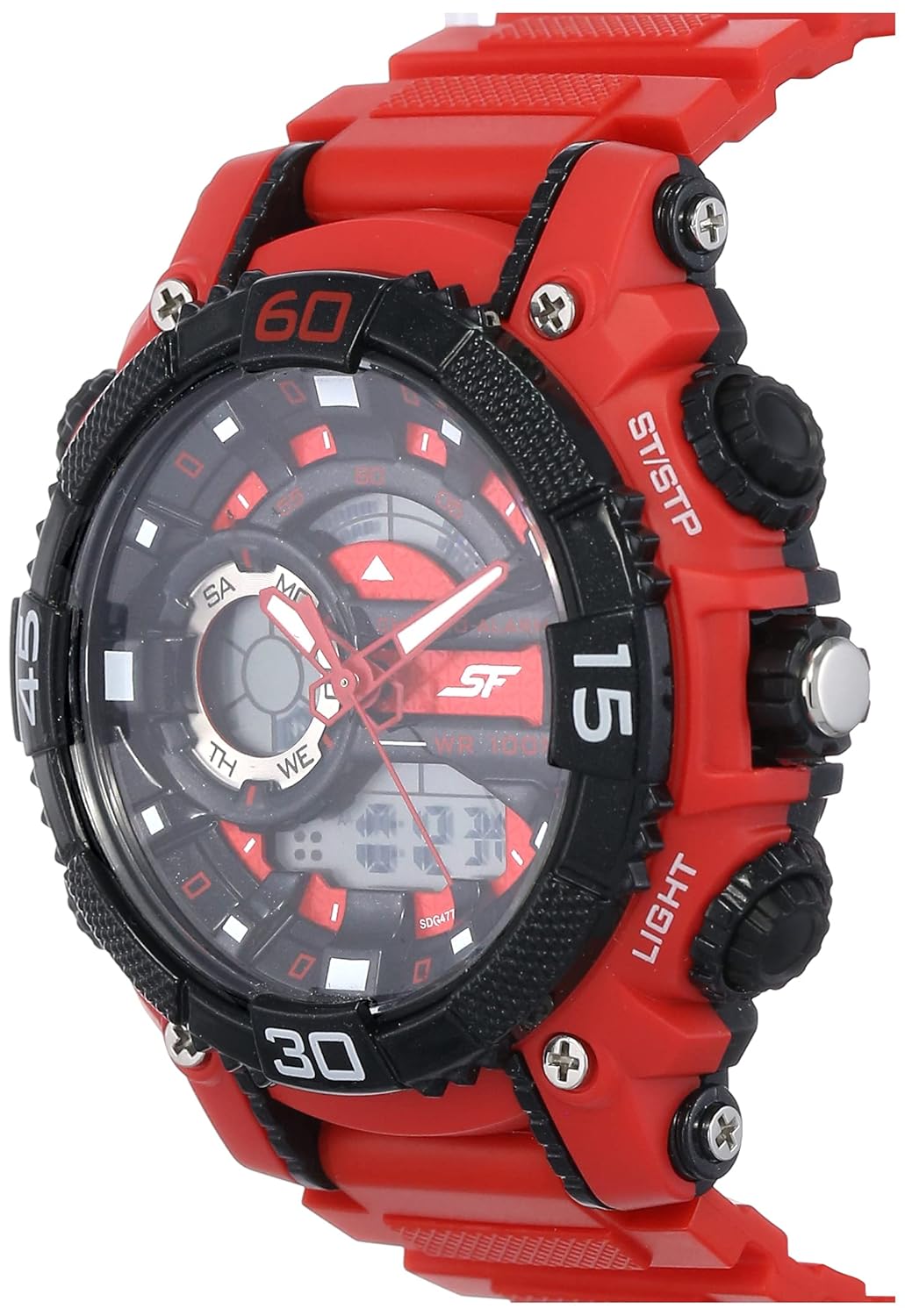
Figure 2: The SF Xtreme Gear watch as worn on a wrist.
2. Components del rellotge
Familiaritzeu-vos amb els components principals del vostre rellotge:
- Pantalla analògica: Agulles tradicionals d'hores, minuts i segons.
- Pantalla digital: Mostra l'hora, la data i altres funcions digitals.
- Corona: S'utilitza per configurar l'hora analògica.
- Buttons (Mode, Reset, ST/STP, Light): Used for operating digital functions and backlight.
- Plastic Strap: Durador i còmode per a ús diari.

Figura 3: lateral view illustrating watch buttons and crown.
3. Configuració i configuració inicial
3.1 Configuració de l'hora analògica
- Estireu la corona cap a la primera posició.
- Gireu la corona per ajustar les agulles de les hores i els minuts a l'hora correcta.
- Push the crown back in to its normal position to start the analog timekeeping.
3.2 Configuració de la data i l'hora digitals
- Premeu el botó MODE button repeatedly until the digital time display flashes.
- Utilitza el RESET button to select the digit or setting you wish to change (e.g., hours, minutes, month, day).
- Utilitza el ST / STP botó per ajustar el valor seleccionat.
- Continueu prement MODE to cycle through settings (12/24-hour format, year, month, date).
- Un cop tots els paràmetres siguin correctes, premeu el botó MODE botó de nou per sortir del mode de configuració.
4. Instruccions de funcionament
4.1 Selecció del mode
Premeu el botó MODE button to cycle through the different digital functions:
- Time Display (Hour, Minute, Second, Day, Date)
- Funció d'alarma
- Funció de cronòmetre
4.2 Using the Alarm
- Premeu MODE until the alarm display appears.
- Premeu RESET per seleccionar la configuració de l'hora o dels minuts.
- Ús ST / STP per ajustar l'hora de l'alarma.
- Premeu MODE per confirmar i sortir.
- Per activar/desactivar l'alarma, premeu ST / STP while in alarm mode. An alarm icon will indicate activation.
4.3 Ús del cronòmetre
- Premeu MODE until the stopwatch display appears (00:00:00).
- Premeu ST / STP per iniciar el cronòmetre.
- Premeu ST / STP de nou per pausar/reprendre.
- Premeu RESET per posar el cronòmetre a zero.
4.4 Ús de la retroiluminació
Premeu el botó LLUM button to illuminate the digital display for a few seconds in low-light conditions.
4.5 Resistència a l'aigua
This watch is rated for 30 meters (3 ATM) water resistance. It is suitable for everyday use and can withstand splashes or brief immersion in water. It is not recommended for swimming, diving, or prolonged water exposure. Do not operate buttons while the watch is wet.
5. Manteniment
5.1 Neteja
Wipe the watch case and strap with a soft, dry cloth. For stubborn dirt, a slightly damp cloth can be used, followed by immediate drying. Avoid using chemical cleaners or solvents, as these can damage the watch materials.
5.2 Substitució de la bateria
The watch requires one product-specific battery. When the display dims or functions become erratic, the battery may need replacement. Battery replacement should be performed by a qualified watch technician to ensure proper sealing and water resistance.
5.3 Emmagatzematge
Store your watch in a cool, dry place away from direct sunlight, extreme temperatures, and strong magnetic fields when not in use.
6. Solució De Problemes
- Analog hands not moving: Check if the crown is pushed in completely. If not, pull out and reset. If the issue persists, the battery may need replacement or there could be a mechanical issue.
- La pantalla digital està en blanc o té poca llum: Pot ser que la bateria estigui baixa o esgotada. Substitueixi la bateria.
- Digital time is incorrect: Follow the "Setting Digital Time and Date" instructions in Section 3.2.
- Els botons no responen: Ensure the watch is dry. If wet, dry thoroughly. If the issue persists, there may be internal damage.
7. Especificacions
| Característica | Especificació |
|---|---|
| Número de model | NP77070PP02 |
| Tipus de moviment | Quars |
| Tipus de visualització | Analògic-Digital |
| Diàmetre de la caixa | 49.59 Mil·límetres |
| Material de la banda | Plàstic |
| Color de banda | Vermell |
| Resistència a l'aigua | 30 metres (3 caixers automàtics) |
| Pes de l'article | 122 grams |
| Requisits de bateria | 1 bateria específica del producte |
| Fabricant | Titan Company Limited |
| País d'origen | Índia |

Figure 4: Watch dimensions compared to common objects.
8. Informació de la garantia
This SF Xtreme Gear watch comes with a Garantia limitada. A limited warranty typically covers manufacturing defects in materials and workmanship under normal use for a specified period from the date of purchase. It generally does not cover:
- Danys derivats d'una manipulació inadequada, falta de cura, accidents o desgast normal.
- Water damage if the watch was used beyond its specified water resistance rating or if buttons were operated underwater.
- Canvi de bateria.
- Reparacions o modificacions no autoritzades.
For specific terms and conditions of your warranty, please refer to the warranty card included with your purchase or contact customer support.
9. Atenció al client
If you require further assistance or have questions not covered in this manual, please contact SF customer support or visit the official brand store.
- Fabricant: Titan Company Limited, Sipcot Industrial Complex, Hosur, Tamil Nadu - 635129, India
- SF Brand Store: Visit the SF Store on Amazon
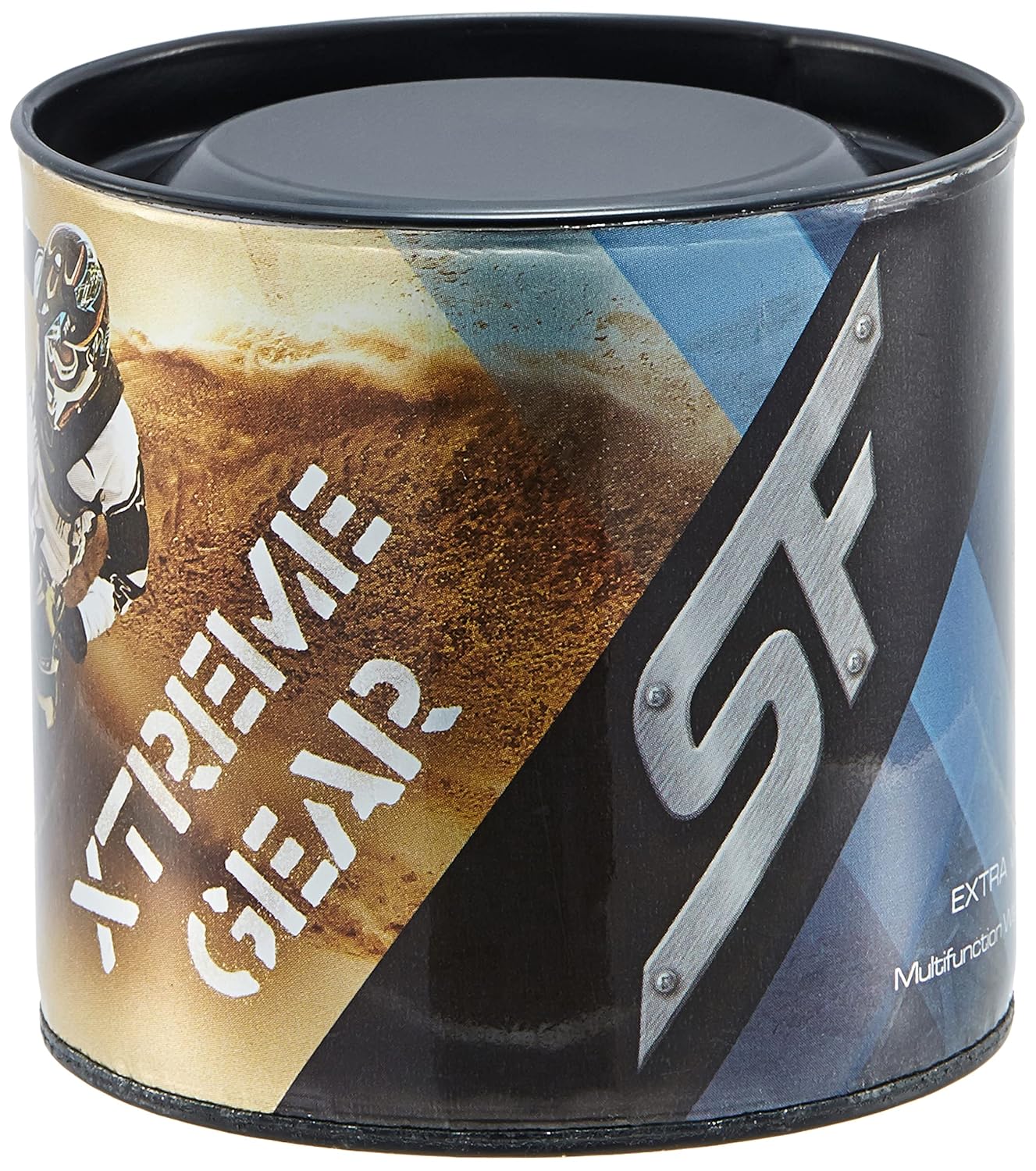
Figure 5: Product packaging for the SF Xtreme Gear watch.