
Introducció
The Tivoli Audio CUBE is a wireless speaker designed to provide high-quality audio in a compact form factor. It supports both Wi-Fi and Bluetooth connectivity, allowing for versatile music streaming options. The CUBE can be used as a standalone speaker or integrated into a multi-room audio system, offering mono, stereo, or multi-room playback configurations.
Què hi ha a la caixa
Carefully unpack your Tivoli Audio CUBE and ensure all items are present:
- (1) Tivoli Audio CUBE Wireless Speaker
- (1) DC Power Supply
- (1) Manual d'usuari (aquest document)
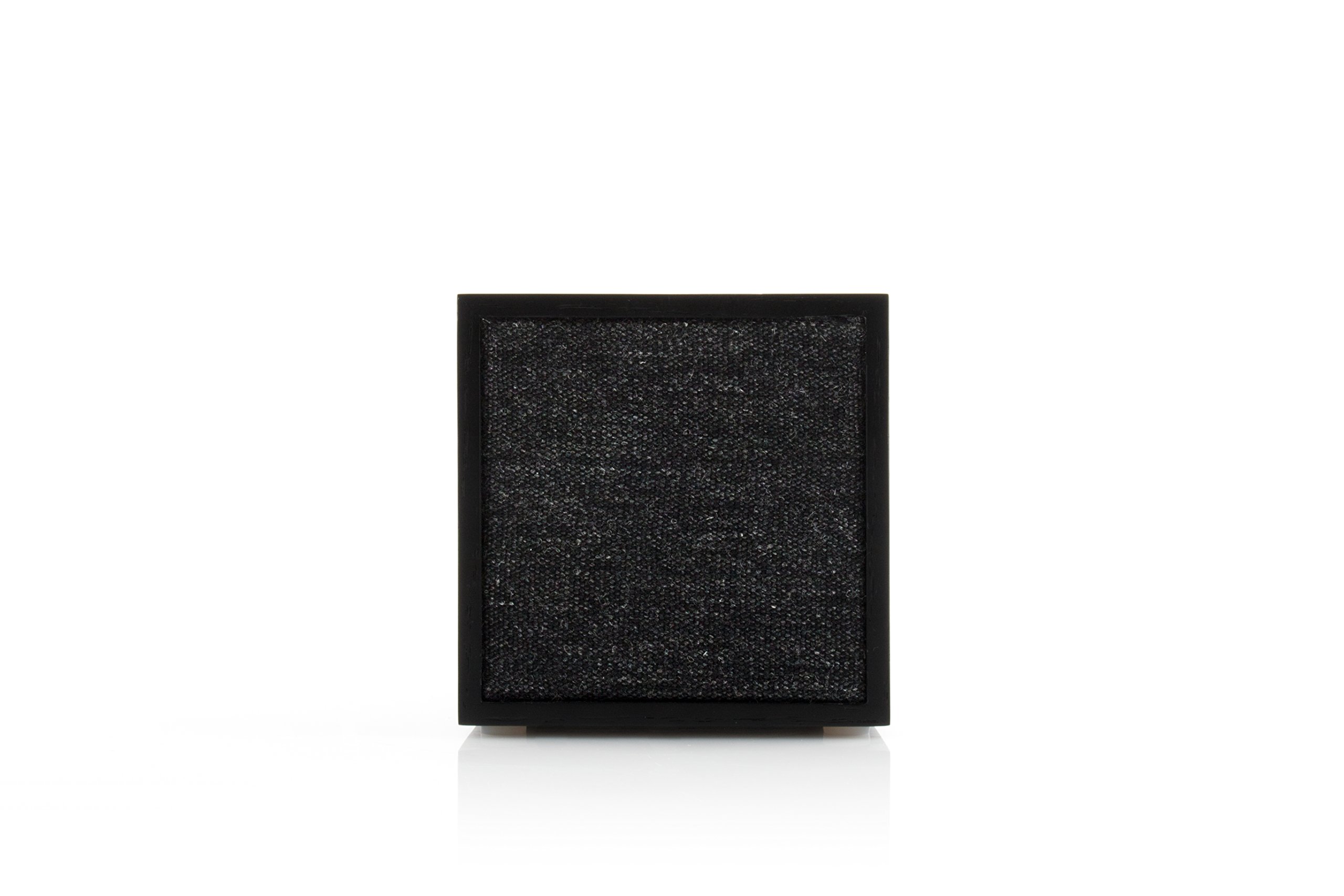
Característiques
- Connectivitat sense fils: Supports both Wi-Fi and Bluetooth for flexible audio streaming.
- Àudio multi-habitació: Capable of mono, stereo, and multi-room audio playback when paired with other compatible Tivoli Audio ART series products.
- Spotify Connect: Direct streaming capability for Spotify users.
- Disseny compacte: Small footprint delivers robust sound.
- Optional Portability: Compatible with an optional rechargeable lithium-ion battery pack (sold separately) for up to 8 hours of playback.
Configuració
1. Connexió d'alimentació
- Connect the DC Power Supply to the power input port on the back of the CUBE speaker.
- Plug the power supply into a wall outlet. The speaker will power on automatically or can be turned on using the power button.
2. Initial Setup (Wi-Fi)
For Wi-Fi connectivity and multi-room features, download the Tivoli Audio ART app from your device's app store. Follow the in-app instructions to connect your CUBE speaker to your home Wi-Fi network.
3. Emparellament Bluetooth
- Ensure the CUBE speaker is powered on.
- Press and hold the Bluetooth pairing button (usually located on the back or top of the speaker) until the indicator light begins to flash, indicating pairing mode.
- On your mobile device, navigate to the Bluetooth settings and select "Tivoli CUBE" from the list of available devices.
- Once paired, the indicator light on the speaker will become solid.
Instruccions de funcionament
Controls bàsics
The CUBE speaker features touch controls, typically located on the top or back surface. These controls allow for basic functions such as power on/off, volume adjustment, and play/pause.
Transmissió Wi-Fi
Utilize the Tivoli Audio ART app to manage Wi-Fi streaming, select music services like Spotify Connect, and configure multi-room audio setups. Ensure your speaker is connected to the same Wi-Fi network as your control device.
Reproducció Bluetooth
After successful Bluetooth pairing, select the CUBE as your audio output device on your smartphone, tablet, or computer. Audio played on your device will then stream wirelessly to the speaker.
Manteniment
- Neteja: Feu servir un drap suau i sec per netejar l'exterior de l'altaveu. Eviteu productes de neteja o dissolvents abrasius.
- Col·locació: Place the speaker on a stable, flat surface. Avoid direct sunlight, heat sources, or areas with high humidity.
- Ventilació: Ensure adequate airflow around the speaker to prevent overheating. Do not block ventilation openings.
- Emmagatzematge: If storing the speaker for an extended period, disconnect it from power and store it in a cool, dry place.
Resolució de problemes
| Problema | Possible causa/solució |
|---|---|
| Sense poder | Ensure the power supply is securely connected to both the speaker and a working wall outlet. |
| Sense so | Check volume levels on both the speaker and your source device. Ensure the correct input source (Bluetooth/Wi-Fi) is selected. |
| Bluetooth no connectat | Ensure the speaker is in pairing mode. Delete "Tivoli CUBE" from your device's Bluetooth list and attempt to re-pair. Move devices closer together. |
| Problemes de connexió Wi-Fi | Verify your Wi-Fi network is active. Restart your router and the CUBE speaker. Ensure the Tivoli Audio ART app is up-to-date and follow its setup instructions carefully. |
| Mala qualitat del so | Ensure the speaker is not placed in an enclosed space. Check the audio source quality. For Bluetooth, reduce distance between devices. |
Especificacions
| Nom del model | CUB |
| Número de model | CUBBLK |
| Tipus d'altaveu | Habitació múltiple |
| Tecnologia de connectivitat | Bluetooth, WiFi |
| Mode de sortida d'àudio | Mono, estèreo |
| Mètode de control | Toca |
| Font d'alimentació | Elèctric amb cable |
| Dimensions del producte | 4.2 x 4.2 x 4.3 polzades |
| Pes de l'article | 3.4 lliures |
| Components inclosos | (1) CUBE, (1) DC Power Supply, (1) Manual |
Garantia i Suport
The Tivoli Audio CUBE Wireless Speaker comes with a limited warranty. For detailed warranty information, product support, or service inquiries, please refer to the warranty card included with your product or visit the official Tivoli Audio weblloc web. No intenteu reparar el dispositiu vosaltres mateixos, ja que això podria anul·lar la garantia.
For further assistance, please contact Tivoli Audio customer service.