
1. Introducció
The Swann Smart Security Camera (model SWWHD-INTCAM-US) is a wire-free, battery-operated, and rechargeable security solution designed for versatile home surveillance. This camera provides 1080p Full HD video, features True Detect PIR heat/motion sensing to minimize false triggers, and includes night vision and two-way audio capabilities. It operates via Wi-Fi and can be managed through the free 'SAFE by Swann' app on your smartphone, offering live viewing and recorded footage reproducció.
2. Què hi ha a la caixa
Desembaleu amb cura el contingut i assegureu-vos que hi hagi tots els elements:
- Swann Smart Security Camera
- Suport de muntatge magnètic
- Cable de càrrega USB a Micro USB
- Mounting Screws & Wall Plugs
- 3M™ Adhesive Strips
- Instruccions de funcionament (aquest manual)
- Adhesius dissuasius contra el robatori
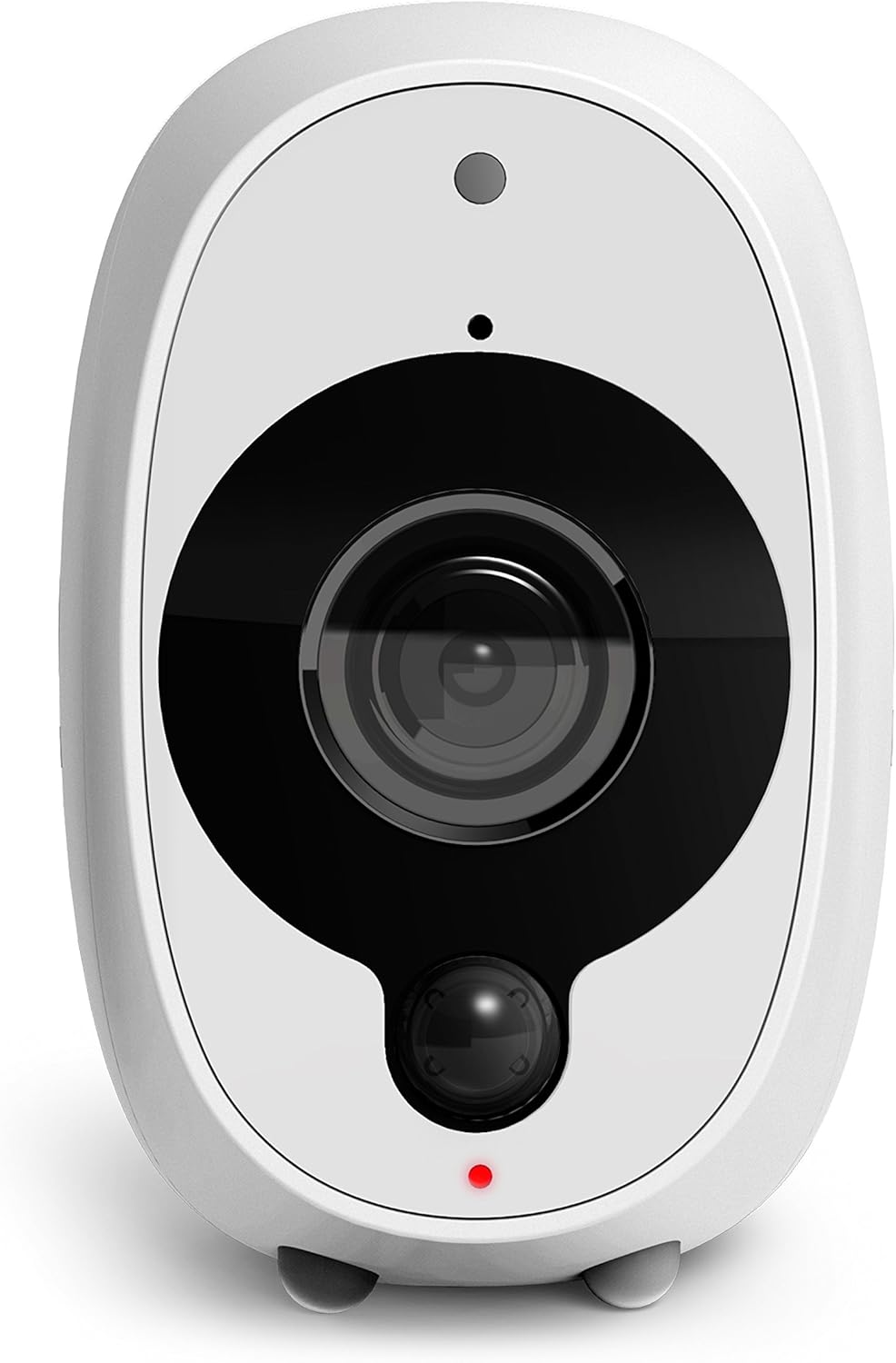
Image: Contents of the Swann Smart Security Camera package.
3. Configuració
3.1 Càrrega inicial
Before first use, fully charge the camera using the provided USB to Micro USB Charging Cable. Connect the Micro USB end to the camera's charging port and the USB end to a standard USB power adapter (not included) or a computer USB port. The charging indicator light will show the charging status.
3.2 Instal·lació de l'aplicació i creació de compte
- Download the 'SAFE by Swann' app from your smartphone's app store (iOS or Android).
- Obre l'aplicació i segueix les instruccions que apareixen a la pantalla per crear un compte nou o iniciar la sessió si ja en tens un.
3.3 Emparellament de la càmera
- In the 'SAFE by Swann' app, select the option to add a new device.
- Follow the app's prompts to connect the camera to your existing 2.4GHz Wi-Fi network. Ensure your camera is within range of your Wi-Fi router for a stable connection.
- The app will guide you through the pairing process, which may involve scanning a QR code or entering network details.
3.4 Muntatge de la càmera
The camera can be mounted using the magnetic stand, 3M adhesive strips, or screws, suitable for both indoor and outdoor use (IP65 rated).
- Magnetic Mounting Stand: Attach the camera to the magnetic stand. The stand can then be placed on a flat surface or mounted to a wall using screws.
- 3M™ Adhesive Strips: For temporary or non-drilling installations, use the adhesive strips to secure the camera's base to a clean, flat surface.
- Screws & Wall Plugs: For a more permanent installation, use the provided screws and wall plugs to secure the magnetic mounting stand to a wall or ceiling. Ensure the mounting surface is strong enough to support the camera.

Image: Attaching the camera to its magnetic mount.
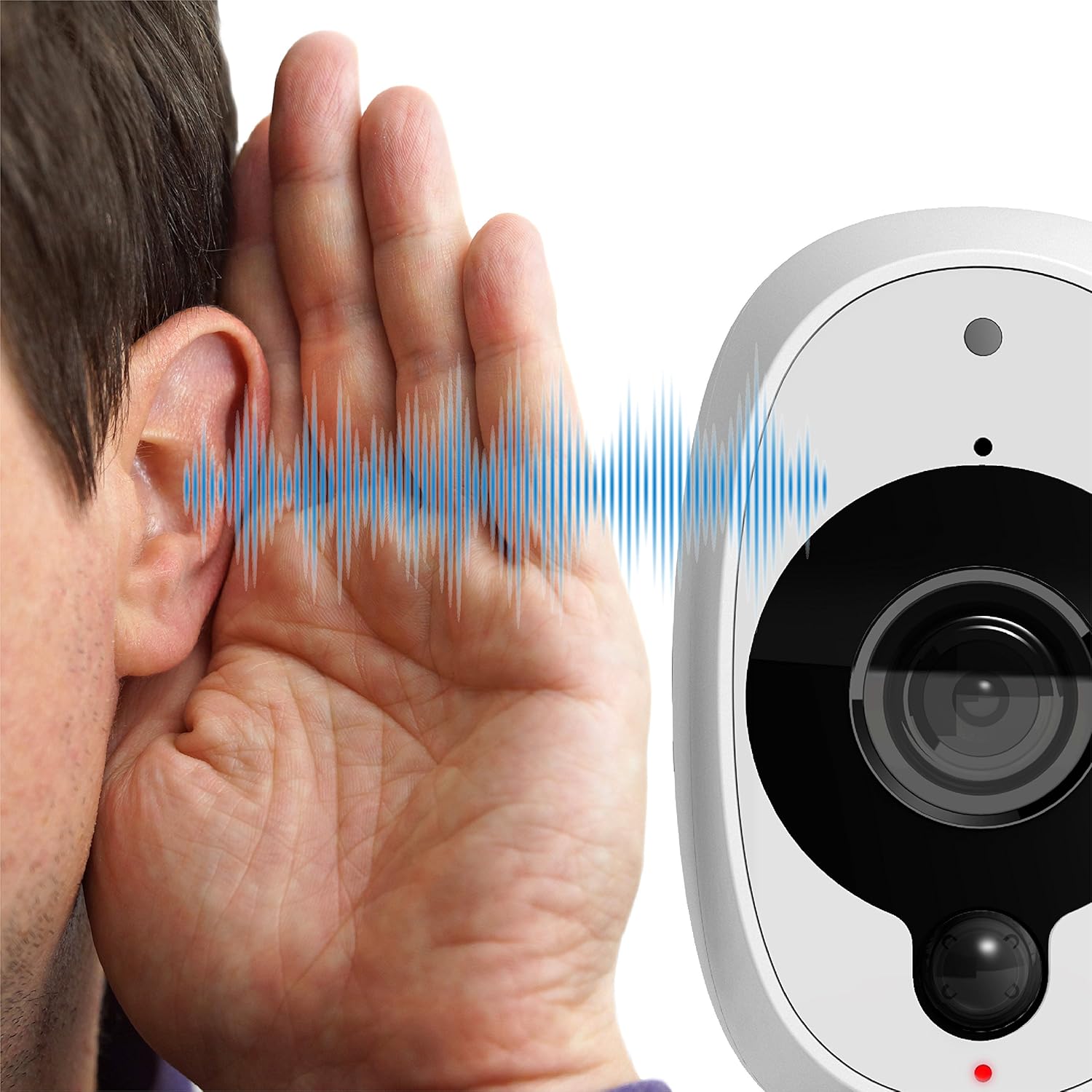
Image: Camera mounted outdoors, suitable for various weather conditions.
4. Instruccions de funcionament
4.1 Viu View & Recording
Access the 'SAFE by Swann' app to view viu footage from your camera. The camera automatically records 10-60 second video clips when motion is detected, saving them to internal memory and providing 2 days of free cloud storage. You can play back recorded footagdirectament des de l'aplicació.
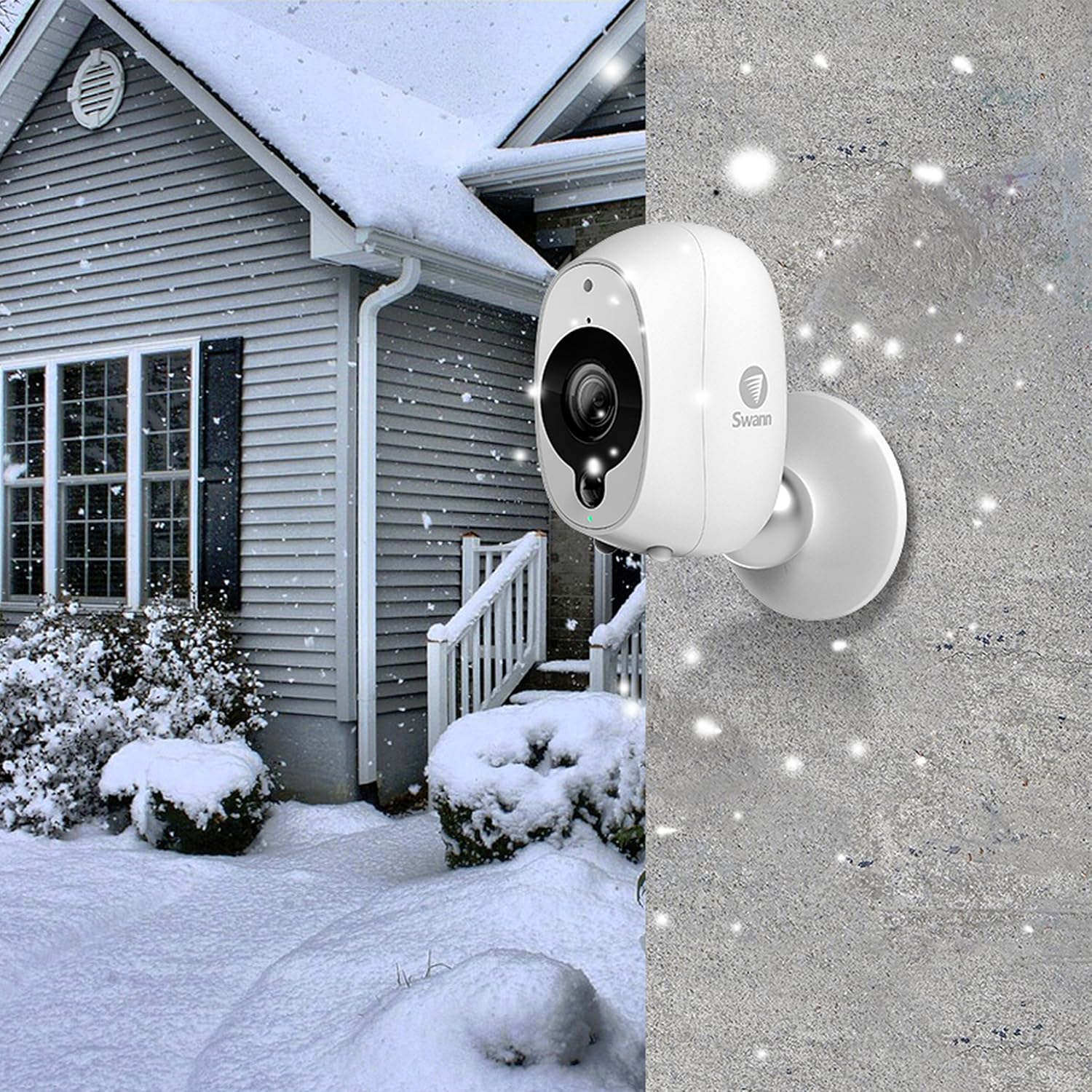
Image: Live view of the camera feed on a smartphone.
4.2 True Detect PIR Motion Sensing
The camera utilizes True Detect PIR (Passive Infrared) technology to identify heat signatures from large objects like people and cars. This intelligent detection helps reduce false alarms caused by environmental factors such as wind or rain, ensuring you receive relevant push notifications.
4.3 Visió nocturna
The camera is equipped with night vision capabilities, providing clear video surveillance even in low-light conditions or complete darkness. This ensures continuous monitoring day and night.
4.4 Àudio bidireccional
The integrated microphone and speaker allow for two-way audio communication. You can listen to sounds from the camera's location and speak through the camera using the 'SAFE by Swann' app.
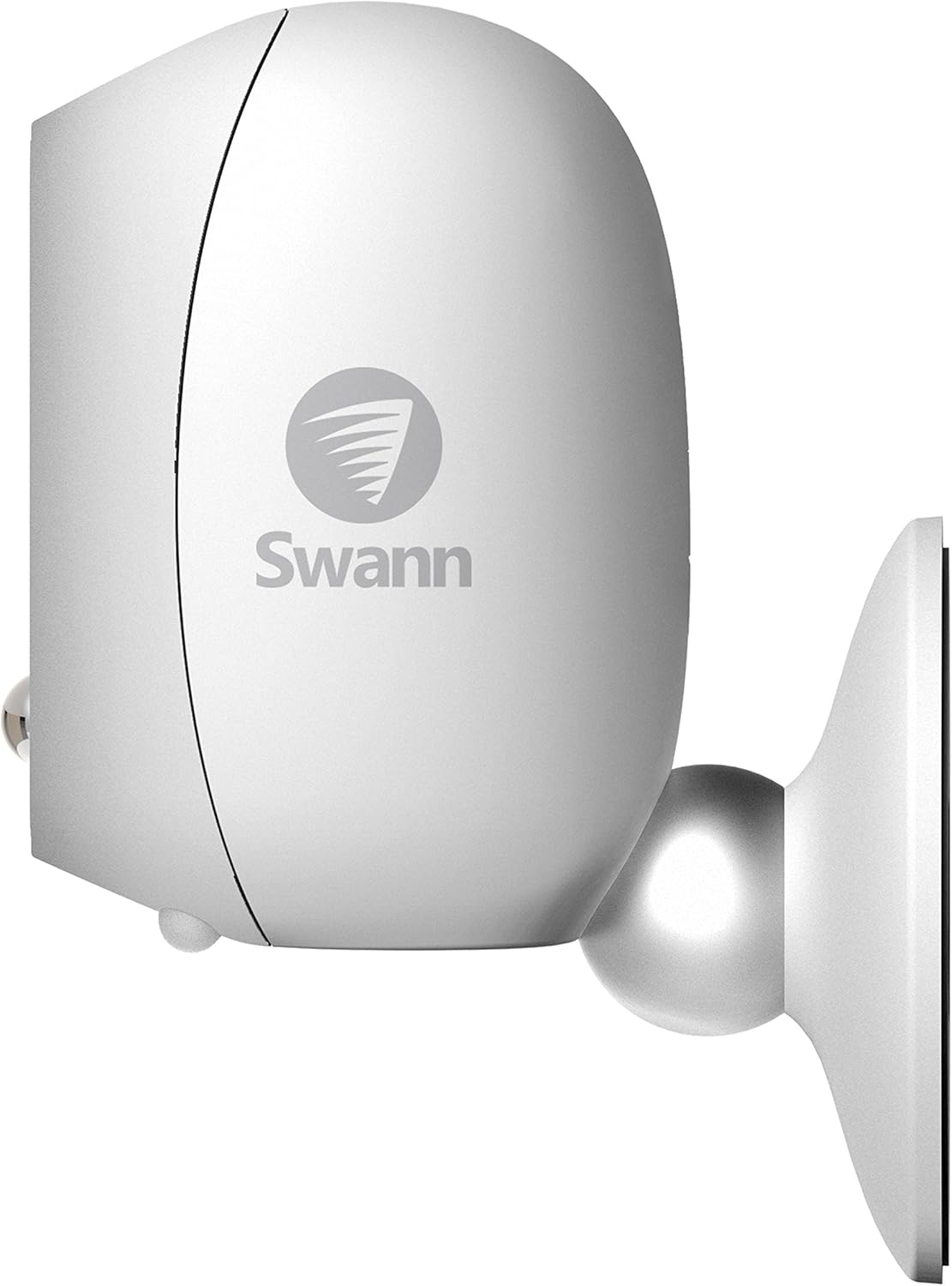
Image: Illustrating the camera's audio functionality.
5. Manteniment
5.1 Càrrega de la bateria
The camera's battery life varies depending on activity and settings. When the battery level is low, recharge it using the provided USB cable as described in Section 3.1. Regular charging ensures uninterrupted operation.
5.2 Neteja
To maintain optimal performance, periodically clean the camera lens and housing with a soft, damp cloth. Avoid using harsh chemicals or abrasive materials that could damage the camera's surface or lens.
6. Solució De Problemes
If you encounter issues with your Swann Smart Security Camera, refer to the following common solutions:
- La càmera no es connecta a la Wi-Fi:
- Ensure the camera is within range of your 2.4GHz Wi-Fi router.
- Verifiqueu que la contrasenya del Wi-Fi estigui introduïda correctament a l'aplicació.
- Reinicieu el router Wi-Fi i la càmera.
- Perform a factory reset on the camera if issues persist (refer to the app or Swann support for specific instructions).
- Motion Detection Issues (Too Many/Few Alerts):
- Adjust the motion sensitivity settings within the 'SAFE by Swann' app.
- Assegureu-vos que el camp de la càmera view is clear of moving objects like tree branches that might cause false triggers.
- Confirm True Detect PIR is enabled and functioning correctly.
- Durada de la bateria curta:
- Frequent motion detection and live viewing will consume battery faster. Reduce sensitivity or recording duration if possible.
- Ensure the camera is fully charged after each low battery alert.
- Consider environmental factors; extreme temperatures can affect battery performance.
- App Responsiveness/Lag:
- Comproveu la velocitat i l'estabilitat de la vostra connexió a Internet.
- Ensure the 'SAFE by Swann' app is updated to the latest version.
- Reinicieu l'aplicació o el telèfon intel·ligent.
- Actualitzacions de firmware:
- Periodically check the 'SAFE by Swann' app for available firmware updates. Updates can improve performance and resolve known issues.
7. Especificacions
| Característica | Detall |
|---|---|
| Número de model | SWWHD-INTCAM-US |
| Resolució de captura de vídeo | 1080p Full HD |
| Viewangle ing | 120 graus |
| Tecnologia de connectivitat | Sense fil (Wi-Fi) |
| Font d'alimentació | DC (Rechargeable Lithium Ion Battery) |
| Ús interior/exterior | Exterior (classificació IP65) |
| Dimensions (L x A x A) | 3.4 x 2.3 x 2.4 polzades |
| Pes de l'article | 7.7 unces |
| Característiques especials | Motion Sensor (True Detect PIR), Night Vision |
| Dispositius compatibles | Smartphone (via 'SAFE by Swann' app) |
8. Garantia i Suport
8.1 Informació de la garantia
For detailed warranty terms and conditions, please refer to the official Swann website or the warranty card included with your product. Warranty periods may vary by region and product. It is recommended to register your product upon purchase.
8.2 Suport tècnic
If you require technical assistance or have questions not covered in this manual, please visit the official Swann support weblloc. El website typically provides FAQs, troubleshooting guides, and contact information for customer service.
- Suport de Swann Weblloc: www.swann.com/us/support (Example link, please verify current URL)