
1. Introducció
Thank you for choosing the KEF Porsche Design GRAVITY ONE Bluetooth Speaker. This manual provides essential information for the safe and efficient use of your device. The GRAVITY ONE combines KEF's acoustic engineering with Porsche Design's aesthetic, offering high-fidelity sound in a portable form factor. Please read this manual thoroughly before operating the speaker and retain it for future reference.
2. Què hi ha a la caixa
Carefully unpack your GRAVITY ONE speaker and ensure all items listed below are present:
- KEF Porsche Design GRAVITY ONE Bluetooth Speaker
- 1m USB Charging cable
- Charging adaptor for US/EU/UK
- Speaker bag
- Guia d'inici ràpid
- Informació de seguretat
- Informació de la garantia
- Porsche Design Authenticity Card
3. Producte acabatview
The GRAVITY ONE features a sleek design with intuitive controls and essential connectivity ports.
3.1 Components de l'altaveu
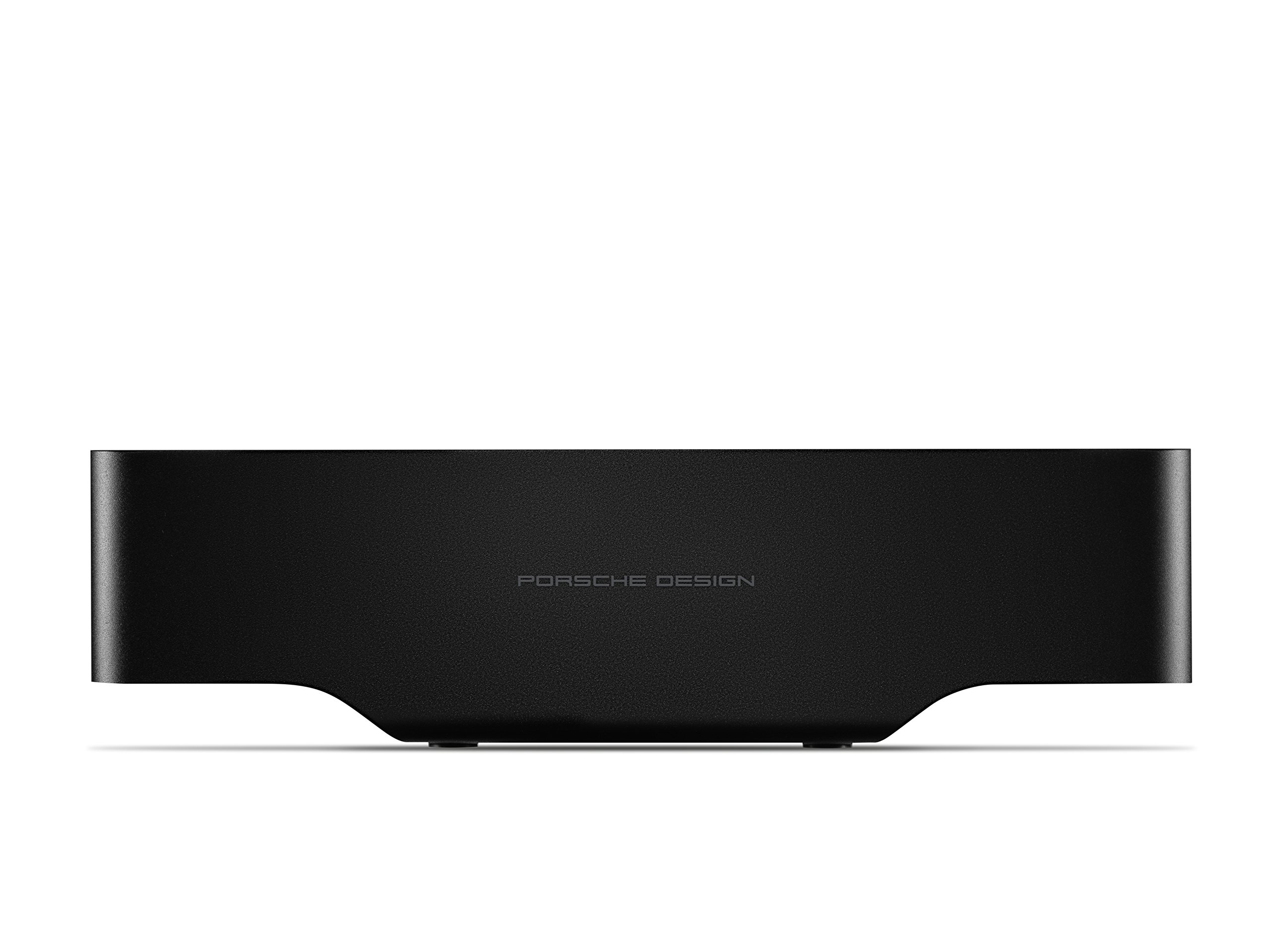
Figura 1: Angle view of the KEF Porsche Design GRAVITY ONE Bluetooth Speaker. This image shows the overall design, including the KEF logo on the front and Porsche Design branding on the side.
The speaker features KEF's Uni-Q driver technology for broad sound dispersion and dual force-cancelling auxiliary bass radiators for enhanced low-frequency response.
3.2 Tauler de control

Figura 2: superior view of the GRAVITY ONE speaker, highlighting the integrated control panel.
- Botó d'encesa: Mantingueu premut per activar o desactivar l'altaveu.
- Botó de vinculació Bluetooth: Premeu per entrar al mode d'emparellament.
- Puja el volum (+): Augmenta el volum de reproducció.
- Baixar el volum (-): Disminueix el volum de reproducció.
- Botó Reproduir/Pausa/Trucada: Press once to play/pause music or answer/end a call. Press twice to skip track. Press and hold to reject a call.
- Micròfon: Per a trucades amb mans lliures.
3.3 Ports i indicadors

Figura 3: lateral view of the GRAVITY ONE speaker, illustrating the USB charging ports.
- Entrada micro USB: For charging the GRAVITY ONE speaker.
- Sortida USB-A: For charging external devices (e.g., smartphones).
- Indicador LED: Displays power status, charging status, and Bluetooth pairing status.
4. Configuració
4.1 Càrrega inicial
Before first use, fully charge your GRAVITY ONE speaker. Connect the supplied USB charging cable to the Micro USB input port on the speaker and the other end to the charging adaptor. Plug the adaptor into a power outlet. The LED indicator will show charging status and turn off or change color when fully charged. A full charge provides up to 10 hours of playback.
4.2 Engegada/apagada
- Per engegar: premeu i manteniu premut el botó d'engegada fins que l'indicador LED s'il·lumini.
- Per apagar: premeu i manteniu premut el botó d'engegada fins que l'indicador LED s'apagui.
5. Instruccions de funcionament
5.1 Vinculació Bluetooth
- Ensure the GRAVITY ONE speaker is powered on.
- Press the Bluetooth Pairing button on the control panel. The LED indicator will flash, indicating it is in pairing mode.
- Al dispositiu amb Bluetooth (telèfon intel·ligent, tauleta, ordinador portàtil), aneu a la configuració de Bluetooth i cerqueu els dispositius disponibles.
- Select "KEF GRAVITY ONE" from the list.
- Once paired, the LED indicator will stop flashing and remain solid. You will hear an audible confirmation.
- The speaker supports Qualcomm aptX™ for high-quality wireless audio streaming.
Nota: L'altaveu intentarà tornar a connectar-se automàticament amb l'últim dispositiu emparellat quan s'encengui.
5.2 Playing Music and Adjusting Volume
- After successful pairing, start playing music from your connected device.
- Premeu el botó Reprodueix/Pausa per posar en pausa o reprendre la reproducció.
- Premeu el botó Pujar volum (+) per augmentar el volum.
- Premeu el botó per baixar el volum (-) per disminuir el volum.
- Premeu dues vegades el botó Reproduir/Pausa per saltar a la pista següent.
5.3 Handling Phone Calls
When a call comes in while connected via Bluetooth:
- Respon a la trucada: Premeu el botó Reproduir/Pausa/Trucada una vegada.
- Finalitzar la trucada: Premeu el botó Reproduir/Pausa/Trucada una vegada durant una trucada.
- Rebutja la trucada: Press and hold the Play/Pause/Call button for 2 seconds.
5.4 Charging External Devices (Power Bank Function)
The GRAVITY ONE can be used to charge other USB-powered devices, such as smartphones or tablets.
- Connect your device's USB charging cable to the USB-A output port on the GRAVITY ONE speaker.
- The GRAVITY ONE will begin charging your device. Note that using this feature will reduce the speaker's battery life.
6. Manteniment
- Neteja: Feu servir un drap suau i sec per netejar la superfície de l'altaveu. No utilitzeu netejadors abrasius, ceres ni dissolvents.
- Emmagatzematge: Guardeu l'altaveu en un lloc fresc i sec, allunyat de la llum solar directa i de temperatures extremes.
- Cura de la bateria: Per allargar la durada de la bateria, eviteu descarregar completament l'altaveu amb freqüència. Carregueu-lo regularment, fins i tot si no l'utilitzeu durant períodes prolongats.
- Resistència a l'aigua: The GRAVITY ONE is not waterproof. Avoid exposure to liquids.
7. Solució De Problemes
| Problema | Causa possible | Solució |
|---|---|---|
| L'altaveu no s'encén. | Bateria baixa. | Charge the speaker using the supplied USB cable and adaptor. |
| No es pot emparellar per Bluetooth. | L'altaveu no està en mode d'emparellament; el Bluetooth del dispositiu està desactivat; massa lluny de l'altaveu. | Ensure speaker is in pairing mode (flashing LED). Turn on Bluetooth on your device. Move device closer to the speaker (within 4-5 meters for optimal connection). Forget "KEF GRAVITY ONE" on your device and try pairing again. |
| Sense so o so distorsionat. | Volum massa baix; dispositiu no connectat; problema amb la font d'àudio. | Increase volume on both the speaker and your connected device. Ensure Bluetooth is connected. Try a different audio source or application. |
| La connexió Bluetooth cau amb freqüència. | Device too far; interference; obstacles. | Keep the connected device within close proximity (recommended 4-5 meters). Avoid physical obstructions between the speaker and device. Reduce other wireless interference. |
| External device not charging from speaker. | Speaker battery low; incorrect cable; device not compatible. | Ensure the GRAVITY ONE has sufficient battery charge. Use a functional USB cable. Verify your device is compatible with USB charging. |
8. Especificacions
| Característica | Detall |
|---|---|
| Marca | KEF |
| Model | GRAVITY ONE |
| Color | Negre |
| Connectivitat | Bluetooth (Qualcomm aptX™) |
| Interfície del maquinari | USB |
| Dispositius compatibles | Telèfon intel·ligent, tauleta, ordinador portàtil, reproductor MP3 |
| Ports USB totals | 1 (for charging speaker) + 1 (for charging external devices) |
| Pes de l'article | 1.7 lliures (aprox. 0.77 kg) |
| Durada de la bateria | Fins a 10 hores |
| ASIN | B076VW1XP4 |
| GTIN | 04046901684112 |
9. Garantia i Suport
9.1 Informació de la garantia
The KEF Porsche Design GRAVITY ONE Bluetooth Speaker comes with a 5 anys de garantia del fabricant. Please refer to the included "Warranty Information" document and your "Porsche Design Authenticity Card" for full terms and conditions. Retain your proof of purchase for warranty claims.
9.2 Atenció al client
For technical assistance, troubleshooting beyond this manual, or warranty service, please contact KEF customer support. Contact details can typically be found on the official KEF weblloc web o a la documentació que s'inclou amb el producte.
For more information, visit the official KEF weblloc: us.kef.com