
TECKNET TK-CA001
TECKNET 1080P WebManual d'usuari de la càmera
Model: TK-CA001
Introducció
This user manual provides comprehensive instructions for the TECKNET 1080P Webcam (Model: TK-CA001). Please read this manual carefully before using the product to ensure proper operation and to maximize its features. Keep this manual for future reference.
Característiques del producte
- Vídeo HD 1080P: Captures natural and fluent full HD video with a 1/3-inch 2 million pixel high-quality image sensor chip.
- 3-Level Adjustable Touch Fill Light: Built-in fill light with three brightness levels (low, medium, high) controlled by a touch switch for optimal lighting in various environments.
- Dual Noise Reduction Microphone: Two built-in microphones with intelligent noise reduction for clear voice pickup within 5-10 meters, filtering out background noise.
- Rotació horitzontal de 360°: Supports angle correction and fixed focus, allowing 360° horizontal and 50° up/down rotation. Features a 90° wide-angle lens.
- USB Plug and Play: Automatic installation upon connecting to a USB 2.0 interface.
- Àmplia compatibilitat: Compatible with Windows 7/8/10/XP, Mac 10.6, Android V5.0, and various applications like Skype, Facetime, Facebook, Zoom, YouTube, Twitch, and Smart TV.
- Coberta de privacitat integrada: Integrated cover to protect privacy when the webla càmera no està en ús.
Contingut del paquet
Si us plau, comproveu el contingut del paquet en desempaquetar-lo:
- TECKNET 1080P Webcam (Model: TK-CA001)
- USB Cable (Type-C, 180 cm length)
- Manual d'usuari
Guia de configuració
1. Col·locació
El webcam features a versatile mounting clip that allows it to be placed on various surfaces.
- En una pantalla de monitor/ordinador portàtil:
Obriu el clip i col·loqueu-lo webcam on top of your monitor or laptop screen. Ensure the front of the webcam faces you and the clip securely grips the back of the screen. The webcam can be rotated 360° horizontally and 50° up/down for optimal positioning.

Image: TECKNET 1080P Webcam with its integrated clip, designed for stable placement on top of a monitor or laptop screen. The webcam is black with a textured finish and features a central lens and a privacy cover mechanism.
- On a Desk/Tabletop:
Fold the clip to form a stable stand and place the webcam on a flat surface. Adjust the angle as needed.
- En un trípode:
La base de la webcam features a standard 1/4-inch tripod thread. Attach the webcam to a compatible tripod for more flexible positioning.
2. Connexió
The TECKNET 1080P Webcam is a plug-and-play device, requiring no additional driver installation for most operating systems.
- Connect the USB cable to the USB 2.0 port on your computer (desktop or laptop).
- El webcam will be automatically detected and installed by your operating system (Windows, macOS, Linux, Chrome OS, Android).
- Once installed, you can select the webcam as your video and audio input device in your preferred video conferencing or streaming application.

Image: A visual representation highlighting the TECKNET webcam's broad compatibility with operating systems such as Mac OS, Windows, Linux, Chrome OS, and Android, emphasizing its plug-and-play functionality.
Instruccions de funcionament
1. Using the Privacy Cover
El webcam features a built-in privacy cover to ensure your privacy when the camera is not in use.
- To open the privacy cover, slide the cover to the side to reveal the lens.
- To close the privacy cover, slide the cover back over the lens.
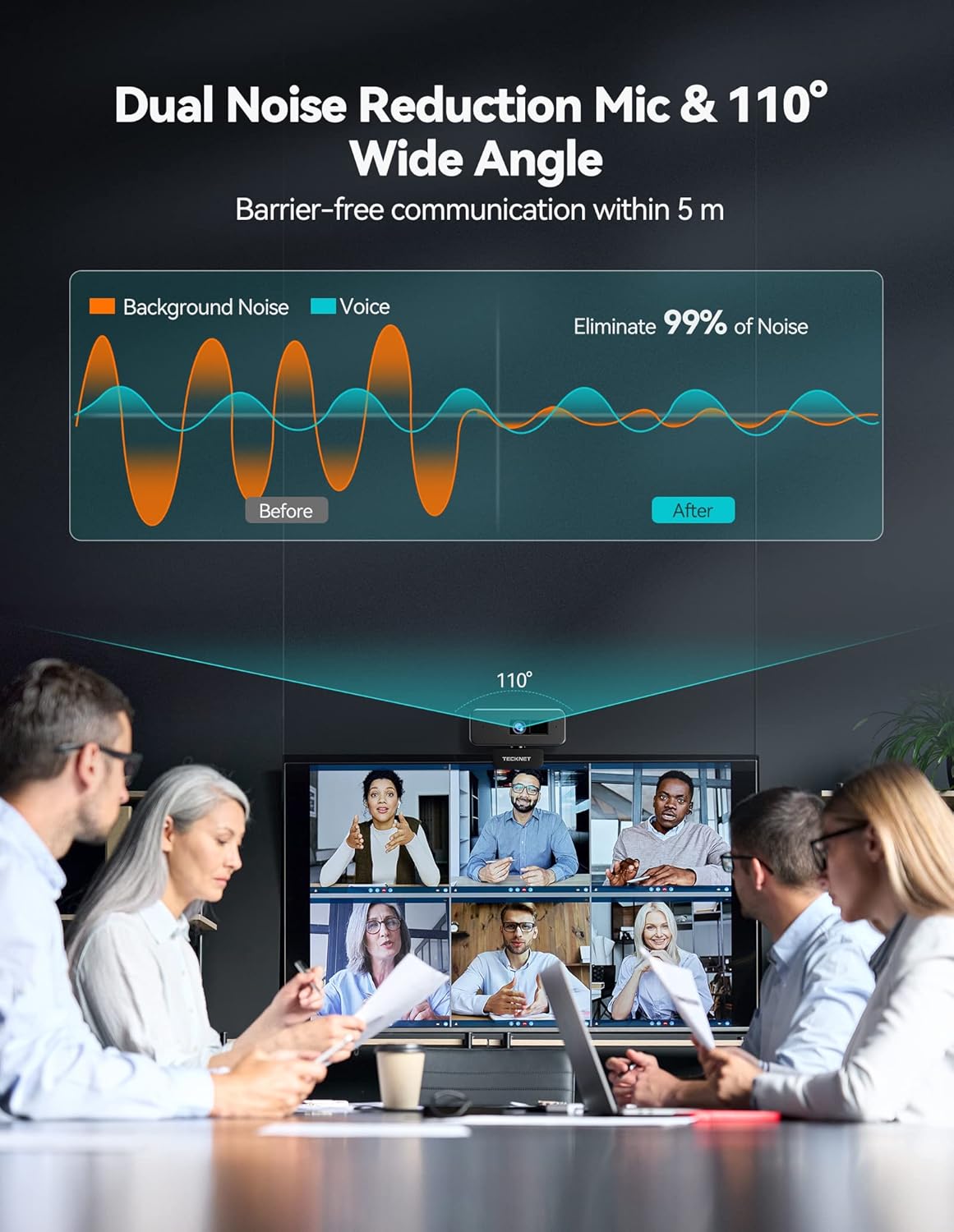
Image: The TECKNET 1080P Webcam shown with its integrated privacy cover in the closed position, emphasizing the security feature. The cover slides over the lens to block the camera's view.
2. Adjusting the Fill Light
El webcam includes a built-in fill light with three adjustable brightness levels.
- Locate the touch switch on the top of the weblleva.
- Tap the touch switch to cycle through the brightness levels: Low, Medium, High, and Off.
- Select the desired brightness to improve lighting conditions in dim environments.
3. Ús del micròfon
El webcam features dual noise-reduction microphones for clear audio capture.
- The microphones are automatically enabled when the webcam is selected as the audio input device in your application.
- Assegureu-vos el webcam's microphone is selected in your application's audio settings for optimal performance.
4. Videoconferència i transmissió en temps real
El TECKNET webcam is ideal for various communication and content creation needs.
- Open your preferred application (e.g., Zoom, Skype, Microsoft Teams, YouTube, Twitch).
- In the application's settings, select “TECKNET Webcam” as your video device and “TECKNET Microphone” as your audio input device.
- Adjust your position and the webcam’s angle (360° horizontal, 50° vertical) to achieve the desired frame. The 90° wide-angle lens can accommodate multiple participants.

Image: A user engaged in an online learning session or video conference, with the TECKNET webcam positioned on top of their laptop screen, demonstrating its use in a typical communication scenario.
Manteniment
- Neteja: Utilitzeu un drap suau i sec per netejar-lo webcam lens and body. Avoid using harsh chemicals or abrasive materials that could damage the surface or lens.
- Emmagatzematge: Quan no s’utilitzi, emmagatzemeu el fitxer webGuardeu la càmera en un lloc fresc i sec. Utilitzeu la coberta de privacitat integrada per protegir la lent de la pols i les ratllades.
- Cura del cable: Eviteu doblegar o girar excessivament el cable USB per evitar danys interns.
Resolució de problemes
| Problema | Causa possible | Solució |
|---|---|---|
| Webcàmera no detectada. | Connexió USB fluixa, port USB defectuós, conflicte de controladors. |
|
| Sense sortida de vídeo. | Privacy cover closed, incorrect webcam selection in software, application permissions. |
|
| No hi ha àudio del micròfon. | Selecció incorrecta del micròfon, micròfon silenciat, permisos de l'aplicació. |
|
| Poca qualitat de vídeo. | Insufficient lighting, dirty lens, internet bandwidth. |
|
Especificacions
| Característica | Detall |
|---|---|
| Número de model | TK-CA001 |
| Resolució de vídeo | 1080p Full HD |
| Sensor d'imatge | 1/3-inch 2 Million Pixel CMOS |
| Camp de View | Gran angular de 90° |
| Micròfon | Dual Stereo Microphone with Noise Cancellation |
| Llum d'ompliment | 3-Level Adjustable Touch Fill Light |
| Connectivitat | USB 2.0 Plug-and-Play |
| Longitud del cable | 180 cm (Type-C) |
| Rotació | 360° horitzontal, 50° vertical |
| Dimensions | 12.45 x 2.79 x 5.08 cm |
| Pes | 198.45 g |
| Compatibilitat | Windows 7/8/10/XP, Mac 10.6, Android V5.0, Skype, Facetime, Facebook, Zoom, YouTube, Twitch, Smart TV |
Garantia i Suport
TECKNET ofereix una 36 mesos de garantia for this product (registration may be required). If you encounter any issues or have questions regarding your TECKNET 1080P Webcam, please contact our professional customer service team for assistance.
For further support, visit the official TECKNET weblloc web o consulteu la informació de contacte que s'inclou amb l'embalatge del producte.
Demostració de vídeo del producte
Video: An official product video demonstrating the features and usage of the TECKNET 1080P Webcam, including its privacy cover, high-quality image sensor, dual microphones, and ease of setup. This video provides a visual overview de les capacitats del producte.
Ask a question about this manual
Ask about setup, troubleshooting, compatibility, parts, safety, or missing instructions. Manuals+ will review the question and use this page’s manual context to help answer it.