
Microderm GLO MDG-MINI-GR1802-EU
Microderm GLO MINI Diamond Microdermabrasion and Suction Tool User Manual
Model: MDG-MINI-GR1802-EU
Introducció
The Microderm GLO MINI is an advanced facial treatment device designed for at-home use. It combines diamond microdermabrasion with suction technology to exfoliate the skin, remove blackheads, and promote a clearer, smoother complexion. This manual provides essential information for the safe and effective use of your device.
Components del producte
Your Microderm GLO MINI package includes the following items:
- Microderm GLO MINI Device
- Base de càrrega
- Diamond Microdermabrasion Tips (Premium and Fine)
- Blackhead Removal Tips (Premium and Fine)
- Replacement Filters (21 pieces)
- Raspall de neteja
- Bossa d'emmagatzematge portàtil
- Cable de càrrega USB

Image: The Microderm GLO MINI device, charging base, and various interchangeable tips, filters, and cleaning brush.
Configuració i càrrega
- Càrrec inicial: Before first use, fully charge the Microderm GLO MINI device. Place the device onto its charging base and connect the USB cable to a power source. The indicator light will show charging status.
- Attach a Tip: Select the desired tip (e.g., Fine Exfoliating Diamond Safe3D™ Tip or Premium Blackhead Remover Tip) and securely attach it to the device. Ensure the tip is firmly in place.
- Insereix un filtre: Open the device head and insert a new filter into the designated slot. This filter collects dead skin cells and impurities during use.

Image: The Microderm GLO MINI device resting on its charging base, ready for use or charging.
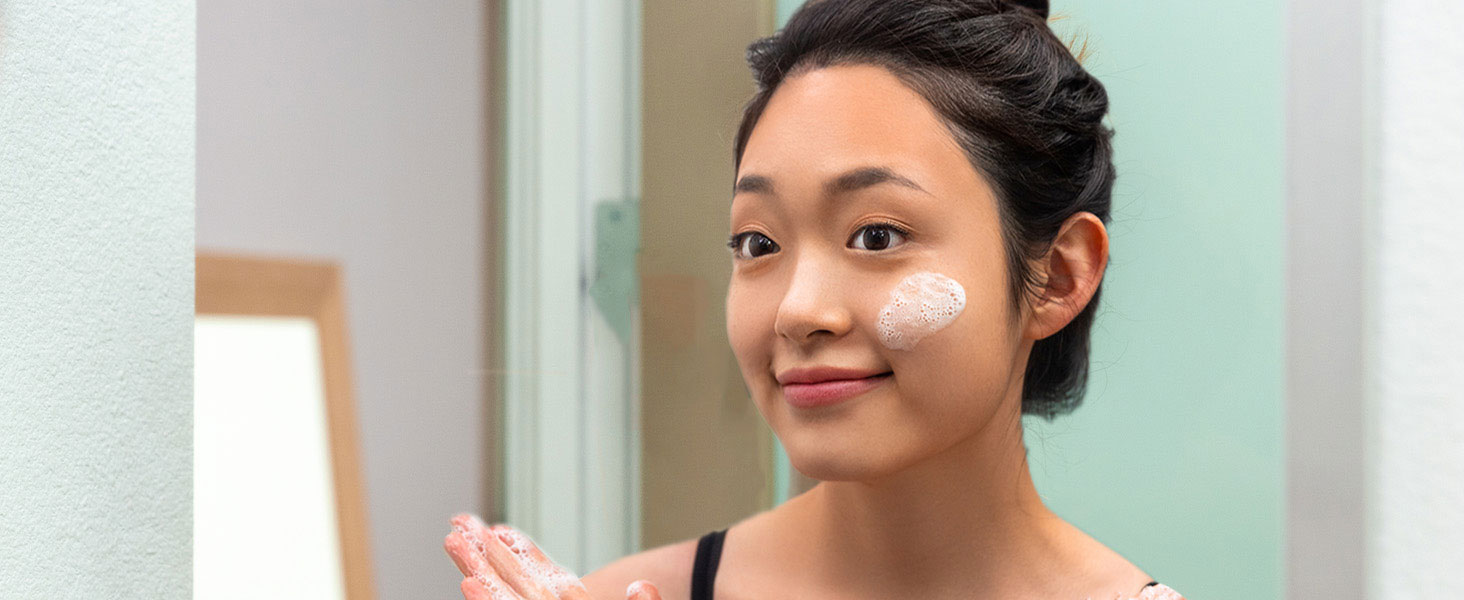
Image: Hands demonstrating how to insert a new filter into the device head before use.
Instruccions de funcionament
- Preparar la pell: Cleanse your face thoroughly and pat dry. For best results, consider using a facial steamer to open pores before treatment.
- Encès: Press and hold the power button to turn on the device. The indicator light will illuminate.
- Select Suction Level: Press the power button repeatedly to cycle through the available suction levels. Start with the lowest setting and gradually increase as your skin tolerates.
- Treatment Technique: Brace the skin with your free hand. Place the chosen tip flat against the skin. Using short, even strokes, gently glide the tip across the skin, ensuring it remains flush. Avoid holding the device in one spot for too long to prevent bruising.
- Àrees objectiu: Focus on areas with blackheads, fine lines, or uneven texture. Use the smaller precision tips for delicate areas like around the nose and eyes.
- Post-tractament: After treatment, apply a hydrating serum or moisturizer to soothe and nourish the skin.

Image: A woman demonstrating the proper technique for using the Microderm GLO MINI on her cheek area.
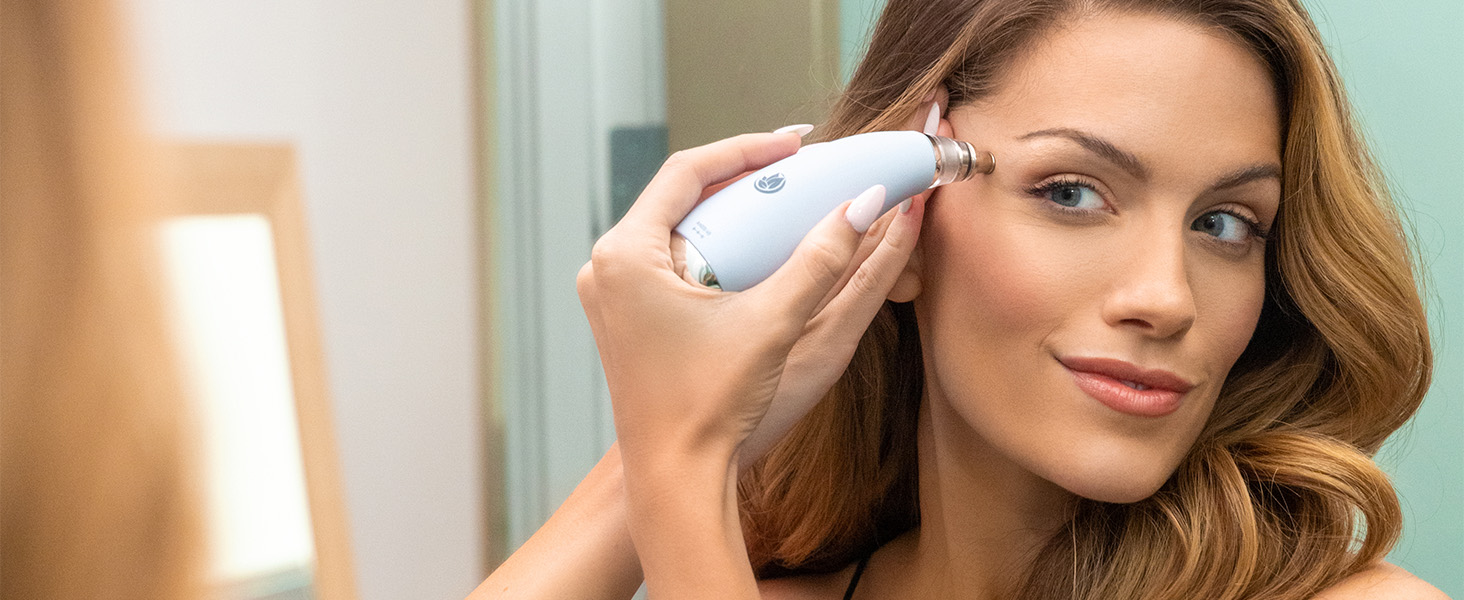
Image: A woman using the Microderm GLO MINI to treat her forehead, focusing on fine lines.
Video: Official product showcase demonstrating the Microderm GLO MINI's features and usage.
Manteniment i cura
- Consells de neteja: After each use, remove the tip and clean it with the provided cleansing brush and warm, soapy water. Rinse thoroughly and allow to air dry.
- Substitueix els filtres: Replace the filter after each treatment to maintain optimal performance and hygiene.
- Neteja del dispositiu: Wipe the main device body with a soft, damp tela. No submergiu el dispositiu en aigua.
- Emmagatzematge: Store the device and its accessories in the portable storage bag in a cool, dry place.
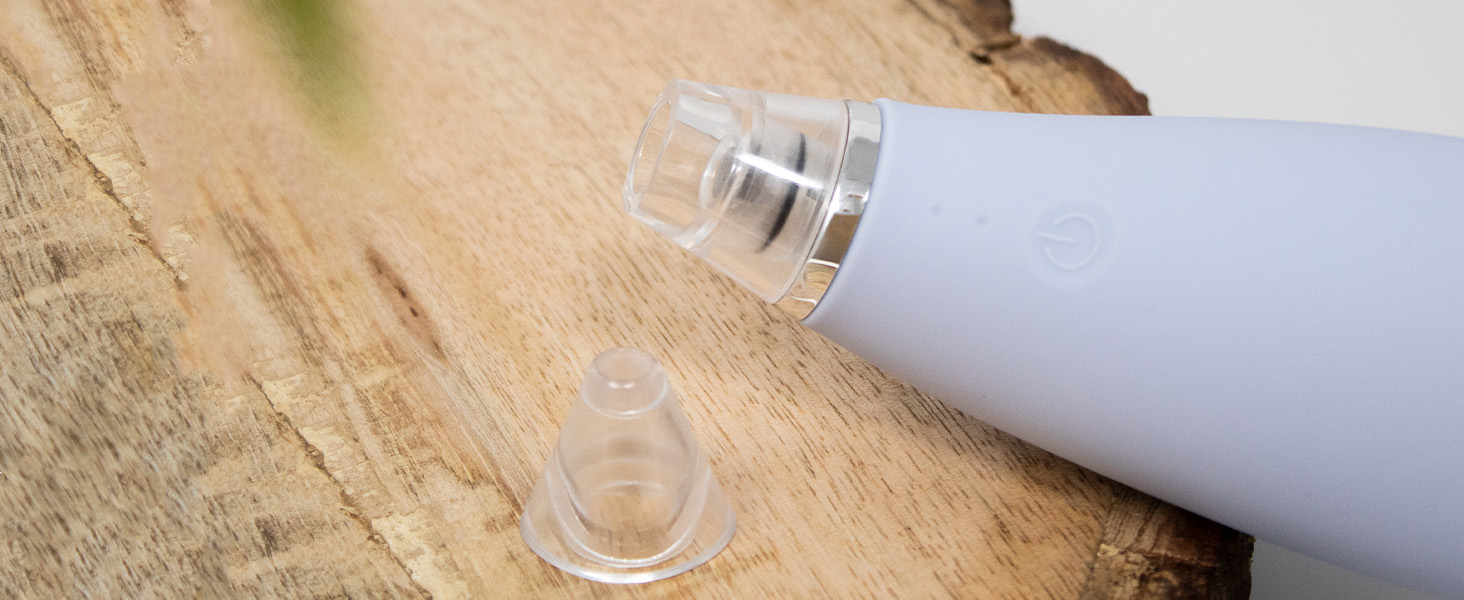
Imatge: Un primer pla view of the various diamond and blackhead removal tips included with the device.
Resolució de problemes
| Problema | Causa possible | Solució |
|---|---|---|
| El dispositiu no s'encén | Bateria baixa o botó d'engegada no premut correctament. | Ensure device is fully charged. Press and hold the power button for 3 seconds to turn on. |
| Sense succió o succió feble | Filter is clogged, tip is not properly attached, or device is not fully charged. | Replace the filter. Ensure the tip is securely attached. Fully charge the device. |
| Enrogiment o irritació de la pell | Suction level too high or device held in one spot for too long. | Reduce suction level. Keep the device moving across the skin. Ensure skin is properly hydrated before and after use. |
Especificacions
- Nom del model: NVD-MGM-GR1802
- Número de model de l'article: MDG-MINI-GR1802-EU
- Marca: Microderm GLO
- Font d'alimentació: 1 bateria de ions de liti (inclosa)
- Pes de l'article: 1 lliures
- Nombre d'articles: 1 (device)
- Nombre de peces: 20 (accessoris)
- Tipus de material: Silicona
- Color: Gris
- Components inclosos: 21 pcs Replacement Filters, Cleansing Brush, Premium and Fine Diamond Tips, Storage Bag
Informació de la garantia
The Microderm GLO MINI comes with a Limited Lifetime Manufacturer Warranty. To activate your warranty, register your product within 30 days of purchase. For online registration and detailed warranty information, please visit the official Microderm GLO weblloc.
Suport i Contacte
For further assistance, product inquiries, or technical support, please refer to the official Microderm GLO website or contact their customer service. Licensed professionals are on staff to assist you.
Video: A brand ambassador providing insights and tips for using the Microderm GLO MINI.
Ask a question about this manual
Ask about setup, troubleshooting, compatibility, parts, safety, or missing instructions. Manuals+ will review the question and use this page’s manual context to help answer it.