
Salicru 693CA000001
SALICRU SPS 650 HOME Uninterruptible Power Supply (UPS) User Manual
Model: 693CA000001
1. Producte acabatview
The Salicru SPS 650 HOME is a 650 VA Off-line APFC multi-socket Uninterruptible Power Supply (UPS) designed to provide reliable power protection for your electronic devices. It safeguards against power outages, surges, and fluctuations, ensuring continuous operation and preventing data loss or hardware damage. This UPS is ideal for home and small office environments, protecting computers, monitors, routers, and other sensitive equipment.

Figura 1.1: Angle view of the Salicru SPS 650 HOME UPS, showing the main unit and connected power cord. This image highlights the compact design and the arrangement of the power outlets on the top surface.
2. Configuració i instal·lació
2.1 Desembalatge i inspecció
Carefully remove the UPS from its packaging. Inspect the unit for any signs of damage that may have occurred during transit. If any damage is observed, do not attempt to operate the unit and contact your supplier.
2.2 Col·locació física
- Col·loqueu el SAI sobre una superfície plana i estable.
- Ensure adequate ventilation around the unit. Do not block the ventilation openings on the sides.
- Avoid placing the UPS in direct sunlight, near heat sources, or in environments with excessive dust or humidity.
- Maintain a safe distance from water sources.
2.3 Connexió de dispositius
The Salicru SPS 650 HOME features multiple outlets for connecting your equipment. These outlets are typically divided into "Battery Power Supplied" (battery backup and surge protection) and "Surge Protection Only" sections.
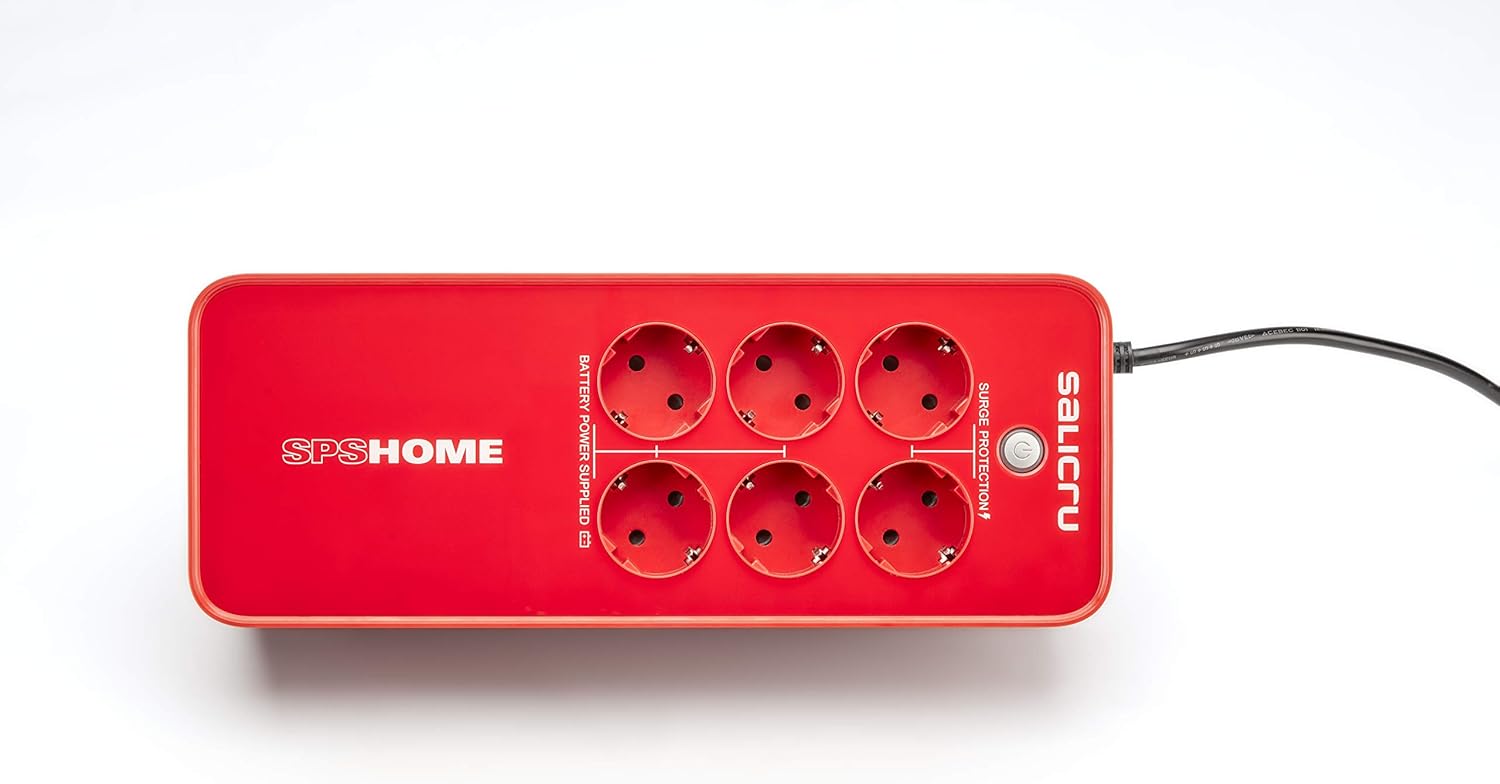
Figura 2.1: De dalt a baix view of the Salicru SPS 650 HOME UPS, clearly showing the six power outlets. The outlets are labeled to distinguish between those providing battery backup and surge protection, and those offering surge protection only.
- Connect your critical devices (e.g., computer, monitor) to the outlets labeled "Battery Power Supplied". These outlets will provide power during an outage.
- Connect non-critical devices (e.g., printer, scanner) to the outlets labeled "Surge Protection". These outlets protect against surges but do not provide battery backup.
- Plug the UPS power cord into a grounded wall outlet.
2.4 Encès inicial
Press the power button located on the front or side of the UPS. The UPS will typically perform a self-test, and indicator lights will illuminate to confirm operation. Allow the UPS to charge for at least 8 hours before initial use to ensure optimal battery performance.
3. Instruccions de funcionament
3.1 Power Button and Indicators
The power button controls the ON/OFF state of the UPS. Indicator lights provide status information:
- LED verd (sòlid): Normal operation, utility power is present, and the UPS is providing power to connected devices.
- Green LED (Flashing) & Audible Alarm: UPS is operating on battery power (during a power outagi).
- Red LED (Solid) & Continuous Alarm: Overload or fault condition. Disconnect non-essential devices.
- Red LED (Flashing) & Intermittent Alarm: Avís de bateria baixa.
3.2 Battery Backup Function
En cas d'una potènciatage o volum significatiutage fluctuation, the UPS will automatically switch to battery power, providing a temporary power supply to connected devices on the "Battery Power Supplied" outlets. This allows you to save your work and safely shut down your equipment.
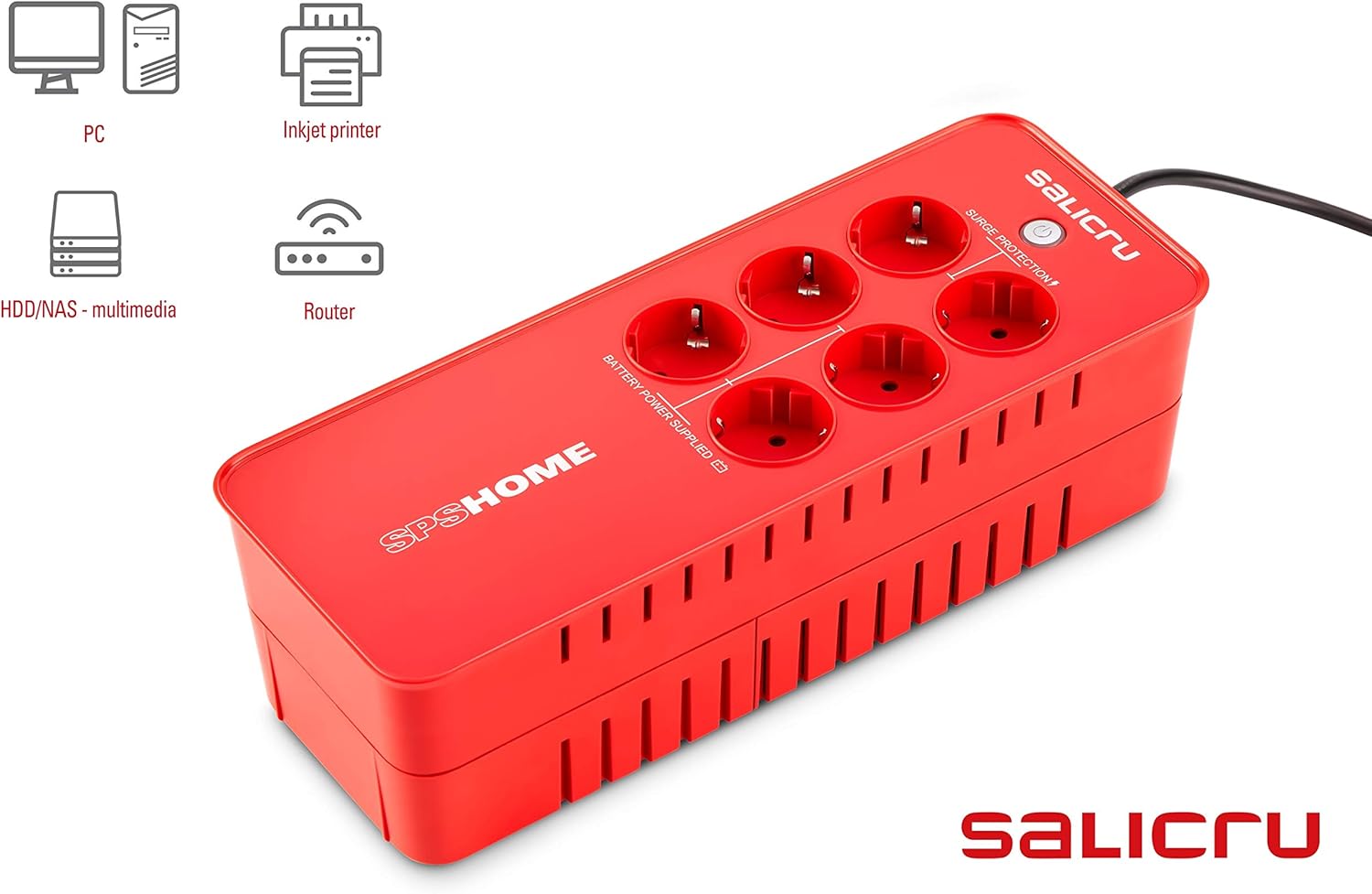
Figure 3.1: The Salicru SPS 650 HOME UPS shown with illustrative icons representing common devices it can protect, including a PC, inkjet printer, HDD/NAS, and router. This demonstrates the versatility of the UPS for various home and office electronics.
3.3 Protecció contra sobretensions
All outlets on the Salicru SPS 650 HOME provide surge protection, safeguarding your devices from damaging power surges and spikes. This protection is active whether the UPS is on battery power or utility power.
4. Manteniment
4.1 Cura de la bateria
- To maximize battery life, avoid frequent deep discharges.
- Perform a full discharge and recharge cycle every 3-6 months if the UPS is not frequently used or experiences power outages.
- La bateria interna no és reemplaçable per l'usuari. Poseu-vos en contacte amb personal de servei qualificat per a la substitució de la bateria.
4.2 Neteja
Netegeu l'exterior del SAI amb un drap suau i sec. No utilitzeu netejadors líquids ni en aerosol. Assegureu-vos que les obertures de ventilació estiguin lliures de pols i deixalles.
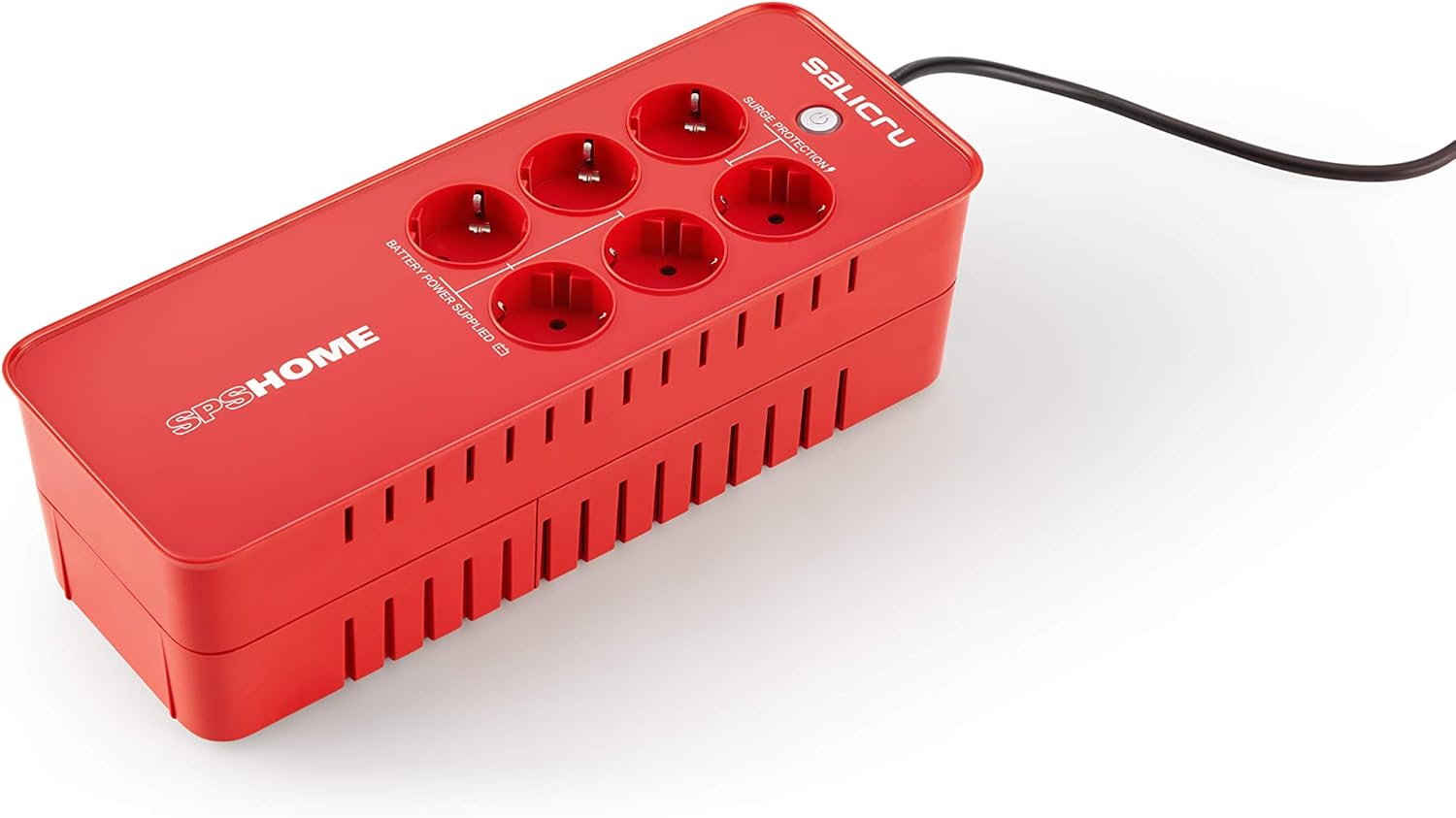
Figura 4.1: Angle view of the Salicru SPS 650 HOME UPS, highlighting the ventilation grilles on the side. Proper airflow through these grilles is essential for maintaining optimal operating temperature and extending the lifespan of the unit.
4.3 Emmagatzematge
If storing the UPS for an extended period, ensure the battery is fully charged. Recharge the battery every 3 months to prevent permanent damage.
5. Solució De Problemes
| Problema | Causa possible | Solució |
|---|---|---|
| El SAI no s'encén. | Battery discharged; Power cord not connected; UPS switch off. | Allow battery to charge for 8 hours; Ensure power cord is securely plugged into wall outlet and UPS; Press power button to turn on. |
| UPS beeps continuously and Red LED is solid. | Condició de sobrecàrrega. | Disconnect non-essential equipment from the UPS until the alarm stops. Ensure total load does not exceed UPS capacity. |
| UPS operates on battery frequently. | Frequent power fluctuations or outages. | This is normal operation. If power quality is consistently poor, consider consulting an electrician. |
| Temps de còpia de seguretat curt. | Bateria no completament carregada; Bateria a punt d'arribar al final de la seva vida útil; Sobrecàrrega. | Allow battery to charge fully; Reduce connected load; Contact service for battery replacement if old. |
6. Especificacions
| Característica | Detall |
|---|---|
| Marca | Salicru |
| Model | 693CA000001 |
| Any model | 2018 |
| Potència de sortidatage | 360 watts |
| Voltage | 230 Volts |
| Nivell de soroll | 40 dB |
| Piles incloses | Sí |
| Composició de les cèl·lules de la bateria | Calci de plom |
| Tipus de material | Policarbonat (PC) |
| Factor de forma | Rack |
| Dimensions del producte | 31.6 x 12.1 x 9.6 cm |
| Pes de l'article | 2.7 quilos |
7. Garantia i Suport
7.1 Informació de la garantia
This Salicru product is covered by a manufacturer's warranty. Please refer to the warranty card included with your product or visit the official Salicru weblloc web per obtenir informació detallada sobre els termes i condicions de la garantia. Conserveu el comprovant de compra per a reclamacions de garantia.
7.2 Suport tècnic
For technical assistance, troubleshooting beyond this manual, or service inquiries, please contact Salicru customer support. Contact information can typically be found on the official Salicru weblloc web o a l'embalatge del producte.
Documents relacionats693CA000001


Ask a question about this manual
Ask about setup, troubleshooting, compatibility, parts, safety, or missing instructions. Manuals+ will review the question and use this page’s manual context to help answer it.