Introducció
This manual provides instructions for the setup, operation, and maintenance of your DigiTech 2-Tech WD-4379 Digital Alarm Clock. Please read these instructions carefully before using the product.
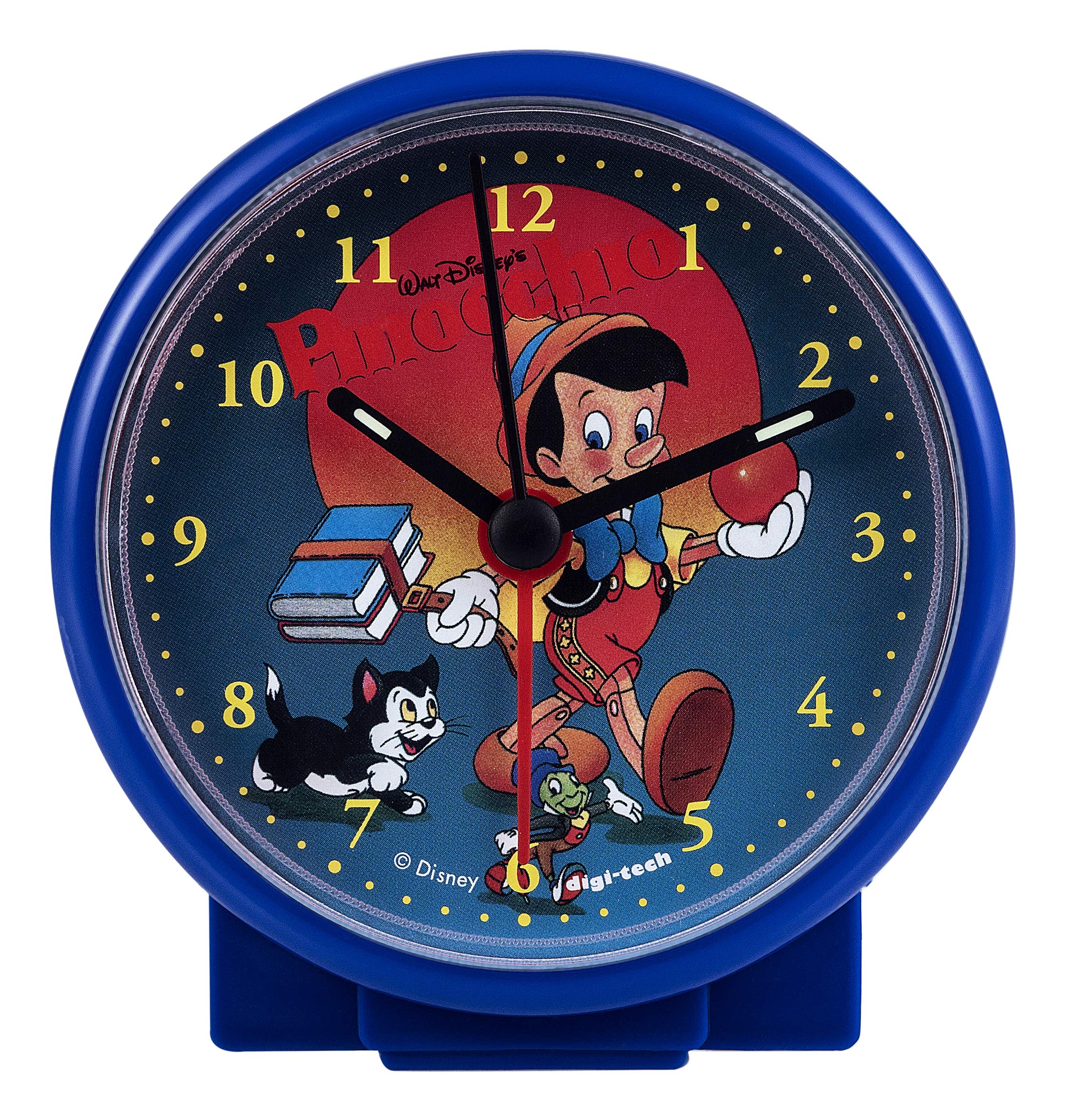
The DigiTech 2-Tech WD-4379 is a portable, battery-powered alarm clock featuring an analog display with a Pinocchio dial. Its compact design makes it suitable for various indoor settings, including bedrooms and travel.
Contingut del paquet
- DigiTech 2-Tech WD-4379 Digital Alarm Clock
- Targeta de servei
Note: One AA battery is required and not included in the package.
Configuració
1. Instal·lació de la bateria
- Localitza la tapa del compartiment de les piles a la part posterior del despertador.
- Feu lliscar o desenganxeu suaument la tapa per obrir-la.
- Insert one (1) AA battery, ensuring the polarity (+ and -) matches the indicators inside the compartment.
- Torneu a col·locar la tapa del compartiment de la bateria, assegurant-vos que estigui ben tancada.
Imatge: Enrere view of the alarm clock, illustrating the battery compartment and setting controls. The model number "DIGI-TECH REF WD-4379" is visible.
2. Configuració de l'hora
- Locate the time setting knob on the back of the clock (usually labeled "TIME SET" or similar).
- Gireu el botó en sentit horari o antihorari fins que les agulles de les hores i els minuts mostrin l'hora actual correcta.
Instruccions de funcionament
1. Configuració de l'alarma
- Locate the alarm setting knob on the back of the clock (usually labeled "ALARM SET" or similar).
- Rotate the alarm setting knob to move the alarm hand to your desired alarm time.
- Ensure the alarm ON/OFF switch (if present) is in the "ON" position.
2. Turning the Alarm On/Off
- To activate the alarm, slide the alarm switch (often located on the side or back) to the "ON" position.
- To deactivate the alarm, slide the alarm switch to the "OFF" position.
- To temporarily stop a sounding alarm, press the snooze button (if available, typically on top). The alarm will sound again after a few minutes.
Manteniment
Neteja
- Netegeu l'exterior del rellotge amb un drap suau i sec.
- No utilitzeu netejadors abrasius, dissolvents ni esprais químics, ja que poden danyar l'acabat.
Canvi de bateria
When the clock's display dims or the alarm sound weakens, it is time to replace the battery. Follow the "Battery Installation" steps in the Setup section to replace the AA battery.
Resolució de problemes
- El rellotge no funciona: Ensure the AA battery is inserted correctly with the correct polarity and is not depleted. Replace the battery if necessary.
- L'alarma no sona: Check that the alarm is set to the desired time and the alarm ON/OFF switch is in the "ON" position. Ensure the battery has sufficient power.
- Visualització de l'hora incorrecta: Adjust the time using the time setting knob on the back of the clock.
Especificacions
| Característica | Detall |
|---|---|
| Marca | DigiTech |
| Model | 2-Tech WD-4379 |
| Color | Blue (Pinocchio dial) |
| Tipus de visualització | Analògic |
| Estil | Modern |
| Característica especial | Alarma |
| Font d'alimentació | Battery Powered (1x AA, not included) |
| Tipus d'habitació | Dormitori |
| Forma | Ronda |
| Ús | Interior |
| Material | Plàstic |
| Dimensions (L x A x A) | 100 mm x 40 mm x 100 mm |
| Pes | 100 g |
Informació de la garantia
This product comes with a standard manufacturer's warranty. Please refer to the service card included in your package for specific warranty terms and conditions. Keep your proof of purchase for any warranty claims.
Suport
For technical assistance, troubleshooting not covered in this manual, or warranty inquiries, please contact DigiTech customer support. Contact details can typically be found on the product packaging or the official DigiTech weblloc.