
Juice JUI-SPKER-JMBMALOW-ECO-BLK
Juice Jumbo Marshmallow Portable Bluetooth Speaker User Manual
Model: JUI-SPKER-JMBMALOW-ECO-BLK
Introducció
Gràcies per la compraasing the Juice Jumbo Marshmallow Portable Bluetooth Speaker. This compact and powerful speaker is designed to provide high-quality audio on the go, featuring wireless connectivity and a long-lasting rechargeable battery. Please read this manual carefully to ensure proper use and maintenance of your device.

Image: The Juice Jumbo Marshmallow Portable Bluetooth Speaker, showcasing its compact, spherical design in black with a perforated speaker grille on top.
Què hi ha a la caixa
- Juice Jumbo Marshmallow Portable Bluetooth Speaker
- Cable de càrrega USB
- Manual d'usuari (aquest document)
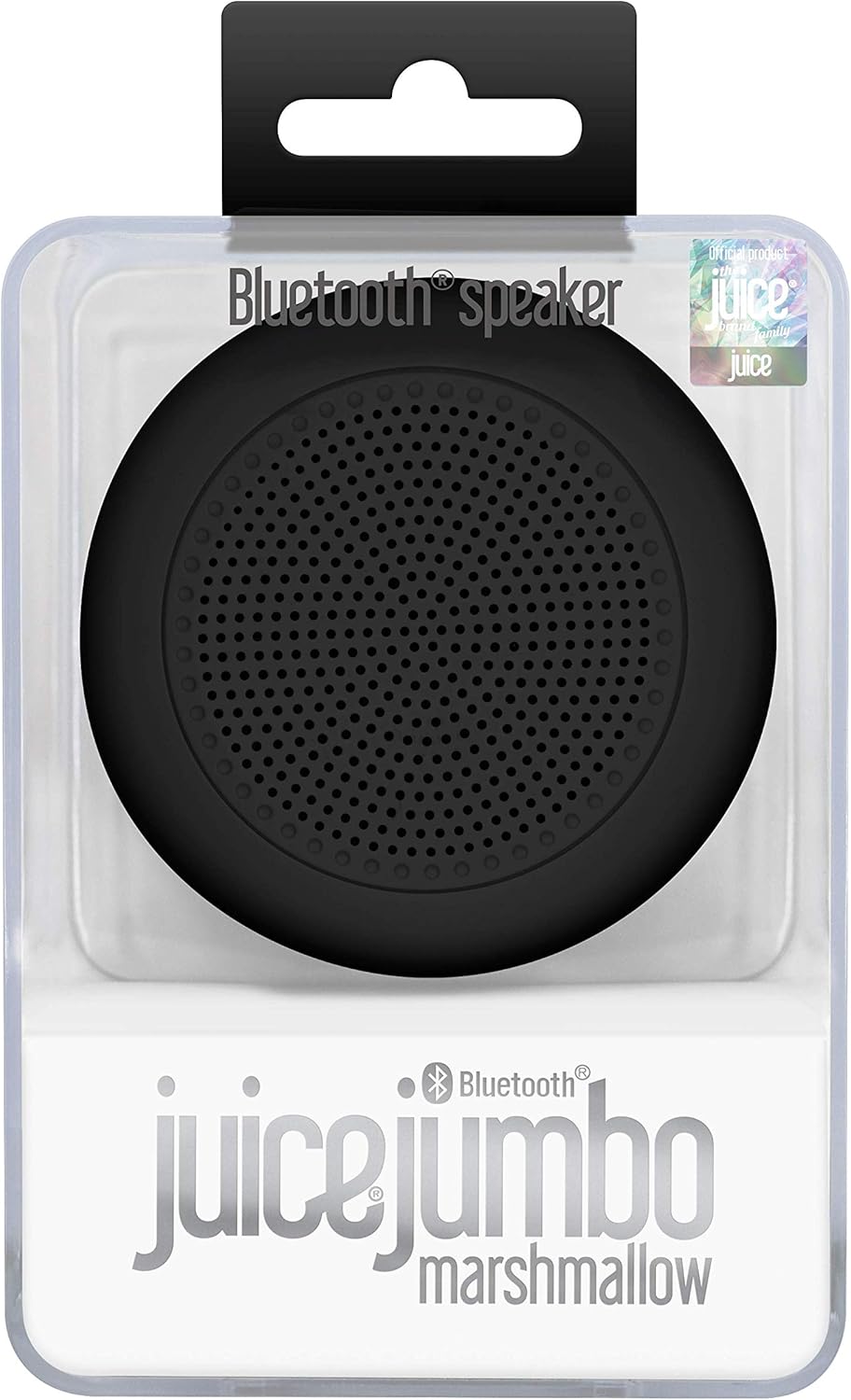
Image: The Juice Jumbo Marshmallow speaker presented in its clear retail packaging, highlighting the product's branding and design.
Configuració
1. Carregant l’altaveu
Before first use, fully charge your Juice Jumbo Marshmallow speaker. Locate the charging port, typically a micro-USB port, on the side or back of the speaker. Connect the provided USB charging cable to the speaker and the other end to a USB power source (e.g., computer USB port, USB wall adapter).
- An indicator light will typically illuminate during charging and turn off or change color when fully charged.
- Una càrrega completa triga aproximadament entre 2 i 3 hores.
2. Emparellament Bluetooth
Per connectar l'altaveu a un dispositiu amb Bluetooth:
- Ensure the speaker is charged and powered on. A power button is usually located near the charging port.
- The speaker will automatically enter pairing mode, indicated by a flashing LED light (e.g., blue or white).
- Al dispositiu (telèfon intel·ligent, tauleta, ordinador portàtil), aneu a la configuració de Bluetooth.
- Cerca available devices. You should see "Juice Jumbo Marshmallow" or a similar name appear in the list.
- Select the speaker name to initiate pairing.
- Once successfully paired, the LED indicator light will typically stop flashing and remain solid, and you may hear an audible confirmation tone.

Image: An illustration emphasizing the speaker's Bluetooth compatibility, showing the Bluetooth logo and text indicating it works with devices that have Bluetooth capability.
Funcionament de l'altaveu
Encès/Apagat
Press and hold the power button for a few seconds to turn the speaker on or off. An audible prompt or LED indicator will confirm the status change.
Reproducció d'àudio
Once paired, all audio from your connected device will play through the Juice Jumbo Marshmallow speaker. Control playback (play, pause, skip tracks) and volume directly from your connected smartphone, tablet, or computer.
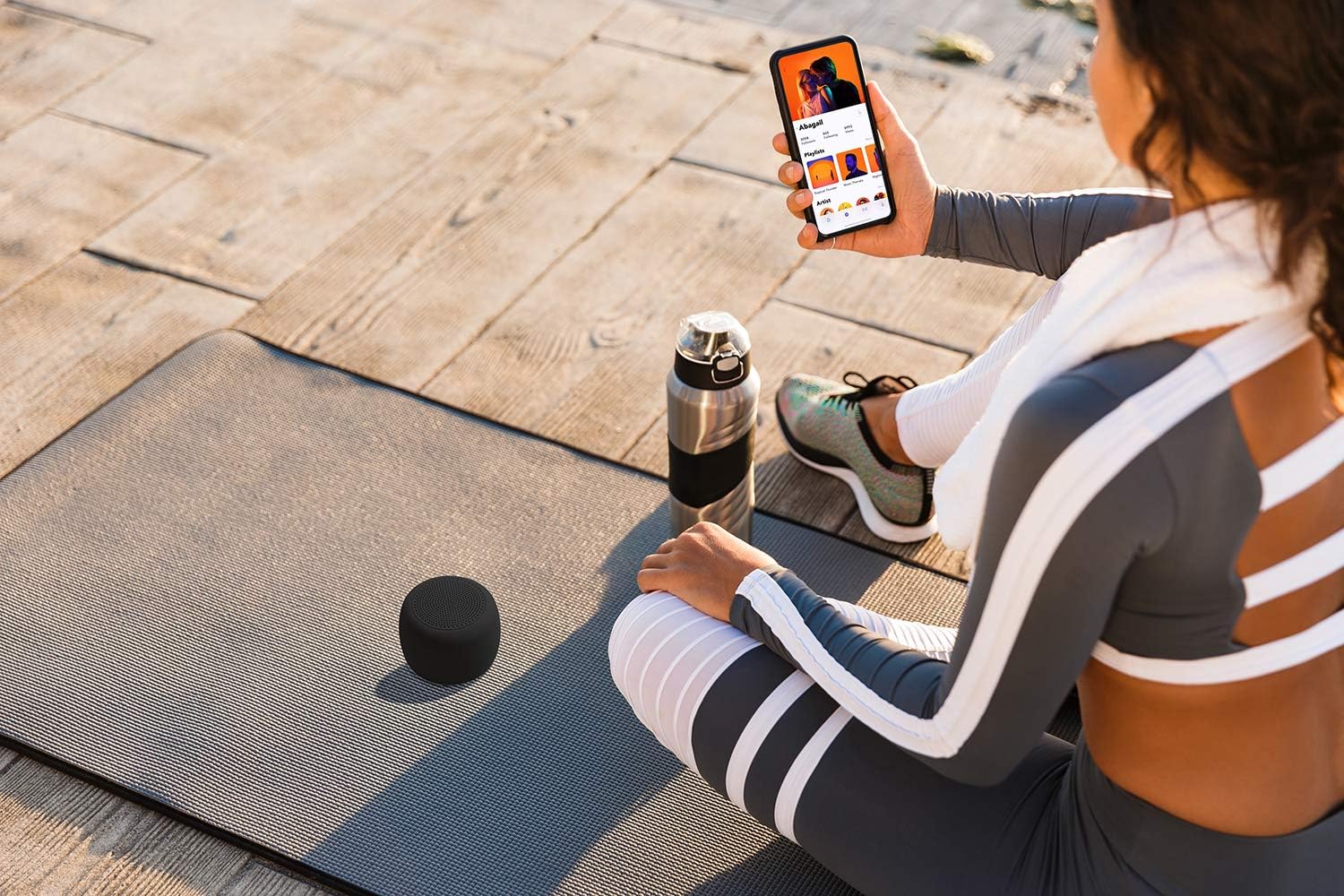
Image: A person sitting on a yoga mat outdoors, holding a smartphone, with the Juice Jumbo Marshmallow speaker placed beside them, demonstrating its portable use.
Distància d'operació
The speaker maintains a stable Bluetooth connection up to approximately 10 meters (33 feet) from the paired device. Obstacles like walls or other electronic devices may reduce this range.

Image: An illustration depicting the Juice Jumbo Marshmallow speaker and a smartphone, with a circular graphic and text indicating a 10-meter Bluetooth operating range.
Manteniment
Neteja
Netegeu l'altaveu amb un drap suau, sec i sense borrissol. No utilitzeu productes de neteja abrasius, ceres ni dissolvents. Eviteu que hi entri humitat a les obertures.
Emmagatzematge
Store the speaker in a cool, dry place away from direct sunlight and extreme temperatures. If storing for an extended period, charge the battery periodically (e.g., every 3-6 months) to maintain battery health.
Resolució de problemes
| Problema | Causa possible | Solució |
|---|---|---|
| L'altaveu no s'encén. | La bateria està esgotada. | Carregueu l'altaveu completament. |
| No es pot emparellar amb el dispositiu. | Bluetooth is off on device; speaker not in pairing mode; too far apart. | Ensure Bluetooth is enabled on your device. Turn the speaker off and on again to re-enter pairing mode. Move speaker closer to your device (within 10m). |
| Sense so o amb un volum baix. | Volum massa baix a l'altaveu o al dispositiu; l'altaveu no està connectat. | Increase volume on both your device and the speaker (if speaker has controls, otherwise only device). Re-establish Bluetooth connection. |
| Mala qualitat de so o connexió intermitent. | Interferència; dispositiu massa lluny; bateria baixa. | Move speaker closer to the device. Avoid obstacles between speaker and device. Charge the speaker. |
Especificacions
| Nom del model | Jumbo Marshmallow |
| Número de model de l'article | JUI-SPKER-JMBMALOW-ECO-BLK |
| Marca | Suc |
| Tecnologia de connectivitat | Bluetooth |
| Tipus d'altaveu | Bluetooth |
| Mode de sortida d'àudio | estèreo |
| Potència de sortida màxima dels altaveus | 3 watts |
| Capacitat de la bateria | 800 mAh (recarregable) |
| Temps de reproducció | Fins a 4 hores |
| Distància d'operació | Around 10 meters (33 feet) |
| Dimensions del producte | 7.7 x 7.7 x 6 cm |
| Pes del producte | 199 g |
| Material | Plàstic |
| Tipus de muntatge | Taula |
| Fabricant | Gusto Telecom Solutions Ltd |
| País d'origen | Xina |

Imatge: Una explosió view diagram of the Juice Jumbo Marshmallow speaker, illustrating its internal components such as the soft touch casing, diaphragm membrane, metal basket, magnet, and Bluetooth micro board.
Garantia i Suport
Juice products are manufactured to high standards and undergo rigorous quality checks. For information regarding warranty coverage and customer support, please refer to the warranty card included with your product or visit the official Juice weblloc.
Si us plau, conserveu el comprovant de compra per a qualsevol reclamació de garantia.
Ask a question about this manual
Ask about setup, troubleshooting, compatibility, parts, safety, or missing instructions. Manuals+ will review the question and use this page’s manual context to help answer it.