1. Introducció
Welcome to the world of Tamagotchi! The Tamagotchi Original is a virtual pet that requires your care and attention to grow and thrive. This manual will guide you through all the essential steps to ensure your digital companion lives a happy and healthy life.

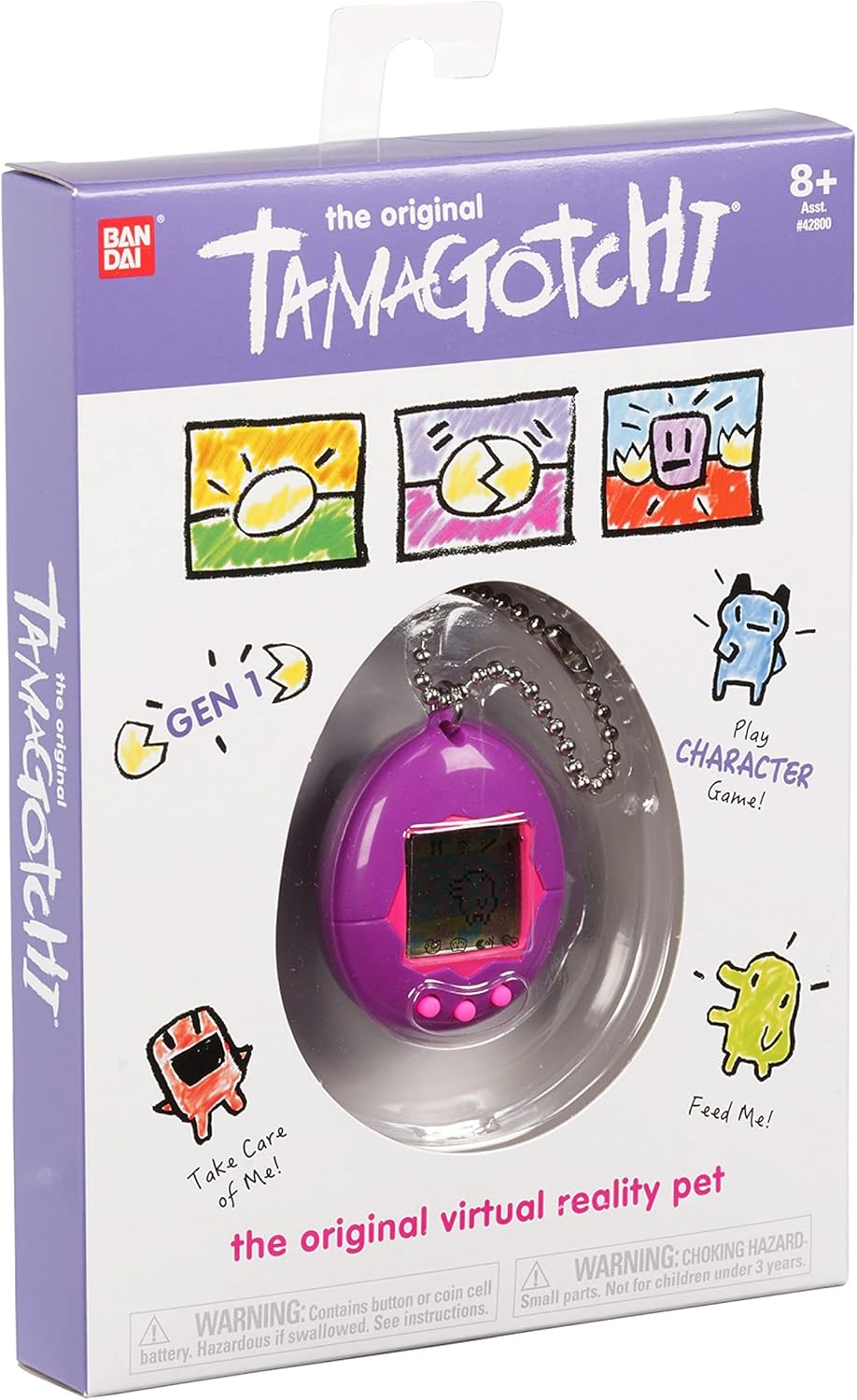
Image 1: The Tamagotchi Original device in its purple packaging, showcasing the classic egg-shaped design.
2. Setup and Initial Activation
Your Tamagotchi comes with a pre-installed CR2032 battery. To begin, you need to activate the device.
- Pull the Tab: Locate the plastic pull-tab protruding from the side or back of the device. Gently pull this tab out completely to activate the battery.
- Pantalla inicial: The screen will display an egg. This indicates your Tamagotchi is ready to hatch.
- Establir hora: Use the control buttons (A, B, C) to set the current time. Button A typically moves the cursor, Button B selects, and Button C cancels or goes back. Refer to the "Operating the Device" section for detailed button functions.
Video 1: A demonstration of the initial setup process, including pulling the battery tab and the egg hatching sequence on a Tamagotchi device.
3. Funcionament del dispositiu
The Tamagotchi Original features three primary buttons for interaction:
- Button A (Left): Selects options or moves the cursor forward.
- Button B (Middle): Confirms selection or performs an action.
- Button C (Right): Cancels an action or returns to the previous screen.
To navigate through the various icons and menus, use Button A to cycle through options and Button B to select.
Imatge 2: Un primer pla view of the Tamagotchi Original device, highlighting the screen and the three control buttons for user interaction.
4. Caring for Your Tamagotchi
Your Tamagotchi requires daily attention to grow from an egg to a baby, then a child, and finally an adult. The type of adult character it becomes depends on how well you care for it.
4.1. Alimentació
When your Tamagotchi is hungry, a hunger icon will appear. Navigate to the food icon and select either a meal or a snack. Meals increase fullness, while snacks increase happiness but can lead to weight gain.
4.2. Jugant
Play games with your Tamagotchi to keep it happy and prevent boredom. The Character game involves guessing which way your Tamagotchi will move next. Winning games increases happiness.
4.3. Neteja
Your Tamagotchi will occasionally leave droppings. Navigate to the clean-up icon to remove them. Failing to clean up can make your Tamagotchi sick.
4.4. Discipline
If your Tamagotchi misbehaves (e.g., calls for attention when it doesn't need anything), use the discipline icon to correct its behavior. This helps in raising a well-behaved adult character.
4.5. Health Check
Regularly check your Tamagotchi's health status by navigating to the status icon. This will show its hunger, happiness, and discipline levels. If it's sick, administer medicine via the medicine icon.

Image 3: The Tamagotchi Original screen displaying a happy digital pet, indicating good care.
5. Growth Stages and Evolution
Your Tamagotchi will evolve through several stages:
- Ou: El s inicialtage after activation.
- Bebè: Hatches from the egg after a few minutes. Requires frequent feeding and cleaning.
- Nen: Evolves from baby stage. Requires continued care, including playing games.
- Adult: El s finaltage, reached after the child stage. The adult character type is determined by the care it received in previous stages. There are 7 possible adult characters.
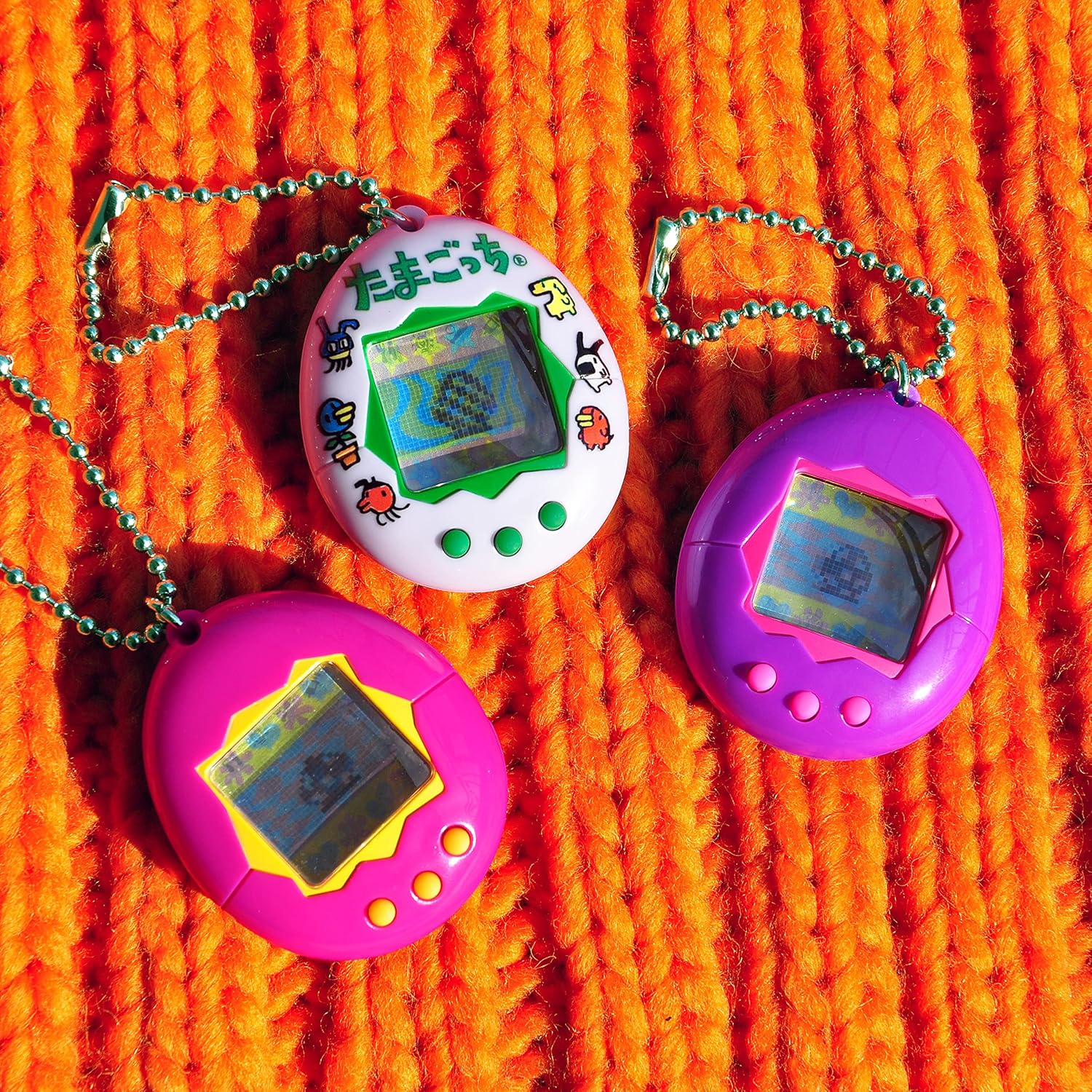
Image 4: A collection of Tamagotchi devices, illustrating the variety of colors available and the compact size of the digital pets.
6. Manteniment
6.1. Substitució de la bateria
The Tamagotchi Original uses one CR2032 lithium metal battery. When the battery is low, the screen may dim or the device may not respond. To replace the battery:
- Localitzeu el compartiment de la bateria a la part posterior del dispositiu.
- Utilitzeu un tornavís petit per obrir el compartiment.
- Traieu la pila antiga i inseriu-ne una de nova CR2032 amb el costat positiu (+) cap amunt.
- Tanqueu el compartiment de manera segura.
Note: Replacing the battery will reset the Tamagotchi's progress.
6.2. Neteja
Netegeu el dispositiu amb un drap suau i sec. Eviteu utilitzar productes químics agressius o materials abrasius.
7. Solució De Problemes
- La pantalla està en blanc: Ensure the battery tab is fully removed. If it is, try replacing the CR2032 battery.
- Tamagotchi is sick: Navigate to the medicine icon and administer treatment. Ensure regular cleaning and feeding to prevent sickness.
- Tamagotchi is not responding: Check battery level. If the battery is low, replace it. If the issue persists, try resetting the device by pressing the reset button (usually a small, recessed button on the back) with a pointed object. Note that resetting will erase all progress.
- Problemes de so: Check the sound settings. Some models allow sound to be turned on/off.
8. Especificacions
| Característica | Detall |
|---|---|
| Número de model | 42801 |
| Marca | Tamagotchi |
| Color | Lila |
| Font d'alimentació | 1 x CR2032 Lithium Metal Battery (included) |
| Tipus de visualització | LCD |
| Dimensions de l'article (L x A x A) | 3" x 2.4" x 1" |
| Pes de l'article | 0.2 lliures |
| Tipus de material | Plàstic |
| Franja d'edat | 8+ anys |
9. Garantia i Suport
Per obtenir informació sobre la garantia i l'assistència al client, consulteu la pàgina oficial del fabricant. weblloc web o poseu-vos en contacte amb el seu departament d'atenció al client. Conserveu el rebut de compra com a comprovant de compra.
Fabricant: Bandai
10. Informació de seguretat
ADVERTIMENT: CHOKING HAZARD - Small parts. Not for children under 3 years. Contains button or coin cell battery. Hazardous if swallowed. See instructions.