
1. Producte acabatview
The HP t430 Thin Client is designed for desktop virtualization and cloud-based applications, offering a streamlined computing experience. It features an Intel Celeron N4000 dual-core processor, DDR4 memory, solid-state storage, and supports 4K display output. Its compact design includes a built-in VESA mount for flexible placement options, such as mounting behind a display or discreetly on or under a desk. The system comes with a simplified operating system, providing an intuitive user interface.
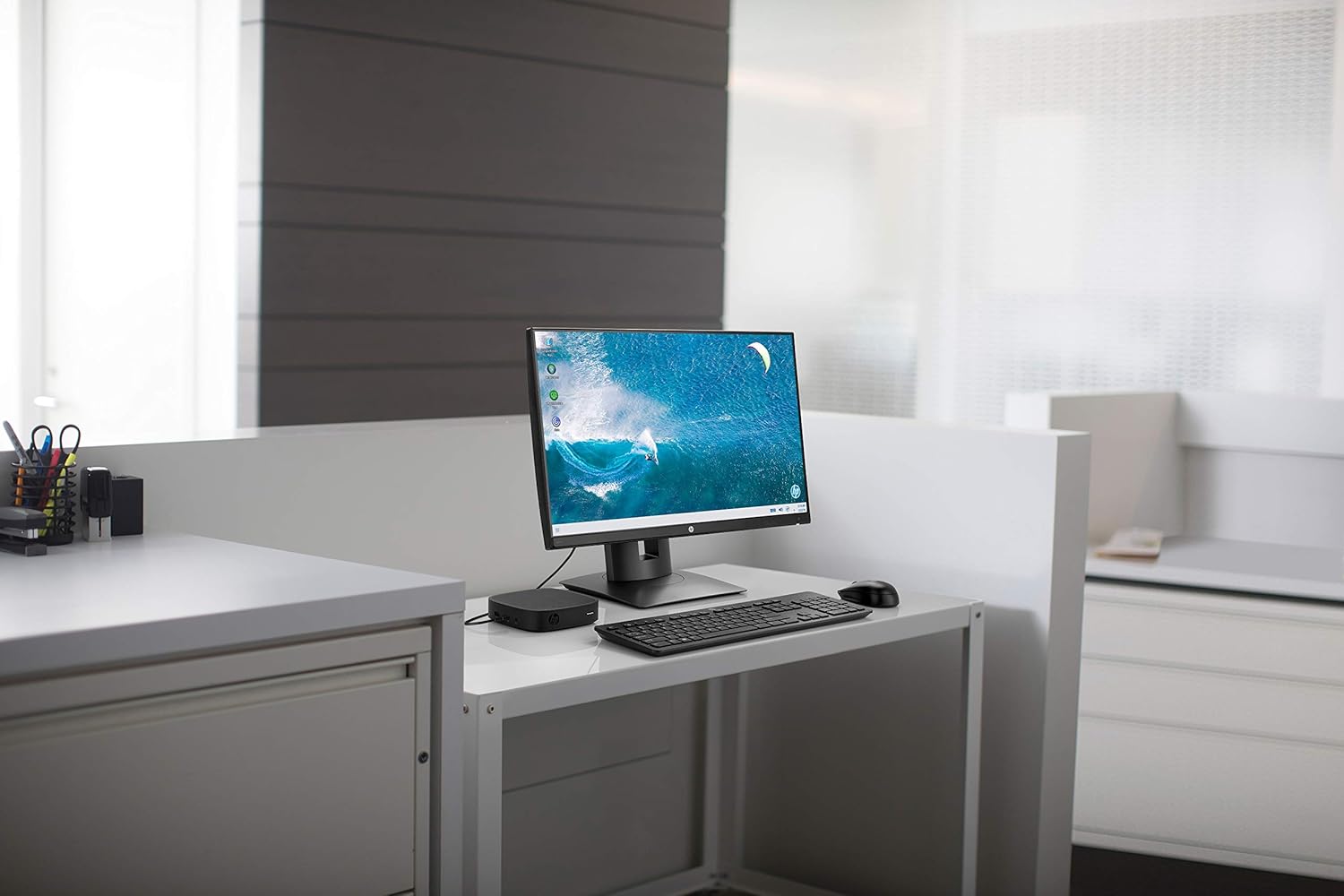
Figura 1.1: HP t430 Thin Client in a typical office setup, connected to a display and peripherals.
2. Instruccions de configuració
2.1 Desembalatge del dispositiu
Carefully remove all components from the packaging. The box should contain the HP t430 Thin Client unit. Ensure no components are damaged during unpacking.
2.2 Connexió de perifèrics
- Connecta la pantalla: Use an HDMI or DisplayPort cable to connect your monitor to the corresponding port on the HP t430 Thin Client. The device supports up to 4K resolution.
- Connecteu el teclat i el ratolí: Plug your USB keyboard and mouse into the available USB ports on the thin client.
- Connecta la xarxa (opcional): For a wired network connection, connect an Ethernet cable from your router or network switch to the RJ-45 port on the thin client. For wireless connectivity, ensure your Wi-Fi network is available during initial setup.
- Connectar l'alimentació: Plug the power adapter into the thin client's power input, then connect the adapter to a power outlet.
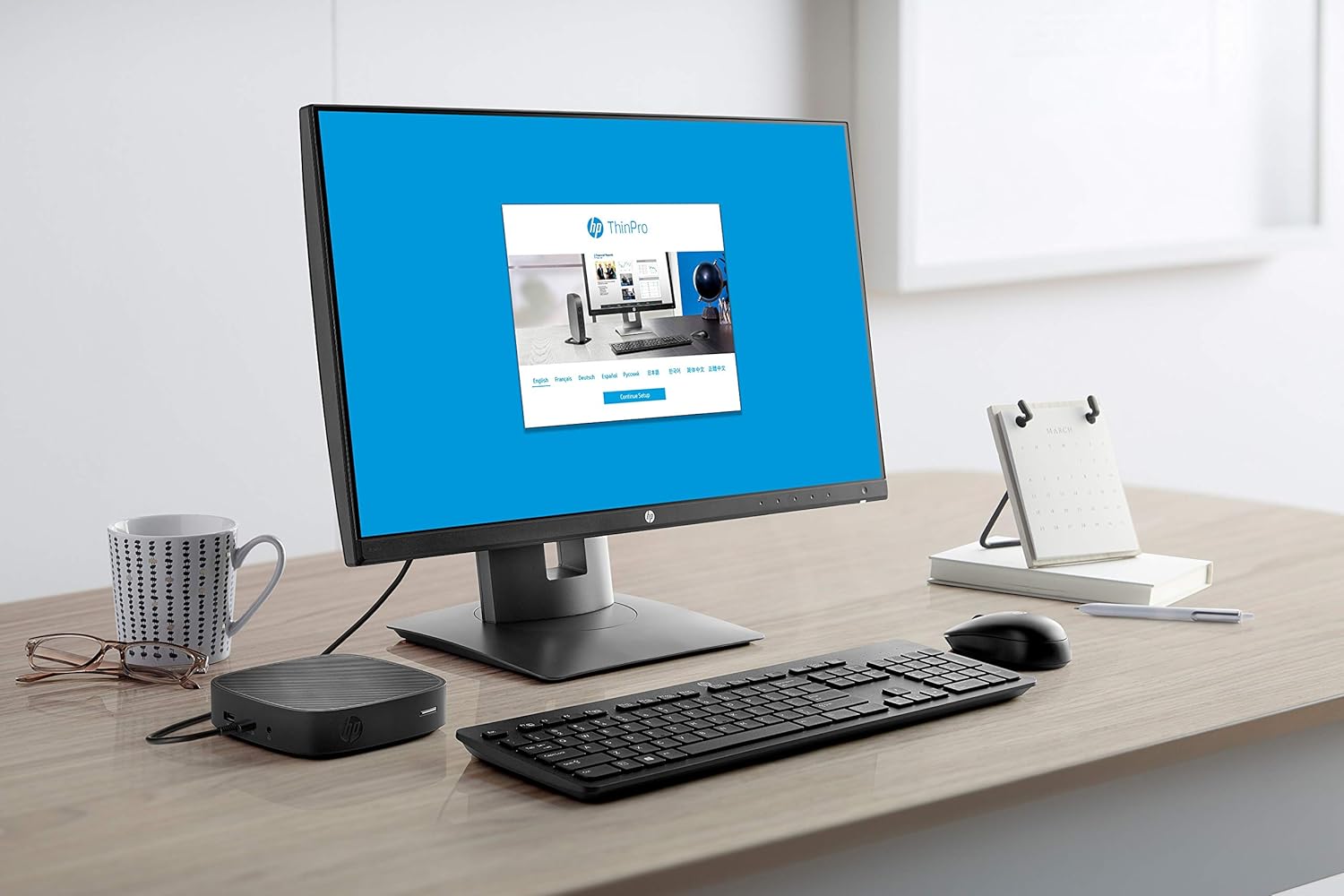
Figura 2.1: HP t430 Thin Client with HP ThinPro login screen, demonstrating a ready-to-use state.
2.3 Engegada inicial
After connecting all necessary peripherals and power, press the power button on the HP t430 Thin Client. The device will boot up, and the operating system (HP Smart Zero Core) will load. Follow any on-screen prompts for initial configuration, such as network setup or user login.
3. Instruccions de funcionament
3.1 Encès/Apagat
- Per encendre: Press the power button located on the front of the thin client.
- Per apagar: Use the shutdown option within the operating system's menu. Alternatively, press and hold the power button for several seconds for a forced shutdown (use only when necessary).
3.2 Operating System Navigation
The HP t430 Thin Client runs on HP Smart Zero Core, designed for simplicity and ease of use. Navigate the interface using the connected keyboard and mouse. Access applications and settings through the main menu or desktop icons.
3.3 Connectivitat de xarxa
- Xarxa per cable: Si hi ha un cable Ethernet connectat, el dispositiu hauria d'establir automàticament una connexió de xarxa amb fil.
- Xarxa sense fils: To connect to a Wi-Fi network, access the network settings within the operating system. Select your desired Wi-Fi network and enter the password if prompted.
3.4 USB Port Usage
The thin client is equipped with USB ports for connecting various devices such as external storage, printers, or other peripherals. Simply plug the USB device into an available port.
4. Manteniment
4.1 Neteja del dispositiu
- Assegureu-vos que el dispositiu estigui apagat i desconnectat abans de netejar-lo.
- Utilitzeu un drap suau i sense pelusa dampamb aigua o una solució de neteja suau per netejar les superfícies exteriors.
- Avoid using harsh chemicals, abrasive cleaners, or spraying liquids directly onto the device.
- Mantingueu les obertures de ventilació netes de pols i deixalles.
4.2 Actualitzacions de programari
Regularly check for and apply operating system and firmware updates as recommended by HP. These updates often include security patches and performance improvements. Refer to the HP support website for specific instructions on updating your HP t430 Thin Client.
5. Solució De Problemes
5.1 Problemes comuns i solucions
| Problema | Possible solució |
|---|---|
| Sense poder |
|
| Sense sortida de visualització |
|
| Problemes de connectivitat de xarxa |
|
| El perifèric no respon |
|
If you encounter issues not listed here or if the suggested solutions do not resolve the problem, please refer to the HP support weblloc web o poseu-vos en contacte amb el servei d'atenció al client d'HP per obtenir més ajuda.
6. Especificacions tècniques
| Característica | Especificació |
|---|---|
| Nom del model | t430 |
| Número de model | 3VQ03AT#ABA |
| Processador | Intel Celeron N4000 Dual-core (2 Core) |
| Velocitat del processador | 1.10 GHz (up to 2.6 GHz burst) |
| Memòria RAM | 2 GB DDR4 SDRAM |
| Emmagatzematge | SSD de 16 GB |
| Sistema operatiu | HP Smart Zero Core |
| Gràfics | Integrated Intel Graphics (Dedicated Graphics Card Description) |
| Sortida de vídeo | HDMI, DisplayPort |
| Resolució màxima de pantalla | 3840 x 2160 (4K) |
| Ports USB | 2 Total USB Ports |
| Connectivitat de xarxa | Ethernet (RJ-45), Wi-Fi |
| Característiques addicionals | Micròfon |
| Dimensions (AxAxP) | 5.3 x 5.3 x 1.3 polzades |
| Pes | 1.6 lliures |
| Components inclosos | t430 Thin Client |
7. Informació de la garantia
The HP t430 Thin Client comes with a Garantia limitada d'3 any. For detailed terms and conditions, including coverage specifics and how to make a warranty claim, please refer to the official HP warranty documentation included with your product or visit the official HP support weblloc web. Conserveu el comprovant de compra per validar la garantia.
8. Atenció al client
For technical assistance, product information, or to download drivers and software updates, please visit the official HP support weblloc:
https://support.hp.com
You may also find contact information for HP customer service in your region on the support website. When contacting support, please have your product model number (3VQ03AT#ABA) and serial number ready.