
Viotek NB24CW
Viotek NB24CW 24-Inch Curved Monitor User Manual
Model: NB24CW
Introducció
This manual provides essential information for the safe and efficient operation of your Viotek NB24CW 24-Inch LED Curved Monitor. Please read this guide thoroughly before using the product and retain it for future reference.
The Viotek NB24CW is a 24-inch curved LED monitor featuring a 1920x1080p Full-HD resolution, 75Hz refresh rate, and FreeSync technology. It includes built-in speakers, VGA and HDMI 1.4 ports, and is VESA mount compatible. Its bezel-less design offers an immersive viewexperiència tant per a la feina com per a l'oci.
Informació de seguretat
Per garantir un funcionament segur i evitar danys, observeu les precaucions següents:
- No exposeu el monitor a la pluja, la humitat ni a temperatures extremes.
- Eviteu col·locar el monitor a prop de fonts de calor o sota la llum solar directa.
- Feu servir només l'adaptador de corrent que s'inclou amb el monitor.
- No bloquejar les obertures de ventilació.
- Clean the screen with a soft, lint-free cloth. Avoid abrasive cleaners.
- If any issues arise, disconnect the power cable and contact customer support.
Contingut del paquet
Verifiqueu que tots els elements siguin presents al paquet:
- Viotek NB24CW Monitor
- Suport de monitor (base i coll)
- Adaptador d'alimentació
- Cable HDMI
- VESA Adapter (75x75mm)
- Manual d'usuari (aquest document)
Configuració
1. Muntatge del suport
- Traieu amb cura el monitor de l'embalatge.
- Fixeu el coll del suport al panell del monitor amb els cargols proporcionats.
- Fixeu la base del suport al coll del suport.
- Col·loqueu el monitor muntat sobre una superfície plana i estable.
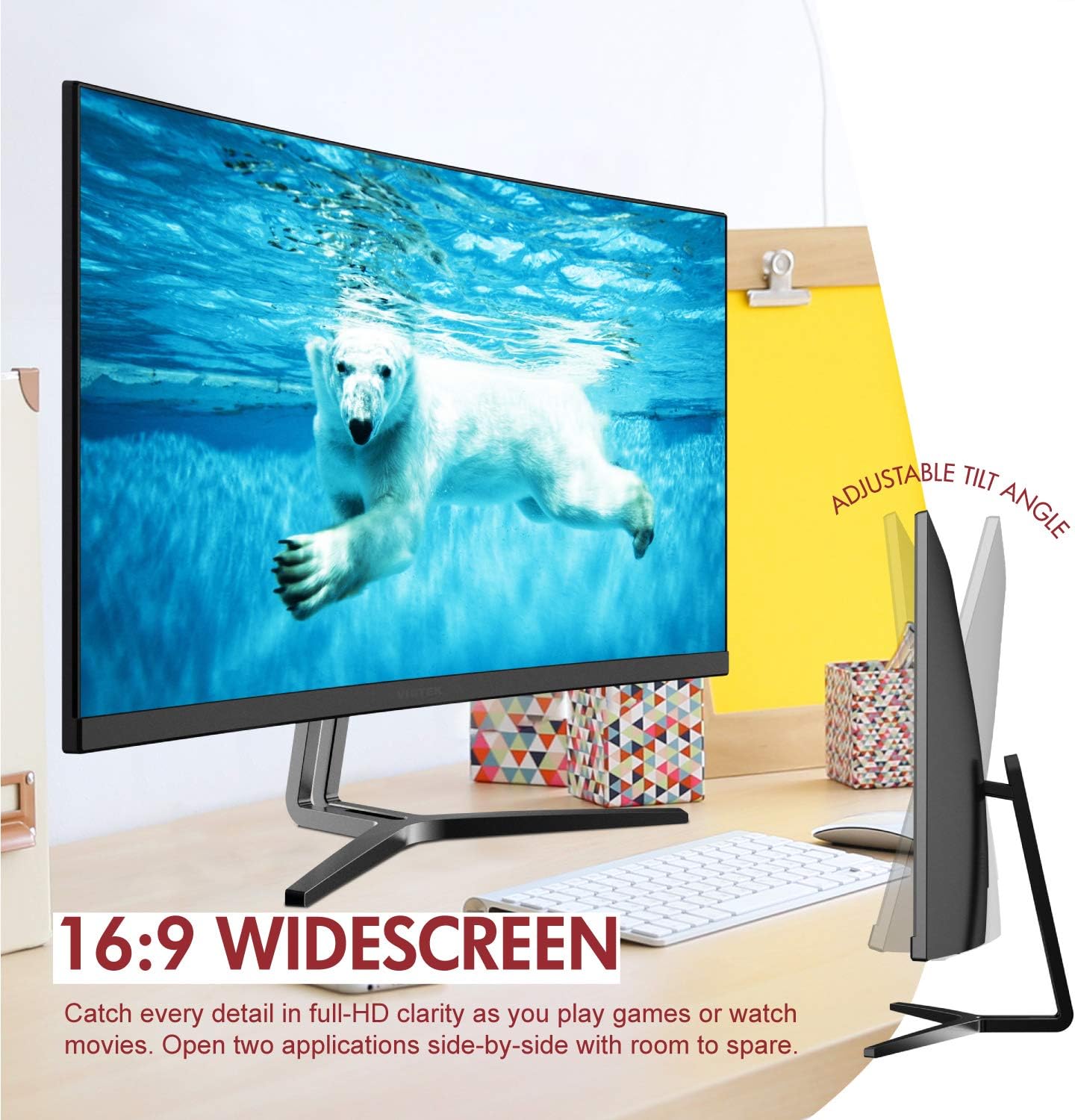
Image: The Viotek NB24CW monitor with its stand, highlighting the 16:9 widescreen aspect ratio and adjustable tilt angle. The monitor is shown displaying a polar bear underwater.
2. Connexió a un dispositiu
The monitor supports HDMI and VGA connections.
- Connexió HDMI: Connect one end of the HDMI cable (included) to the HDMI port on your computer or gaming console, and the other end to the HDMI 1.4 port on the monitor.
- Connexió VGA: Connect one end of the VGA cable (not included) to the VGA port on your computer, and the other end to the VGA port on the monitor.

Imatge: Una imatge detallada view of the monitor's rear panel, illustrating the HDMI 1.4 and VGA input ports for connecting to various devices.
3. Connexió d'alimentació
Connecteu l'adaptador de corrent a l'entrada d'alimentació del monitor i, a continuació, endolleu l'adaptador a una presa de corrent.
4. Muntatge VESA (opcional)
The monitor is VESA 75x75mm compatible. Use the included VESA adapter to mount the monitor to a wall or compatible monitor arm.

Image: The back of the Viotek NB24CW monitor, highlighting its VESA mounting capability, integrated speakers, and connectivity options including VGA and HDMI.
Instruccions de funcionament
1. Encendre/apagar
Premeu el botó d'engegada situat a la part inferior dreta del monitor per encendre'l o apagar-lo.
2. Menú de visualització en pantalla (OSD).
Use the buttons next to the power button to navigate the OSD menu. This menu allows you to adjust various settings such as brightness, contrast, color temperature, input source, and audio volume.
3. Ajustar la configuració de la pantalla
- Brillantor/Contrast: Adjust these settings for optimal visual comfort.
- Configuració de color: Select from preset color modes or customize RGB values.
- Font d'entrada: Manually select between HDMI and VGA inputs if auto-detection fails.
- Llum blava baixa: Activate this feature to reduce eye strain during prolonged use.
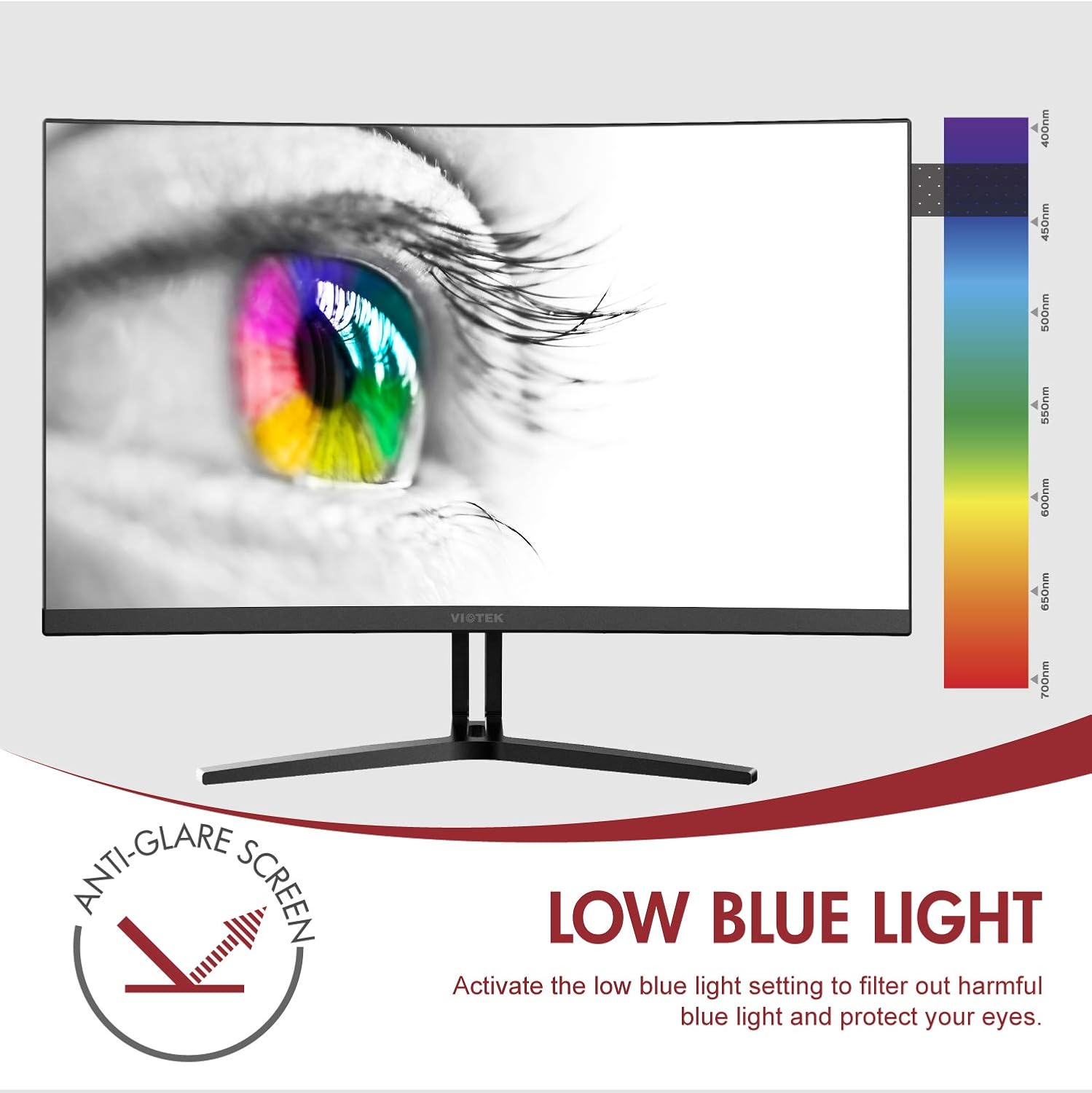
Image: The monitor screen showing an eye with a color spectrum, indicating the Low Blue Light feature designed to protect vision.
4. Característiques de joc
The NB24CW monitor includes features optimized for gaming:
- FreeSync: Enable FreeSync in the OSD menu and on your compatible graphics card to eliminate screen tearing and stuttering.
- GamePlus: Access GamePlus features like integrated crosshairs for improved aiming in FPS/RTS games.
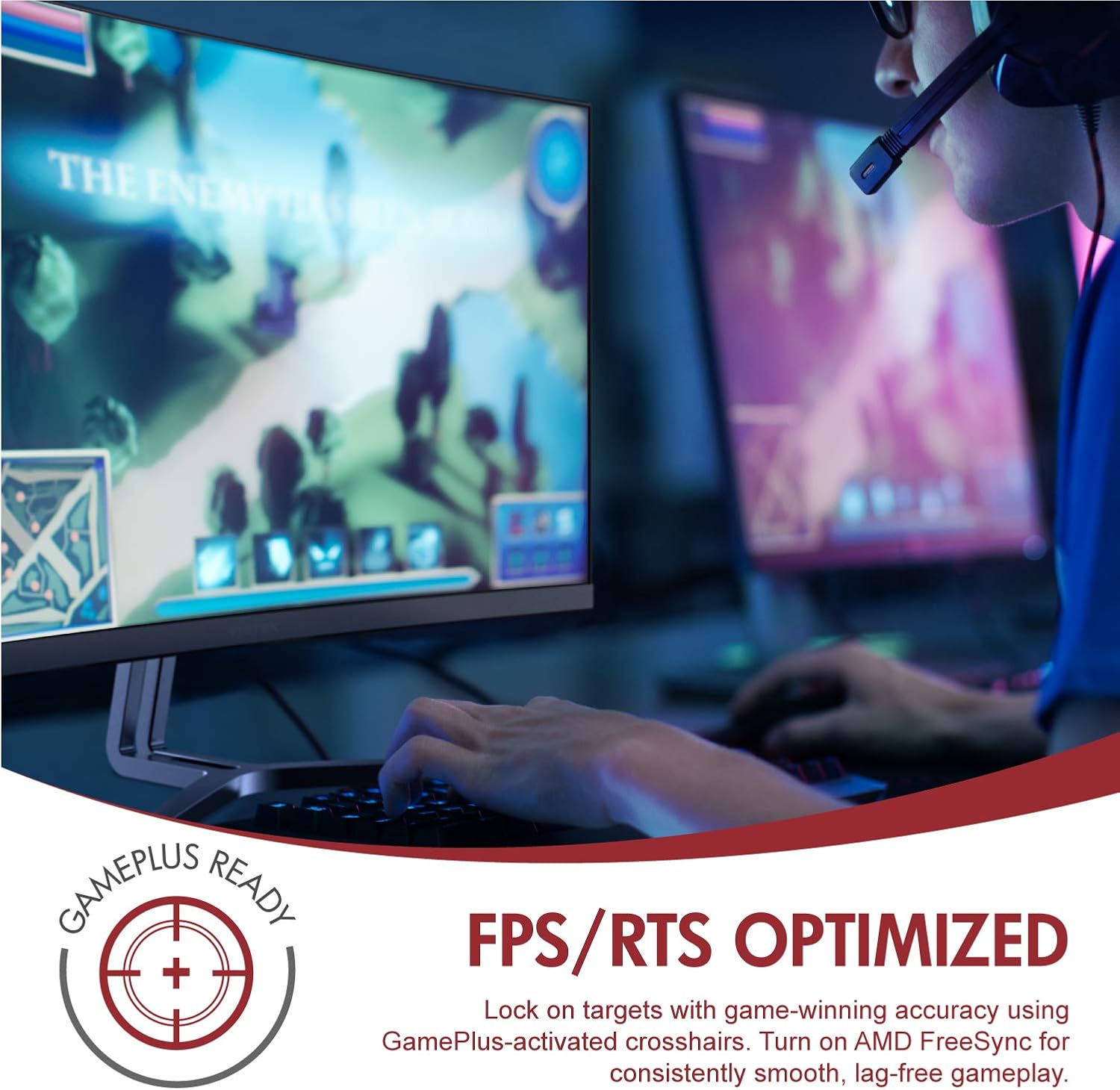
Image: A user engaged in gaming on the Viotek NB24CW monitor, highlighting its FPS/RTS optimized features and GamePlus functionality for enhanced gameplay.
Manteniment
- Neteja de la pantalla: Netegeu suaument la pantalla amb un drap suau, sec i sense borrissol. Per a marques difícils, netegeu suaument.ampNetegeu el drap amb aigua o una solució de neteja específica per a pantalles. No ruixeu líquid directament sobre la pantalla.
- Neteja de la Casing: Feu servir un drap suau i sec per netejar la part frontal del monitor.asing. Eviteu utilitzar productes químics agressius o materials abrasius.
- Emmagatzematge: If storing the monitor for an extended period, disconnect it from power, pack it in its original packaging, and store in a cool, dry place.
Resolució de problemes
| Problema | Causa possible | Solució |
|---|---|---|
| No hi ha imatge a la pantalla | Power cable disconnected, incorrect input source, video cable loose. | Check power connections, select correct input source via OSD, ensure video cable is securely connected. |
| La imatge és borrosa o distorsionada | Incorrect resolution, faulty video cable. | Set display resolution to 1920x1080p, try a different HDMI cable. |
| No hi ha so dels altaveus | Volume too low, audio source not selected, external speakers connected. | Increase volume in OSD and computer settings, ensure audio is routed to monitor, disconnect external speakers if not needed. |
| La pantalla parpelleja | Refresh rate mismatch, faulty cable, FreeSync issue. | Ensure refresh rate is set to 75Hz, try a different video cable, disable FreeSync temporarily to diagnose. |
Especificacions
| Característica | Detall |
|---|---|
| Model | NB24CW |
| Mida de la pantalla | 24 polzades |
| Tipus de panell | LED Curved |
| Curvatura | 1800R |
| Resolució | 1920 x 1080 (Full HD) |
| Relació d'aspecte | 16:9 |
| Freqüència d'actualització | 75 Hz |
| Temps de resposta | 5 ms |
| Viewangle ing | 178° |
| Relació de contrast | 1,000,000:1 (dinàmic) |
| Suport de color | 16.7 Million Colors, 96% sRGB |
| Connectivitat | 1x HDMI 1.4, 1x VGA |
| Àudio | Built-in Speakers (2x4Ω/3W) |
| Compatibilitat VESA | 75x75mm (Adapter Included) |
| Sincronització adaptativa | FreeSync |
| Ajust d'inclinació | -5° a 15° |
| Característiques especials | Bezel-less design, GamePlus, FPS/RTS modes, Low Blue Light, Anti-glare screen |

Image: The Viotek NB24CW monitor showcasing its key performance specifications: 1080p resolution, 1800R curvature, 75Hz refresh rate, and 5ms response time.
Informació de la garantia
Your Viotek NB24CW monitor is covered by a Garantia limitada del fabricant de 3 anys. This warranty covers defects in materials and workmanship under normal use. Additionally, Viotek offers an industry-leading Zero-Tolerance Dead Pixel Policy, ensuring your display is free from dead pixels.
For full warranty terms and conditions, please refer to the official Viotek weblloc o contacteu amb el servei d'atenció al client.

Image: A visual representation of Viotek's commitment to quality, featuring a "3 Year Warranty" and "Zero Dead Pixel - Parts & Labor" guarantee.
Atenció al client
For technical assistance, warranty claims, or general inquiries, please contact our 100% U.S.-based Customer Support Team. They are available 7 days a week via live-chat, email, and social media support.
- Weblloc: www.viotek.com
- Correu electrònic: Refer to the Viotek website for specific email contact.
- Xat en directe: Available on the official Viotek weblloc.
Producte acabatview Vídeo
Vídeo: Un producte oficial acabatview video for the Viotek NB24CB (similar model to NB24CW) monitor, showcasing its curved display, thin design, connectivity ports, and key features like 75Hz refresh rate, FreeSync, and built-in speakers. This video provides a visual guide to the monitor's design and capabilities.
Ask a question about this manual
Ask about setup, troubleshooting, compatibility, parts, safety, or missing instructions. Manuals+ will review the question and use this page’s manual context to help answer it.