
1. Introducció
Thank you for choosing the Viotek NB27CB 27-Inch LED Curved Monitor. This monitor is designed to provide a vibrant and immersive visual experience for both work and entertainment. Featuring a bezel-less Samsung VA panel, 75Hz refresh rate, 1080P Full-HD resolution, and FreeSync technology, it offers exceptional clarity and smooth performance. This manual provides detailed instructions for setting up, operating, maintaining, and troubleshooting your new monitor.

2. Configuració
2.1. Desembalatge del monitor
Carefully remove all components from the packaging. Ensure all items listed in the 'What's in the Box' section are present. Retain the original packaging for future transport or storage.
2.2. Muntatge del suport
- Attach the stand neck to the monitor panel by aligning the grooves and gently pushing until it clicks into place.
- Secure the base to the stand neck using the provided screw.
- Col·loqueu el monitor muntat sobre una superfície plana i estable.
2.3. Connexió a un dispositiu
The NB27CB monitor supports both VGA and HDMI 1.4 connections. Choose the appropriate cable for your device and connect it to the corresponding port on the monitor. An HDMI cable is included with your purchase.
- Connexió HDMI: Connect one end of the HDMI cable to the HDMI port on your computer or gaming console, and the other end to the HDMI port on the monitor.
- Connexió VGA: Connect one end of the VGA cable to the VGA port on your computer, and the other end to the VGA port on the monitor.
- Connexió d'alimentació: Connecteu l'adaptador de corrent a l'entrada d'alimentació del monitor i després endolleu-lo a una presa de corrent.

2.4. Muntatge VESA (opcional)
The NB27CB is VESA compatible (75x75mm), allowing you to mount it to a wall or a compatible monitor arm. Ensure you use appropriate VESA screws and mounting hardware (not included) that can support the monitor's weight.
3. Funcionament del monitor
3.1. Encendre/apagar
Premeu el botó d'engegada que es troba al monitor per engegar-lo o apagar-lo. L'indicador lluminós d'engegada s'il·luminarà quan el monitor estigui actiu.
3.2. Menú de visualització en pantalla (OSD).
Use the buttons on the monitor's bezel to navigate the OSD menu. This menu allows you to adjust various display settings such as brightness, contrast, color temperature, input source, and more.
3.3. Característiques clau
- Freqüència d'actualització de 75 Hz i temps de resposta d'5 ms: Experience smoother visuals with a 75Hz refresh rate and a rapid 5ms response time, ideal for gaming and fast-paced content.
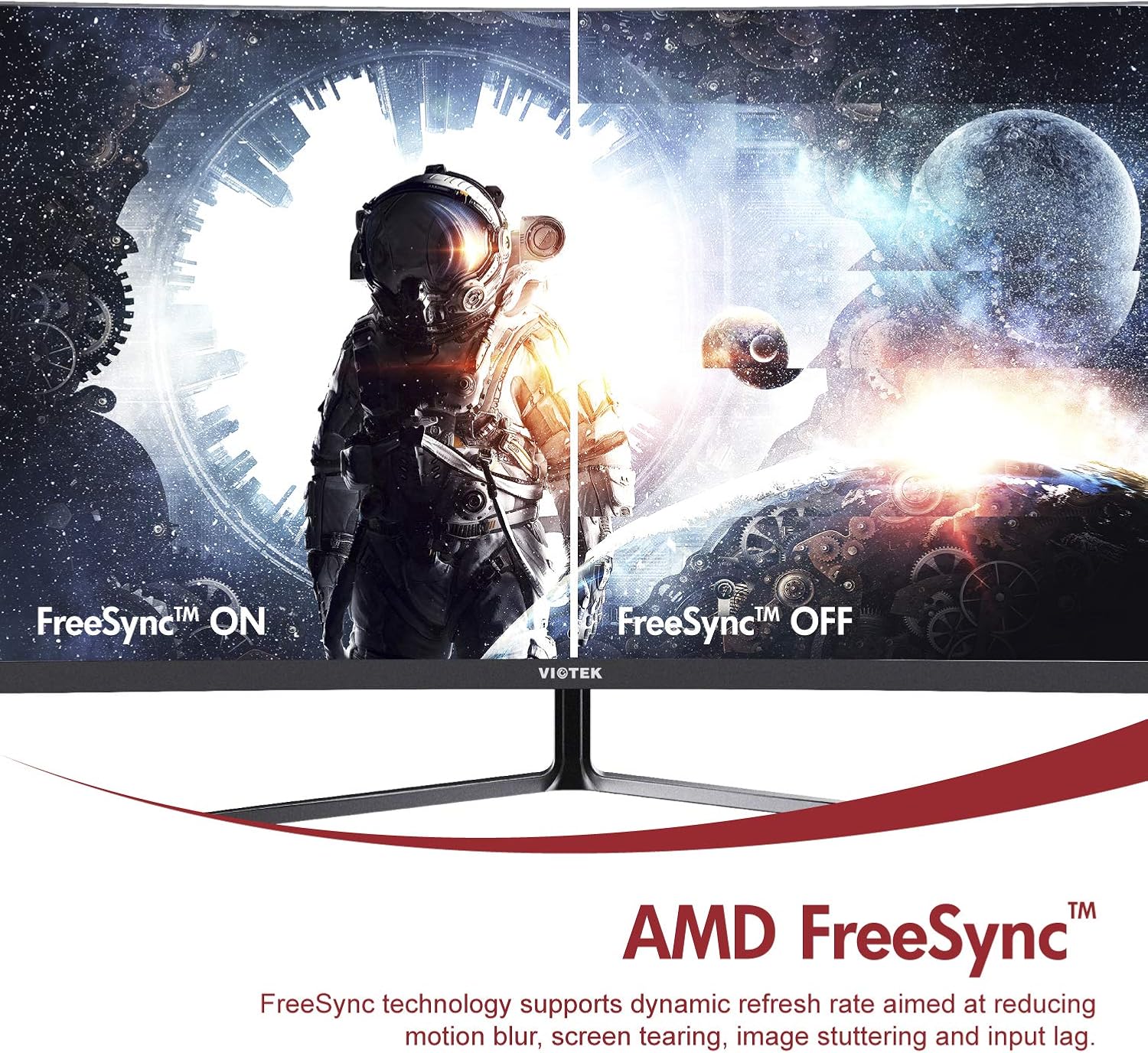
- AMD FreeSync™: Activate FreeSync to synchronize the monitor's refresh rate with your graphics card's frame rate, reducing screen tearing and stuttering for a seamless gaming experience.
- Llum blava baixa: Reduce eye strain during prolonged use by enabling the Low Blue Light setting in the OSD menu. This filters out harmful blue light emissions.
- GamePlus Crosshair Functionality: For competitive gaming, activate the GamePlus crosshair overlay to improve aiming accuracy in FPS/RTS games.
- Altaveus integrats: The monitor includes integrated speakers for audio output.



4. Manteniment
Un manteniment adequat garanteix la longevitat i el rendiment òptim del monitor.
- Neteja de la pantalla: Netegeu suaument la pantalla amb un drap suau i sense borrissol. Per a les marques difícils, utilitzeu una solució de neteja específica per al monitor aplicada al drap, no directament a la pantalla.
- Neteja de la Casing: Feu servir un drap suau i sec per netejar la part frontal del monitor.asing. Eviteu utilitzar productes de neteja o dissolvents abrasius.
- Ventilació: Assegureu-vos que les obertures de ventilació del monitor no estiguin bloquejades per evitar el sobreescalfament.
- Emmagatzematge: If storing the monitor for an extended period, use the original packaging to protect it from dust and damage.
5. Solució De Problemes
Si teniu problemes amb el monitor, consulteu els problemes i solucions més comuns següents:
| Problema | Causa possible | Solució |
|---|---|---|
| No hi ha imatge a la pantalla | Cable d'alimentació desconnectat; Cable de vídeo desconnectat; Font d'entrada incorrecta. | Assegureu-vos que els cables d'alimentació i de vídeo estiguin connectats correctament. Seleccioneu la font d'entrada correcta a través del menú OSD. |
| La imatge és borrosa o distorsionada | Resolució incorrecta; cable de vídeo fluix. | Estableix la resolució de la pantalla a 1920 x 1080. Comprova la connexió del cable de vídeo. |
| No hi ha so dels altaveus | Volume too low; Audio output not set to monitor; Faulty cable. | Increase monitor volume. Ensure your computer's audio output is set to the monitor. Check HDMI cable. |
| La pantalla parpelleja | FreeSync not enabled (if applicable); Graphics driver issues; Faulty cable. | Enable FreeSync in OSD and graphics card settings. Update graphics drivers. Try a different video cable. |
6. Especificacions
Detailed technical specifications for the Viotek NB27CB monitor:
| Característica | Especificació |
|---|---|
| Mida de la pantalla | 27 polzades |
| Resolució de pantalla | 1920x1080 (Full HD) |
| Resolució de pantalla màxima | 1920 x 1080 |
| Freqüència d'actualització | 75Hz Max. |
| Temps de resposta | 5 ms |
| Tipus de panell | Panell VA |
| Curvatura | 1800R |
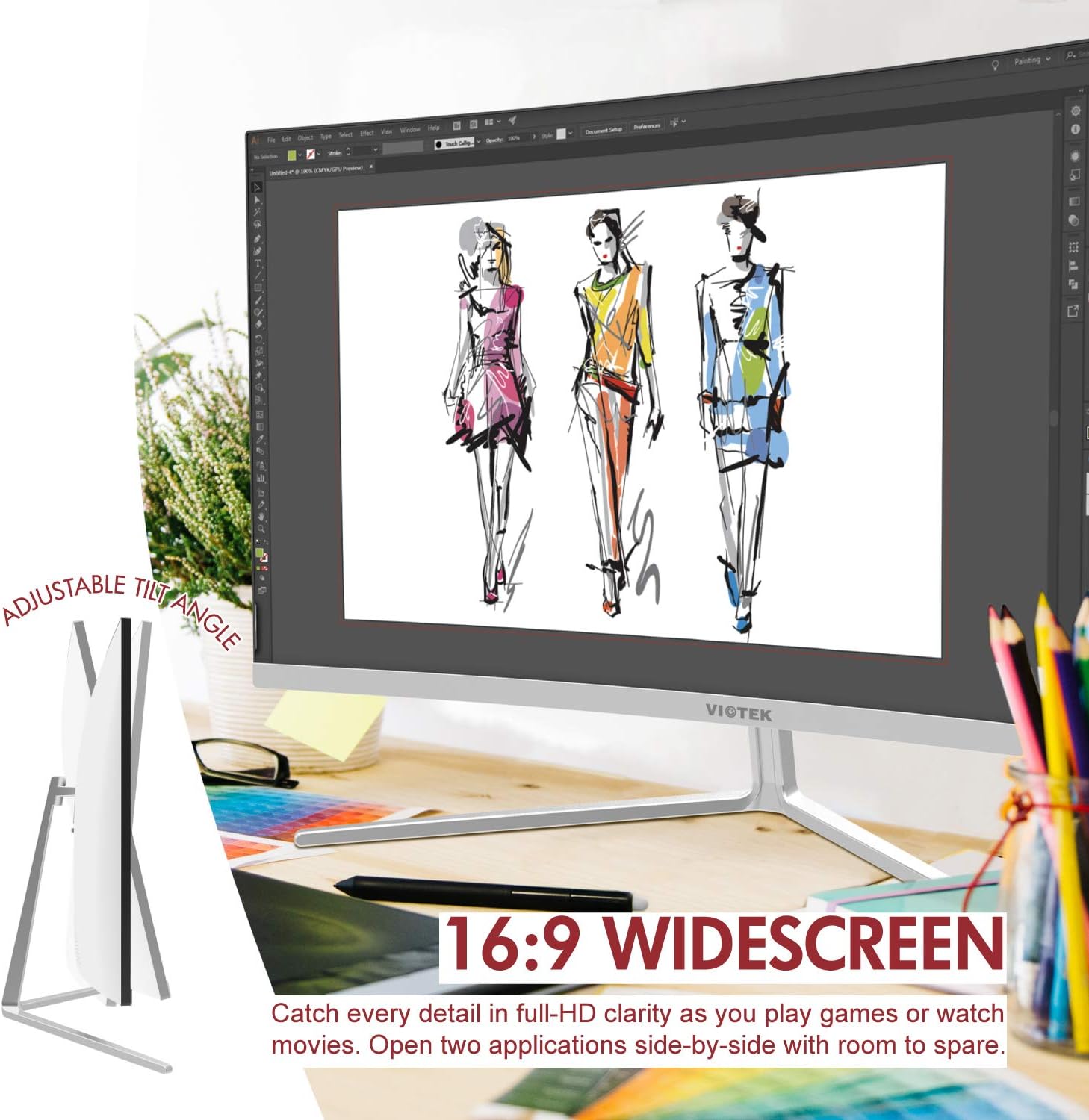
| Relació d'aspecte | 16:9 |
| Colors de visualització | 16.7 milions de colors |
| Relació de contrast dinàmica | 1000000:1 |
| Compatibilitat VESA | 75x75mm |
| Ports | 1x VGA / 1x HDMI 1.4 |
| Altaveus | Yes, 2x 4Ω/3W |
| Inclinació ajustable | Yes, -5° ~ 15° |
| Pes de l'article | 10.36 lliures |
| Dimensions del producte | 24.13 x 8.38 x 17.67 polzades |
7. Garantia i assistència
7.1. Garantia del producte
The Viotek NB27CB monitor comes with a 3 anys de garantia covering parts and labor. This includes Viotek's industry-leading Zero-Tolerance Dead Pixel Policy, ensuring a high-quality display experience.

7.2. Atenció al client
Viotek provides 100% U.S.-based customer support, available 7 days a week via live-chat, email, and social media. For assistance, please visit the official Viotek weblloc web o consulteu la informació de contacte que es proporciona amb la documentació del producte.