
1. Introducció
The Viotek GN32DB is a 32-inch curved gaming monitor designed to deliver an immersive visual experience. It features a WQHD (2560x1440p) resolution, a 144Hz refresh rate, and AMD FreeSync technology, ensuring smooth and responsive gameplay. This manual provides essential information for setting up, operating, maintaining, and troubleshooting your monitor.

Image: The Viotek GN32DB monitor showcasing its 144Hz WQHD display capabilities.
2. Configuració
2.1 Unboxing i muntatge
Carefully remove the monitor and all components from the packaging. Ensure all parts are present before proceeding with assembly. Attach the stand base to the stand neck, then secure the assembled stand to the back of the monitor using the provided screws. The monitor also supports VESA mounting (75x75mm) for alternative installation options.
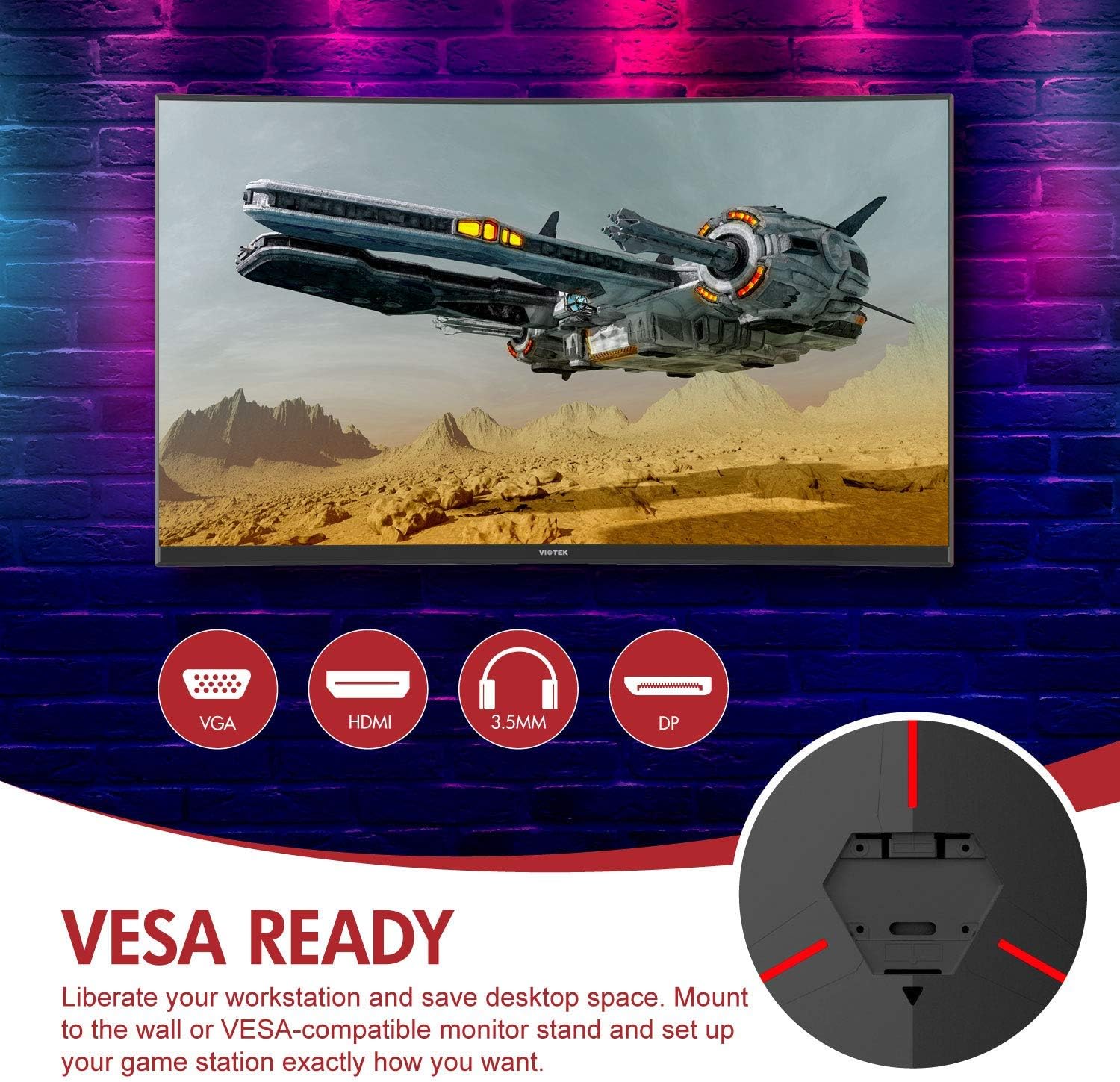
Imatge: Part posterior view of the monitor highlighting VESA compatibility and available ports.
2.2 Connexió a un dispositiu
Connect your computer or gaming console to the monitor using one of the available input ports:
- DisplayPort (DP 1.2): For optimal performance, including 144Hz refresh rate and FreeSync.
- HDMI (HDMI 2.0): Supports high-resolution and refresh rates.
- DVI: Per a dispositius compatibles.
Connect the power adapter to the monitor and then to a power outlet. The monitor also features a 3.5mm audio output jack for external sound systems.

Imatge: Detallada view of the monitor's rear panel with input ports.
3. Funcionament del monitor
3.1 Encès/Apagat
Press the power button located on the monitor to turn it on or off. The power indicator light will show the monitor's status.
3.2 Menú de visualització en pantalla (OSD)
Navigate the OSD menu using the buttons or joystick (if present) on the monitor. The OSD allows you to adjust various settings:
- Configuració de la imatge: Ajusta la brillantor, el contrast, la nitidesa i la temperatura del color.
- Modes de color: Select from predefined color profiles o personalitza el teu.
- Font d'entrada: Manually select the active input (DP, HDMI, DVI).
- Àudio: Adjust volume for the 3.5mm audio output.
3.3 Característiques del joc
- AMD FreeSync: This technology synchronizes the monitor's refresh rate with your GPU's frame rate to eliminate screen tearing and stuttering. Ensure FreeSync is enabled in both the monitor's OSD and your graphics card settings.
- FPS/RTS Modes: Optimize display settings for specific game genres.
- Joc Plus: Activate on-screen crosshairs for improved aiming accuracy.

Image: Visual demonstration of AMD FreeSync technology in action.
3.4 Low Blue Light Mode
Activate the Low Blue Light mode to reduce blue light emissions, which can help minimize eye strain during extended use.
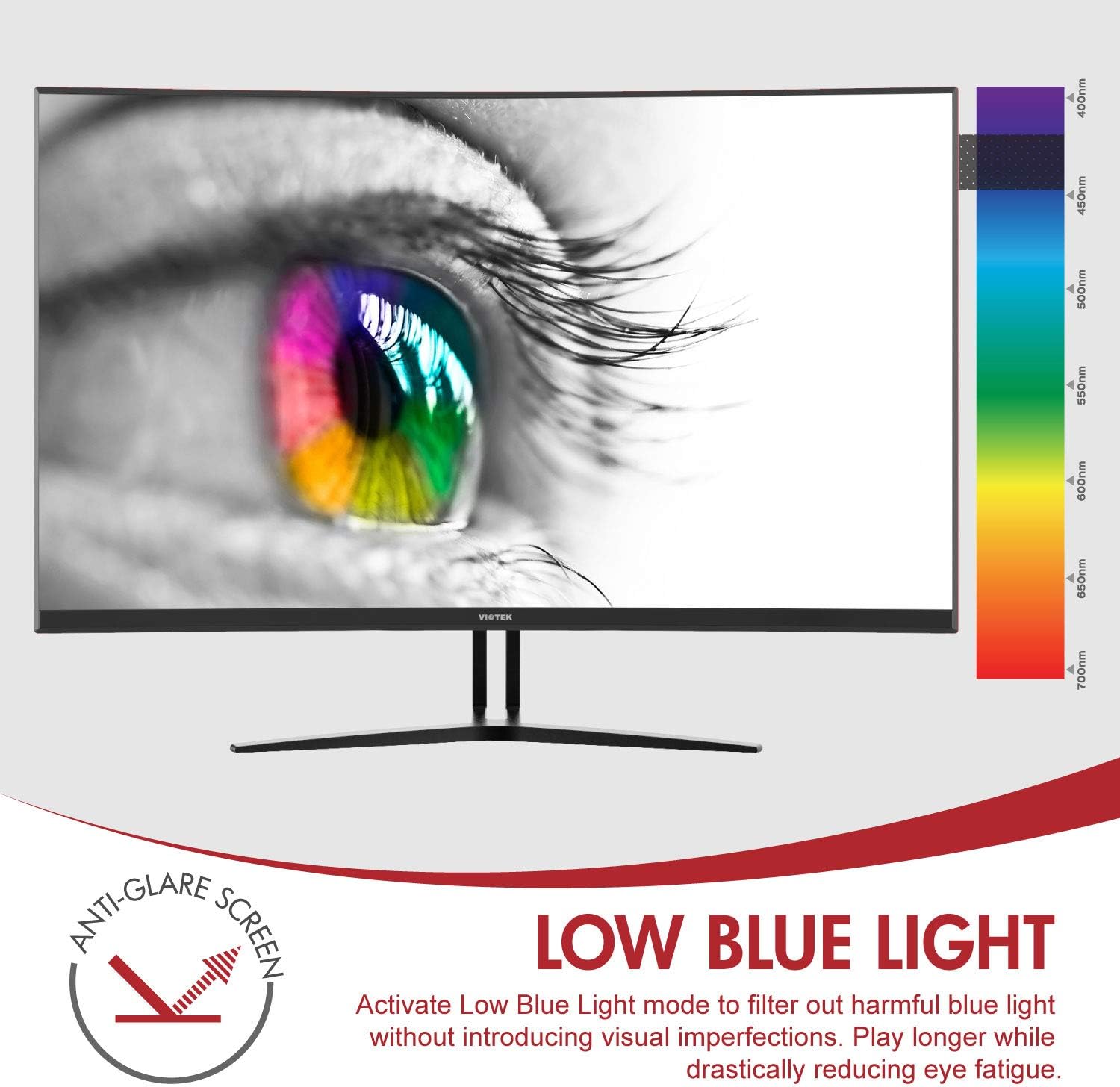
Image: The monitor's Low Blue Light feature for eye comfort.
3.5 Console Compatibility
The GN32DB is compatible with various gaming consoles, including Xbox One S/X and PlayStation 4, via DP 1.2 or HDMI connections. Enjoy FreeSync compatibility with supported Xbox consoles for smoother gameplay.

Image: Monitor compatibility with gaming consoles and adjustable tilt angle.
4. Manteniment
To ensure the longevity and optimal performance of your Viotek GN32DB monitor, follow these maintenance guidelines:
- Neteja de la pantalla: Netegeu suaument la pantalla amb un drap suau i sense borrissol. Per a marques difícils, netegeu suaument.ampNetegeu el drap amb aigua o una solució de neteja específica per a pantalles. Eviteu utilitzar productes químics agressius o materials abrasius.
- Neteja general: Feu servir un drap suau i sec per netejar el monitor casing and stand.
- Ventilació: Assegureu-vos que les obertures de ventilació del monitor no estiguin bloquejades per evitar el sobreescalfament.
- Emmagatzematge: Quan no l'utilitzeu durant períodes prolongats, guardeu el monitor en un lloc fresc i sec, preferiblement en el seu embalatge original.
5. Solució De Problemes
Si teniu problemes amb el monitor, consulteu els problemes i solucions més comuns següents:
| Problema | Causa possible | Solució |
|---|---|---|
| No hi ha imatge a la pantalla | Power cable disconnected, incorrect input source, faulty video cable. | Check power connections. Select correct input source via OSD. Replace video cable. |
| Imatge parpellejant o distorsionada | Loose video cable, incorrect resolution/refresh rate, FreeSync issue. | Ensure video cable is secure. Adjust display settings on your device. Verify FreeSync settings. |
| No sound from 3.5mm audio out | Volume too low, external speakers not connected, audio source issue. | Increase monitor volume. Connect speakers correctly. Check audio settings on your device. |
| El monitor no s'encén | Power supply issue, faulty power button. | Verify power outlet and adapter. Contact support if issue persists. |
If the problem persists after attempting these solutions, please contact Viotek customer support.
6. Especificacions
| Característica | Detall |
|---|---|
| Marca | Viotek |
| Número de model | GN32DB |
| Mida de la pantalla | 31.5 polzades |
| Resolució | QHD Wide 1440p (2560x1440) |
| Relació d'aspecte | 16:9 |
| Freqüència d'actualització | 144 Hz |
| Temps de resposta | 4 Milliseconds (with Automatic Overdrive) |
| Tipus de visualització | LED (Samsung VA Panel) |
| Curvatura | 1800R |
| Gamma de colors | 115% sRGB / 85% NTSC |
| Relació de contrast | 3000:1 (Static), 1,000,000:1 (Dynamic) |
| Brillantor | 250 cd/m² |
| Viewangle ing | 178 graus |
| Sincronització adaptativa | FreeSync |
| Connectivitat | 1x DisplayPort 1.2, 1x HDMI 2.0, 1x DVI, 1x 3.5mm Audio Output |
| Tipus de muntatge | Suport VESA (75x75mm) |
| Característiques addicionals | Anti-Glare Screen, Low Blue Light, FPS/RTS Modes, Game Plus |
| Pes de l'article | 17.2 lliures |
7. Garantia
The Viotek GN32DB monitor is protected by a Garantia limitada de 3 anys. This warranty includes a Zero-Tolerance Dead Pixel Policy, ensuring that your monitor is free from dead pixels upon purchase. For detailed terms and conditions, please refer to the official Viotek warranty documentation.

Image: Viotek's 3-Year Limited Warranty and Zero-Tolerance Dead Pixel Policy.
8. Suport
For any questions, technical assistance, or warranty claims, please contact Viotek's customer service. Our 100% U.S.-based customer service team is available 7 days a week to provide support.
Contact information can be found on the official Viotek weblloc web o a l'embalatge del producte.