
Introducció
The Formax FD 346 is a high-speed desktop office folder designed for efficient document processing. It features a color touchscreen control panel, a telescoping output stacker, and the ability to fold various paper sizes and types. This manual provides essential information for setting up, operating, and maintaining your FD 346 folder.
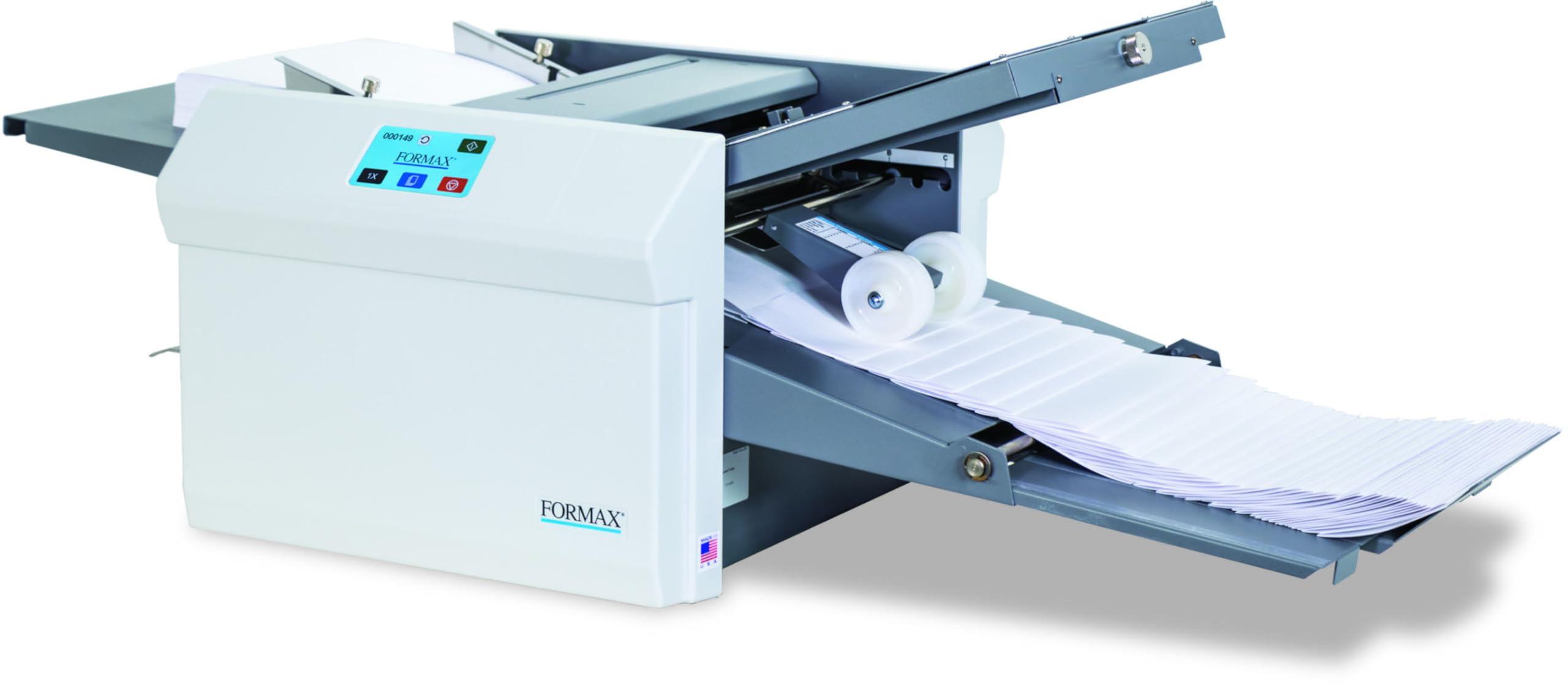
Image: The Formax FD 346 Touchscreen Desktop Office Folder in an office setting, showcasing its compact design and paper handling capabilities.
Instruccions de configuració
Desembalatge i col·locació
Carefully remove the Formax FD 346 from its packaging. Place the machine on a stable, level surface with adequate space for paper feeding and output. Ensure proper ventilation around the unit.
Connexió d'alimentació
Connect the power cord to the machine's power inlet and then to a standard 110VAC 50/60 Hz power outlet. Use only the power cord supplied with the unit.
Adjusting Fold Plates
The FD 346 comes with pre-marked settings for 6 standard folds (C, V, Z, Gate, Fold Out, Double Parallel) in common paper sizes (11", 14", 17").
- Refer to the fold settings guide located on the machine.
- Loosen the adjustment knobs on the fold plates.
- Slide the plates to the desired positions according to the guide or for your custom fold.
- Tighten the adjustment knobs to secure the plates.
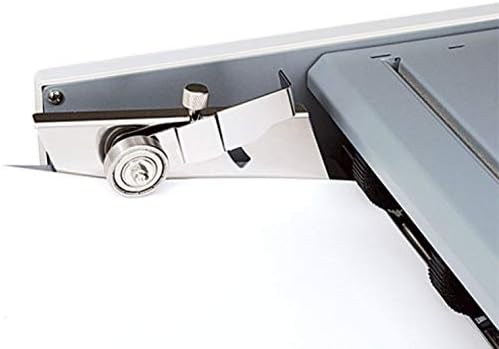
Imatge: Primer pla view of the fold plate adjustment area on the Formax FD 346, showing the marked settings for various fold types and paper sizes. Users can loosen knobs to slide the plates to the indicated positions for precise folding.
Adjusting Stacker Wheels
The adjustable stacker wheels can be manually positioned to accommodate different paper sizes and fold types, ensuring neat output.
- Locate the stacker wheels in the output area.
- Manually slide the wheels to align with the edges of the folded paper for optimal stacking.

Imatge: Detallada view of the adjustable stacker wheels on the Formax FD 346. These wheels can be repositioned along a track to support various paper sizes and maintain an organized output stack.
Carregant paper
The FD 346 features a drop-in feed system with a hopper capacity of up to 500 sheets (20# / 75gsm).
- Ventileu la pila de paper per evitar errors d'alimentació.
- Place the paper stack into the infeed hopper.
- Adjust the side guides to gently hold the paper stack in place, ensuring it is aligned correctly.

Image: A user loading a stack of paper into the infeed tray of the Formax FD 346. The paper is placed between adjustable guides to ensure proper alignment for feeding.
Instruccions de funcionament
Tauler de control acabatview
The machine is equipped with a color touchscreen control panel for intuitive operation. It includes a 6-digit resettable counter and an 8-digit life counter.

Imatge: Una imatge detallada view of the Formax FD 346's color touchscreen control panel, displaying operational icons and a digital sheet counter for monitoring folding progress.
Starting a Folding Job
- Ensure paper is loaded and fold plates/stacker wheels are correctly adjusted.
- Select the desired fold type on the touchscreen.
- Press the "Start" button on the control panel. The machine will begin processing sheets at speeds up to 15,500 sheets per hour.
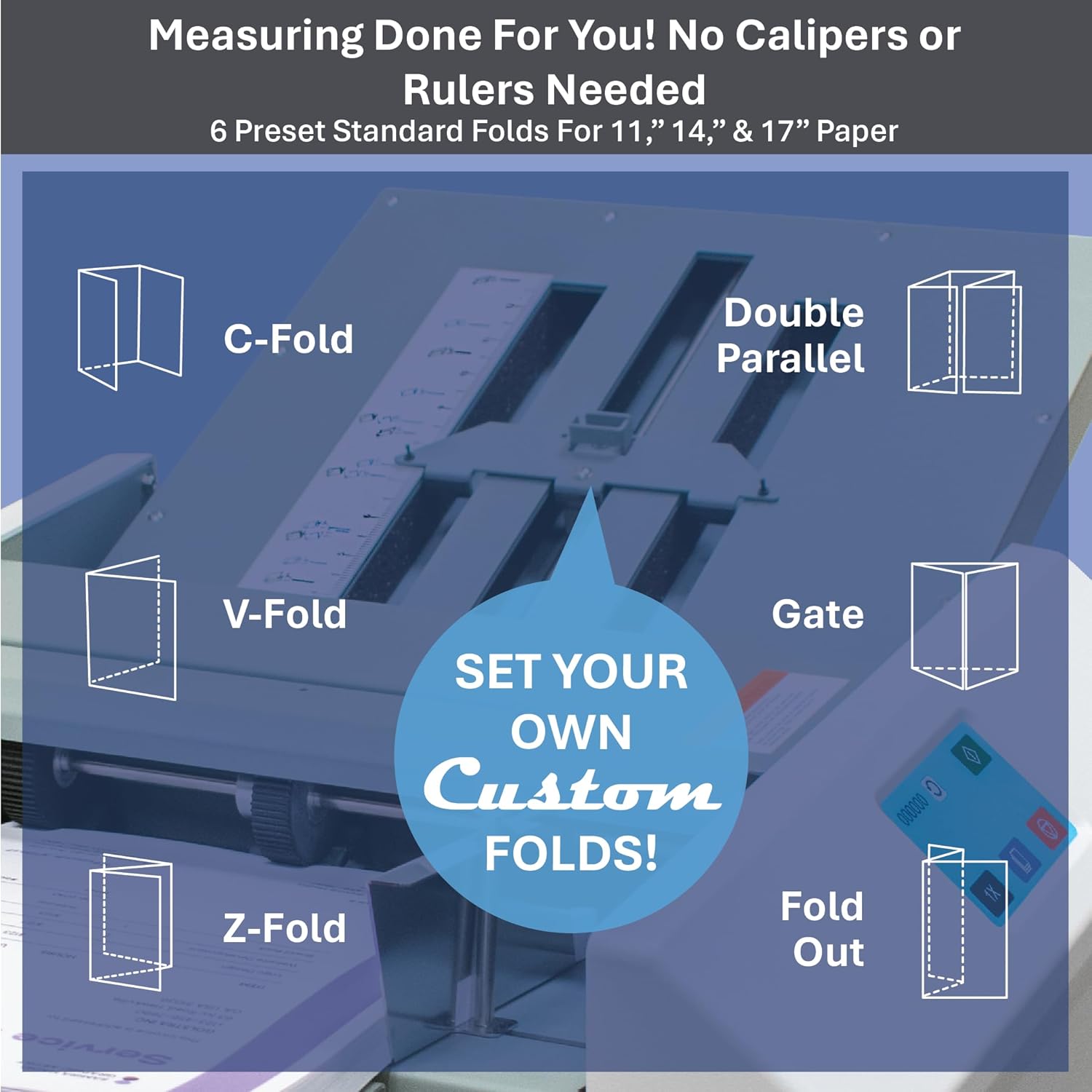
Image: The Formax FD 346 actively folding paper, with a substantial stack of neatly folded documents accumulating in the output tray, demonstrating its high-speed capability.
AutoBatch Setting
The AutoBatch setting allows you to program the machine to process a pre-set number of sheets and then pause, useful for creating smaller batches.
- Access the AutoBatch setting through the touchscreen.
- Enter the desired number of sheets per batch.
- The machine will automatically pause after each batch.
Cross-Folding
For cross-folding operations, a guide is included for two-pass operation. Follow the specific instructions in the full product manual for detailed steps on cross-folding.

Image: A visual guide illustrating six common paper fold types (C-Fold, V-Fold, Z-Fold, Double Parallel, Gate, Fold Out) and highlighting the machine's capability for custom fold adjustments.
Pautes de manteniment
Neteja
- Regularly clean the feed rollers and fold plates with a soft, lint-free cloth to prevent paper dust buildup.
- Assegureu-vos que la màquina estigui desconnectada abans de netejar-la.
Comprovacions periòdiques
- Inspect the paper path for any obstructions or worn parts.
- Ensure all adjustable components move freely and lock securely.
Resolució de problemes comuns
Embussos de paper
- If a paper jam occurs, immediately stop the machine.
- Carefully open access covers and remove any jammed paper, following the paper path.
- Close all covers securely before resuming operation.
Misfeeds
- Ensure the paper stack is fanned and aligned correctly in the infeed hopper.
- Adjust the side guides to prevent excessive play or tightness.
- Check paper quality and weight to ensure it is within the machine's specifications.
Especificacions del producte
| Característica | Detall |
|---|---|
| Velocitat | Up to 15,500 sheets per hour (based on 11" Z-Fold) |
| Capacitat de la tremuja | Up to 500 sheets (20# / 75gsm) |
| Pre-Marked Folds | C, V, Z, Gate, Fold Out, Double Parallel |
| Pre-Marked Paper Sizes | 11", 14", 17" |
| Paper Size (Min) | 3.5" W x 5" L (88.9 W x 127 L mm) |
| Paper Size (Max) | 12.25" W x 18" L (311 W x 457 L mm) |
| Dimensions (tancat) | 33" L x 20" W x 19" H (84 L x 51 W x 48 H cm) |
| Dimensions (ampliades) | 60" L x 20" W x 19" H (152 L x 51 W x 48 H cm) |
| Pes | 67 kg |
| Poder | 110 VCA 50/60 Hz |
| Certificacions de seguretat | UL, CUL, CE approved |
Informació de la garantia
This product comes with a standard manufacturer's warranty. Please refer to the warranty card included in your product packaging or visit the official Formax weblloc per als termes i condicions detallats.
Atenció al client
For technical assistance, service, or parts, please contact Formax customer support.
- Online Support: Visit the Formax weblloc.
- Phone Support: Refer to the contact information provided in your product documentation.