
SONOROUS PL-2510
SONOROUS PL-2510 Premium TV Stand Instruction Manual
Model: PL-2510 | Brand: SONOROUS
1. Producte acabatview
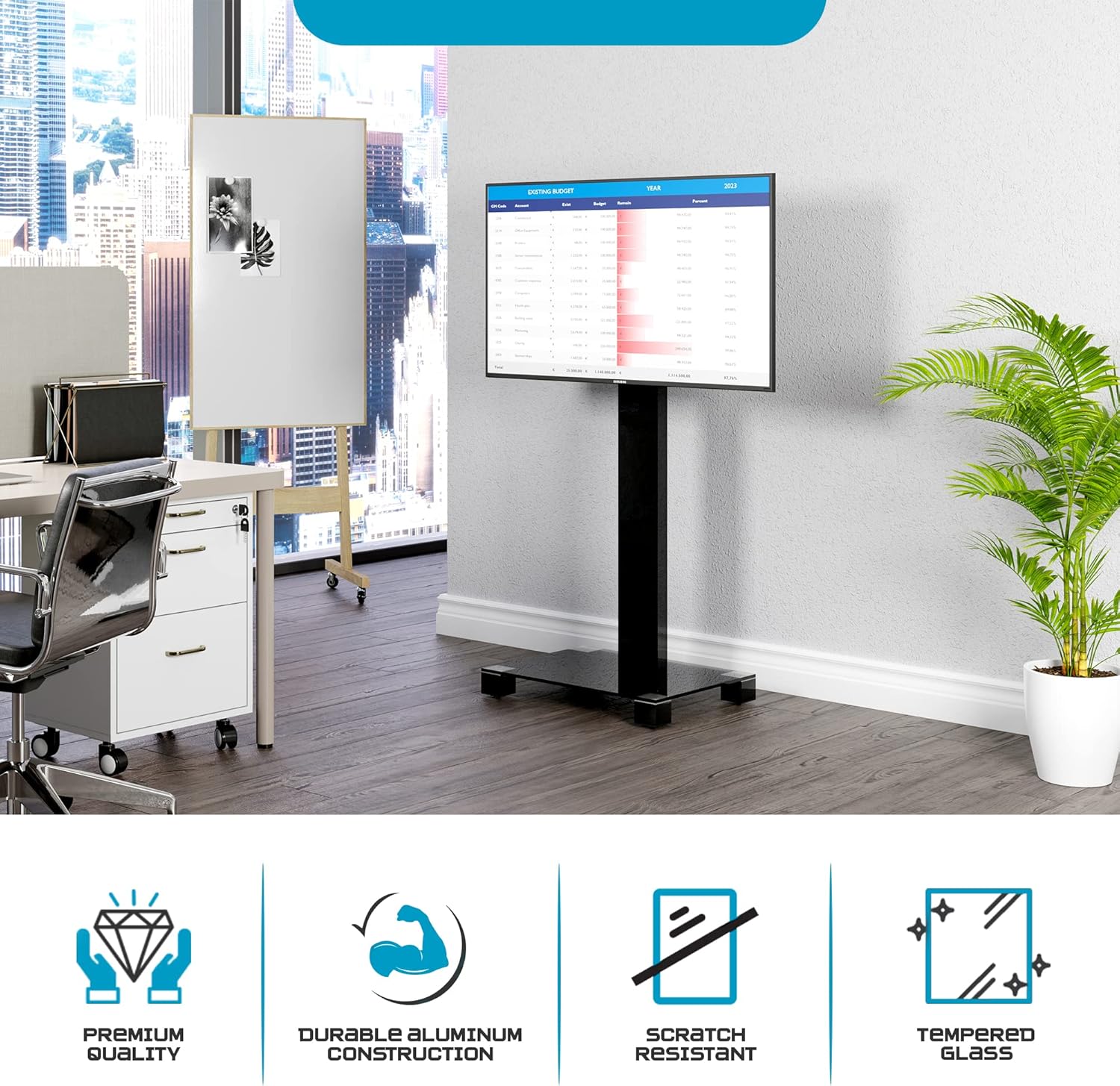
The SONOROUS PL-2510 TV Stand is designed to provide a stable and adjustable mounting solution for flat-screen televisions up to 65 inches. It features a sleek design with a tempered glass base and an aluminum column, incorporating cable management and a swivel function for optimal viewing.

Image: The SONOROUS PL-2510 TV stand with a television mounted, showcasing el seu disseny modern.
2. Informació de seguretat
- Ensure all components are securely fastened before placing a television on the stand.
- Do not exceed the maximum weight capacity of 90 lbs (40.8 kg) or the maximum screen size of 65 inches.
- Col·loqueu el suport del televisor sobre una superfície plana, estable i anivellada per evitar que es bolqui.
- Keep children and pets away from the stand during assembly and ensure the TV is stable to prevent accidents.
- Avoid placing heavy objects on the stand's base that could compromise stability.
3. Contingut del paquet
Verifiqueu que hi hagi totes les peces abans de començar el muntatge. Si falta alguna peça o hi ha alguna danyada, poseu-vos en contacte amb el servei d'atenció al client.
- Base de vidre temperat
- Aluminum Support Column
- TV Mounting Bracket (VESA compatible)
- Hardware Kit (screws, washers, spacers for TV and stand assembly)
- Assembly Tools (e.g., Allen wrench, if included)

Image: The assembled SONOROUS PL-2510 TV stand, implying its constituent components.
4. Instruccions de muntatge
Follow these steps carefully to assemble your SONOROUS PL-2510 TV Stand. It is recommended to have two people for certain steps, especially when mounting the television.
Step 4.1: Attach the Support Column to the Base
- Col·loqueu amb cura la base de vidre temperat sobre una superfície suau i neta per evitar ratllades.
- Align the bottom of the aluminum support column with the designated mounting holes on the glass base.
- Secure the column to the base using the provided screws and tools. Ensure all screws are tightened firmly but do not overtighten.

Image: Detail of the column attachment to the glass base.
Step 4.2: Attach the TV Mounting Bracket to the Support Column
- Position the TV mounting bracket onto the top section of the aluminum support column.
- Secure the bracket using the appropriate screws and washers from the hardware kit. The bracket allows for height adjustment; choose your desired height before tightening.
- Ensure the bracket is level and securely fastened to the column.

Image: Detail of the TV mounting bracket being secured to the column.
Pas 4.3: Muntar el televisor
- Identify the VESA mounting holes on the back of your television.
- Select the correct size screws, washers, and spacers from the hardware kit that fit your TV's VESA pattern. Nota: Some newer TV models, particularly certain Samsung TVs, may require longer screws or specific spacers not included in standard kits. Verify screw length to ensure proper threading without damaging the TV.
- Attach the TV mounting arms (part of the bracket) to the back of your television. Ensure they are securely fastened and level.
- With assistance, carefully lift the television and hook the mounting arms onto the TV mounting bracket attached to the stand.
- Secure the TV to the bracket using any safety locks or screws provided with the bracket to prevent accidental dislodgement.
Imatge: Part posterior view of the assembled stand with a TV, highlighting the mounting mechanism and cable routing.
5. Instruccions de funcionament
5.1: Funció de gir
The TV mounting bracket allows for a swivel of up to 24 degrees in either direction (left or right). To adjust the viewing angle, gently grasp the sides of your television and rotate it to the desired position. Avoid forcing the movement beyond its intended range.

Image: Visual representation of the stand's swivel capability.
5.2: Ajust d'alçada
The TV mounting bracket can be adjusted vertically along the support column. To change the height, you may need to loosen the securing screws on the bracket, adjust the TV to the new height, and then re-tighten the screws firmly. Always ensure the TV is level and secure after adjustment.
5.3: Cable Management
The aluminum support column features an integrated cable management system. Route your TV and accessory cables through the opening in the column to maintain a tidy appearance and prevent cable clutter.
6. Manteniment
- Neteja: Use a soft, dry cloth to clean the glass and aluminum surfaces. For stubborn marks, a slightly damp cloth with mild detergent can be used, followed by drying. Avoid abrasive cleaners or solvents.
- Inspecció: Reviseu periòdicament tots els cargols i connexions per assegurar-vos que estiguin ben ajustats i segurs. Torneu a apretar-los si cal.
- Moviment: If moving the stand, lift it carefully. The hidden casters are designed for effortless repositioning on smooth surfaces. Avoid dragging the stand over rough surfaces to prevent damage to the base or floor.
7. Solució De Problemes
| Problema | Causa possible | Solució |
|---|---|---|
| TV not fitting the bracket | Incorrect VESA pattern or screw size. | Verify your TV's VESA pattern matches the stand's compatibility (up to 600x400). Ensure you are using the correct screws and spacers from the hardware kit. For some TV models, additional hardware may be required (e.g., longer M8 screws for certain Samsung TVs). |
| Stand se sent inestable | Connexions soltes o superfície irregular. | Check that all assembly screws are securely tightened. Ensure the stand is placed on a flat, level, and stable floor. Do not exceed the maximum weight capacity. |
| Difficulty swiveling the TV | Bracket overtightened or obstruction. | Ensure no cables are obstructing the swivel mechanism. The swivel should move smoothly; do not force it. If resistance is felt, check for any foreign objects or misaligned parts. |
8. Especificacions
- Model: PL-2510
- Marca: SONORA
- Tipus de muntatge: Muntatge al terra
- Tipus de moviment: Swivel (up to 24 degrees)
- Material: Alumini, Vidre temperat
- Dispositius compatibles: Televisió
- Mida màxima del televisor: Fins a 65 polzades
- Capacitat de pes màxim: 90 lliures (40.8 kg)
- Compatibilitat VESA: Fins a 600x400mm
- Dimensions (L x P x A): 25.6" x 19.6" x 45.6" (approximate, refer to diagram for detailed measurements)
- Pes de l'article: 61.7 lliures (28 kg)

Image: Technical drawing showing dimensions and key features.
9. Garantia i Suport
For warranty information or technical support, please refer to the documentation included with your purchase or contact SONOROUS customer service directly. Keep your purchase receipt for warranty claims.
Fabricant: SONORA
UPC: 638845679312
Documents relacionatsPL-2510


Ask a question about this manual
Ask about setup, troubleshooting, compatibility, parts, safety, or missing instructions. Manuals+ will review the question and use this page’s manual context to help answer it.