
1. Introducció
The Modecom Oberon Pro Midi Tower is a computer case designed for users seeking a functional and spacious interior with a modern aesthetic. This manual provides essential information for the proper installation, operation, and maintenance of your computer case, ensuring optimal performance and longevity of your components.
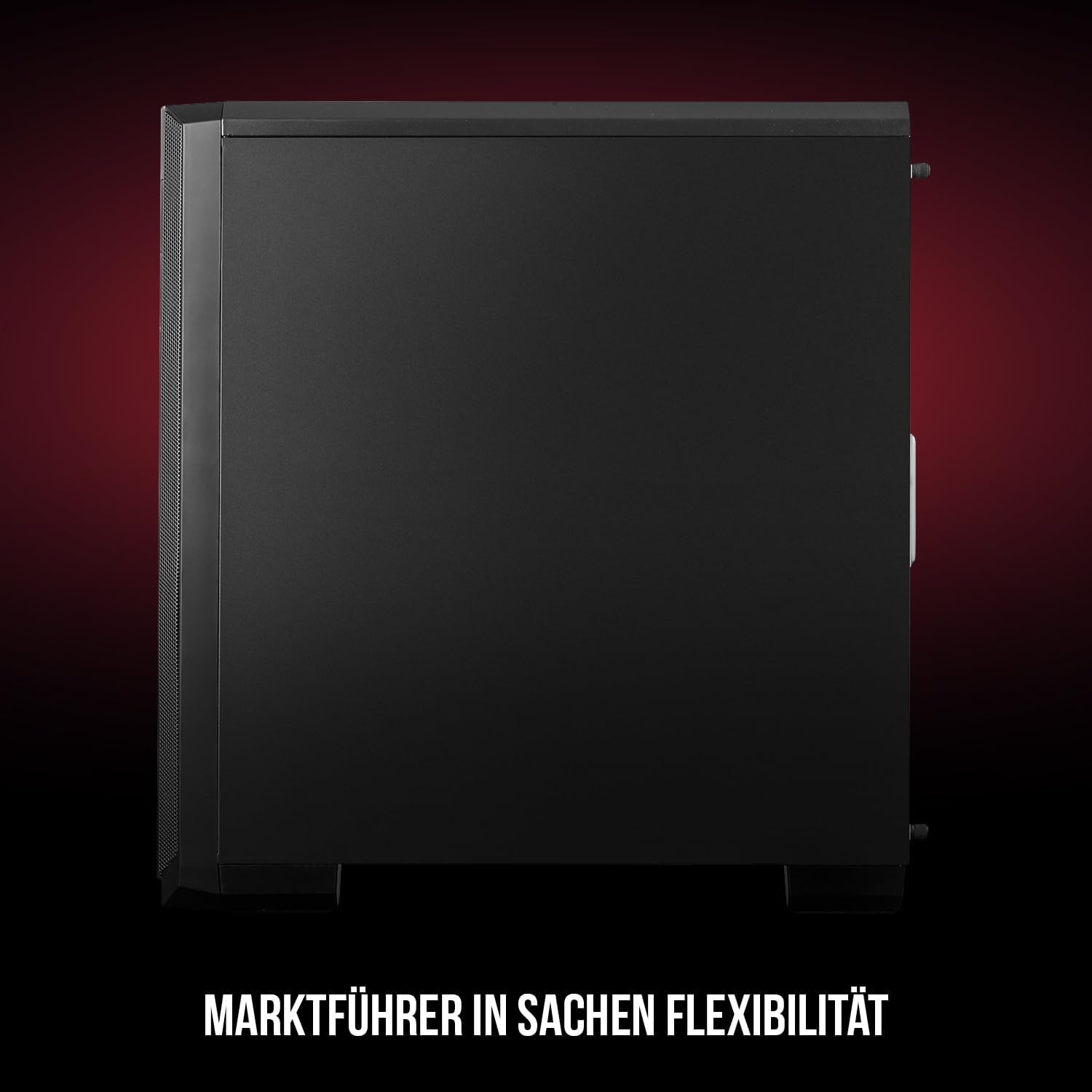
Figura 1: frontal i lateral view of the Modecom Oberon Pro Midi Tower computer case.
2. Informació de seguretat
- Desconnecteu sempre l'alimentació de la presa de corrent abans d'instal·lar o treure qualsevol component.
- Handle components with care to avoid electrostatic discharge. Consider using an anti-static wrist strap.
- Mantingueu les peces petites i les eines lluny dels nens.
- Assegureu-vos que hi hagi una ventilació adequada al voltant de la carcassa per evitar el sobreescalfament.
- No intenteu modificar l'estructura de la carcassa, ja que això podria anul·lar la garantia i suposar riscos per a la seguretat.
3. Contingut del paquet
Verifiqueu que tots els elements següents siguin presents al vostre paquet:
- Modecom Oberon Pro Midi Tower Computer Case
- Caixa d'accessoris (cargols, separadors, brides per a cables)
- Manual d'usuari (aquest document)
4. Característiques clau
- Interior espaiós: Designed to accommodate high-end components and facilitate good airflow.
- Refrigeració eficient: Includes two pre-mounted 120mm fans (front and rear) to prevent component overheating.
- Instal·lació sense eines: Supports tool-free mounting for SSD/HDD drives and expansion cards.
- Filtració de pols: Features easily dismountable magnetic filters on the top, front, and bottom (under the power supply unit) to keep the interior clean.
- Optimized Cable Management: Provides a system for convenient wiring organization.
- Long PSU Tunnel: Offers a 240mm space for power supplies, simplifying installation and cable arrangement.
5. Configuració i instal·lació
5.1. Preparació del cas
Before installation, remove the side panels of the case. The Oberon Pro features sound-dampening mats on the side panels to reduce noise.

Figura 2: Interior view showing sound-dampening mats on the side panel.
5.2. Instal·lació de la placa base
Install the necessary standoffs for your motherboard form factor (ATX, Micro ATX, ITX). Carefully place your motherboard into the case, aligning it with the standoffs, and secure it with screws.

Figure 3: Interior layout with pre-installed rear fan and motherboard tray.
5.3. Drive Installation (SSD/HDD)
The Oberon Pro supports tool-free installation for three 2.5" SSDs and two 3.5" HDDs. The 3.5" HDD bays are located in the power supply tunnel at the bottom of the case. 2.5" SSDs can be mounted on both sides of the motherboard tray.

Figure 4: Dedicated bays for HDD and SSD storage devices.
5.4. Instal·lació de la font d'alimentació
The case features a long PSU tunnel (240mm) at the bottom. Install your power supply unit into this tunnel and secure it. This design aids in cable management and airflow.
5.5. Expansion Card Installation (PCI/PCIe)
Install your graphics card or other expansion cards into the PCI/PCIe slots. The case supports tool-free mounting for these cards, allowing for easy installation and removal.
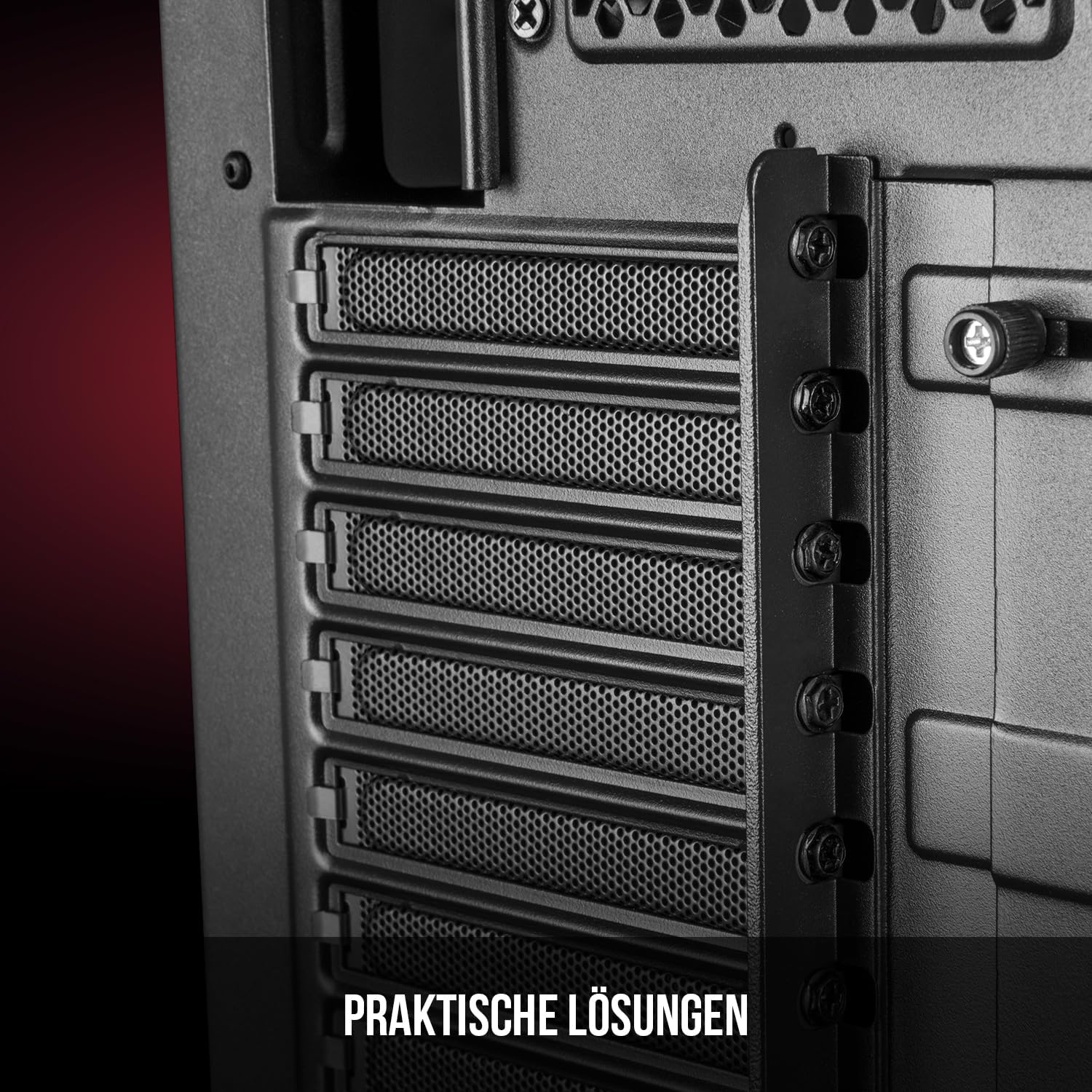
Figura 5: Interior posterior view highlighting the expansion card slots.
5.6. Gestió de cables
Utilize the provided cable routing options and tie-down points behind the motherboard tray to organize cables. This improves airflow and maintains a tidy interior.
6. Sistema de refrigeració
The Oberon Pro comes with two pre-installed 120mm fans, one at the front and one at the rear, to ensure adequate airflow. The maximum height for a CPU cooler is 163mm, and the maximum length for a video card is 395mm, allowing for compatibility with a wide range of components.
7. Manteniment
To maintain optimal performance and prevent dust buildup, regularly clean the dust filters. The magnetic filters on the top, front, and bottom of the case are easily dismountable for cleaning. Use compressed air or a soft brush to remove accumulated dust.
8. Solució De Problemes
- Sense energia: Ensure all power cables are securely connected to the motherboard, power supply, and wall outlet. Check the power button connection to the motherboard.
- Sobreescalfament: Verify that all fans are spinning correctly and that dust filters are clean. Ensure proper cable management to avoid obstructing airflow.
- Ports del panell frontal que no funcionen: Check that the front panel connectors (USB, audio) are correctly plugged into the motherboard headers.
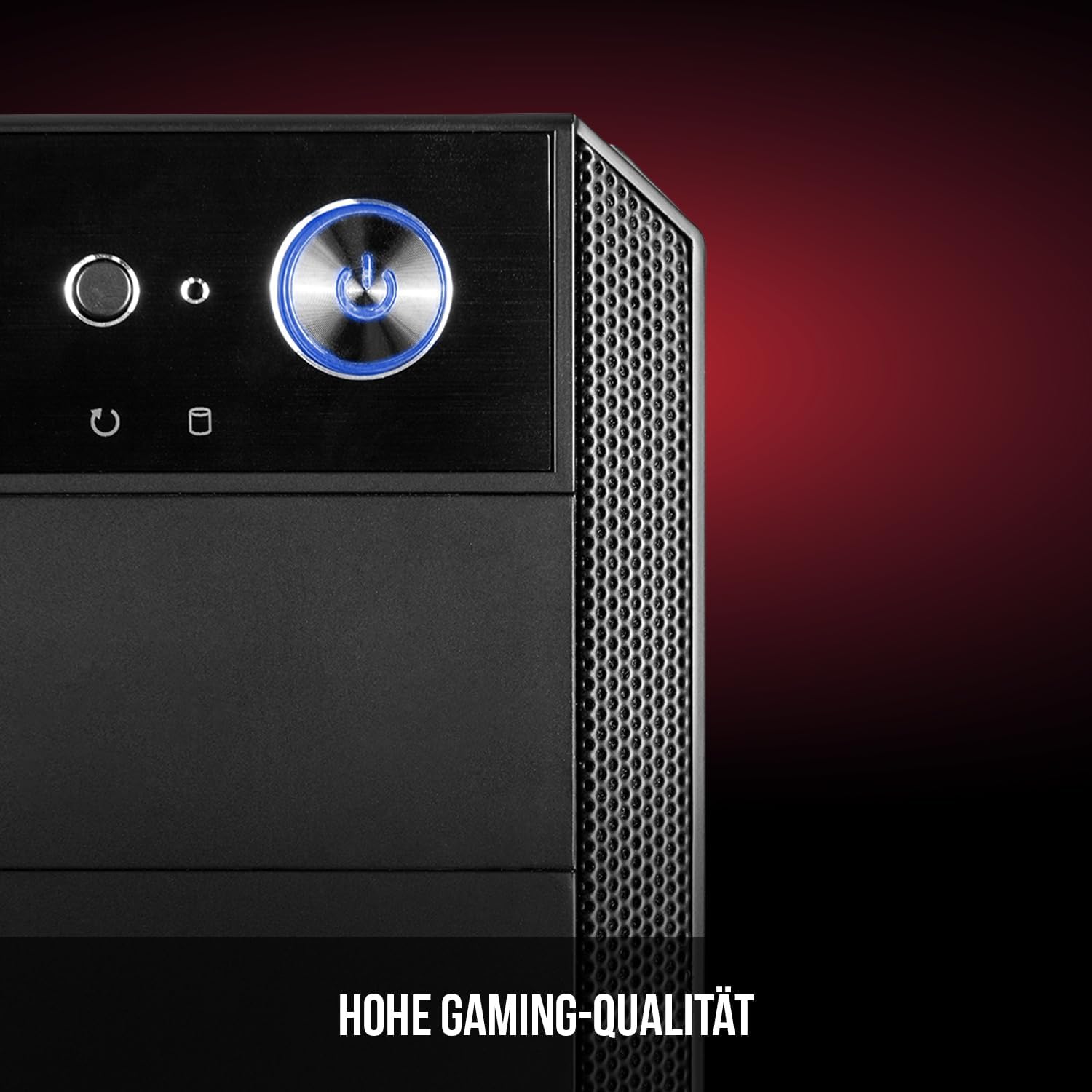
Figure 6: Front panel I/O ports for connectivity.
9. Especificacions
| Característica | Especificació |
|---|---|
| Marca | Modecom |
| Nom del model | Oberon Pro |
| Número de model | AT-OBERON-PS-10-000000-0002 |
| Color | Negre |
| Tipus de cas | Torre del Midi |
| Compatibilitat amb la placa base | ATX, Micro ATX, ITX |
| Material | Acer d'aliatge |
| Mètode de refrigeració | Aire |
| Ventiladors preinstal·lats | 2 x 120mm (Front, Rear) |
| Alçada màxima del refrigerador de la CPU | 163 mm |
| Longitud màxima de la GPU | 395 mm |
| Drive Bays | 3 SSD de 2.5", 2 HDD de 3.5" |
| Ports USB totals | 4 |
| Característiques especials | Reset Button, Dust Filter, LED Indicators, Side Window |
| Pes de l'article | 5270 grams |

Figure 7: Rear exterior view of the computer case.
10. Garantia i Suport
For warranty information and technical support, please refer to the official Modecom weblloc web o poseu-vos en contacte amb el vostre distribuïdor. Conserveu el comprovant de compra per a qualsevol reclamació de garantia.