
Introducció
This manual provides detailed instructions for the setup, operation, maintenance, and troubleshooting of your TOZO T12 Wireless Earbuds. Please read this guide thoroughly to ensure optimal performance and longevity of your device.
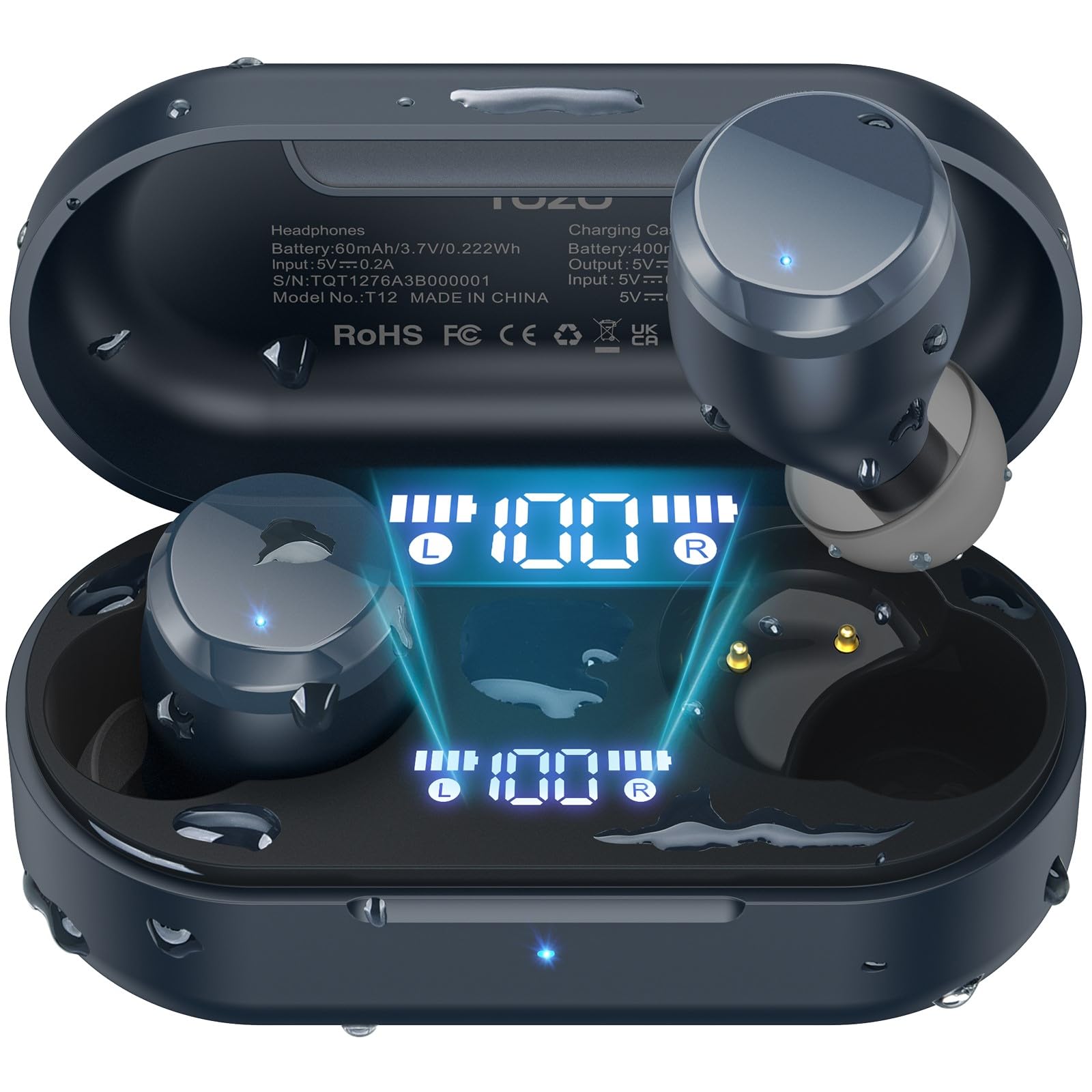
Image: TOZO T12 Wireless Earbuds and their charging case, showcasing the matte blue finish.
Contingut del paquet
Verifiqueu que tots els elements siguin presents al paquet:
- Auriculars sense fil TOZO T12 (esquerra i dreta)
- Estoig de càrrega
- Cable de càrrega USB-C
- 5 Pairs of Ear Caps (various sizes)
- Manual d'usuari
Configuració
1. Càrrega dels auriculars i l'estoig
Before first use, fully charge the earbuds and charging case. The case features an LED digital display to show battery levels.
- Connecteu el cable USB-C proporcionat al port de càrrega de la funda i a una font d'alimentació.
- Alternatively, place the charging case on a compatible wireless charging pad.
- The LED display will indicate charging status and battery percentage.

Image: The TOZO T12 charging case connected via USB-C cable and also shown on a wireless charging pad, illustrating both charging methods.

Image: The TOZO T12 earbuds and charging case, highlighting the 55-hour total battery life and 15-hour single charge playtime.
2. Selecció i ajust de les puntes d'orella
Choosing the correct ear tip size is crucial for sound quality and comfort. Experiment with the 5 provided pairs to find the best fit for your ear canal.
- Introduïu suaument l'auricular a l'orella.
- Twist slightly to ensure a secure and comfortable seal.
- Un bon segellat millora la resposta dels greus i l'aïllament del soroll.
3. Emparellament Bluetooth
The TOZO T12 earbuds utilize Bluetooth 5.3 for a stable connection.
- Traieu els dos auriculars de l'estoig de càrrega. Entraran automàticament en mode d'emparellament.
- Al dispositiu (telèfon intel·ligent, tauleta, etc.), activeu el Bluetooth.
- Cerca "TOZO T12" in the list of available devices and select it to connect.
- Un cop emparellats, els auriculars es connectaran automàticament al dispositiu quan els traieu de la funda.

Image: A visual representation of the Bluetooth 5.3 chip, indicating advanced wireless connectivity.
Instruccions de funcionament
1. Encendre/apagar
- Encès: Traieu els auriculars de l'estoig de càrrega. S'encendran automàticament.
- Apagar: Torna a col·locar els auriculars a l'estoig de càrrega. S'apagaran automàticament i començaran a carregar-se.
2. Toqueu Controls
The TOZO T12 earbuds feature touch-sensitive controls. Specific functions may vary slightly based on your device and app settings.
- Reproduir/pausa: Un sol toc a qualsevol dels auriculars.
- Pista següent: Toqueu dues vegades l'auricular dret.
- Pista anterior: Toqueu dues vegades l'auricular esquerre.
- Pujar el volum: Toqueu tres vegades l'auricular dret.
- Baixar el volum: Toqueu tres vegades l'auricular esquerre.
- Respondre/Finalitzar la trucada: Un sol toc a qualsevol dels auriculars.
- Rebutja la trucada: Manteniu premut qualsevol dels auriculars durant 2 segons.
- Activa l'Assistent de veu: Manteniu premut qualsevol dels auriculars durant 3 segons.
3. Gestió de trucades
The earbuds are equipped with Call ENC Noise Cancelling Microphones for clear communication.
- Per respondre una trucada entrant, toqueu un sol qualsevol dels auriculars.
- Per finalitzar una trucada activa, toca una vegada qualsevol dels auriculars.
- Per rebutjar una trucada entrant, manteniu premut qualsevol dels auriculars durant 2 segons.

Image: A woman wearing TOZO T12 earbuds, illustrating their use for clear phone calls and crystal sound quality.
4. TOZO App Integration
Enhance your audio experience by downloading the official TOZO App. The app allows for personalized settings and EQ customization.
- Download the "TOZO App" from your device's app store.
- Connect your TOZO T12 earbuds to the app.
- Explore 32 preset EQ modes or customize your own.
- Accediu a funcions i configuracions addicionals.

Image: Screenshots of the TOZO App interface, demonstrating the 32 preset EQ modes and other customization options.
Manteniment
1. Neteja
- Netegeu regularment els auriculars i l'estoig de càrrega amb un drap suau, sec i sense borrissol.
- Traieu les puntes de les orelles i netegeu-les amb aigua i sabó suau, i després eixugueu-les bé abans de tornar-les a col·locar.
- Eviteu utilitzar materials abrasius o productes químics durs.
2. Impermeabilització (IPX8)
The TOZO T12 earbuds are IPX8 waterproof, offering protection against water immersion. This makes them suitable for workouts and use in wet conditions.
- Ensure earbuds are dry before placing them back into the charging case to prevent damage to the charging contacts.
- La funda de càrrega no és impermeable.

Image: TOZO T12 earbuds partially submerged in water, illustrating their IPX8 waterproof capability.
3. Emmagatzematge
Guardeu els auriculars a la funda de càrrega quan no els feu servir per protegir-los i mantenir-los carregats.
Resolució de problemes
| Problema | Solució |
|---|---|
| Els auriculars no s'aparellen |
|
| No hi ha so d'un auricular |
|
| La funda de càrrega no es carrega |
|
| Mala qualitat del so |
|
Especificacions
| Característica | Detall |
|---|---|
| Marca | TOZO |
| Número de model | T12 |
| Versió Bluetooth | 5.3 |
| Col·locació de l'orella | A l'orella |
| Control de soroll | Call ENC Noise Cancelling Mic |
| Temps de reproducció total (amb estoig) | Fins a 55 hores |
| Temps de reproducció amb una sola càrrega | Fins a 15 hores |
| Classificació impermeable | IPX8 |
| Tipus de controlador d'àudio | Controlador dinàmic de 10 mm |
| Interval de freqüència | 14 Hz - 20 kHz |
| Mètode de control | App, Media Control |
Garantia i Suport
TOZO provides a warranty for this product. For detailed warranty information and customer support, please visit the official TOZO weblloc o poseu-vos en contacte amb el seu servei d'atenció al client.
Fabricant: TOZO
Descripció de la garantia: TOZO
Vídeos oficials de productes
TOZO T12 Ergonomic Edition (APP2024) Overview
Vídeo: Un funcionari ha acabatview of the TOZO T12 Ergonomic Edition earbuds, highlighting features and design. This video is provided by the seller, Worgo.
TOZO T12 (Compact Ergonomic Edition) Features
Video: A detailed look at the features of the TOZO T12 Compact Ergonomic Edition wireless earbuds. This video is provided by the seller, Worgo.