
Introducció
The Directed Electronics 6867T XDR Xtreme Digital Range DS4 Control Center Antenna is designed to enhance the performance of your DS4 ecosystem. This antenna provides Xtreme Digital Range (XDR), significantly extending the operational distance and enabling rapid confirmation feedback when used with compatible 2-way remotes. It is an integral component for optimizing the communication capabilities of your vehicle's security and remote start system.
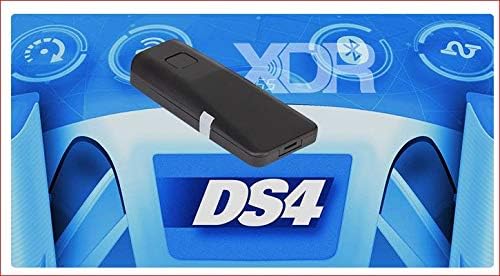
Image: The Directed Electronics 6867T XDR DS4 Control Center Antenna, showcasinel seu disseny compacte i la seva marca.
Configuració i instal·lació
Proper installation of the 6867T XDR antenna is crucial for optimal performance. It is recommended that installation be performed by a qualified professional to ensure correct wiring and placement within the vehicle.
Components acabatsview
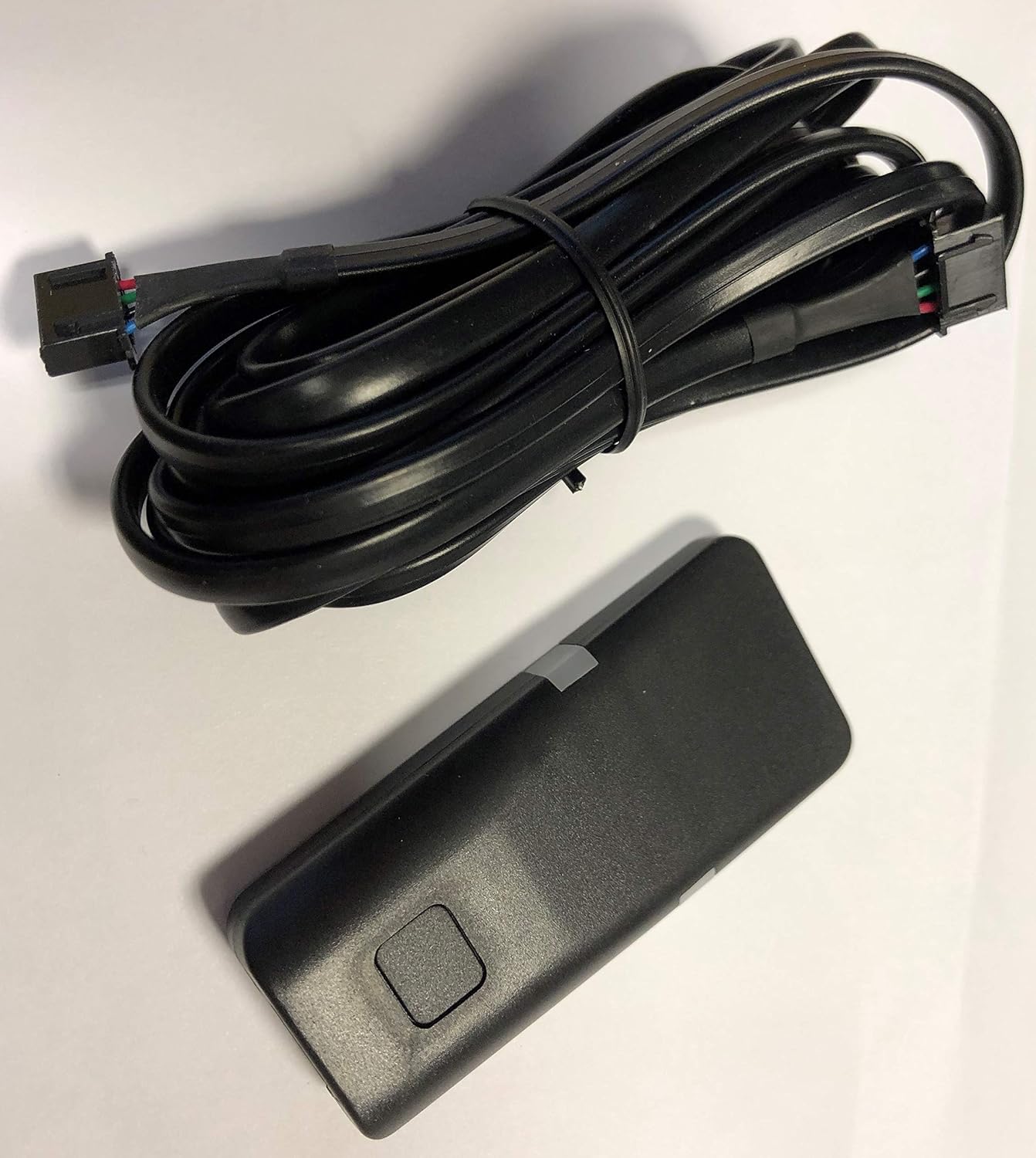
Image: The 6867T XDR antenna unit connected to its wiring harness, ready for installation.
Consideracions de muntatge
- Ubicació: Select a mounting location that provides a clear line of sight to the exterior of the vehicle, ideally on the windshield or dashboard, away from metallic obstructions that could interfere with signal transmission and reception.
- Orientació: Ensure the antenna is oriented correctly as per the DS4 system's requirements for best range.
- Adjunt segur: Use the provided 3M VHB adhesive for secure mounting. Clean the surface thoroughly before application to ensure strong adhesion.

Image: The underside of the 6867T XDR antenna, showing the pre-applied 3M VHB adhesive for secure mounting.
Connection to DS4 Control Center
- Connect the antenna's wiring harness to the designated port on your DS4 Control Center. Refer to your DS4 Control Center's manual for specific port identification.
- Route the cable carefully to avoid pinching or damage, and secure it using cable ties if necessary.
Prova inicial
After installation, perform a range test with your 2-way remote to confirm proper operation and optimal signal reception. Test from various distances and angles to verify the extended range capabilities.
Instruccions de funcionament
The 6867T XDR antenna operates passively as a receiver and transmitter for your DS4 Control Center. Its primary function is to extend the communication range between your vehicle and your 2-way remote, and to facilitate rapid confirmation feedback.
- Interval estès: The XDR technology significantly increases the distance over which your remote can communicate with your vehicle's DS4 system. This allows for remote start, lock, unlock, and other functions from greater distances.
- 2-Way Confirmation: When paired with a compatible 2-way remote, the antenna enables quick visual and/or audible confirmations on your remote, indicating that commands have been successfully received and executed by the vehicle.
- Integritat del senyal: Maintain a clear path between your remote and the vehicle for best performance. Large obstructions (buildings, hills) can still affect range, though the XDR antenna is designed to minimize these effects.
Manteniment
The 6867T XDR antenna requires minimal maintenance.
- Neteja: Periodically wipe the exterior of the antenna with a soft, damp drap per eliminar la pols i la brutícia. Eviteu utilitzar productes químics agressius o netejadors abrasius.
- Inspecció: Occasionally check the antenna's mounting and cable connections to ensure they remain secure and undamaged.
- Factors ambientals: While designed for automotive environments, extreme temperatures or direct prolonged exposure to harsh elements should be avoided if possible.
Resolució de problemes
If you experience issues with your 6867T XDR antenna, consider the following:
- Abast reduït:
- Check for new obstructions between the remote and the vehicle.
- Ensure the antenna is securely mounted and its cable is not damaged or loose.
- Verify that the remote's battery is not low.
- Confirm there are no new sources of electromagnetic interference near the antenna.
- No 2-Way Confirmation:
- Ensure your remote is a 2-way model and is properly paired with the DS4 Control Center.
- Comproveu la bateria del comandament a distància.
- Verify the antenna's connection to the DS4 Control Center.
- El sistema no respon:
- Confirm the DS4 Control Center is powered and functioning correctly.
- If issues persist, consult a professional installer or contact customer support.
Especificacions
| Número de model | 6867T |
| Tipus de producte | XDR Xtreme Digital Range DS4 Control Center Antenna |
| Fabricant | Electrònica dirigida |
| Marca | Sound of Tri-State |
| Color | Negre |
| Nombre de canals | 1 |
| UPC | 019213333003 |
| ASIN | B07MGKGNVF |
Garantia i Suport
For warranty information and technical support, please refer to the documentation provided with your complete DS4 Control Center system or contact the manufacturer, Directed Electronics, or the seller, Sound of Tri-State Inc. Contact details can typically be found on their official websites or through your point of purchase.
Es recomana conservar el comprovant de compra per a reclamacions de garantia.