
1. Introducció
Welcome to the user manual for your Genius Manticore Gaming Keyboard. This guide provides essential information for setting up, operating, maintaining, and troubleshooting your new gaming keyboard. Please read these instructions carefully to ensure optimal performance and longevity of your device.
2. Producte acabatview
The Genius Manticore Gaming Keyboard is designed for an enhanced gaming experience, featuring a durable build and responsive keys. It connects via USB and is compatible with a wide range of devices. The keyboard includes 104 keys with a standard QWERTY layout, complemented by additional gaming-specific features.
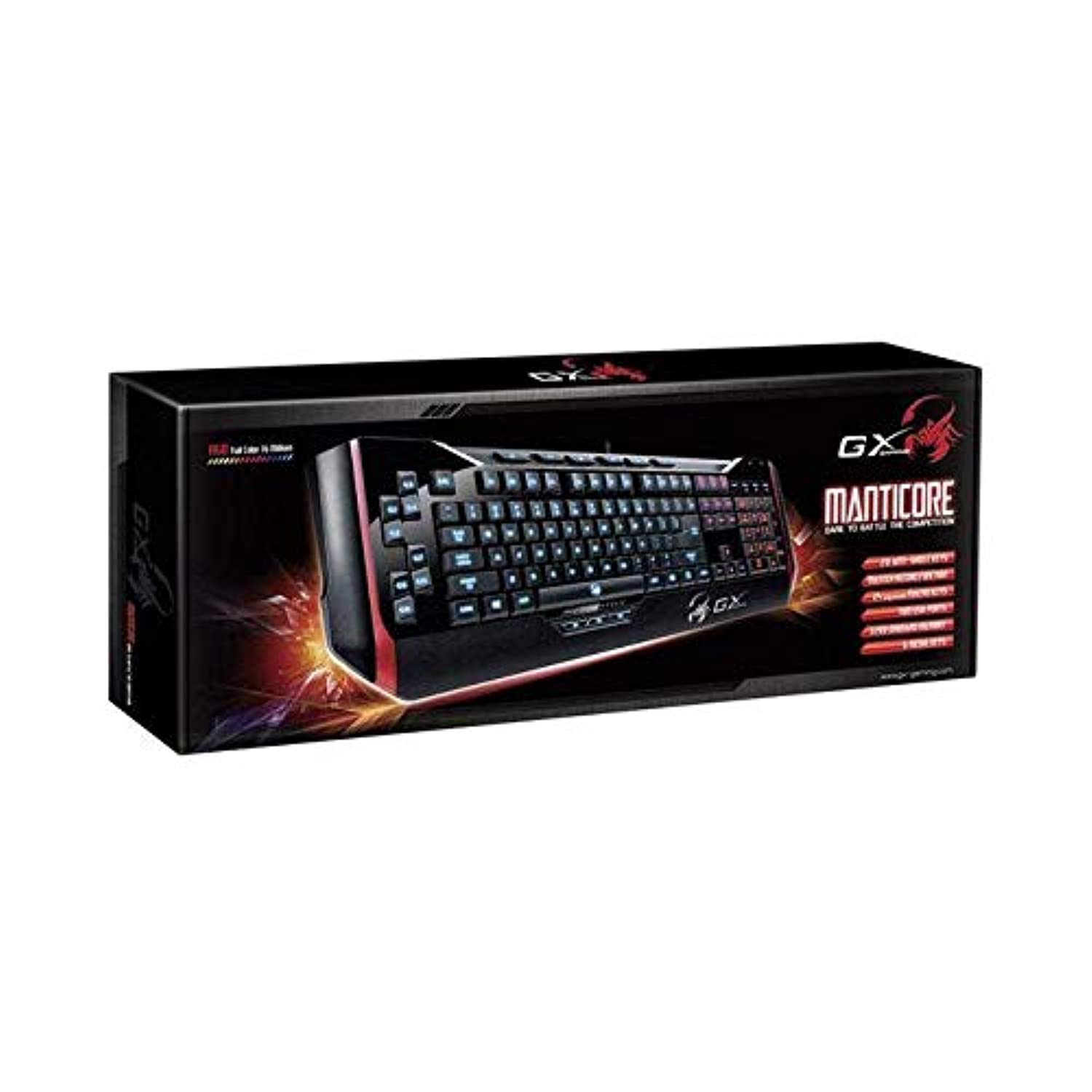
Figura 1: Genius Manticore Gaming Keyboard. This image displays the Genius Manticore Gaming Keyboard, featuring a black body with red accents on the sides. The keys are illuminated, indicating its gaming functionality. The keyboard has a standard QWERTY layout with additional keys on the left side, likely for macros, and a numeric keypad on the right.
3. Configuració
- Descomprimir el teclat: Carefully remove the Genius Manticore Gaming Keyboard from its packaging. Ensure all components are present.
- Connecteu-vos al vostre dispositiu: Locate an available USB port on your computer or compatible device. Insert the USB connector of the keyboard firmly into the USB port.
- Instal·lació del controlador (si cal): For most modern operating systems, the keyboard will be recognized automatically, and standard drivers will be installed. If prompted, follow the on-screen instructions to complete any driver installation.
- Funcionalitat de prova: Open a text editor or a web browser and test the keys to ensure they are responding correctly.
4. Instruccions de funcionament
The Genius Manticore Gaming Keyboard offers a standard QWERTY layout for general typing and dedicated features for gaming.
- Funcions de les tecles estàndard: All standard alphanumeric, symbol, and function keys operate as expected on a typical QWERTY keyboard.
- Característiques del joc: The keyboard is designed for gaming. Specific gaming features, such as customizable backlighting or programmable macro keys (if available on your model), can typically be configured through dedicated software provided by Genius or through specific key combinations. Refer to the Genius website for any available software downloads or advanced feature guides.
- Font d'alimentació: The keyboard is powered directly via the USB connection to your device. No external power supply or batteries are required.
5. Manteniment
Un manteniment adequat garanteix la longevitat i el rendiment del teclat.
- Neteja: Feu servir un drap suau i sec per netejar la superfície del teclat. Per a la pols i les restes entre les tecles, feu servir aire comprimit. Eviteu utilitzar productes químics agressius o materials abrasius.
- Exposició líquida: This keyboard is no resistent a l'aigua. Avoid spilling liquids on the keyboard, as this can cause permanent damage. If liquid exposure occurs, immediately disconnect the keyboard from your device and allow it to dry completely before attempting to use it again.
- Emmagatzematge: Quan no l'utilitzeu, guardeu el teclat en un lloc net i sec, allunyat de temperatures extremes i de la llum solar directa.
6. Solució De Problemes
If you encounter issues with your keyboard, try the following solutions:
- El teclat no respon:
- Assegureu-vos que el cable USB estigui connectat correctament tant al teclat com a l'ordinador.
- Prova de connectar el teclat a un port USB diferent de l'ordinador.
- Prova el teclat en un altre ordinador per determinar si el problema és del teclat o de l'ordinador original.
- Reinicieu l'ordinador.
- Tecles específiques que no funcionen:
- Check for any physical obstructions under the non-functional keys.
- Netegeu el teclat tal com es descriu a la secció Manteniment.
- Ensure no software conflicts are present (e.g., macro software interfering with standard key functions).
- Problemes de retroiluminació:
- If your model features adjustable backlighting, ensure it is not turned off or set to the lowest brightness level. Consult the Genius website for specific key combinations to control backlighting.
If these steps do not resolve the issue, please contact Genius customer support for further assistance.
7. Especificacions
| Característica | Detall |
|---|---|
| Nom de marca | Geni |
| Número de model | GE31310058108 |
| Dispositius compatibles | Tots |
| Tecnologia de connectivitat | USB |
| Descripció del teclat | Jocs |
| Característiques especials | Jocs |
| Color | Multi-color (Black and Red) |
| Estil | Modern |
| Material | Materials múltiples |
| Tema | Jocs |
| Font d'alimentació | Alimentació USB |
| Nombre de claus | 104 |
| Disposició del teclat | Teclat QWERTY |
| Orientació de la mà | Ambidextre |
| Quantitat de botons | 104 |
| Nivell de resistència a l'aigua | No resistent a l'aigua |
| Fabricant | Geni |
| ASIN | B07MQMXJS9 |
8. Garantia i Suport
Your Genius Manticore Gaming Keyboard is covered by a standard manufacturer's warranty. For detailed information regarding warranty terms, registration, or to access technical support, please visit the official Genius weblloc web o poseu-vos en contacte amb el seu departament d'atenció al client. Conserveu el rebut de compra com a comprovant de compra.
Per a més ajuda, podeu visitar el Genius Oficial Weblloc.