
Introducció
This manual provides essential information for setting up, operating, and maintaining your Amazon Echo Studio (1st Generation) smart speaker. The Echo Studio is designed to deliver an immersive audio experience with advanced features like spatial audio processing and a built-in smart home hub.
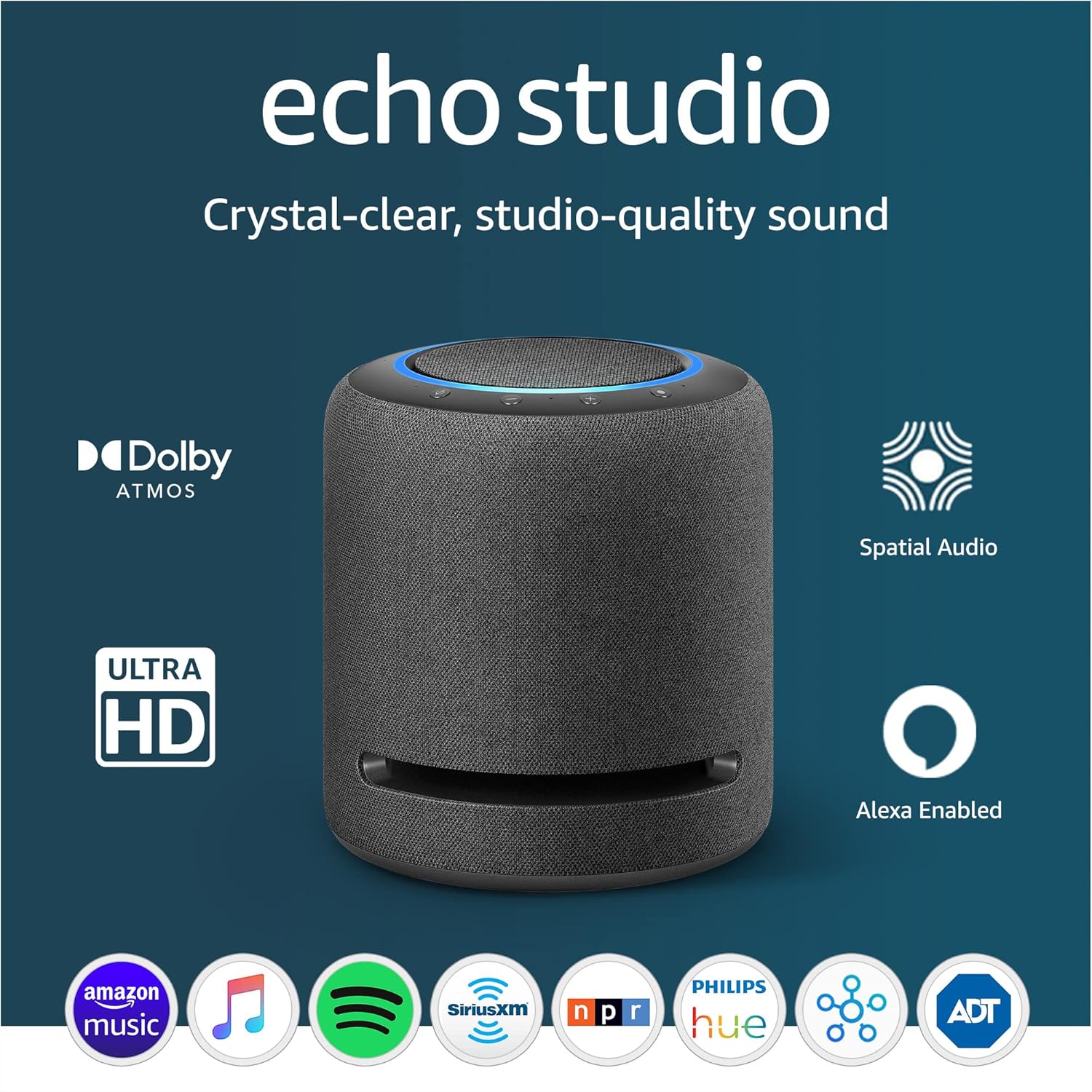
Imatge: The Amazon Echo Studio, a cylindrical smart speaker in charcoal, showcasing its design and key features like Dolby Atmos and Spatial Audio support.
Característiques
The Amazon Echo Studio offers a range of capabilities to enhance your audio and smart home experience:
- Àudio immersiu: Features spatial audio processing technology for a wider and more enveloping soundstage. Equipped with 5 speakers for powerful bass, clear midrange, and crisp highs. Supports Dolby Atmos for added depth and clarity.
- Control de veu: Stream music from various services like Amazon Music, Apple Music, Spotify, Pandora, and Tidal using voice commands. Access to Amazon Music HD for lossless audio formats.
- Room Adaptation: Automatically senses the acoustics of your space and fine-tunes audio playback for optimal sound quality.
- Centre de llar intel·ligent: Integrated hub for controlling Zigbee and Matter-compatible smart home devices directly with Alexa voice commands.
- Alexa Assistant: Ask Alexa to play music, provide news updates, answer questions, set alarms, and more.
- Funcionalitat d'intercomunicació: Use Drop In and Announcements to communicate between Alexa devices within your home.
- Controls de privadesa: Includes a microphone off button to electronically disconnect the microphones for privacy.
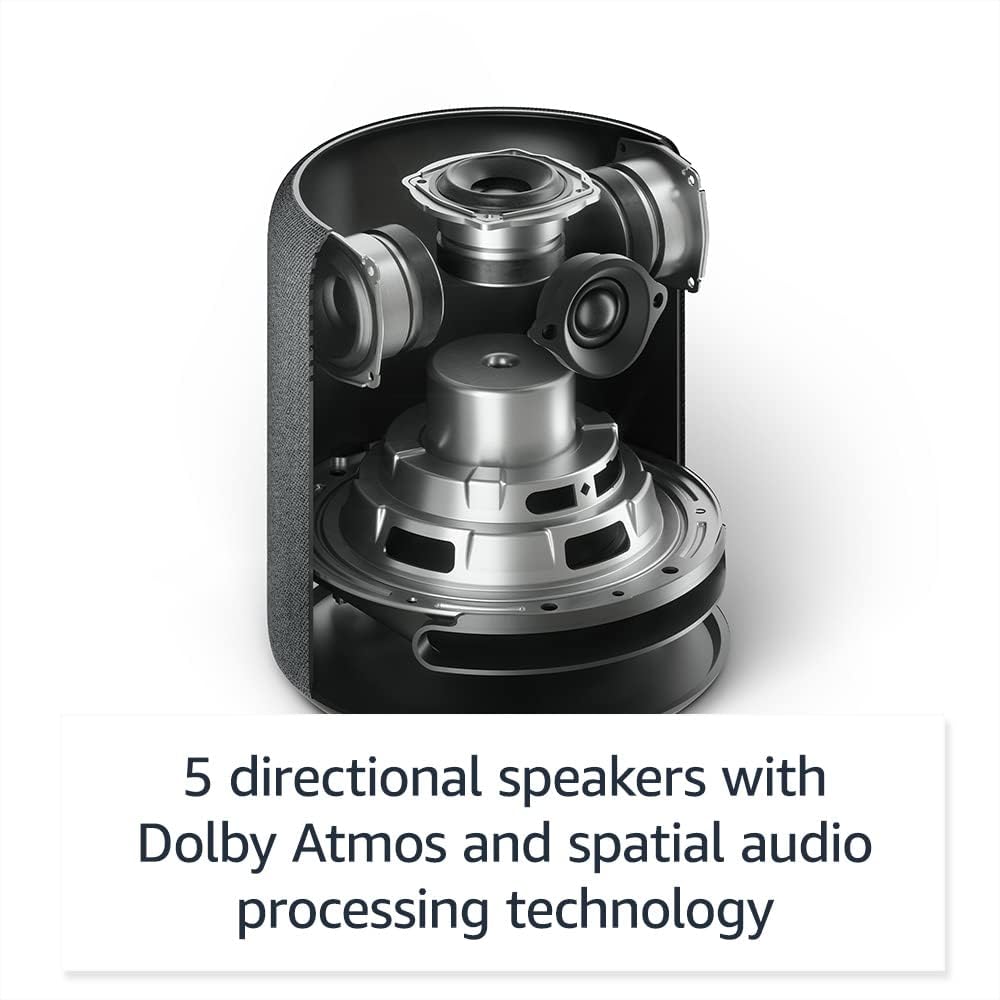
Imatge: Un intern view of the Echo Studio, illustrating its five directional speakers designed for immersive sound.
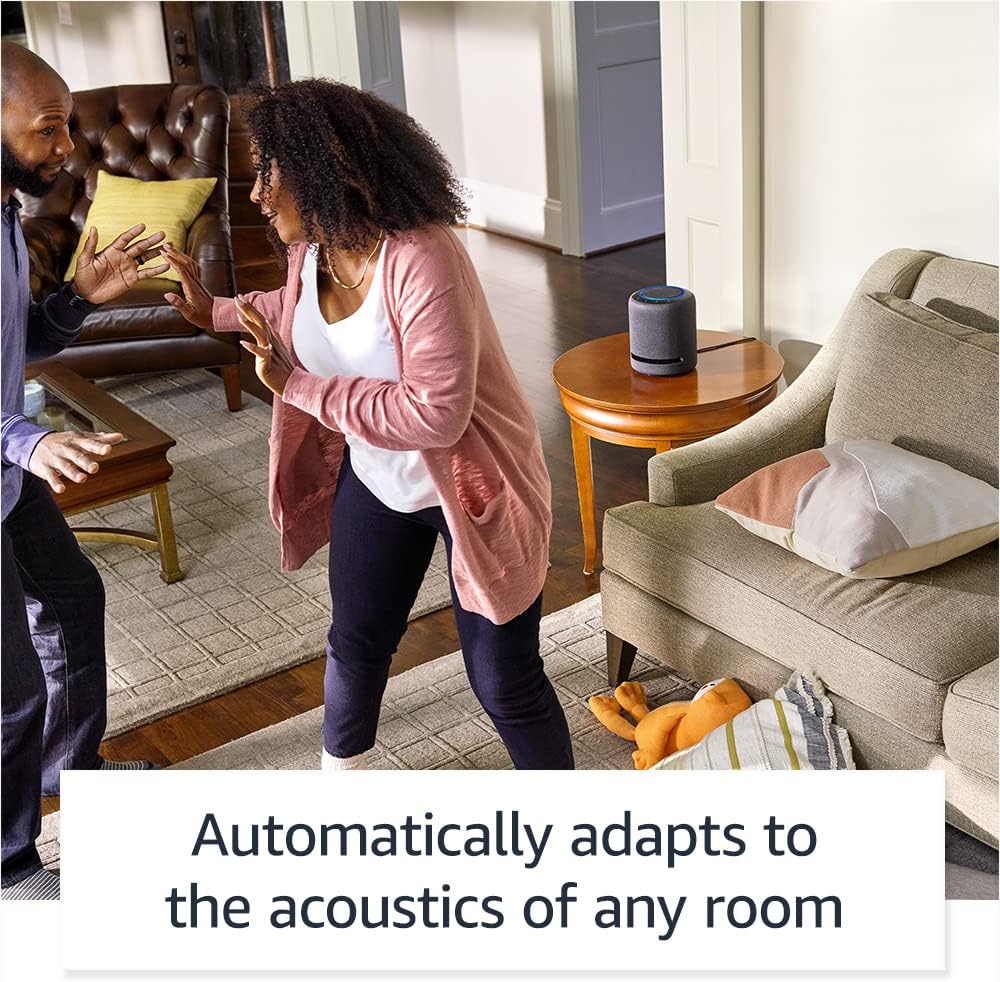
Imatge: The Echo Studio in a room, highlighting its ability to automatically adapt sound to the environment.
Guia de configuració
- Desempaquetar el dispositiu: Carefully remove the Echo Studio from its packaging. Ensure all components, including the power adapter, are present.
- Encès: Connect the power adapter to the Echo Studio and then plug it into a wall outlet. The light ring on top of the device will turn blue, then orange, indicating it's ready for setup.
- Descarrega l'aplicació Alexa: On your smartphone or tablet, download and install the latest version of the Amazon Alexa app from your device's app store.
- Afegeix un dispositiu: Open the Alexa app, tap the "Devices" icon, then the "+" icon, and select "Add Device." Choose "Amazon Echo" and then "Echo Studio."
- Connecta't a Wi-Fi: Follow the on-screen instructions in the Alexa app to connect your Echo Studio to your Wi-Fi network.
- Room Calibration: After connecting, the Echo Studio will automatically perform a room calibration to optimize sound for its placement. Ensure the room is quiet during this process.
Instruccions de funcionament
Comandes de veu amb Alexa
To interact with your Echo Studio, simply say the wake word "Alexa," followed by your command. The light ring will illuminate blue when Alexa is listening.
- Reproducció de música: "Alexa, play jazz music," "Alexa, play my workout playlist on Spotify," "Alexa, volume up."
- Informació: "Alexa, what's the weather today?", "Alexa, tell me the news."
- Control de la llar intel·ligent: "Alexa, turn on the living room lights," "Alexa, set the thermostat to 72 degrees." (Requires compatible smart home devices and setup in the Alexa app).
- Temporitzadors i alarmes: "Alexa, set a timer for 10 minutes," "Alexa, set an alarm for 7 AM."
- Comunicació: "Alexa, drop in on the kitchen Echo," "Alexa, announce dinner is ready."

Imatge: A user interacting with the Echo Studio, demonstrating a voice command for smart home control.
Controls físics
The top of your Echo Studio features several buttons:
- Pujar/baixar el volum: Buttons marked with "+" and "-" to adjust playback volume.
- Micròfon apagat: A button with a microphone icon and a slash through it. Pressing this button electronically disconnects the microphones, and the light ring will turn red. Press again to re-enable.
- Botó d'acció: A button with a circle icon. Press this to wake Alexa without using the wake word, or to turn off an alarm.

Imatge: The top panel of the Echo Studio, showing the microphone off button and the red light ring indicating microphones are disabled.
Manteniment
- Neteja: Use a soft, dry, lint-free cloth to clean the exterior of your Echo Studio. Do not use abrasive cleaners or sprays.
- Actualitzacions de programari: Your Echo Studio automatically receives software updates over Wi-Fi. Ensure it remains connected to the internet for optimal performance and security.
- Col·locació: Place the Echo Studio on a stable surface, away from direct sunlight, heat sources, and moisture. Ensure there is adequate space around the device for optimal sound dispersion.
Resolució de problemes
| Problema | Solució |
|---|---|
| Echo Studio is not responding to "Alexa." | Ensure the microphone is not turned off (red light ring). Check if the device is connected to power and Wi-Fi. Try moving closer to the device or speaking more clearly. |
| No hi ha so o hi ha mala qualitat de so. | Check the volume level. Ensure the device is not muted. Verify Wi-Fi connection. If playing from a streaming service, check the service status. Relocate the device to a more open space if sound is muffled. |
| El dispositiu no es connecta a la Wi-Fi. | Ensure your Wi-Fi password is correct. Restart your router and modem. Try moving the Echo Studio closer to your Wi-Fi router. Re-attempt setup via the Alexa app. |
| Smart home devices are not responding. | Verify that your smart home devices are compatible with Alexa and properly set up in the Alexa app. Ensure they are powered on and connected to their respective networks. |
| El dispositiu no respon. | Unplug the power adapter from the Echo Studio for a few seconds, then plug it back in to restart the device. |
Especificacions
- Àudio: 5 directional speakers (1x 5.25" woofer, 3x 2" midrange speakers, 1x 1" tweeter). Supports Dolby Atmos and spatial audio processing technology.
- Connectivitat: Dual-band Wi-Fi (2.4 GHz and 5 GHz). Bluetooth. 3.5 mm line-in/optical audio input.
- Casa intel·ligent: Built-in Zigbee and Matter-compatible smart home hub.
- Micròfons: Multiple microphones for far-field voice recognition.
- Dimensions: (Approximate) 8.1” H x 6.9” W (206 mm x 175 mm).
- Pes: (Approximate) 7.7 lbs (3.5 kg).
Garantia i Suport
The Amazon Echo Studio (1st Generation) comes with a limited warranty. For specific warranty details, please refer to the documentation included with your device or visit the official Amazon support website. For technical assistance, troubleshooting, or to contact customer service, visit Assistència per a dispositius d'Amazon.