
Introducció
The Meross MSS710 Universal Smart Wi-Fi Switch allows you to transform conventional small home appliances into smart devices. This 10A DIY switch offers remote control via the Meross app, voice control through Amazon Alexa, Google Assistant, and compatibility with SmartThings. It supports scheduling and timers to optimize energy usage and provides reliable local control even without an internet connection.
1. Configuració
1.1 Contingut del paquet
- Meross MSS710 Universal Smart Wi-Fi Switch (4 units)
- Manual d'usuari
1.2 Informació de seguretat
Before installation, ensure the power supply is disconnected to prevent electrical shock. This device is designed for indoor use only. Ensure proper wiring according to local electrical codes. The switch features a wire protection cover and fire-retardant housing for enhanced safety.

Figura 1.1: Interna view of the Meross MSS710 switch, highlighting its reliable safety design with wire protection and fire-retardant housing.
1.3 Meross App Installation
- Download the Meross app from the Apple App Store or Google Play Store.
- Register for a Meross account or log in if you already have one.
1.4 Cablejat i instal·lació física
The Meross MSS710 switch is designed for easy installation. Follow these steps:
- Desconnecteu l'alimentació: Turn off the main power supply to the circuit where you intend to install the switch.
- Prepareu els cables: Identify the Live (L) and Neutral (N) wires from your power source and the appliance. In Spain, the brown wire is typically Live (L) and the blue wire is Neutral (N).
- Connecteu els cables: Connect the Live (L) and Neutral (N) wires from the power source to the corresponding 'L' and 'N' input terminals on the Meross switch. Connect the Live (L) and Neutral (N) wires from your appliance to the 'L out' and 'N out' terminals on the Meross switch. Use a flat-head screwdriver to secure the wires.
- Assegureu l'interruptor: Place the switch in a suitable location, ensuring it is protected and not exposed.
- Restaura l'alimentació: Turn the main power supply back on. The switch's indicator light should illuminate.

Figura 1.2: Step-by-step guide for physical installation and wiring of the Meross Smart Wi-Fi Switch.
1.5 Device Pairing with Meross App
Once the switch is physically installed and powered, proceed with app pairing:
- Open the Meross app and tap the '+' icon in the top right corner to add a new device.
- Select the Smart Wi-Fi Switch (MSS710) from the device list.
- Follow the on-screen instructions to connect the switch to your 2.4 GHz Wi-Fi network. Ensure your phone is also connected to the same 2.4 GHz network during setup.
- Once connected, you can name your device (e.g., "Living Room Lamp") and assign it to a room for easier management.
2. Instruccions de funcionament
2.1 Remote Control via Meross App
After successful pairing, you can control your connected appliance from anywhere using the Meross app on your smartphone (iOS or Android). Simply tap the device icon to turn it on or off.

Figura 2.1: Remote control of devices using the Meross app on a smartphone.
2.2 Control de veu
The Meross MSS710 is compatible with Amazon Alexa and Google Assistant, allowing for hands-free control.
- Per a Amazon Alexa: Link your Meross account in the Alexa app. Then, you can use commands like "Alexa, turn on my lamp."
- Per a l'Assistent de Google: Link your Meross account in the Google Home app. Use commands such as "Hey Google, turn off the fan."

Figura 2.2: Voice control in action, demonstrating interaction with Alexa to operate a lamp.
2.3 Programació i temporitzadors
Utilize the scheduling and timer functions within the Meross app to automate your appliances and save energy. You can set specific on/off times, or use sunrise/sunset schedules.
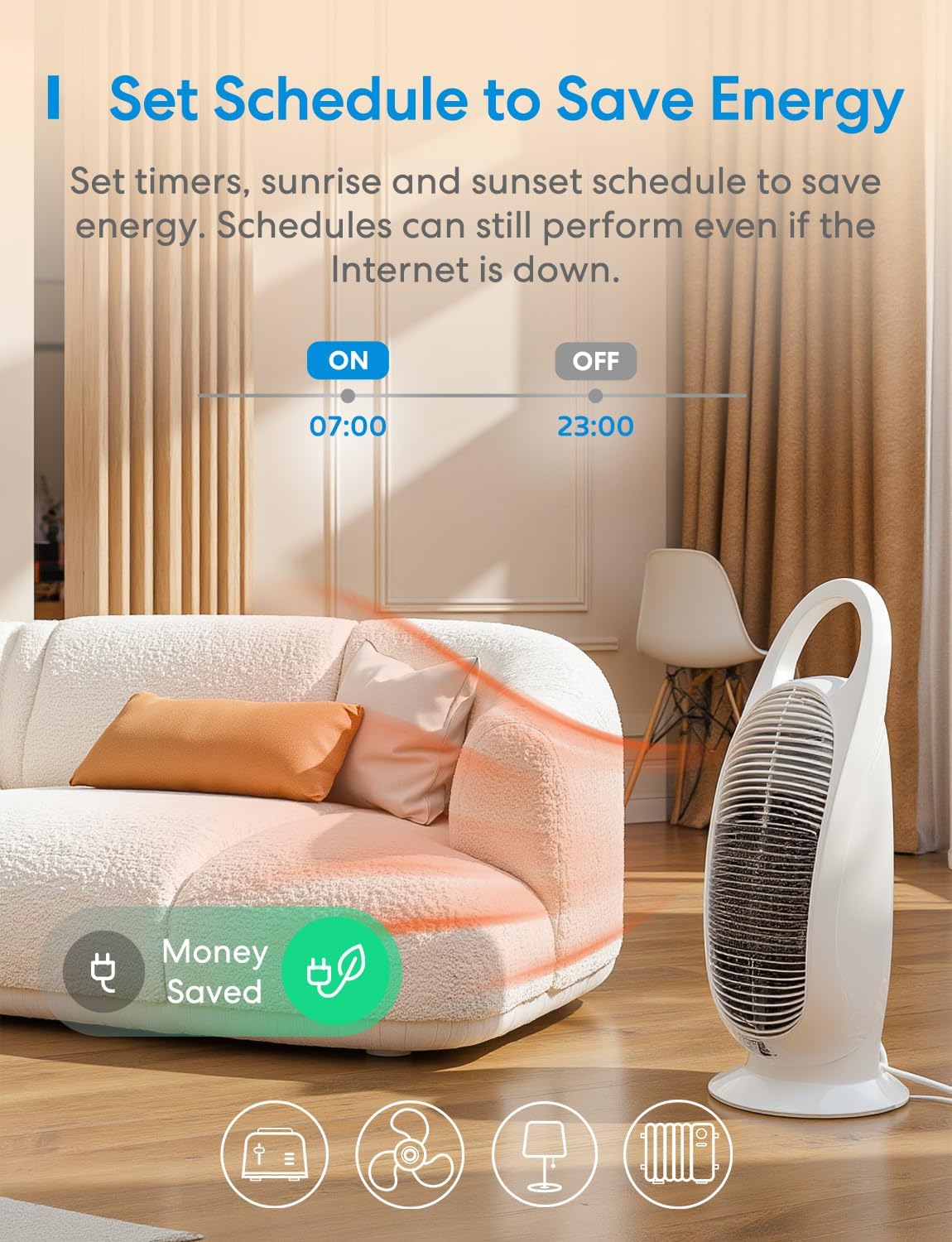
Figura 2.3: Setting a daily schedule for energy saving using the Meross app.
2.4 Offline Control
The Meross MSS710 supports offline control. If your internet connection is down, you can still control your devices via the Meross app as long as your smartphone and the smart device are on the same local Wi-Fi network.

Figura 2.4: Offline control functionality, showing local network communication without internet access.
2.5 Superfast Local Control
The Meross MSS710 offers superfast local control, providing millisecond response times when you are at home and connected to the same local network. This ensures quick and reliable operation without delays, even if the internet connection is slow or temporarily unavailable.

Figura 2.5: Comparison of Meross's superfast local control versus typical cloud-dependent control.
3. Manteniment
- Mantingueu el dispositiu net i lliure de pols. Feu servir un drap sec i suau per netejar-lo.
- Eviteu exposar el dispositiu a temperatures o humitat extremes.
- No intenteu desmuntar ni reparar el dispositiu vosaltres mateixos. Això pot anul·lar la garantia i plantejar riscos per a la seguretat.
- Ensure the wiring connections remain secure. Periodically check for any loose connections.
4. Solució De Problemes
4.1 El dispositiu no es connecta a la Wi-Fi
- Ensure your Wi-Fi network is 2.4 GHz. The Meross MSS710 does not support 5 GHz Wi-Fi.
- Check if the Wi-Fi signal strength is adequate at the device's location.
- Verify your Wi-Fi password is entered correctly in the Meross app.
- Reinicieu el vostre encaminador Wi-Fi i torneu a intentar l'emparellament.
- If issues persist, try resetting the Meross switch (refer to the app for specific reset instructions).
4.2 El control per veu no funciona
- Ensure your Meross account is correctly linked to your Alexa or Google Home app.
- Verify the device name in the Meross app matches the name you are using for voice commands.
- Check your internet connection. Voice control typically requires an active internet connection.
4.3 Device Unresponsive
- Check the power supply to the switch.
- If controlling locally, ensure your smartphone is connected to the same Wi-Fi network as the switch.
- If controlling remotely, check your internet connection.
- Perform a hard reset by disconnecting power to the switch for 10 seconds, then reconnecting.
5. Especificacions
| Característica | Detall |
|---|---|
| Número de model | MSS710 |
| Mode de funcionament | ON-OFF |
| Corrent nominal | 10 Amperes |
| Vol. Operatiutage | 250 Volts |
| Tipus de contacte | Normalment tancat |
| Tipus de connector | Connectar-se |
| Tipus de canvi | Control remot |
| Tipus de terminal | Cargol |
| Material | Plàstic, coure |
| Dimensions del producte (L x A x A) | 9.6 x 4.7 x 2.4 cm |
| Potència màxima | 2500 watts |
| Protocol de connectivitat | Wi-Fi (2.4 GHz) |
| Mètode de control | Veu, aplicació |
| Dispositius compatibles | Lamps, fans, auxiliary heaters, etc. |
| Color | Blanc |
| Classificació de protecció internacional (IP) | IP00 |
| Certificacions | CE, RoHS, WEEE |
6. Informació de la garantia
Meross products typically come with a manufacturer's warranty. For specific warranty details, including duration and coverage, please refer to the warranty card included with your product or visit the official Meross weblloc web. Conserveu el rebut de compra com a comprovant de compra per a reclamacions de garantia.
Amazon's return policy for this product is 30 days for refund/replacement.
7. Atenció al client
If you encounter any issues or have questions regarding your Meross MSS710 Smart Wi-Fi Switch, please contact Meross customer support through the following channels:
- Meross App: Access the 'Help' or 'Support' section within the Meross application for FAQs and direct contact options.
- Oficial Weblloc: Visit the official Meross website for support resources, updated manuals, and contact information.
- Suport per correu electrònic: Refer to your product packaging or the Meross website for their customer support email address.
When contacting support, please have your product model number (MSS710) and purchase information ready.