
Rollerhouse DC2702
Rollerhouse DC2702 15-Channel Wireless RF Remote Control User Manual
Model: DC2702 | Brand: Rollerhouse
1. Introducció
This user manual provides comprehensive instructions for the Rollerhouse DC2702 15-Channel Wireless RF Remote Control. This remote is designed to operate motorized curtains, blinds, and shades using Radio Frequency (RF) technology. Please read this manual carefully before use to ensure proper operation and to maximize the lifespan of your device.

Figure 1: Rollerhouse DC2702 Remote Control - Front View
2. Producte acabatview
The DC2702 remote features a clear digital display and intuitive buttons for easy control of up to 15 individual or grouped motorized devices.
2.1 Components and Button Functions

Figure 2: DC2702 Remote Control - Labeled Components
- Visualització del canal: Shows the currently selected channel number (1-15).
- UP Button (▲): Moves the curtain/blind upwards.
- Botó STOP (—): Stops the movement of the curtain/blind.
- DOWN Button (▼): Moves the curtain/blind downwards.
- Channel Select Buttons (<, >): Used to cycle through the 15 available channels.
- P2 Setting Button: Located on the back of the remote. Used for pairing and advanced settings (refer to motor's manual for specific programming steps).
3. Especificacions
| Característica | Especificació |
|---|---|
| Número de model | DC2702 |
| Marca | Caseta de rodes |
| Canals | 15 |
| Freqüència de ràdio | 433.92 MHz |
| Tipus de bateria | 3V CR2450 Lithium Metal Battery |
| Durada de la bateria | > 2 anys |
| Control Range (Outdoor) | 200 metres (aproximadament 656 peus) |
| Control Range (Indoor) | 35 metres (aproximadament 115 peus) |
| Dimensions (L x A x A) | 130 x 44 x 10.5 mm (aprox. 5.12 x 1.73 x 0.41 polzades) |
| Temperatura de funcionament | -10 °C a +50 °C (14 °F a 122 °F) |
| Pes | 99.8 grams (aprox. 3.52 oz) |
4. Configuració
4.1 Instal·lació de la bateria
The DC2702 remote requires one CR2450 lithium metal battery. Follow these steps to install or replace the battery:
- Localitzeu la tapa del compartiment de la bateria a la part posterior del comandament a distància.
- Gently slide or pry open the cover. Some models may require a small screwdriver.
- Insert the CR2450 battery with the positive (+) side facing upwards, as indicated inside the compartment.
- Torneu a col·locar la tapa del compartiment de la bateria, assegurant-vos que encaixi correctament al seu lloc amb un clic.
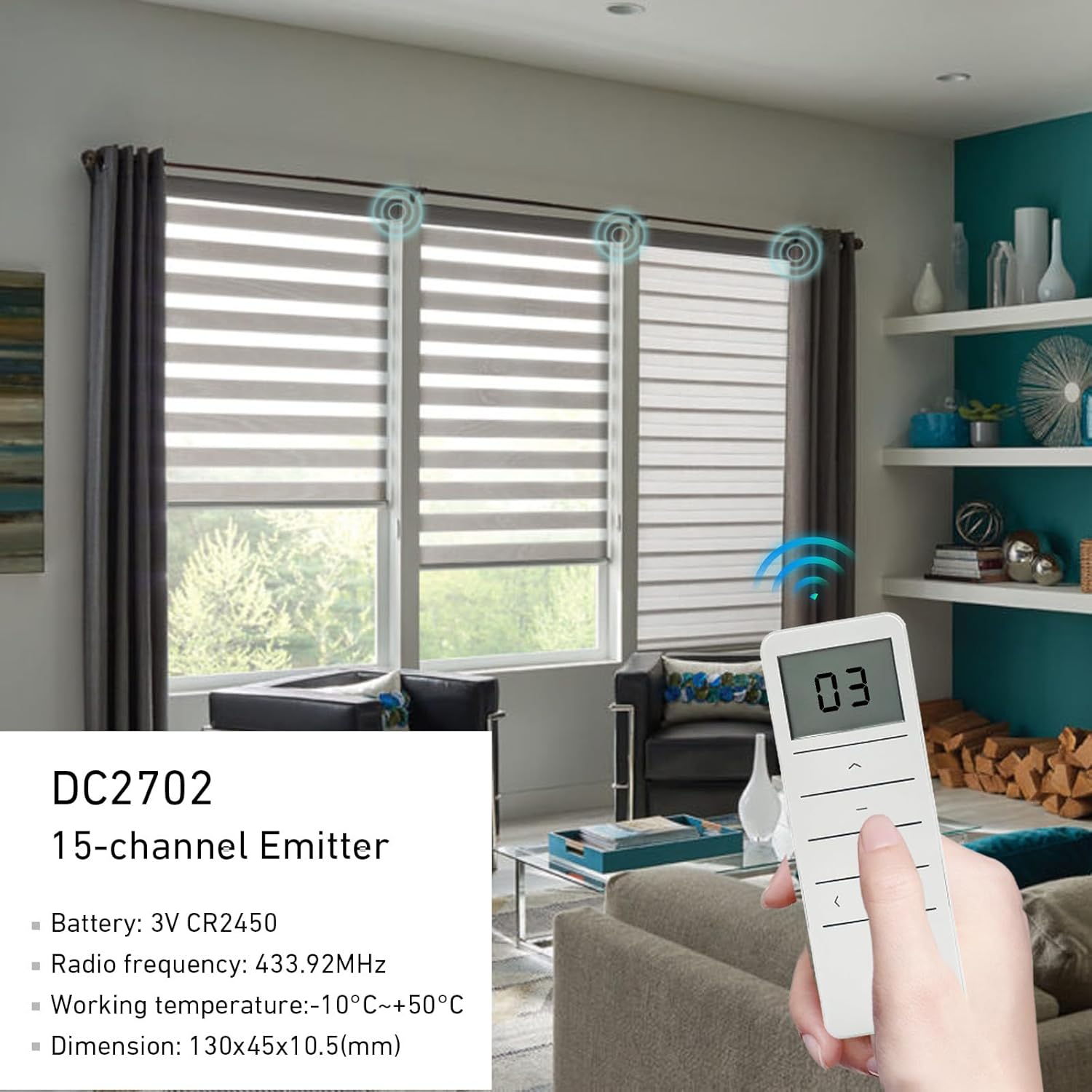
Figure 3: Remote Control and Packaging Contents
4.2 Pairing with Motorized Devices
The DC2702 remote control needs to be paired with your motorized curtain or blind motor before use. The pairing process can vary depending on the specific motor model. Always refer to the instruction manual provided with your motor for precise pairing steps.
General Pairing Principle (May Vary):
- Typically, motors have a programming button or a specific power cycle sequence to enter pairing mode.
- Once the motor is in pairing mode, you will usually press a button on the new remote (often the P2 button on the back, or a combination of main buttons) to send the pairing signal.
- The motor usually provides a confirmation (e.g., a jog, beep, or light flash) when pairing is successful.
- If pairing multiple motors to one channel, ensure all motors are in pairing mode simultaneously or pair them one by one to the desired channel.
Important: Incorrect pairing procedures can lead to unintended operation. If you encounter difficulties, consult your motor's manual or contact the motor manufacturer's support.
5. Instruccions de funcionament
Once paired, operating your motorized devices with the DC2702 remote is straightforward.
5.1 Selecció d'un canal
The DC2702 remote can control up to 15 individual channels or groups of devices. To select a channel:
- Premeu el botó Channel Select Left (<) or Channel Select Right (>) botons.
- The digital display will show the selected channel number (1-15).
- Select channel "0" (or "ALL" depending on motor/remote version) to control all paired devices simultaneously.
5.2 Controlling Your Devices
After selecting the desired channel, use the main control buttons:
- Premeu el botó Amunt (▲) button to raise the curtain/blind.
- Premeu el botó BAIX (▼) button to lower the curtain/blind.
- Premeu el botó ATURA (—) button to halt the movement at any desired position.

Figure 4: Operating the DC2702 Remote Control
6. Compatibilitat
The Rollerhouse DC2702 remote control is designed to be compatible with various RF motorized curtain and blind systems, particularly those operating on 433.92 MHz frequency. It is often compatible with Dooya brand motors and can serve as a replacement for existing remotes of similar shape or model.
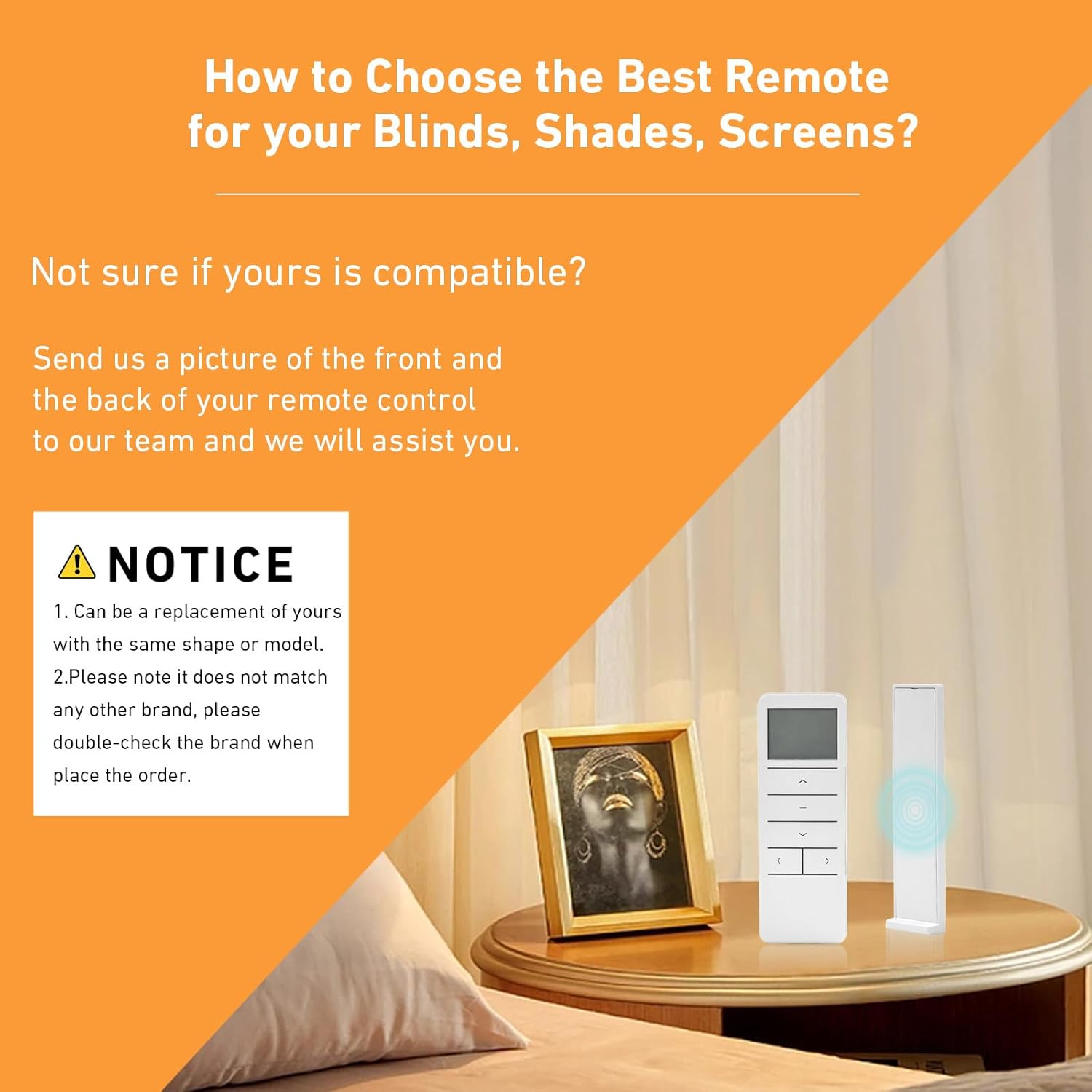
Figure 5: Compatibility Guidance
Avís important de compatibilitat:
- This remote is primarily a replacement for existing remotes of the same shape or model.
- It may not be compatible with all brands of motorized systems, even if they operate on a similar frequency.
- Always verify compatibility with your specific motor or existing remote before purchase.

Figure 6: List of Compatible Remote Models
Known compatible Rollerhouse/Dooya remote models include:
- DC1600, DC1602, DC1603, DC1660, DC2700, DC2702, DC1662, DC1670, DC1671, DC1672, DC1673, DC1800, DC1802, DC1520, DC1522, DC1530, DC2760, DC90.
7. Manteniment
7.1 Substitució de la bateria
Replace the CR2450 battery when the remote's range decreases significantly or the display becomes dim. Refer to Section 4.1 for battery installation instructions.
7.2 Neteja
To clean the remote control, use a soft, dry cloth. Do not use abrasive cleaners, solvents, or immerse the remote in water, as this can damage the electronic components.
7.3 Emmagatzematge
Store the remote control in a dry place, away from direct sunlight and extreme temperatures. If storing for an extended period, it is advisable to remove the battery to prevent leakage.
8. Solució De Problemes
If you experience issues with your Rollerhouse DC2702 remote control, try the following troubleshooting steps:
| Problema | Causa possible | Solució |
|---|---|---|
| Remote not responding / No display | Bateria morta o instal·lada incorrectament. | Check battery orientation. Replace battery (CR2450). |
| Interval de control limitat | Low battery; Obstructions between remote and motor; Interference. | Replace battery. Reduce obstructions. Move closer to the motor. |
| Motor not responding to remote | Remote not paired with motor; Incorrect channel selected; Motor power off. | Ensure motor is powered on. Verify correct channel is selected. Re-pair the remote with the motor (refer to motor's manual). |
| Motor moves in wrong direction | Motor direction needs adjustment. | This setting is typically adjusted on the motor itself or during the initial pairing process. Refer to your motor's instruction manual. |
If the problem persists after trying these solutions, please refer to the instruction manual of your motorized device or contact customer support.
9. Garantia i Suport
Rollerhouse products are manufactured to high-quality standards. For specific warranty information regarding your DC2702 remote control, please refer to the documentation provided at the time of purchase or contact your retailer.
For technical support, troubleshooting assistance beyond this manual, or inquiries about replacement parts, please contact Rollerhouse customer service or the seller from whom you purchased the product. When contacting support, please have your product model (DC2702) and purchase details ready.
Ask a question about this manual
Ask about setup, troubleshooting, compatibility, parts, safety, or missing instructions. Manuals+ will review the question and use this page’s manual context to help answer it.