
Introducció
The NEDIS ACAM41BK Action Camera is designed to capture high-quality video and photos in various environments. Featuring 4K Ultra HD video recording and 16-megapixel still image capture, this versatile camera is equipped with Wi-Fi connectivity for convenient control and content transfer. Its robust design, including a waterproof housing, makes it suitable for outdoor and underwater activities.
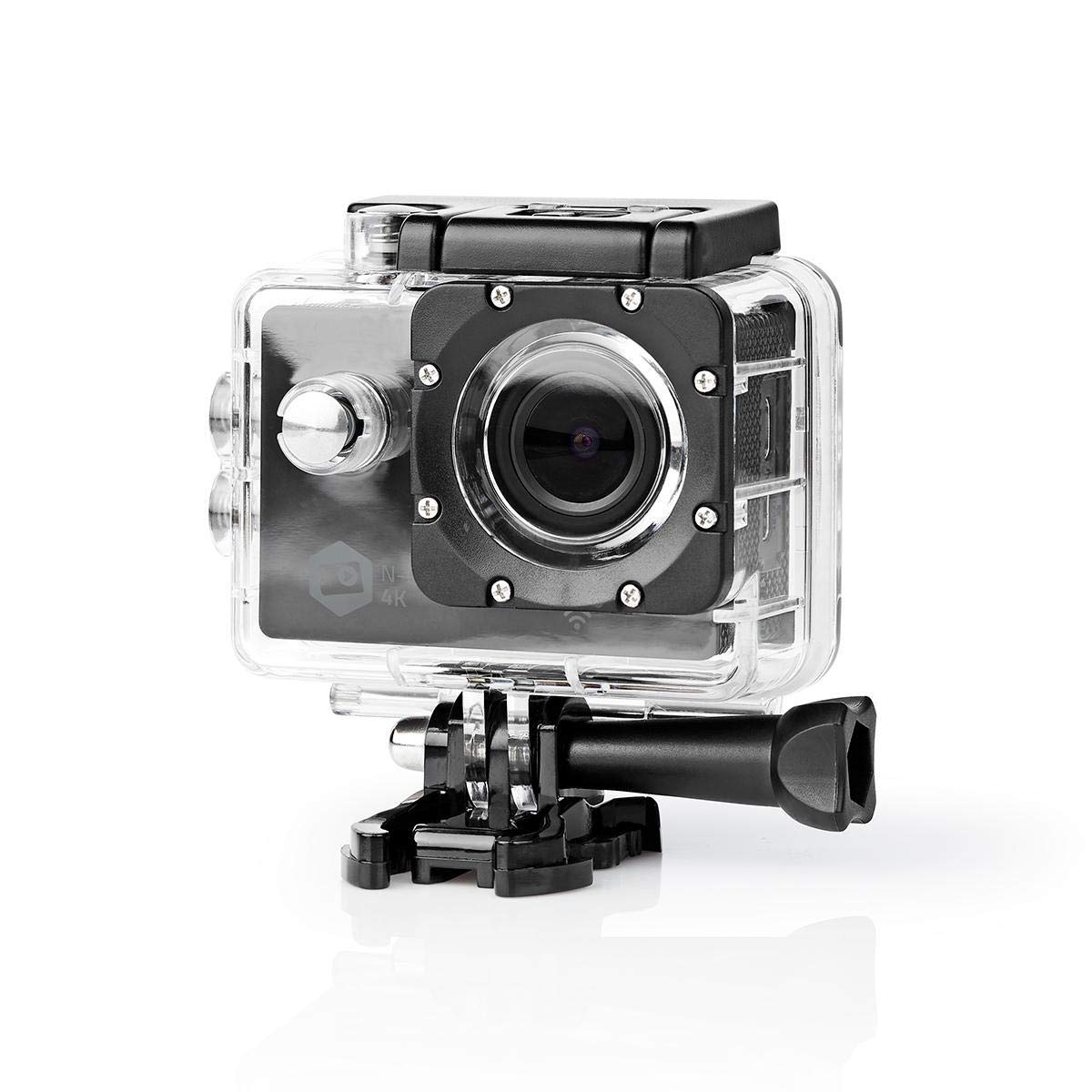
Image: The NEDIS ACAM41BK Action Camera, enclosed in its waterproof case, positioned against a backdrop of snowy mountains with a snowboarder in action. This illustrates the camera's intended use for extreme sports and outdoor adventures.
Informació de seguretat
- Do not expose the camera to extreme temperatures or direct sunlight for extended periods.
- Keep the device away from water and moisture unless it is securely enclosed in its waterproof housing.
- Use only original or certified accessories to avoid damage and ensure proper functionality.
- Do not attempt to disassemble or modify the camera, as this will void the warranty and may cause damage.
- Elimineu les piles i els components electrònics de manera responsable d'acord amb la normativa local.
Contingut del paquet
Verifiqueu que tots els elements que s'enumeren a continuació siguin presents al vostre paquet:
- Càmera d'acció NEDIS ACAM41BK
- Carcassa impermeable
- Open Frame Housing
- Mounting Accessories (various clips, mounts, and straps)
- Bateria (ió de liti)
- Cable de càrrega USB

Imatge: Vista de dalt a baix view of all included accessories for the NEDIS ACAM41BK Action Camera, neatly arranged on a white background. This includes the camera, waterproof case, various mounts, straps, and cables.
Producte acabatview
Familiaritzeu-vos amb els components i els controls de la càmera.
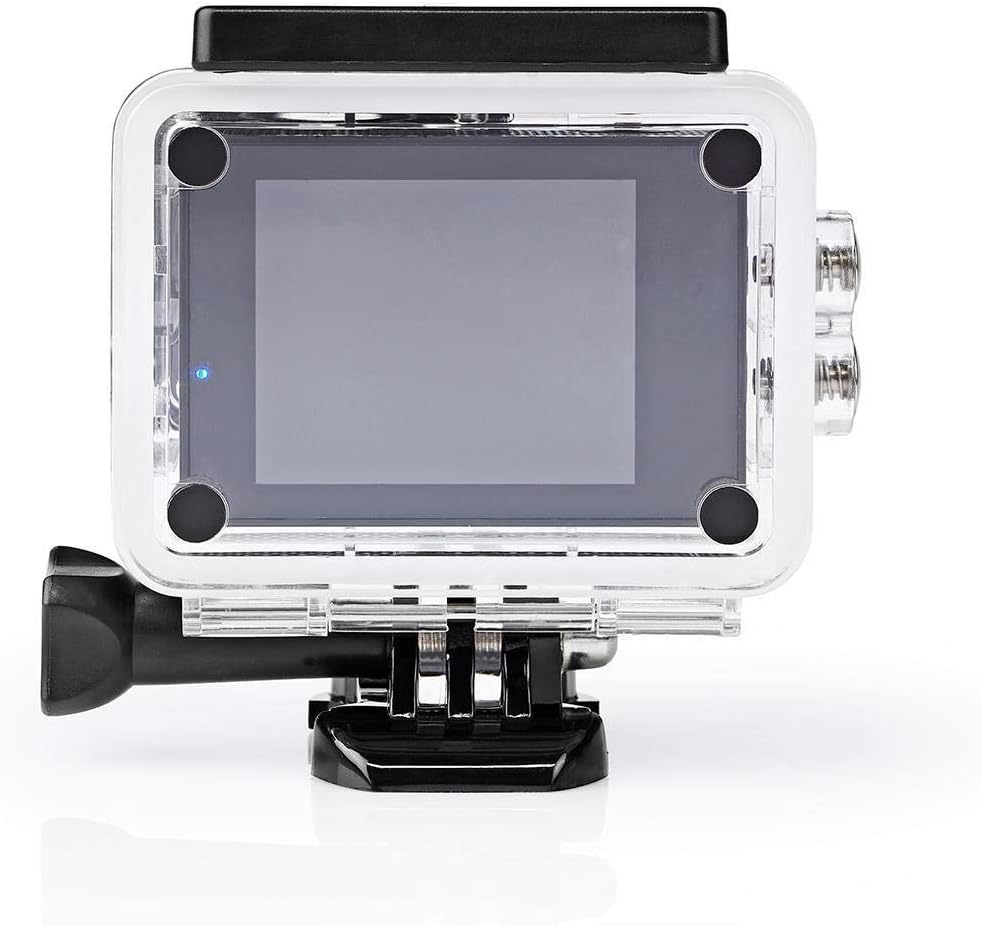
Image: The NEDIS ACAM41BK Action Camera shown without its waterproof housing, displaying the lens, power/mode button, and side ports for MicroSD, USB, and HDMI.
- Lent: Captura vídeos i fotos.
- Botó d'alimentació / mode: Press to power on/off, short press to switch modes.
- Botó de l'obturador/OK: Press to start/stop recording or take a photo.
- Pantalla TFT d'2 polzades: Mostra en directe view, menu, and playback.
- Micròfon: Grava àudio.
- Ranura per a targeta MicroSD: Per a la inserció de targetes de memòria.
- Port USB: Per a càrrega i transferència de dades.
- Port HDMI: Per connectar a una pantalla externa.
Configuració
1. Instal·lació i càrrega de la bateria
- Obriu la tapa del compartiment de la bateria a la part inferior de la càmera.
- Insert the Lithium-ion battery, ensuring the correct polarity.
- Tanqueu bé la tapa del compartiment de la bateria.
- Connect the camera to a USB power source using the provided USB cable to fully charge the battery before first use. The charging indicator will show the charging status.
2. Inserció de la targeta MicroSD
The camera supports MicroSD cards up to 64GB (Class 4 or UHS-I recommended).
- Localitza la ranura per a targetes MicroSD al lateral de la càmera.
- Introduïu la targeta MicroSD amb els contactes daurats mirant cap a la part posterior de la càmera fins que encaixi al seu lloc.
- Per treure-la, premeu suaument la targeta fins que surti.
3. Using the Waterproof Housing
The waterproof housing protects the camera from water, dust, and impacts.

Image: The NEDIS ACAM41BK Action Camera is shown inside its transparent waterproof housing, highlighting the secure closure and button access through the case.
- Ensure the camera is clean and dry before placing it inside the housing.
- Open the latch on the top of the waterproof housing and carefully insert the camera.
- Close the latch firmly to ensure a watertight seal.
- Before using in water, perform a leak test with the housing empty.
4. Attaching Mounting Accessories
Use the various mounting accessories to attach the camera to helmets, handlebars, or other surfaces.
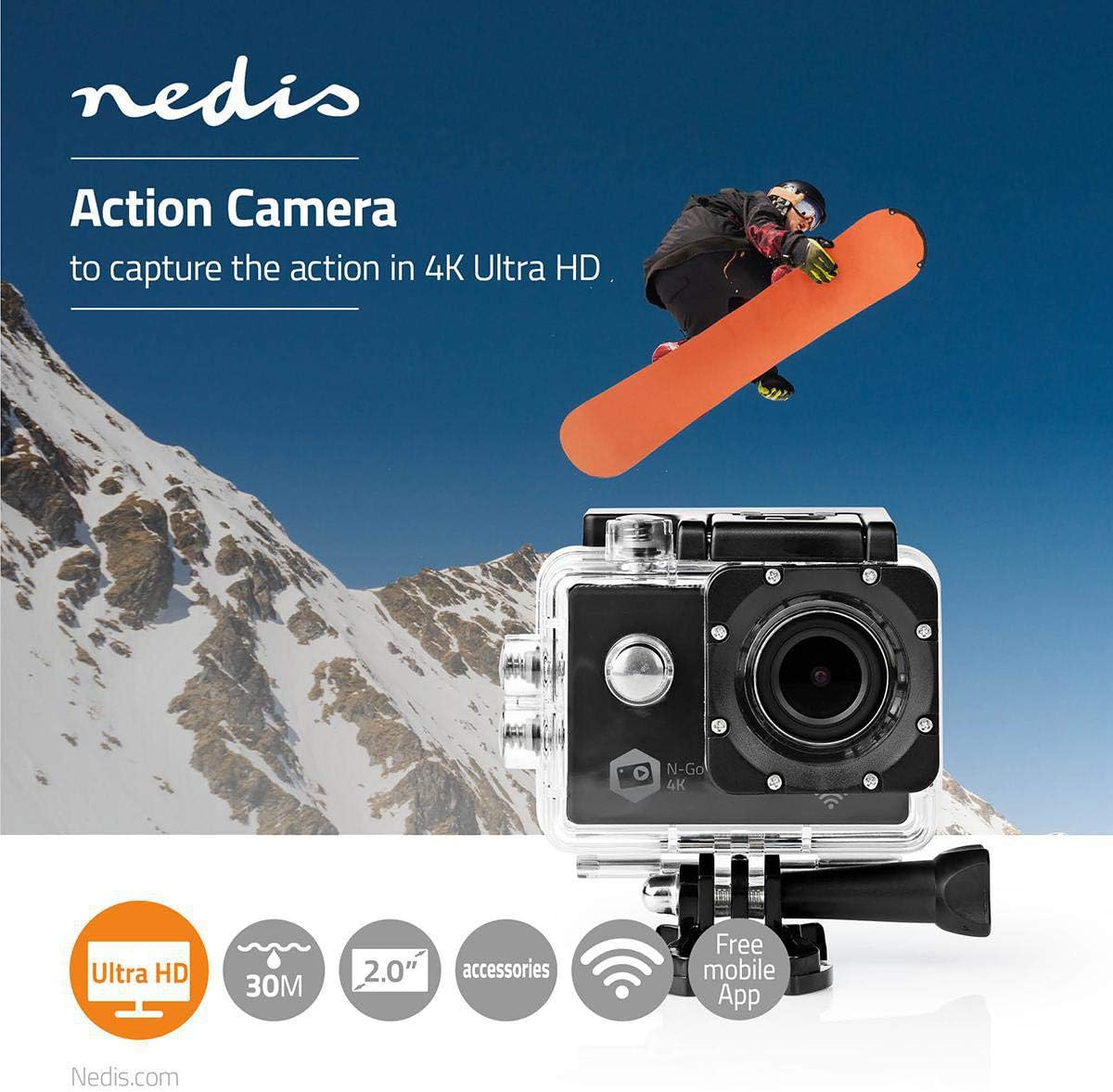
Image: The NEDIS ACAM41BK Action Camera, housed in its waterproof case, is shown securely attached to a mounting bracket, demonstrating how accessories connect to the camera.
- Select the appropriate mount for your activity.
- Attach the camera (either in its waterproof or open frame housing) to the chosen mount using the provided screws and adapters.
- Assegureu-vos que totes les connexions estiguin ben ajustades i segures abans d'utilitzar-les.
Funcionament de la càmera
1. Encendre/apagar
- Per encendre: Press and hold the Power/Mode button for a few seconds until the screen turns on.
- Per apagar: Press and hold the Power/Mode button again until the screen turns off.
2. Selecció de mode
Short press the Power/Mode button to cycle through the available modes:
- Mode d'enregistrament de vídeo: Indicated by a video camera icon.
- Mode de fotografia: Indicated by a camera icon.
- Mode de reproducció: Indicated by a play icon, for reviewing captured content.
- Mode de configuració: Indicated by a gear icon, for adjusting camera parameters.
3. Recording Videos and Taking Photos
- In Video Recording Mode: Press the Shutter/OK button once to start recording. The recording indicator will flash. Press the Shutter/OK button again to stop recording.
- En mode foto: Press the Shutter/OK button once to take a photo.
4. Connectivitat Wi-Fi
The camera features WLAN (Wi-Fi) connectivity for remote control via a smartphone or tablet.
- Ensure Wi-Fi is enabled in the camera's settings.
- On your smartphone or tablet, search for available Wi-Fi networks and connect to the camera's network (SSID will be displayed on the camera screen).
- Download and install the dedicated NEDIS action camera app (if available) from your device's app store.
- Obre l'aplicació per controlar la càmera, view viu footage, i transferència files.
Manteniment
Neteja de la càmera
- Feu servir un drap suau i sense borrissol per netejar el cos de la càmera.
- Per a la lent, feu servir un drap i una solució especials per netejar lents per evitar ratllades.
- Ensure the camera and waterproof housing are dry before storage.
Emmagatzematge
- Guardeu la càmera en un lloc fresc i sec, allunyat de la llum solar directa.
- Traieu la bateria si la càmera no s'utilitzarà durant un període prolongat.
Resolució de problemes
| Problema | Possible solució |
|---|---|
| La càmera no s'encén. | Assegureu-vos que la bateria estigui completament carregada i inserida correctament. |
| No es pot gravar vídeo ni fer fotos. | Comproveu si hi ha una targeta MicroSD inserida i si té prou espai lliure. Formateu la targeta si cal (això esborrarà totes les dades). |
| Mala qualitat de vídeo/fotos. | Ensure the lens is clean. Check resolution settings in the camera menu. Ensure adequate lighting. |
| Problemes de connexió Wi-Fi. | Ensure Wi-Fi is enabled on the camera and your smart device. Restart both devices. Check the camera's Wi-Fi password if applicable. |
| La càmera es bloqueja o deixa de respondre. | Traieu i torneu a inserir la bateria per dur a terme un restabliment complet. |
Especificacions
| Característica | Detall |
|---|---|
| Número de model | ACAM41BK |
| Resolució de vídeo | 4K Ultra HD |
| Resolució fotogràfica | 16 megapíxels |
| Mostra | Pantalla TFT de 2 polzades |
| Angle de la lent | 140 Degrees (Fixed 160° mentioned in feature bullets, using 140° from spec table for consistency) |
| Emmagatzematge | MicroSD up to 64GB (Class 4 / UHS-I) |
| Connectivitat | Wi-Fi (802.11a/b/g/n/ac), HDMI, USB |
| Resistència a l'aigua | Waterproof (with housing) |
| Tipus de bateria | Ió de liti |
| Durada mitjana de la bateria | 90 minuts |
| Dimensions (L x A x A) | 6 x 3 x 4 cm |
| Pes | 356 grams |
| Format d'àudio compatible | AAC o MP3 |
| Format de vídeo compatible | MP4 |
| Format d'imatge compatible | JPEG |
Garantia i Suport
For warranty information, please refer to the documentation provided at the time of purchase. If you encounter any issues or require technical assistance, please contact NEDIS customer support through their official weblloc web o el venedor on es va comprar el producte.


