
1. Introducció
The Benro X-Series 3XS Lite is a 3-axis smartphone gimbal stabilizer designed to capture smooth, professional-looking video footage with your mobile device. Its unique foldable arm design ensures easy storage and portability, making it an ideal companion for content creators on the go. This manual provides essential information for the proper setup, operation, and maintenance of your Benro 3XS Lite gimbal.
2. Característiques clau
- Collapsible Gimbal Arm: Designed for easy and compact storage, enhancing portability.
- Durada de la bateria ampliada: Offers up to 24 hours of operation on a single charge, ensuring long shooting sessions.
- Smartphone Application Support: Compatible with the Benro Gimbals smartphone app for advanced controls and features. The gimbal can also be used without the app after initial activation.
- Automatic Orientation Change: Seamlessly switch between horizontal and vertical shooting modes with a single button press, without the need for rebalancing.
- Integrated 3.5mm Audio Input: Allows for high-quality audio recording directly to your smartphone via an in-body passthrough.
3. Contingut del paquet
Upon unboxing your Benro 3XS Lite gimbal, please verify that all the following items are included:
- Benro 3XS Lite Gimbal Stabilizer
- Mini Tripod / Handle
- Cable de càrrega USB-C
- Bossa de transport
- Manual d'usuari (aquest document)

Image: Contents of the Benro 3XS Lite package, including the gimbal, mini tripod, and charging cable.
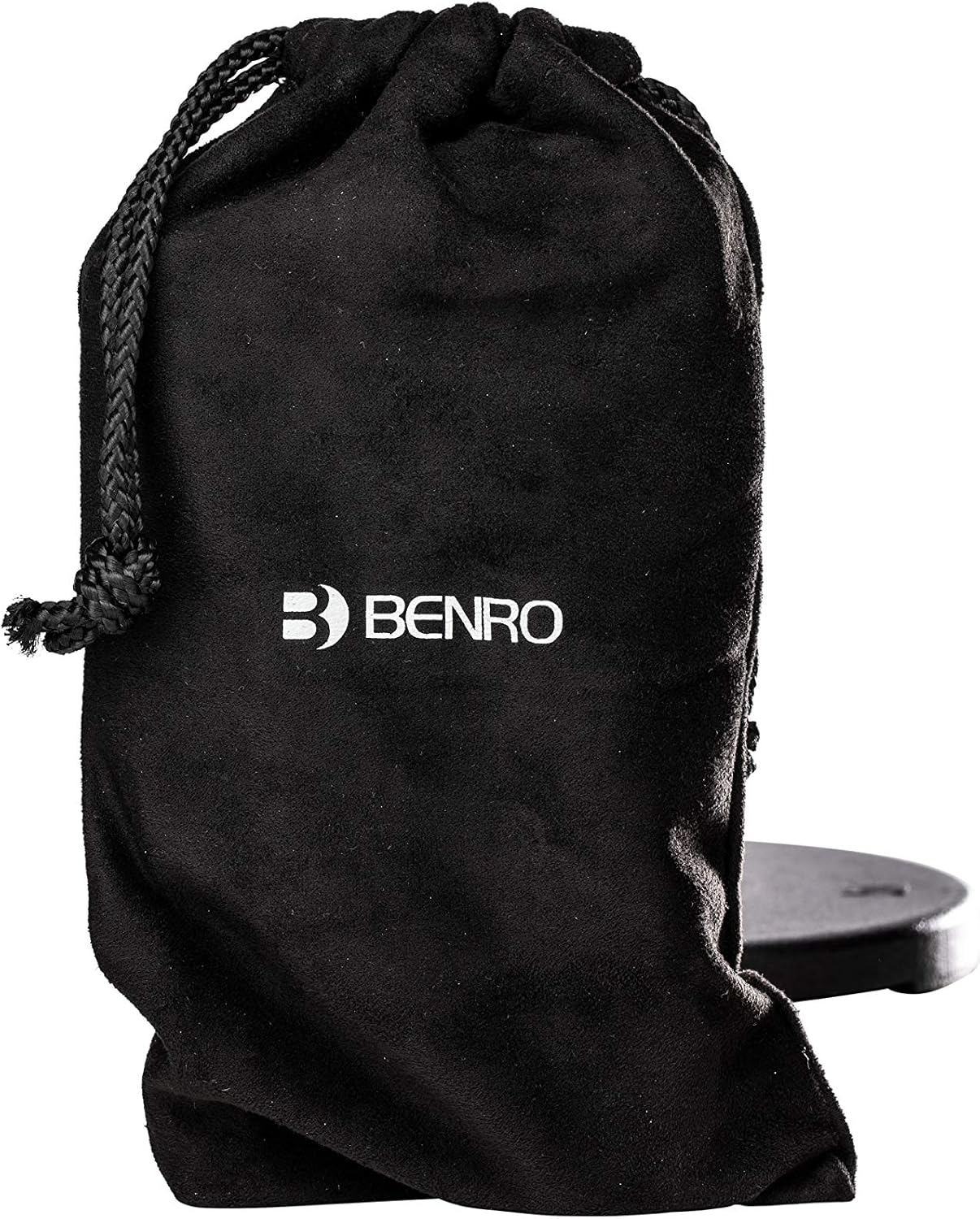
Image: The included Benro branded carry bag for the 3XS Lite gimbal.
4. Guia de configuració
4.1 Càrrega del cardan
Before first use, fully charge the gimbal. Connect the provided USB-C cable to the charging port on the gimbal handle and the other end to a USB power adapter (not included). The charging indicator light will provide feedback on the charging status.

Image: The USB-C charging port located on the gimbal handle, with a charging cable inserted.
4.2 Attaching the Mini Tripod
Screw the mini tripod onto the 1/4-inch thread at the bottom of the gimbal handle. This provides a stable base for setting the gimbal down or for use as an extended grip.

Image: The compact mini tripod, which can be attached to the base of the gimbal for stability or used as an extended handle.
4.3 Muntatge del telèfon intel·ligent
Allargar la clavilla del telèfonamp and carefully place your smartphone into it. Ensure the phone is securely seated and centered within the clamp.

Image: The Benro 3XS Lite gimbal with a smartphone securely mounted in its clamp, ready for use.
4.4 Equilibri del cardan
Proper balancing is crucial for optimal performance and battery life. Adjust the phone's position in the clamp and slide the gimbal arm to achieve a balanced state where the phone remains level when the gimbal is powered off.

Imatge: Lateral view of the gimbal, illustrating the adjustable arm mechanism used for balancing the smartphone.
4.5 Connecting to the Smartphone App
For advanced features and calibration, download the 'Benro Gimbals' app from your smartphone's app store. Enable Bluetooth on your phone and follow the in-app instructions to connect to your 3XS Lite gimbal.
5. Instruccions de funcionament
5.1 Encès/Apagat
To power on the gimbal, press and hold the power button (usually located on the side or front of the handle) until the indicator lights illuminate. To power off, press and hold the same button until the lights turn off.
5.2 Gimbal Controls
The Benro 3XS Lite features intuitive controls for easy operation:
- Palanca de control: Controls pan and tilt movements of the gimbal.
- Botó de mode (M): Cycles through different operating modes (e.g., Pan Follow, Lock Mode, POV). Refer to the app for detailed mode descriptions.
- Botó de gravació: Initiates and stops video recording or takes photos when connected to the smartphone app.
- Dial de zoom: Allows for digital zoom control within the Benro Gimbals app.
- Botó d'activació: Located on the back of the handle, often used for quick re-centering or activating specific modes.

Imatge: Detallada view of the main control panel on the gimbal handle, showing the joystick, mode button, and record button.

Image: Close-up of the side controls and the trigger button located on the back of the gimbal handle.
5.3 Automatic Orientation Change
The 3XS Lite can instantly switch between horizontal (landscape) and vertical (portrait) shooting orientations. Simply press the dedicated button (refer to the manual or app for exact button mapping) to change orientation without needing to rebalance the gimbal.
5.4 Using the 3.5mm Audio Input
Connect an external microphone to the 3.5mm audio input jack on the gimbal handle. The gimbal will pass the audio signal directly to your smartphone, allowing for enhanced audio quality in your recordings.
6. Manteniment
- Neteja: Feu servir un drap suau i sec per netejar el cardan. Eviteu utilitzar netejadors líquids o dissolvents.
- Emmagatzematge: When not in use, fold the gimbal arm for compact storage and place it in the provided carry bag. Store in a cool, dry place away from direct sunlight and extreme temperatures.
- Cura de la bateria: To prolong battery life, avoid fully discharging the gimbal frequently. Charge the battery at least once every three months if not in regular use.
7. Solució De Problemes
- El gimbal no s'encén: Assegureu-vos que la bateria estigui prou carregada. Connecteu-la a una font d'alimentació i torneu-ho a provar.
- Gimbal shaking or vibrating: This often indicates improper balancing. Power off the gimbal, re-balance your smartphone carefully, and then power on again.
- Smartphone not connecting to app: Ensure Bluetooth is enabled on your phone and the gimbal is powered on. Try restarting both the app and the gimbal.
- Motors feel weak or unresponsive: Re-calibrate the gimbal using the Benro Gimbals app. Ensure no obstructions are blocking the motors.
- El telèfon no cap al portaequipatgesamp: Verify your smartphone's dimensions are within the compatible range for the 3XS Lite.
8. Especificacions
| Característica | Especificació |
|---|---|
| Dimensions del producte | 6.89 x 2.76 x 11.81 polzades |
| Pes de l'article | 15.2 unces (0.95 lliures) |
| Número de model de l'article | 3XS Lite |
| Bateries | 1 bateria de ions de liti (inclosa) |
| Dispositius compatibles | Telèfon mòbil |
| Color | Negre |
| Fabricant | Benro |
| Data de primera disponibilitat | 22 de juliol de 2019 |
| ASIN | B07V2GGM3T |
| Número d'identificació comercial global | 06931747312832 |
9. Garantia i Suport
For information regarding warranty coverage and technical support for your Benro 3XS Lite gimbal, please refer to the warranty card included with your product or visit the official Benro website. You may also find helpful resources and contact information on the Benro Store on Amazon.