
1. Introducció
The SHADA idinio Smart Ceiling Lamp Ufo 1400 is an intelligent lighting solution designed to enhance your living space. This 18-watt dimmable lamp offers adjustable light color temperatures from 3000K (warm white) to 6500K (cool white), providing versatile illumination for any mood or activity. It connects via Wi-Fi and can be controlled conveniently through a dedicated mobile application or voice commands using Amazon Alexa and Google Assistant.
2. Informació de seguretat
Please read all safety instructions before installation and use. Improper installation or use can lead to electric shock, fire, or other hazards. Always ensure the power supply is disconnected before installation or maintenance. Installation should be performed by a qualified electrician if you are unsure about electrical wiring.
- No intenteu reparar o modificar el dispositiu vosaltres mateixos.
- Assegureu-vos que lamp is securely mounted to the ceiling.
- Mantingueu el dispositiu allunyat de l'aigua i la humitat elevada.
3. Configuració
3.1 Instal·lació física
- Desconnecteu l'alimentació: Before starting, switch off the main power supply at your circuit breaker to prevent electric shock.
- Muntar la Lamp: Securely attach the ceiling lamp base to the ceiling using the provided mounting hardware. Ensure it is firmly fixed.
- Connecteu el cablejat: Connect the electrical wires from your ceiling to the lamp's terminals according to local electrical codes. Typically, this involves connecting live, neutral, and ground wires.
- Adjunta Lamp Cos: Once wiring is complete and secure, attach the main body of the lamp a la base.
- Restaura l'alimentació: Turn the main power supply back on. The lamp should now be ready for pairing.
3.2 Descàrrega i instal·lació d'aplicacions
The idinio Smart Ceiling Lamp is controlled via the idinio app, available for iOS and Android devices. No additional hardware is required.

Image: The idinio Smart Ceiling Lamp shown with logos for Amazon Alexa, Apple App Store, and Google Play Store, indicating compatibility and app availability.
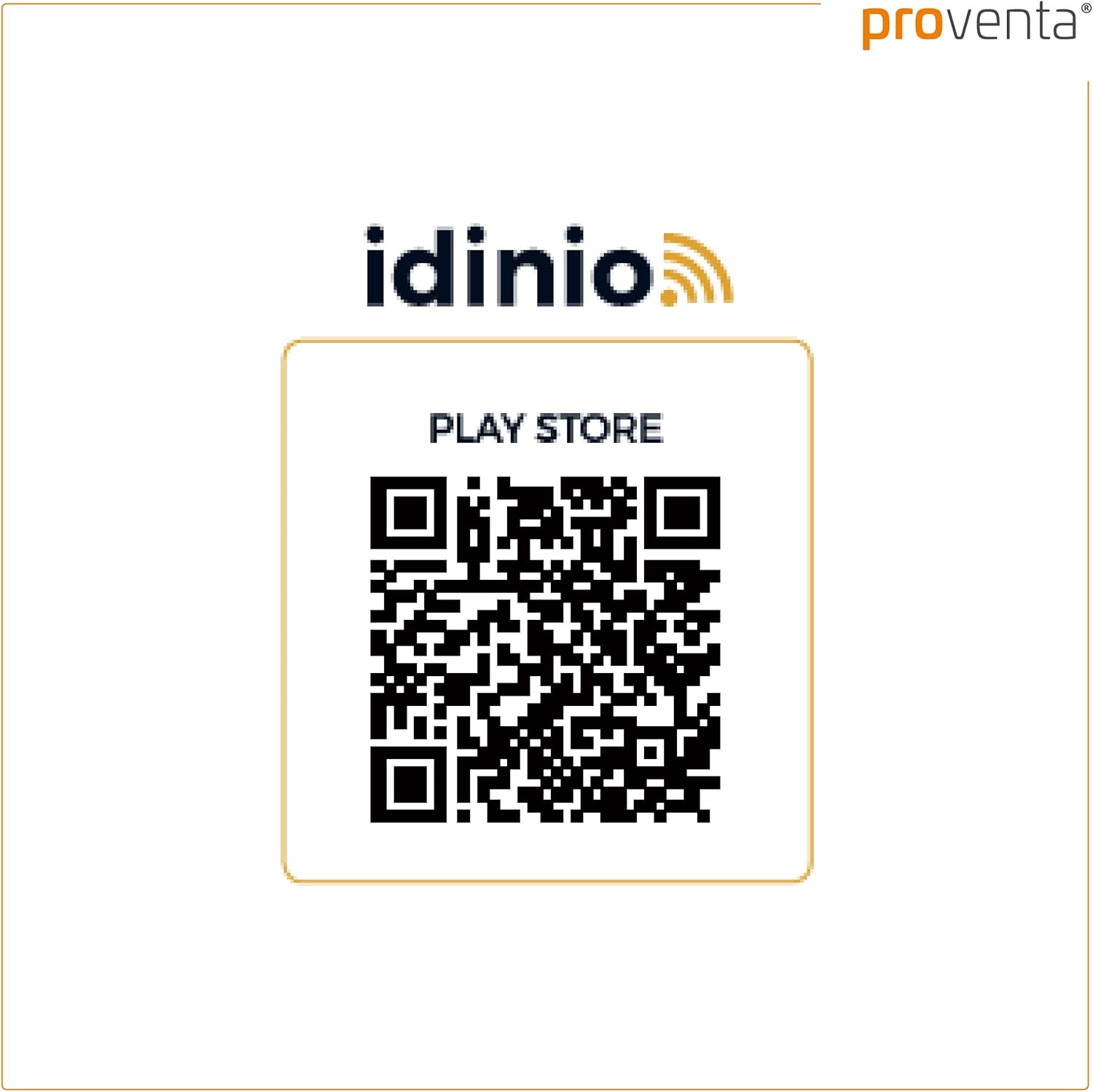
You can download the app using the QR codes below or by searching for "idinio" in your device's app store:

3.3 Emparellament de dispositius
- Obriu l'aplicació: Launch the idinio app on your smartphone or tablet.
- Registra't/Iniciar sessió: If you are a new user, register an account. Otherwise, log in with your existing credentials.
- Afegeix un dispositiu: Tap the "+" icon or "Add Device" option within the app.
- Seleccioneu el tipus de dispositiu: Choose "Lighting" or "Ceiling Lamp" from the list of available device types.
- Connexió Wi-Fi: Ensure your smartphone is connected to a 2.4 GHz Wi-Fi network. The idinio lamp requires a 2.4 GHz network for initial setup.
- Restablir Lamp (si és necessari): Si la lamp does not automatically enter pairing mode (often indicated by flashing light), you may need to power cycle it a few times (turn off/on) until it starts flashing rapidly. Follow the app's instructions for specific reset procedures.
- Confirma el parpelleig: Confirm in the app that the lamp està parpellejant.
- Introduïu la contrasenya de Wi-Fi: Enter your Wi-Fi network password into the app.
- Procés d'aparellament: The app will now attempt to connect to the lamp. This may take a few moments. Once connected, the lamp will stop flashing and remain steadily lit.
- Canvia el nom del dispositiu: You can rename your lamp within the app for easier identification (e.g., "Living Room Ceiling Lamp").
4. Operating the Smart Ceiling Lamp
Once paired, you can control your idinio Smart Ceiling Lamp utilitzant l'aplicació o les ordres de veu.

Image: A hand holding a smartphone with the idinio app open, demonstrating app control of the smart ceiling lamp.
4.1 Control d'aplicacions
The idinio app provides full control over your lamp:
- On/Off: Commuta la lamp's power directly from the app.
- Dimecres: Adjust the brightness level continuously from 1% to 100%.
- Temperatura de color: Change the light color from warm white (3000K) to cool white (6500K) to suit your preference or activity.
- Programació: Set timers or schedules for the lamp per activar/desactivar o canviar la configuració en moments específics.
- Escenes: Create custom lighting scenes for different occasions (e.g., "Reading Mode," "Movie Night").
- Compartició de dispositius: Share control of the lamp with family members or friends through the app. This allows multiple users to manage the lamp from their own devices.
4.2 Control de veu
The idinio Smart Ceiling Lamp és compatible amb Amazon Alexa i Google Assistant. Per activar el control per veu:
- Enllaça el compte: In your Alexa or Google Home app, search for the "idinio" skill/service.
- Activa l'habilitat: Enable the idinio skill and link it to your idinio account.
- Descobriu els dispositius: Demana al teu assistent de veu que descobreixi nous dispositius.
- Comandaments de veu: Ara podeu utilitzar ordres de veu com ara:
- "Alexa, activa la sala d'estar L"amp."
- "Hey Google, set Living Room Lamp to 50% brightness."
- "Alexa, change Living Room Lamp a blanc càlid."
5. Manteniment
To ensure the longevity and optimal performance of your idinio Smart Ceiling Lamp, seguiu aquestes senzilles pautes de manteniment:
- Neteja: Desconnecteu l'alimentació abans de netejar. Feu servir un drap suau, sec o lleugerament sec.amp drap per netejar la superfície de lamp. Do not use abrasive cleaners, solvents, or harsh chemicals, as these can damage the finish.
- Sense peces reparables per l'usuari: El lamp contains no user-serviceable parts. Do not attempt to open or disassemble the unit.
6. Solució De Problemes
If you encounter issues with your idinio Smart Ceiling Lamp, consulteu els problemes i solucions habituals següents:
- Lamp no s'encén:
- Comproveu si la font d'alimentació està connectada i si l'interruptor està activat.
- Assegureu-vos que lamp is correctly wired and securely installed.
- Comproveu que la lamp is not switched off via the app or voice command.
- Lamp does not connect to Wi-Fi/App:
- Ensure your Wi-Fi network is 2.4 GHz. The lamp does not support 5 GHz networks.
- Check your Wi-Fi signal strength at the lampla ubicació de.
- Make sure your smartphone is connected to the same 2.4 GHz Wi-Fi network during pairing.
- Try power cycling the lamp (turn off and on several times) to put it into pairing mode (flashing light).
- Reinicieu el vostre encaminador Wi-Fi.
- Ensure you have entered the correct Wi-Fi password in the app.
- El control per veu no funciona:
- Verify that the idinio skill is enabled and linked correctly in your Alexa or Google Home app.
- Ensure your voice assistant device is connected to the internet.
- Comproveu si la lamp is online and responsive in the idinio app.
- Use the exact device name you assigned in the idinio app for voice commands.
- Lamp settings reset after power off:
- El lamp is designed to retain its last settings. If settings are lost, ensure the lamp is properly paired and connected to the app. A brief power interruption should not cause a full reset. If this persists, try re-pairing the device.
7. Especificacions
| Marca | SHADA |
| Model | Ufo 1400 |
| Estil | Modern |
| Wattage | 18 watts |
| Tipus de font de llum | LED |
| Temperatura de color | 3000K - 6500K (ajustable) |
| Característiques especials | Dimmable, Smart Control (App/Voice) |
| Connectivitat | Wi-Fi (2.4 GHz) |
| Font d'alimentació | Elèctric amb cable |
| Tipus d'instal·lació | Muntatge al sostre |
| Components inclosos | Material de muntatge |
| ASIN | B07VS4DJK1 |
8. Informació de la garantia
Specific warranty details for the SHADA idinio Smart Ceiling Lamp Ufo 1400 were not provided in the product data. Please refer to the retailer or manufacturer's official weblloc web per conèixer els termes i condicions de la garantia actuals.
9. Atenció al client
Customer support contact information for the SHADA idinio Smart Ceiling Lamp Ufo 1400 was not provided in the product data. For assistance, please visit the SHADA official website or contact your product retailer.
