
1. Introducció
This manual provides essential information for the proper setup, operation, and maintenance of your Blueendless Ultra Slim Portable External Hard Drive. This device offers convenient, high-speed storage for your digital files, compatible with various operating systems.
2. Informació de seguretat
- No exposeu el dispositiu a l'aigua ni a una humitat excessiva.
- Eviteu temperatures extremes, la llum solar directa o ambients amb molta pols.
- Manipuleu el dispositiu amb cura per evitar danys físics.
- No intenteu desmuntar ni reparar el dispositiu vosaltres mateixos. Poseu-vos en contacte amb personal de servei qualificat.
- Assegureu-vos una ventilació adequada durant l'ús.
3. Contingut del paquet
Verifiqueu que tots els elements siguin presents al vostre paquet:
- 1 x Blueendless Portable External Hard Drive
- 1 x cable USB 3.0
- 1 x Manual d'usuari (aquest document)

Image: The Blueendless portable hard drive shown alongside its included USB 3.0 cable, ready for connection.
4. Configuració
- Connect the Hard Drive: Plug the included USB 3.0 cable into the port on the external hard drive. Then, connect the other end of the USB cable to an available USB port on your computer (PC, Desktop, Laptop, or Mac). For optimal performance, use a USB 3.0 port on your computer.
- Reconeixement automàtic: The Blueendless external hard drive is designed for plug-and-play operation. Your operating system (Windows 98SE, 2000, Linux, Vista, WIN7, WIN8, WIN10, or macOS) should automatically detect and install the necessary drivers. No additional software installation is typically required.
- A punt per al seu ús: Once recognized, the drive will appear as a new storage device in your computer's file explorer or Finder. You can now begin transferring files.

Image: The Blueendless external hard drive connected to a laptop, illustrating a typical setup for immediate use.
5. Instruccions de funcionament
- Transferència de dades: Arrossegueu i deixeu anar files or folders to and from the external hard drive icon in your computer's file management system. The USB 3.0 connection provides fast data transfer speeds for efficient backups and file gestió.
- Capacitat d'emmagatzematge: Utilitzeu el ample storage space for your music, movies, documents, and other digital files.
- Eliminació segura: Always safely eject the hard drive from your operating system before physically disconnecting the USB cable. This prevents data corruption and ensures the longevity of the device.
6. Manteniment
- Protecció física: The drive features an internal shock sensor and ramp loading technology designed to protect your data. However, avoid dropping or subjecting the drive to strong impacts.
- Neteja: Feu servir un drap suau i sec per netejar l'exterior de la unitat. No utilitzeu netejadors líquids ni dissolvents.
- Emmagatzematge: When not in use, store the hard drive in a cool, dry place away from direct sunlight and strong magnetic fields.
7. Solució De Problemes
- Unitat no reconeguda:
- Assegureu-vos que el cable USB estigui connectat correctament tant a la unitat com a l'ordinador.
- Proveu de connectar-vos a un altre port USB de l'ordinador.
- If using Windows, check Disk Management to see if the drive is listed but uninitialized or unallocated. You may need to initialize the disk and create a new simple volume.
- For advanced Windows users: If the drive does not appear, ensure the 'Virtual Disk' service is running (set to Automatic start) and check `diskpart` in Command Prompt to ensure `automount` is enabled.
- Velocitats de transferència lentes:
- Ensure you are connected to a USB 3.0 port on your computer for optimal speed. USB 2.0 ports will result in slower transfer rates.
- Avoid running multiple data-intensive applications during large file transferències.
- Capacity Discrepancy: The displayed capacity of the hard drive may appear slightly less than the nominal capacity (e.g., 500GB showing as 465GB). This is normal and due to the difference in how hard disk manufacturers (decimal arithmetic: 1GB = 1000MB) and operating systems (binary arithmetic: 1GB = 1024MB) calculate storage space. This is not an indication of a defect.
8. Especificacions
| Tipus de disc dur | 2.5" Mechanical Hard Disk |
| Capacitat d'emmagatzematge | 500 GB |
| Interfície USB | USB 3.0 (compatible enrere amb USB 2.0) |
| Velocitat de rotació | 5400 RPM |
| Número de model | U23PA |
| Dimensions (L x A x A) | 11.94 x 7.62 x 1.3 cm (4.7 x 3 x 0.51 polzades) |
| Pes | 210 g |
| Color | Negre |
| Dispositius compatibles | PC, Desktop, Laptop, Mac |
| Font d'alimentació | DC (USB-powered) |
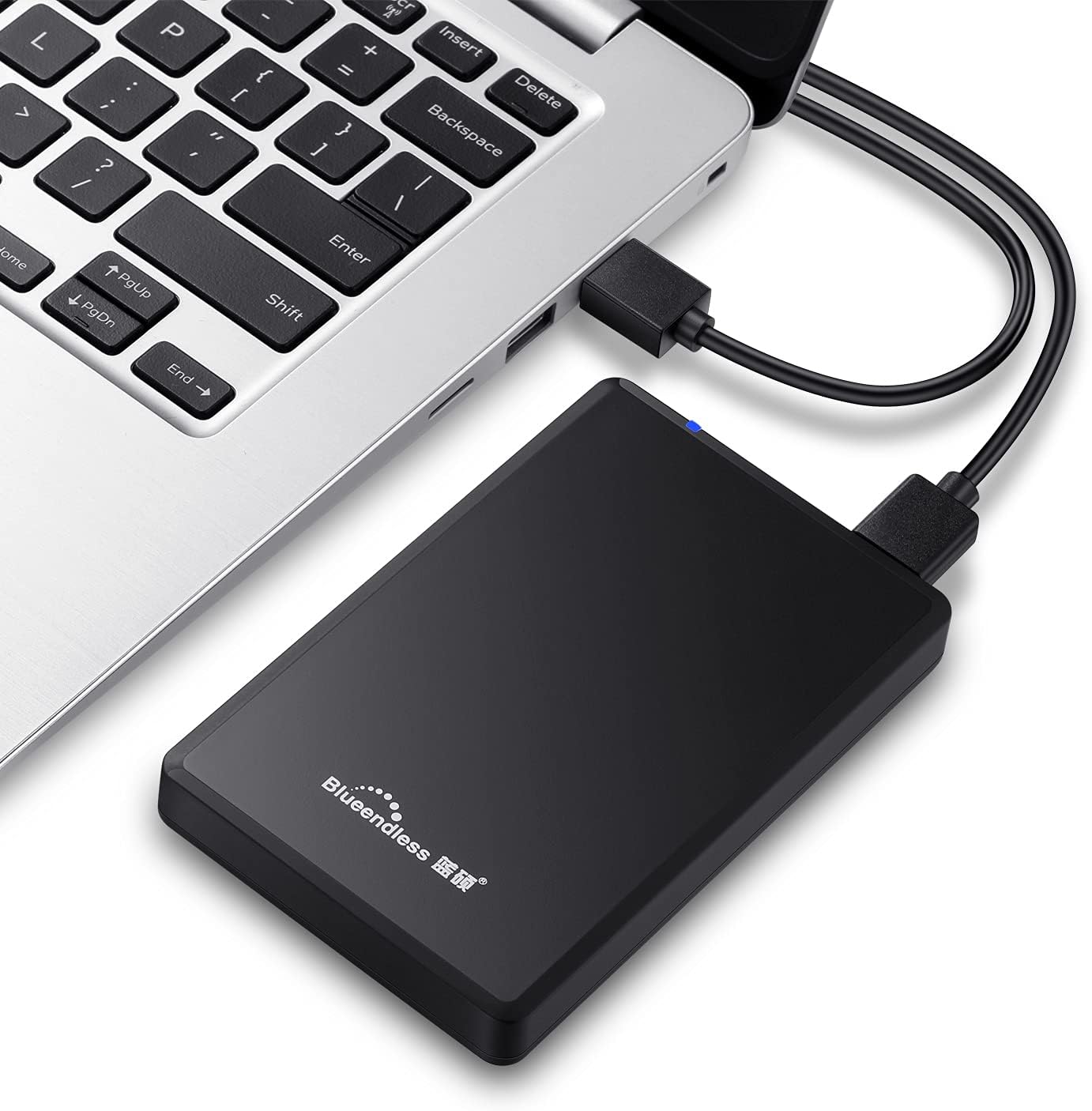
Image: Diagram illustrating the compact dimensions of the Blueendless external hard drive.
9. Informació de la garantia
This Blueendless external hard drive comes with a 1 any de garantia del fabricant des de la data de compra. Aquesta garantia cobreix els defectes de fabricació en condicions d'ús normal. Si us plau, conserveu el comprovant de compra per a reclamacions de garantia.
La garantia no cobreix els danys causats per:
- Accident, abuse, misuse, or improper installation.
- Natural disasters or acts of God.
- Reparacions o modificacions no autoritzades.
- No seguir les instruccions d'aquest manual.
10. Suport
If you encounter any issues not covered in the troubleshooting section or require further assistance, please contact Blueendless customer support through your retailer or the official Blueendless website. Have your product model number (U23PA) and proof of purchase ready when contacting support.