
EVGA 220-GA-0750-X1
EVGA Super Nova 750 GA Power Supply User Manual
Model: 220-GA-0750-X1
Introducció
Thank you for choosing the EVGA Super Nova 750 GA Power Supply. This fully modular, 80 Plus Gold certified power supply is designed to provide stable and efficient power to your computer system. This manual provides essential information for the safe installation, operation, and maintenance of your new power supply.
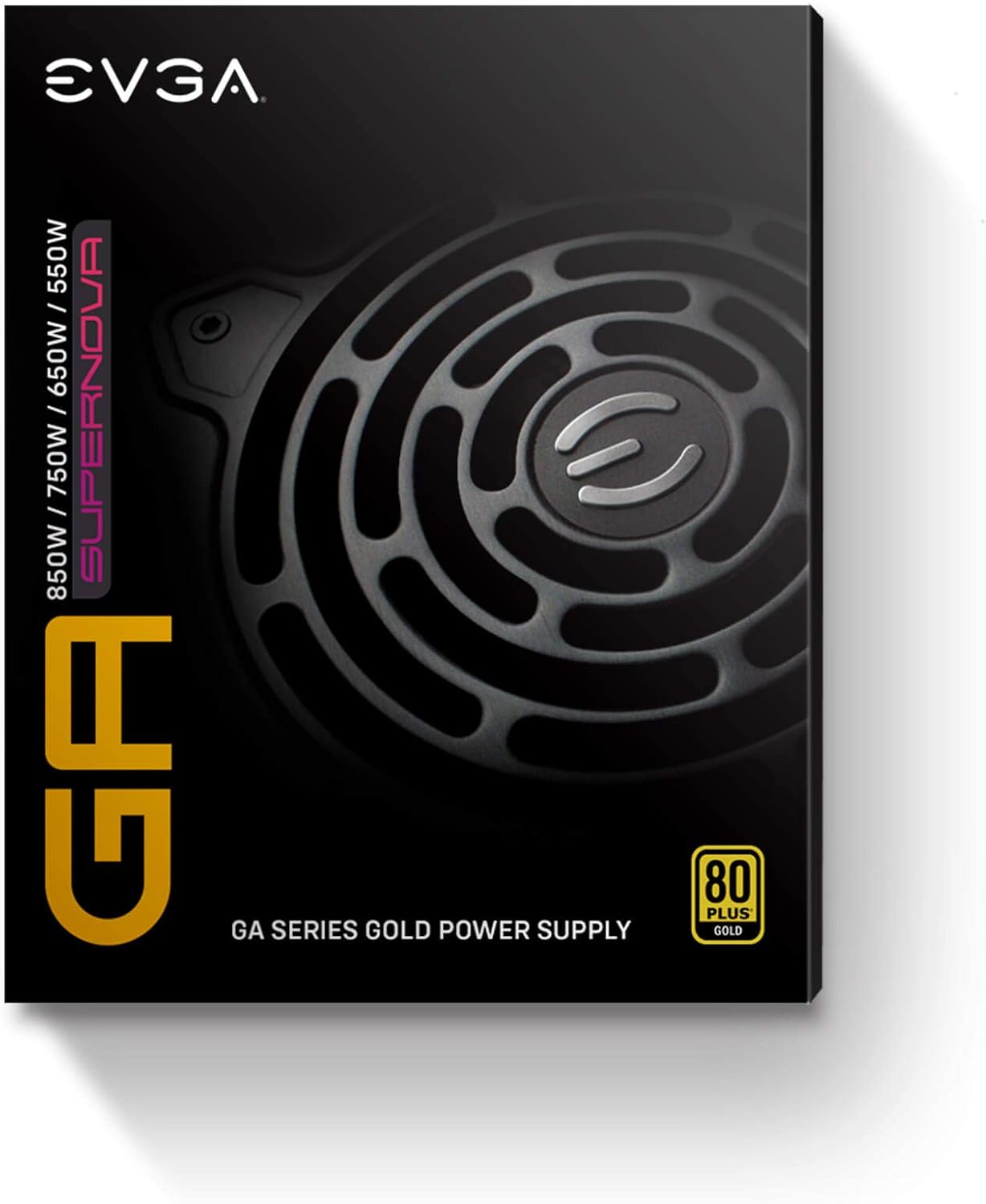
Image: The retail packaging for the EVGA Super Nova GA series power supply, showing the 80 Plus Gold certification and wattage opcions.
Informació de seguretat
WARNING: Improper installation or use can result in serious injury or damage to your equipment. Please read and follow all instructions carefully.
- Ensure the power supply is disconnected from the AC power outlet before installation or removal.
- This power supply is designed for use in computer systems only. Do not use it for any other purpose.
- No obriu la font d'alimentació casing. Alt volumtagHi ha peces a l'interior i no hi ha peces que l'usuari pugui reparar. L'obertura de la unitat anul·larà la garantia.
- Instal·leu la font d'alimentació en una zona ben ventilada, allunyada de fonts de calor i humitat.
- Use only the modular cables provided with this EVGA power supply. Using third-party cables may cause damage and void your warranty.
- Assegureu-vos que tots els cables estiguin connectats correctament abans d'encendre el sistema.
Contingut del paquet
Comproveu que el vostre paquet contingui els elements següents:
- EVGA Super Nova 750 GA Power Supply
- Modular Cable Set (various types for motherboard, CPU, PCIe, SATA, Peripherals)
- Cable d'alimentació CA
- Cargols de muntatge
- Cable Ties/Velcro Straps
- Manual d'usuari (aquest document)

Image: A collection of black modular cables, including ATX, CPU, PCIe, SATA, and peripheral connectors, along with the AC power cord and mounting screws, typically included with the power supply.
Configuració i instal·lació
1. Instal·lació física
- Prepareu el vostre sistema: Ensure your computer case is open and accessible. Disconnect all power from your existing power supply if you are replacing one.
- Muntar la font d'alimentació: Carefully slide the EVGA Super Nova 750 GA into the power supply bay of your computer case. Ensure the fan is oriented correctly for optimal airflow (typically facing downwards if there's a bottom vent, or upwards if not). Secure the power supply with the provided mounting screws.

Imatge: Una imatge superior view of the EVGA Super Nova 750 GA power supply, showcasing its fan grille and modular cable ports on the side.
2. Connexions de cable
The EVGA Super Nova 750 GA is a fully modular power supply, allowing you to connect only the cables you need. This reduces cable clutter and improves airflow within your case.
- Cable de placa base ATX de 24 pins: Connect the large 24-pin cable to the corresponding port on your motherboard and the power supply.
- 8-pin (4+4) CPU Power Cable: Connect one or two 8-pin (or 4+4 pin) CPU cables to your motherboard's CPU power connectors and the power supply's CPU ports.
- PCIe Power Cables: For graphics cards, connect the appropriate 6-pin or 8-pin (6+2 pin) PCIe cables to your graphics card(s) and the power supply's VGA ports.
- Cables d'alimentació SATA: Connecteu els cables d'alimentació SATA als vostres SSD, HDD i unitats òptiques.
- Cables perifèrics (Molex): Use these for older components or case accessories that require Molex connectors.

Imatge: Un primer pla view of the modular cable connection panel on the EVGA Super Nova 750 GA power supply, showing labeled ports for MB, SATA, PERIF, VGA, and CPU cables.
3. Connexió d'alimentació CA
Once all internal connections are made, connect the AC power cord to the power supply's AC inlet and then to a wall outlet or surge protector. Ensure the power switch on the back of the PSU is in the "OFF" position before connecting to AC power.

Image: The rear panel of the EVGA Super Nova 750 GA power supply, featuring the AC power inlet, a main power ON/OFF switch, and a separate ECO mode ON/OFF switch.
Instruccions de funcionament
Encès/Apagat
- After all cables are securely connected, flip the main power switch on the back of the power supply to the "ON" position.
- You can now power on your computer system using the case's power button.
- To power off the system, shut down your operating system normally. For complete power disconnection, flip the main power switch on the PSU to "OFF" and unplug the AC cord.
Funcionament en mode ECO
The EVGA Super Nova 750 GA features an ECO mode, controlled by a switch on the rear panel.
- Mode ECO activat: When ECO mode is enabled, the power supply fan will remain off during low to moderate loads, providing silent operation. The fan will only spin up when the internal temperature or load reaches a certain threshold.
- Mode ECO DESACTIVAT: When ECO mode is disabled, the power supply fan will operate continuously, adjusting its speed based on load and temperature. This provides constant airflow through the power supply.
Choose the ECO mode setting that best suits your preference for noise levels and cooling.
Manteniment
Un manteniment adequat garanteix la longevitat i el rendiment òptim de la vostra font d'alimentació.
- Neteja de pols: Periodically clean the power supply's fan grille and vents to prevent dust buildup, which can impede airflow and lead to overheating. Use compressed air to gently blow dust out of the unit. Ensure the power supply is disconnected from AC power before cleaning.
- Gestió de cables: Ensure cables are neatly routed and do not obstruct airflow within your computer case.
- Condicions ambientals: Feu funcionar la font d'alimentació dins dels rangs de temperatura i humitat recomanats. Eviteu condicions extremes.
Resolució de problemes
If you encounter issues with your power supply, refer to the following common solutions:
- Sense energia:
- Comproveu si el cable d'alimentació de CA està ben connectat tant a la font d'alimentació com a la presa de corrent.
- Ensure the main power switch on the back of the PSU is in the "ON" position.
- Verify that all modular cables are firmly connected to both the power supply and the components (motherboard, CPU, GPU).
- Proveu la presa de corrent amb un altre dispositiu per assegurar-vos que tingui corrent.
- Inestabilitat/Avaries del sistema:
- Assegureu-vos que els requisits d'alimentació del vostre sistema no superin la capacitat de 750 W de la font d'alimentació.
- Comproveu si hi ha connexions de cable soltes.
- Monitor system temperatures to ensure proper cooling.
- Fan Not Spinning (in ECO Mode):
- This is normal behavior if ECO mode is enabled and the system load/temperature is low. The fan will activate when needed.
- If the fan does not spin even under heavy load with ECO mode OFF, contact support.
The EVGA Super Nova 750 GA is equipped with multiple protection features, including OVP (Over Voltage Protecció), UVP (Under Voltage Protection), OCP (Over Current Protection), OPP (Over Power Protection), SCP (Short Circuit Protection), and OTP (Over Temperature Protection). If any of these protections are triggered, the power supply may shut down to prevent damage to your system.
Especificacions
Key technical specifications for the EVGA Super Nova 750 GA Power Supply:
| Característic | Valor |
|---|---|
| Model núm. | GA 750 |
| Entrada de CA | 100-240V~, 9-4.5A, 60/50Hz |
| Sortida de CC +3.3V | 20A |
| Sortida de CC +5V | 20A |
| Sortida de CC +12V | 62.5A |
| DC Output -12V | 0.3A |
| DC Output +5Vsb | 3A |
| Wat combinattage (+3.3V & +5V) | 120W |
| Wat combinattage (+12 V) | 750W |
| Wat combinattage (-12V) | 3.6W |
| Wat combinattage (+5Vsb) | 15W |
| Output Power, Pcont | 750W @ +50°C |
Image: A close-up of the power supply's specification label, detailing AC input, DC output voltages and currents, and total wattage.

Especificacions generals
- Wattage: 750 watts
- 80 PLUS Rating: Or
- Factor de forma: ATX
- Modularitat: Totalment Modular
- Tipus de ventilador: Rodament de boles dobles
- Mode ECO: Sí
- Dimensions (L x A x A): Approximately 150mm x 150mm x 86mm (Compact ATX standard)
- Proteccions: OVP, UVP, OCP, OPP, SCP, OTP
Garantia i Suport
Informació de la garantia
The EVGA Super Nova 750 GA Power Supply comes with a 10 any de garantia des de la data de compra. Aquesta garantia cobreix els defectes de materials i de fabricació en condicions d'ús normal. Conserveu el comprovant de compra per a reclamacions de garantia.
For full warranty terms and conditions, please visit the official EVGA weblloc.
Suport tècnic
If you require technical assistance or have questions not covered in this manual, please contact EVGA customer support:
- EVGA Weblloc: www.evga.com
- Pàgina de suport: Refer to the support section on the EVGA website for contact numbers, email, and FAQ.
Ask a question about this manual
Ask about setup, troubleshooting, compatibility, parts, safety, or missing instructions. Manuals+ will review the question and use this page’s manual context to help answer it.