
Introducció
This manual provides essential instructions for the safe and efficient use of your MoKo Smart LED Light Bulb. This smart bulb offers customizable lighting with 16 million colors, adjustable brightness and color temperature, and convenient control via app or voice assistants like Alexa and Google Home. It operates on a 2.4GHz Wi-Fi network and does not require a separate hub.
Informació de seguretat
- Assegureu-vos que l'alimentació estigui apagada abans d'instal·lar o treure la bombeta.
- No utilitzeu en llums completament tancades, ja que això pot escurçar la vida útil de la bombeta.
- Not suitable for dimmers other than those controlled by the app or voice assistant.
- Eviteu exposar la bombeta a l'aigua o a una humitat elevada.
- Aquest dispositiu només és per a ús interior.
Contingut del paquet
- MoKo Smart LED Light Bulb (BR30, E26 Base) x 1
- Manual d'usuari x 1
Especificacions
| Dimensions del producte | 14.48 x 10.16 x 10.16 cm |
| Pes de l'article | 153.09 g (5.4 unces) |
| Mida de la forma del bulb | BR30 |
| Base del bulb | E26 |
| Wattage | 9 watts |
| Tipus de llum | LED |
| Color clar | Multicolor (RGB), Warm White, Cool White |
| Característica especial | Regulable |
| Tecnologia de connectivitat | Wi-Fi (només 2.4 GHz) |
| Mètode de control | App, Voice (Alexa, Google Home, SmartThings) |
Configuració
- Instal·leu la bombeta: Screw the MoKo Smart LED Light Bulb into a standard E26 light socket. Ensure the power to the fixture is turned off before installation.
- Descarrega l'aplicació: Baixeu l'aplicació "Smart Life" des de l'App Store (iOS) o Google Play Store (Android).
- Registra't/Iniciar sessió: Open the "Smart Life" app and register for a new account or log in if you already have one.
- Preparació per a l'emparellament: Turn the light switch ON. The bulb should begin to blink rapidly. If it does not blink, manually turn the light switch OFF and ON repeatedly (typically 3-5 times) until the bulb starts blinking rapidly. This indicates it is in pairing mode.
- Afegeix un dispositiu a l'aplicació: In the "Smart Life" app, tap the "+" icon in the top right corner to add a device. Select "Lighting" > "Light Source (Wi-Fi)".
- Connecta't a Wi-Fi: Confirm the bulb is blinking rapidly. Enter your 2.4GHz Wi-Fi network password. Nota: The bulb only supports 2.4GHz Wi-Fi networks; 5GHz networks are not compatible.
- Maridatge: The app will begin connecting to the bulb. Once connected, you can rename the bulb for easier control.
- Integració amb assistents de veu (opcional):
- Per a Amazon Alexa: Obre l'aplicació Alexa, vés a "Habilitats i jocs", busca "Smart Life", activa l'habilitat i vincula el teu compte Smart Life. A continuació, descobreix dispositius.
- Per a Google Home: Open the Google Home app, tap "+" > "Set up device" > "Works with Google," search for "Smart Life," link your account, and assign the bulb to a room.
- Per a SmartThings: Open the SmartThings app, tap "+" > "Device," search for "Smart Life," and follow the on-screen instructions to connect.

Imatge: Més deview of MoKo Smart LED Light Bulb features, including color options, connectivity, and control methods.
Instruccions de funcionament
1. Control d'aplicacions
- Activar/Desactivar: Tap the bulb icon in the Smart Life app to toggle power.
- Dimecres: Adjust the brightness slider within the app to set the desired light intensity.
- Canvi de color: Select from 16 million colors using the color wheel or preset scenes.
- Temperatura de color: Ajusta la llum blanca de càlida (2000K) a freda (6500K).
- Programació: Set schedules for the bulb to automatically turn on/off at specific times, or to change modes.
- Control de grup: Create groups of multiple MoKo smart bulbs to control them simultaneously.
- Compartició de dispositius: Share control of the bulb with family members through the app.
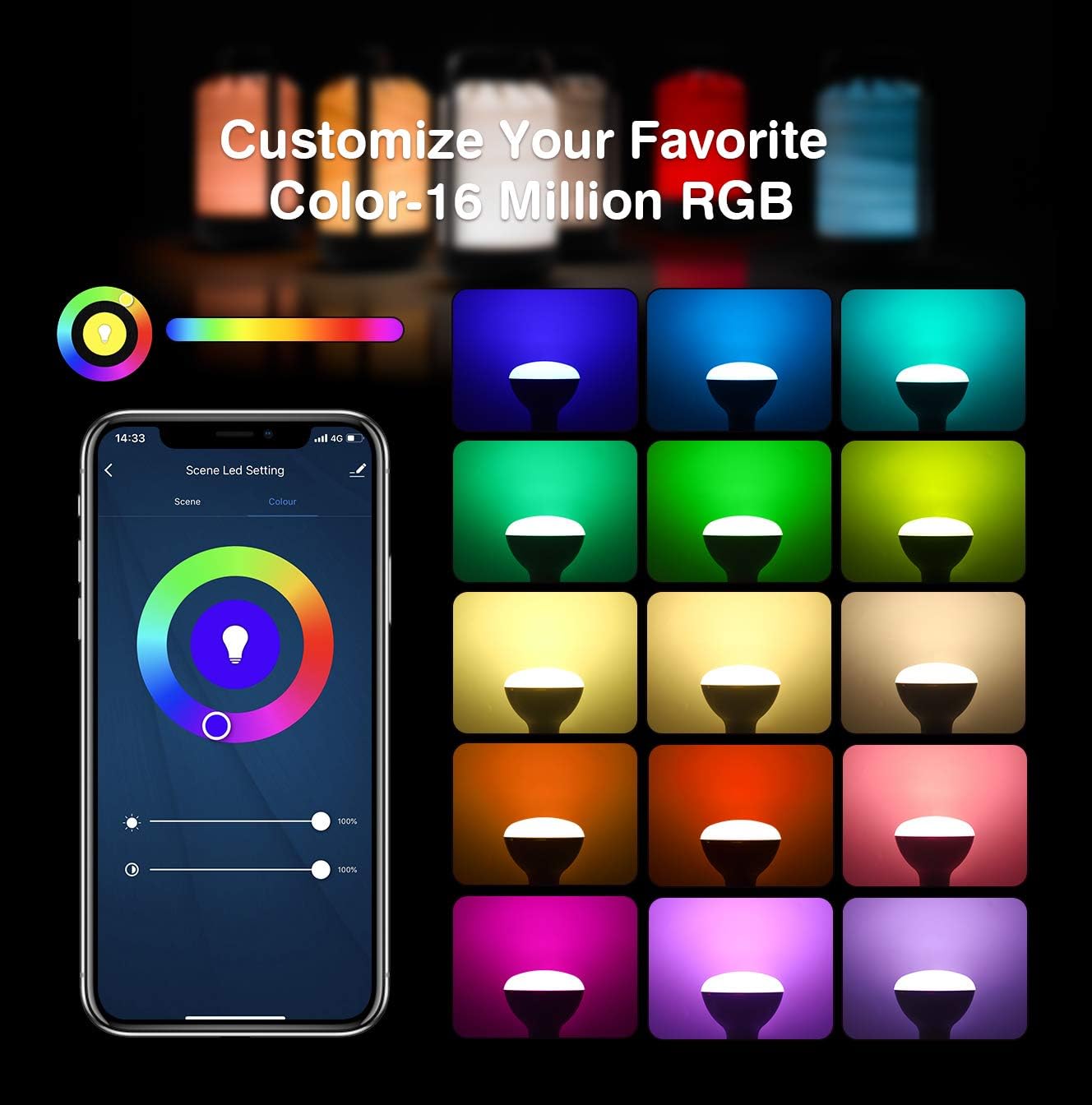
Image: App interface for customizing light color and brightness.

Image: App interface for adjusting color temperature and stepless dimming.
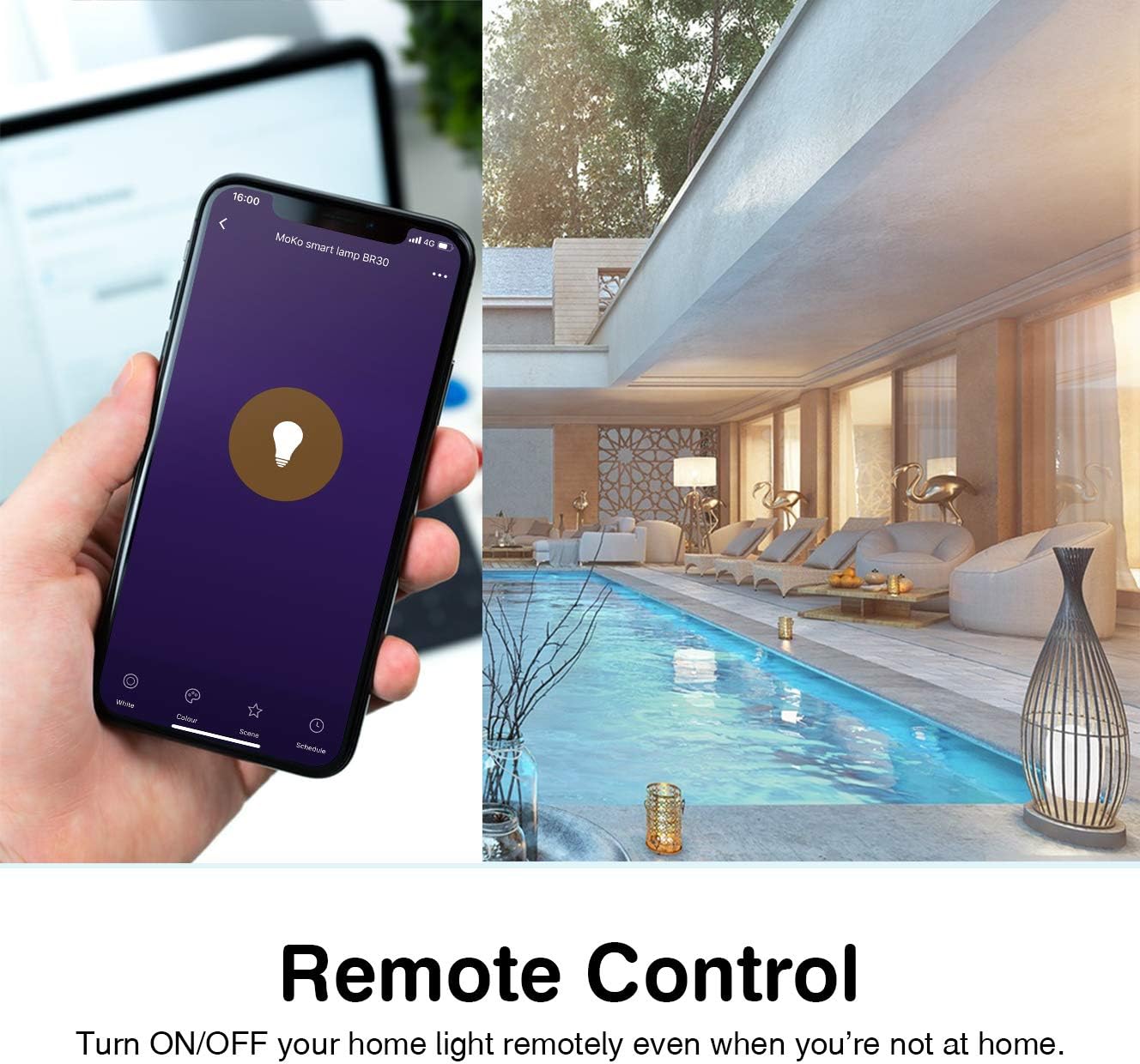
Image: Remote control functionality via the Smart Life app.

Image: Timing management and scheduling features.
2. Control per veu
Once integrated with Amazon Alexa or Google Assistant, you can control your bulb using voice commands. Ensure your voice assistant device is connected to the same Wi-Fi network as your smart bulb.
- "Alexa, turn on the [Bulb Name]."
- "Hey Google, dim the [Bulb Name] to 50%."
- "Alexa, set [Bulb Name] to blue."
- "Ei Google, canvia [Nom de la bombeta] a blanc càlid."

Imatge: Integració del control per veu amb Amazon Alexa i Google Assistant.
3. Group Control and Device Sharing
The Smart Life app allows you to group multiple bulbs for simultaneous control and share access with other users.
- Control de grup: In the app, select multiple bulbs and create a group. You can then control the entire group with a single command or tap.
- Compartició de dispositius: Navigate to the device settings in the app and select "Share Device" to invite family members to control the bulb.
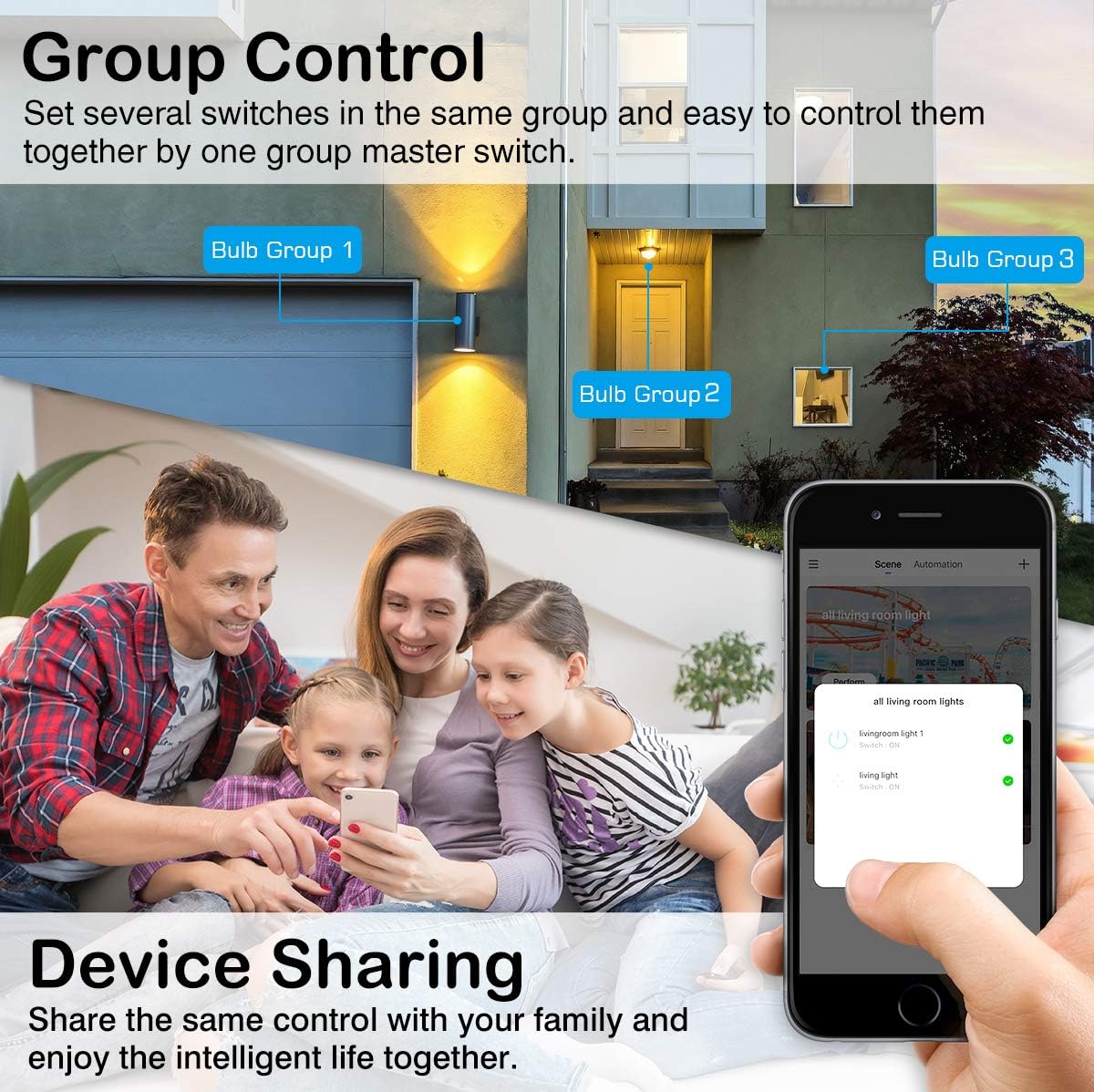
Image: Group control and device sharing features.
Manteniment
- Neteja: Assegureu-vos que la bombeta estigui apagada i freda abans de netejar-la. Netegeu-la amb un drap suau i sec. No utilitzeu netejadors líquids.
- Actualitzacions de firmware: Periodically check the Smart Life app for available firmware updates to ensure optimal performance and security.
- Emmagatzematge: Si guardeu la bombeta durant un període prolongat, guardeu-la en un lloc fresc i sec, allunyat de la llum solar directa.
Resolució de problemes
- Bulb not blinking for setup: Manually turn the light switch OFF and ON 3-5 times until the bulb starts blinking rapidly. This puts it into pairing mode.
- No es pot connectar a Wi-Fi:
- Assegura't que la teva xarxa Wi-Fi sigui de 2.4 GHz. La bombeta no admet xarxes de 5 GHz.
- Comproveu que la contrasenya de la Wi-Fi sigui correcta.
- Acosta la bombeta al router Wi-Fi durant la configuració.
- Reinicieu el router i torneu a intentar el procés d'emparellament.
- Bulb loses connection:
- Verify your 2.4GHz Wi-Fi network is stable and active.
- Ensure the bulb is within range of your Wi-Fi router.
- Comproveu si hi ha obstruccions o interferències que puguin afectar el senyal Wi-Fi.
- Try resetting the bulb (turn OFF/ON 3-5 times) and re-pairing it with the app.
- El control per veu no funciona:
- Ensure the Smart Life skill/service is enabled and linked correctly in your Alexa or Google Home app.
- Verify the bulb's name in the Smart Life app matches the name you are using for voice commands.
- Ensure your voice assistant device is online and connected to the same network.
- Colors or brightness not responding:
- Check the app for any error messages or connection issues.
- Ensure the bulb is powered on and connected to Wi-Fi.
- Try closing and reopening the Smart Life app.
Garantia i Suport
For warranty information or technical support, please refer to the contact details provided on the product packaging or the official MoKo weblloc web. Conserveu el rebut de compra com a comprovant de compra.