
1. Introducció
Thank you for choosing the iGear Ensemble 20W Wooden Portable Soundbar. This manual provides essential information for setting up, operating, and maintaining your soundbar to ensure optimal performance and longevity. The iGear Ensemble is designed to deliver rich audio with extra bass, featuring versatile connectivity options and a portable design crafted from recycled wood.

Imatge 1.1: Frontal view of the iGear Ensemble 20W Wooden Portable Soundbar.
2. Què hi ha a la caixa
Si us plau, reviseu atentament el contingut del paquet. Si falta algun article o hi ha algun malmès, poseu-vos en contacte amb el servei d'atenció al client.
- 1 x iGear Ensemble Soundbar
- 1 x cable de càrrega
- 1 x Manual d'usuari

Image 2.1: The iGear Ensemble Soundbar and its included charging cable.
3. Característiques
- 20W Extra Bass Speaker: Enjoy powerful and clear audio with enhanced bass.
- Connectivitat Bluetooth v5.0: Seamless wireless connection to compatible devices.
- Multi-Channel Connectivity: Supports USB drives and TF/SD cards for diverse audio sources.
- In-Built FM Radio: Sintonitza les teves emissores de ràdio preferides.
- Bateria recarregable de 2400 mAh: Provides 3-5 hours of music playback on a single charge.
- Woofer integrat: Delivers deeper and richer bass performance.
- Lleuger i portàtil: Easy to carry for music on the go.
- Wooden Material: Crafted from recycled wood for an elegant aesthetic.
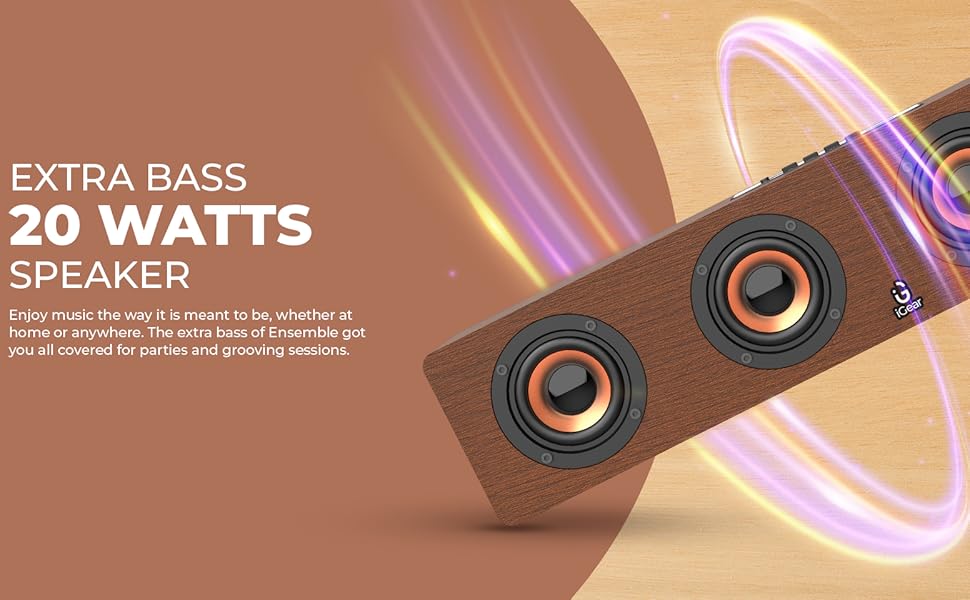
Image 3.1: The soundbar's 20 Watts output for extra bass.
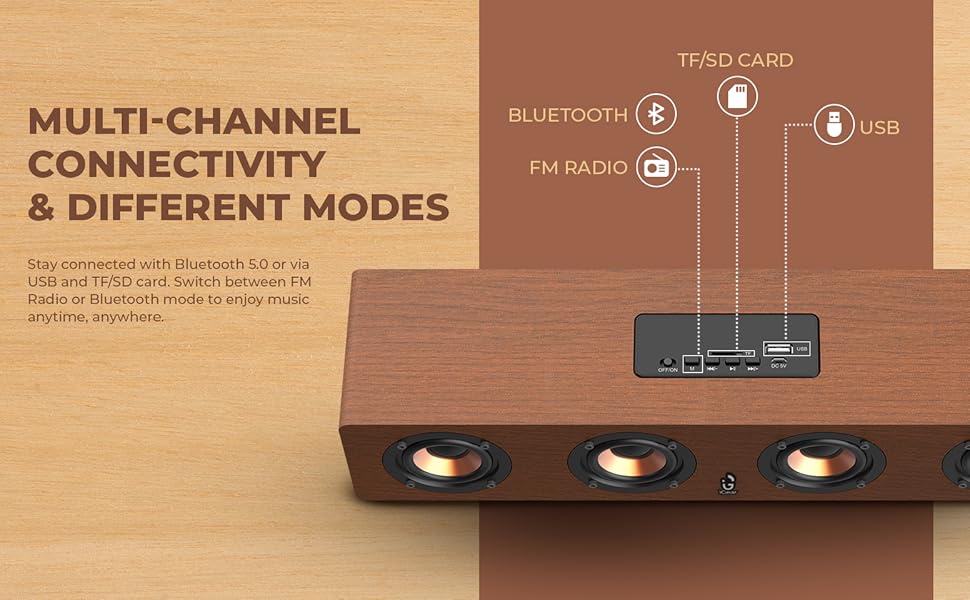
Image 3.2: The soundbar features a 2400 mAh battery for extended playtime.
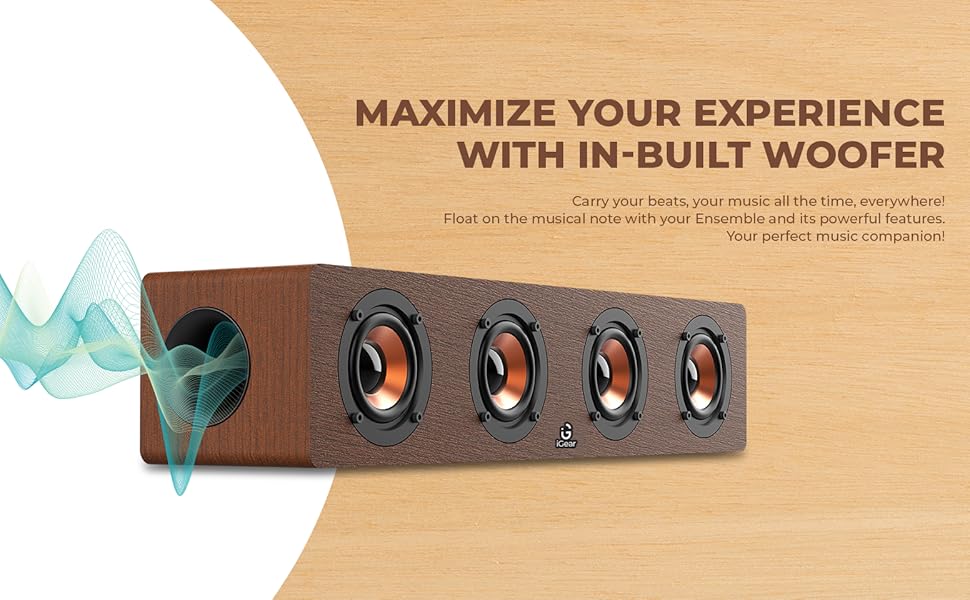
Image 3.3: The soundbar's in-built woofer for enhanced audio experience.
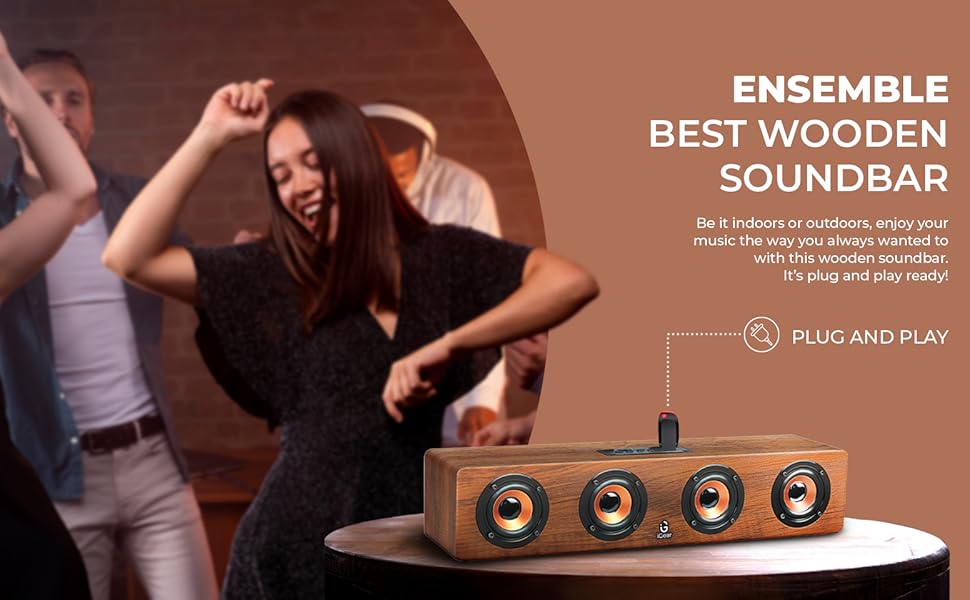
Imatge 3.4: acabatview of the soundbar's multi-channel connectivity options.
4. Configuració
4.1 Càrrega de la barra de so
- Connect the provided charging cable to the DC 5V port on the soundbar.
- Connecteu l'altre extrem del cable de càrrega a un adaptador de corrent USB (no inclòs) o al port USB d'un ordinador.
- The charging indicator light will illuminate. Allow approximately 5 hours for a full charge.
- Once fully charged, the indicator light may change or turn off, depending on the model. Disconnect the charging cable.
4.2 Engegada/apagada
- To power on, slide the ON/OFF switch to the 'ON' position. You will hear an audible prompt.
- Per apagar-lo, feu lliscar l'interruptor ON/OFF a la posició 'OFF'.
4.3 Vinculació Bluetooth
- Ensure the soundbar is powered on and in Bluetooth mode (indicated by a blue LED light or audible prompt). If not, press the 'M' (Mode) button to switch to Bluetooth mode.
- Al dispositiu (telèfon intel·ligent, tauleta, ordinador portàtil), activeu el Bluetooth i cerqueu els dispositius disponibles.
- Select "iGear Ensemble" from the list of found devices.
- Once paired, you will hear a confirmation sound, and the Bluetooth indicator light will remain steady.
5. Instruccions de funcionament
5.1 Selecció del mode
Press the 'M' (Mode) button repeatedly to cycle through available modes: Bluetooth, FM Radio, USB, and TF/SD Card.
5.2 Control de volum
- Press and hold the 'Volume Down (-)' button to decrease the volume.
- Press and hold the 'Volume Up (+)' button to increase the volume.
5.3 Control de reproducció
- Press the 'Play/Pause' button to play or pause audio.
- In Bluetooth/USB/TF/SD mode, short press 'Previous Track (-)' to go to the previous track.
- In Bluetooth/USB/TF/SD mode, short press 'Next Track (+)' to go to the next track.
5.4 Funcionament de la ràdio FM
- Switch to FM Radio mode using the 'M' button.
- Premeu i manteniu premut el botó "Reproduir/Pausa" per escanejar i desar automàticament les emissores de FM disponibles.
- Use the 'Previous Track (-)' and 'Next Track (+)' buttons to navigate between saved stations.
5.5 USB/TF/SD Card Playback
- Insert a USB drive or TF/SD card (with audio files) al port respectiu.
- The soundbar will automatically switch to USB or TF/SD mode and begin playback. If not, press the 'M' button to select the correct mode.
- Use the playback control buttons (Play/Pause, Previous/Next Track) as described above.
6. Manteniment
- Neteja: Feu servir un drap suau i sec per netejar la superfície de la barra de so. No utilitzeu productes de neteja abrasius ni dissolvents.
- Emmagatzematge: Guardeu la barra de so en un lloc fresc i sec, allunyat de la llum solar directa i de temperatures extremes.
- Cura de la bateria: To prolong battery life, avoid fully discharging the battery frequently. Charge the soundbar regularly, even if not in use for extended periods.
- Eviteu l'aigua: This product is not waterproof. Keep it away from water and high humidity.
7. Solució De Problemes
| Problema | Causa possible | Solució |
|---|---|---|
| Sense poder | La bateria està esgotada; l'interruptor d'alimentació està en posició OFF. | Charge the soundbar; Slide the power switch to 'ON'. |
| Sense so | El volum és massa baix; S'ha seleccionat el mode incorrecte; El dispositiu no està connectat. | Increase volume; Press 'M' to select correct mode; Re-pair Bluetooth or re-insert USB/TF/SD card. |
| Bluetooth no emparellat | Soundbar not in pairing mode; Device Bluetooth is off; Too far from device. | Ensure soundbar is in Bluetooth mode; Enable Bluetooth on your device; Move device closer to soundbar (within 10 meters). |
| Ràdio FM estàtica | Senyal feble. | Move the soundbar to a location with better reception; Re-scan for stations. |
8. Especificacions
| Característica | Detall |
|---|---|
| Nom del model | Conjunt |
| Número de model | iG-1130 |
| Tipus d'altaveu | So envoltant |
| Tipus de muntatge | Muntatge de taula |
| Material | Wood (recycled) |
| Comunicació sense fils | Bluetooth v5.0 |
| Tecnologia de connectivitat | Bluetooth, USB, Sense fil |
| Potència de sortida màxima dels altaveus | 20 watts |
| Capacitat de la bateria | 2400 mAh d'ions de liti |
| Durada mitjana de la bateria | 3-5 hores |
| Temps de càrrega | 5 hores |
| Dimensions del producte (P x A x A) | 10.2P x 40.6A x 10.2H centímetres |
| Pes de l'article | 1.1 quilos |
| Mètode de control | Toca |
| Característiques especials | Bass Boost, In-Built FM Radio, In-Built Subwoofer, Supports TF/SD cards and USB Drives |

Image 8.1: Dimensions of the iGear Ensemble Soundbar.
9. Garantia i Suport
The iGear Ensemble Soundbar comes with a Garantia limitada. Please refer to the warranty card included in your package for specific terms and conditions. For any product-related queries, technical support, or warranty claims, please contact:
- Fabricant: Corporate Gifting Solutions, iGear Tech Private Limited
- Adreça: 204 Sai Corporate Park, Laxmi Nagar, Off Link Road, Goregaon West, Mumbai 400104
- Número gratuït: 1800 22 8495
10. Producte acabatview Vídeo
Mireu aquest vídeo oficial del producte per obtenir una visió generalview of the iGear Ensemble Soundbar's features and design.
Vídeo 10.1: Un overview of the iGear Ensemble 20W Wooden Portable Soundbar, showcasing its design, features, and connectivity options.