
Audeze 210-L1-1200-00
Audeze LCD-1 Audiophile Open-Back Headphones User Manual
Model: LCD-1 (210-L1-1200-00)
1. Introducció
Thank you for choosing the Audeze LCD-1 Audiophile Open-Back Headphones. These headphones are engineered for exceptional audio fidelity, offering a wide soundstage and precise imaging for critical listening, mixing, and mastering. Designed for comfort and portability, the LCD-1 delivers the renowned Audeze planar magnetic sound in a compact form factor.
2. Informació de seguretat
- Protecció auditiva: Eviteu escoltar a nivells de volum elevats durant períodes prolongats per evitar danys auditius.
- Consciència ambiental: Due to their open-back design, these headphones do not provide noise isolation. Be aware of your surroundings when using them, especially in environments where attention is required (e.g., near traffic).
- Neteja: Use a soft, dry cloth for cleaning. Avoid using harsh chemicals or abrasive materials.
- Emmagatzematge: Guardeu els auriculars a la seva funda protectora quan no els feu servir per evitar que es facin malbé.
- Humitat: Keep the headphones away from water and excessive moisture. They are not water resistant.
3. Contingut del paquet
Marqueu la casella per als elements següents:
- Audeze LCD-1 Audiophile Open-Back Headphones
- 3.5mm to dual 3.5mm audio cable
- 1/4-inch adapter
- Funda protectora de viatge
- Guia de l'usuari (aquest document)
4. Producte acabatview
The Audeze LCD-1 headphones feature a lightweight, foldable design with comfortable memory foam ear pads and headband. The open-back earcups house the planar magnetic drivers, delivering exceptional sound clarity.

Figura 4.1: Frontal view of the Audeze LCD-1 headphones, showcasing the open-back design and comfortable earcups.
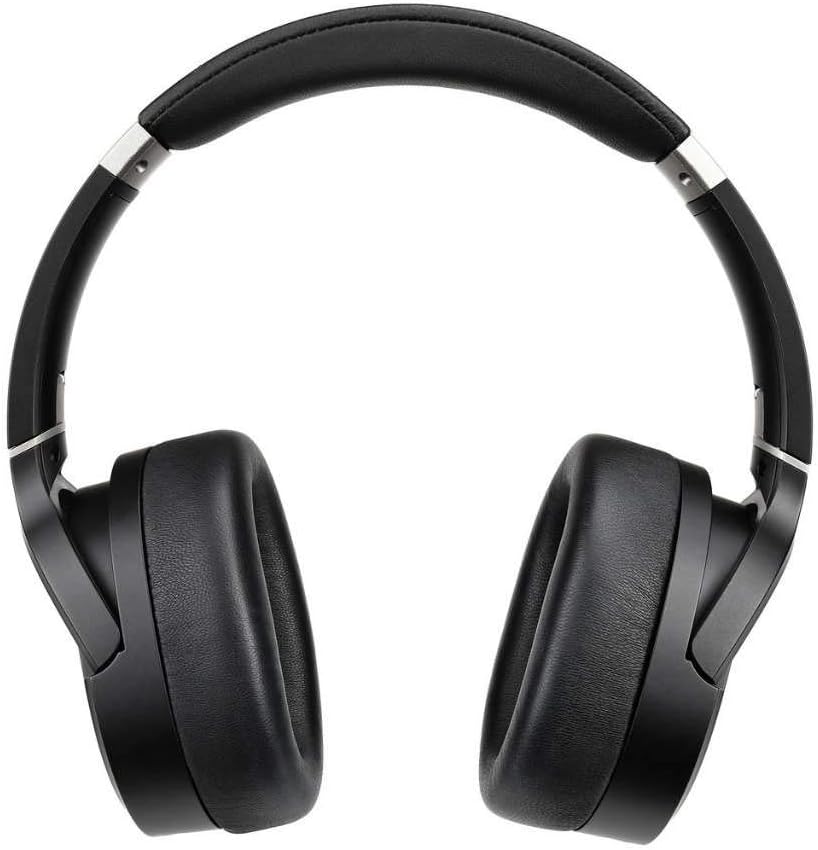
Figura 4.2: superior view of the Audeze LCD-1 headphones, highlighting the adjustable headband and earcups.
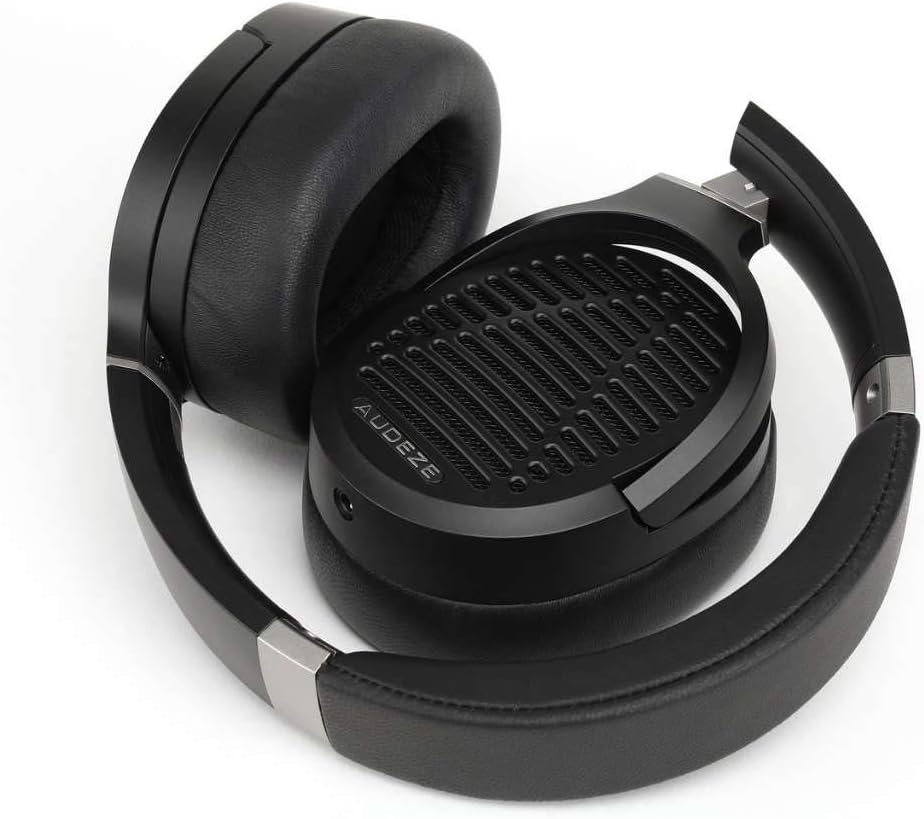
Figure 4.3: The Audeze LCD-1 headphones folded, demonstrating their compact design for easy portability and storage.
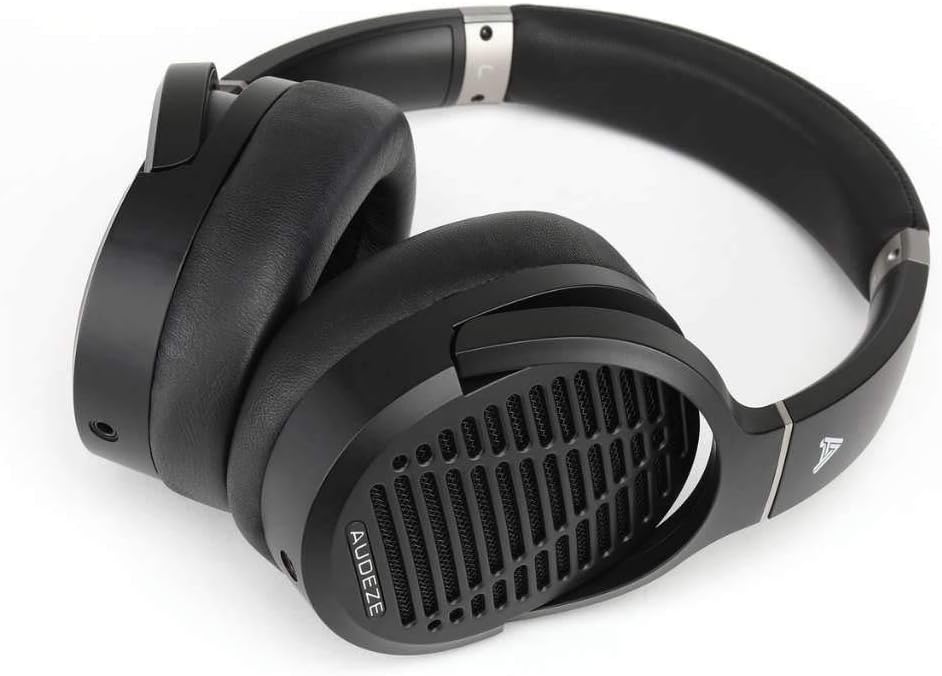
Figura 4.4: Angle view of the Audeze LCD-1 headphones in their folded state, ready to be placed in the protective case.
5. Configuració
5.1 Connexió del cable
- Locate the dual 3.5mm connectors on one end of the included audio cable.
- Insert each 3.5mm connector into the corresponding jack on the bottom of each earcup. Ensure they are fully seated.
- Connect the single 3.5mm end of the cable to your audio source (e.g., smartphone, computer, audio interface).
- If your audio source requires a 1/4-inch connection, attach the included 1/4-inch adapter to the single 3.5mm end of the cable before connecting to the source.
5.2 Com posar-se els auriculars
- Gently unfold the headphones.
- Place the earcups over your ears, ensuring the memory foam pads fully encompass your ears for optimal comfort and sound.
- Adjust the headband by sliding the earcups up or down until the headphones fit comfortably and securely on your head. The headband should rest gently on the top of your head.

Figure 5.1: A user wearing the Audeze LCD-1 headphones, demonstrating proper fit and use with a laptop.
6. Funcionament
Reproducció d'àudio 6.1
Once connected to your audio source, begin playback from your device. Adjust the volume on your audio source to a comfortable listening level. The LCD-1 headphones are designed to be easily driven by most portable devices and audio interfaces without the need for a dedicated amplifier, though a high-quality source will enhance the listening experience.
6.2 Optimal Listening Experience
- For the best sound quality, use high-resolution audio files o serveis de streaming.
- Ensure the audio cable is securely connected to both earcups and your audio source.
- The open-back design means sound will leak out and ambient noise will enter. For critical listening, use in a quiet environment.
7. Manteniment
7.1 Neteja
- Ear Pads and Headband: Wipe gently with a soft, dry, lint-free cloth. Do not use liquid cleaners or solvents.
- Orelles: Use a soft, dry brush to remove any dust from the grilles.
- Cable: Wipe the cable with a dry cloth if it becomes dirty.
7.2 Emmagatzematge
When not in use, fold the headphones and store them in the provided protective travel case. This will protect them from dust, scratches, and accidental damage.
8. Solució De Problemes
| Problema | Causa possible | Solució |
|---|---|---|
| Sense so | Cable not connected properly; Audio source volume too low; Incorrect audio output selected on device. | Ensure all cable connections are secure; Increase volume on audio source; Verify correct audio output is selected on your device. |
| El so està distorsionat o poc clar | Cable damage; Audio source issue; Volume too high causing clipping. | Try a different audio cable if available; Test with another audio source; Reduce volume. |
| Els auriculars són incòmodes | Ajust inadequat. | Adjust the headband and earcup position until a comfortable fit is achieved. Ensure ear pads fully surround your ears. |
9. Especificacions
| Característica | Detall |
|---|---|
| Nom del model | LCD-1 |
| Tecnologia de connectivitat | Cablejat (connector de 3.5 mm) |
| Tipus de controlador d'àudio | Controlador magnètic pla |
| Col·locació de l'orella | Sobre l'orella |
| Factor de forma | Sobre l'orella |
| Material | Memory Foam (ear pads), Leather (carrying case) |
| Pes de l'article | 250 grams (8.8 unces) |
| Dimensions del producte | 12.28 x 10.31 x 6.77 polzades |
| Components inclosos | Funda protectora |
| UPC | 819343013093 |
| Fabricant | Audeze |
10. Garantia i Suport
10.1 Informació de la garantia
Audeze products typically come with a limited warranty covering manufacturing defects. For specific warranty terms and conditions, including duration and coverage, please refer to the warranty card included with your product or visit the official Audeze weblloc web. Conserveu el comprovant de compra per a reclamacions de garantia.
10.2 Atenció al client
For technical assistance, troubleshooting beyond this manual, or warranty service, please contact Audeze customer support. You can find contact information on the official Audeze weblloc:
Weblloc: www.audeze.com/support
Please have your product model number (LCD-1, Model: 210-L1-1200-00) and proof of purchase ready when contacting support.
Documents relacionats210-L1-1200-00


Ask a question about this manual
Ask about setup, troubleshooting, compatibility, parts, safety, or missing instructions. Manuals+ will review the question and use this page’s manual context to help answer it.