
1. Introducció
This manual provides detailed instructions for the IMILAB 1080P Wireless Smart Home Indoor Security Camera, Model SA-CMSXJ16A. This device is designed to provide surveillance for indoor environments, functioning as a baby monitor, pet camera, or general home security camera. It features 1080P HD video, 2.4Ghz WiFi connectivity, two-way audio, HD night vision, and pan/tilt capabilities for remote viewing.

Figure 1: IMILAB 1080P Wireless Smart Home Indoor Security Camera.
2. Informació de seguretat
- Assegureu-vos que la càmera estigui col·locada sobre una superfície estable o muntada de manera segura per evitar que caigui.
- Use only the provided power adapter to avoid damage to the device.
- Manteniu el dispositiu allunyat de l'aigua, la humitat i les temperatures extremes.
- No intenteu desmuntar ni reparar la càmera vosaltres mateixos. Poseu-vos en contacte amb el servei d'atenció al client per obtenir ajuda.
- Mantingueu fora de l'abast dels nens i les mascotes per evitar danys o lesions accidentals.
- Assegureu-vos que hi hagi una ventilació adequada al voltant de la càmera per evitar el sobreescalfament.
3. Guia de configuració
- Enceneu el dispositiu: Connect the camera to a power source using the provided adapter. The camera will power on automatically.
- Download and Install Mi Home App:
Scan the QR code on the product packaging or search for "Mi Home" in your device's app store (Google Play Store or Apple App Store) to download and install the application.
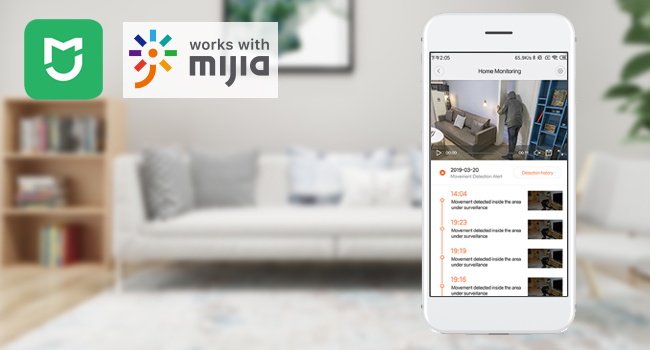
Figure 2: Mi Home app interface for device management.
- Afegeix un dispositiu:
- Open the Mi Home app and log in or create an account.
- Toqueu la icona "+" a la cantonada superior dreta per afegir un dispositiu nou.
- The app may automatically detect the camera. If not, select "Add manually" and choose the IMILAB camera from the list.
- Connect to Wi-Fi and Scan QR Code:
- Select your 2.4Ghz Wi-Fi network and enter the password.
- The app will generate a QR code. Hold your phone approximately 15 cm (6 inches) in front of the camera lens until you hear a voice prompt confirming the QR code scan was successful.
- Select Device Location and Name:
- Choose the room or location where the camera is installed (e.g., "Nursery," "Living room"). You can also add a custom location.
- Assign a name to your camera (e.g., "Baby's Camera," "Living Room Camera").
- Share Device (Optional): You can share access to the camera with other Mi Home users by selecting their accounts.
Video 1: Step-by-step guide on how to connect the IMILAB Security WiFi IP Camera to your phone using the Mi Home app.
4. Instruccions de funcionament
4.1 Real-time Monitoring and Pan/Tilt Control
Once connected, open the Mi Home app to view the live feed from your camera. Use the on-screen controls to pan (horizontal rotation) and tilt (vertical movement) the camera lens, providing a 360° panoramic view de la zona vigilada.

Figure 3: Remote control of camera pan and tilt for 360° coverage via the app.
4.2 Comunicació d'àudio bidireccional
The camera supports two-way audio, allowing you to speak through the camera and hear audio from the camera's location. This feature is ideal for comforting a baby, communicating with pets, or interacting with family members.

Figure 4: Real-time two-way audio communication feature.
4.3 Detecció i seguiment de moviment
The camera is equipped with motion detection. When movement is detected, the camera can send real-time alerts to your phone. The motion tracking feature allows the camera to automatically follow moving objects within its field of view.
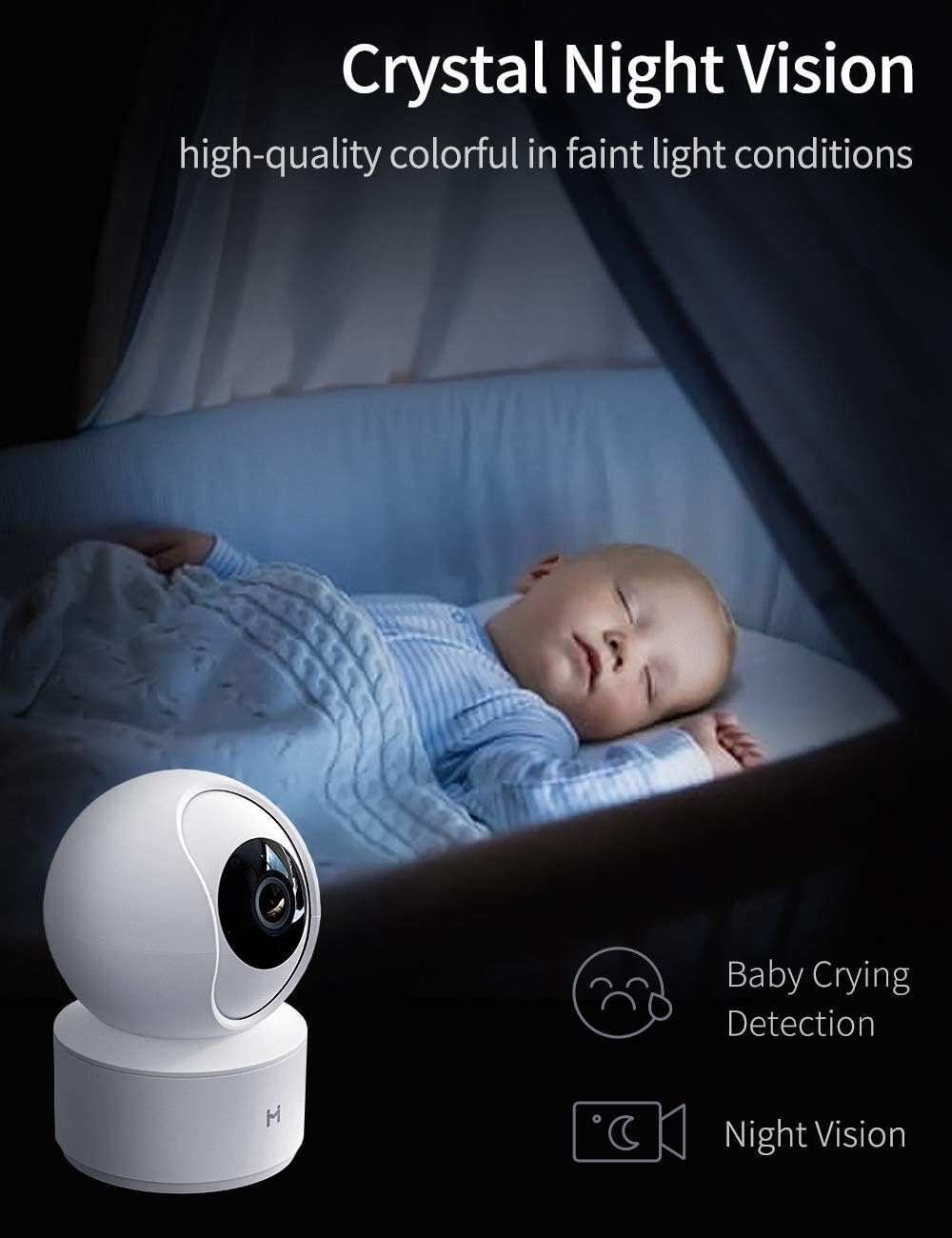
Figure 5: Motion detection alerts sent to your smartphone.
4.4 HD Night Vision
The camera features enhanced HD night vision, providing clear video footage even in low-light or complete darkness. This ensures continuous monitoring capabilities 24/7.

Figure 6: Crystal clear night vision for monitoring in low light conditions.
4.5 Detecció de plors de nadons
Specifically designed for baby monitoring, this camera includes a baby crying detection feature that alerts you when your baby is crying, providing peace of mind.
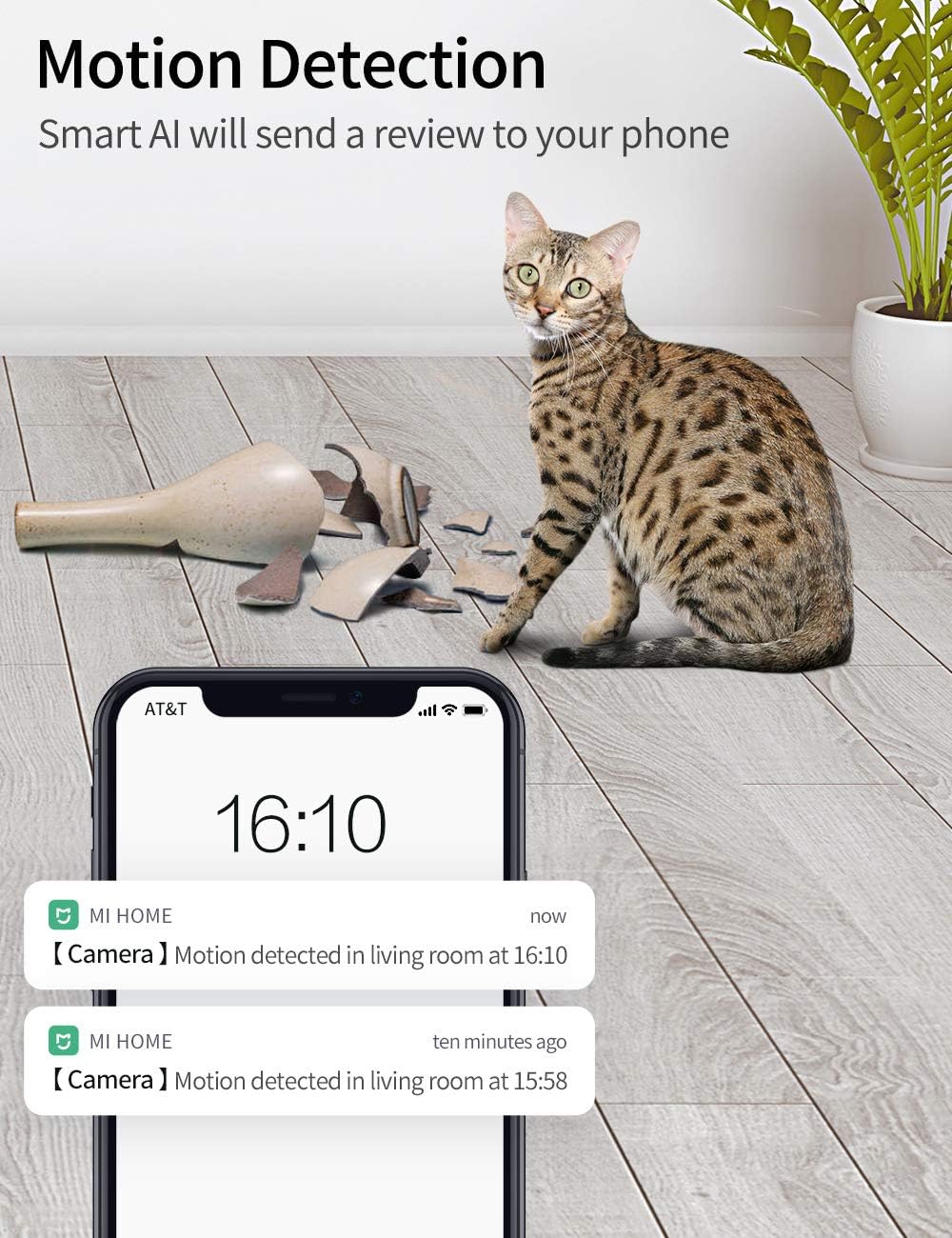
Figure 7: Baby crying detection feature for immediate alerts.
4.6 Emmagatzematge de vídeo
Vídeo footage can be stored via two methods:
- Emmagatzematge al núvol: IMILAB offers 7 days of rolling cloud storage at no additional cost.
- Targeta MicroSD: The camera supports local storage using a microSD card (not included). Ensure the card is inserted correctly into the designated slot.

Figure 8: Storage options including cloud and microSD card.
Vídeo 2: Acabatview of the IMILAB 1080P Security WiFi IP Camera features, including motion detection, two-way call, and night vision.
5. Manteniment
- Neteja: Netegeu suaument la lent i el cos de la càmera amb un drap suau i sec. No utilitzeu productes químics agressius ni netejadors abrasius.
- Actualitzacions de firmware: Regularly check the Mi Home app for firmware updates to ensure optimal performance and security.
- Cicle d'alimentació: Si la càmera té problemes, prova de desconnectar-la de la font d'alimentació durant 10 segons i després torna-la a connectar.
6. Solució De Problemes
| Problema | Causa possible | Solució |
|---|---|---|
| La càmera no es connecta a la Wi-Fi | Incorrect Wi-Fi password, camera too far from router, 5Ghz Wi-Fi network selected. | Ensure correct 2.4Ghz Wi-Fi password. Move camera closer to the router. Confirm you are connecting to a 2.4Ghz network. Reset the camera and try setup again. |
| Poca qualitat de vídeo | Weak Wi-Fi signal, dirty lens. | Improve Wi-Fi signal strength or move camera closer to the router. Clean the camera lens with a soft cloth. |
| Motion detection alerts not received | Notificacions de l'aplicació desactivades, sensibilitat de detecció de moviment massa baixa. | Check app notification settings on your phone. Adjust motion detection sensitivity in the Mi Home app. |
| L'àudio bidireccional no funciona | Microphone/speaker muted in app, network issues. | Ensure microphone and speaker are enabled in the app. Check network connection. |
| La càmera es desconnecta sovint | Unstable Wi-Fi connection, router issues. | Ensure a strong and stable Wi-Fi signal. Restart your Wi-Fi router. Update camera firmware. |
7. Especificacions
- Número de model: SA-CMSXJ16A
- Marca: IMILAB
- Tecnologia de connectivitat: Sense fil (Wi-Fi 2.4 GHz)
- Ús interior/exterior: Interior
- Resolució de captura de vídeo: 1080p, 720p
- Resolució de vídeo efectiva: 1080 píxels
- Velocitat de fotogrames: 25 fps
- Visió nocturna: 30 peus
- Camp de View: 360 graus (panoràmica/inclinació)
- Tipus d'alerta: Àudio i moviment
- Àudio bidireccional: Sí
- Dispositius compatibles: Telèfon intel·ligent (Android)
- Tipus de muntatge: Ceiling Mount (optional)
- Font d'alimentació: Battery Powered (Note: Product specifications state "Battery Powered" but typically these cameras are powered via adapter. Please refer to product packaging for definitive power source.)
- Voltage: 5 Volts
- Format de captura de vídeo: MPEG-4
8. Garantia i Suport
IMILAB products come with a standard manufacturer's warranty. For specific warranty details, please refer to the warranty card included with your product or visit the official IMILAB website. For technical support, troubleshooting assistance, or to report any issues, please contact IMILAB customer service through the Mi Home app or their official support channels.
Official IMILAB Store: IMILAB Amazon Store