
DUODUOGO P8
DUODUOGO DGO-P8 2-in-1 Tablet User Manual
Model: P8 | Brand: DUODUOGO
1. Acabatview
The DUODUOGO DGO-P8 is a versatile 2-in-1 tablet PC designed for both productivity and entertainment. Running on Android 10.0, it features a 10-inch HD touchscreen, a powerful 64-bit quad-core processor, 4GB RAM, and 64GB/128GB ROM. It supports dual 4G SIM cards for cellular connectivity and calls, Wi-Fi, GPS, and includes dual cameras. The tablet comes with essential peripherals such as a wireless keyboard, a protective case with a double magnetic lock, and a dual-use stylus pen, transforming it into a portable workstation or a media consumption device.
2. Què hi ha a la caixa
Upon unboxing your DUODUOGO DGO-P8 tablet, you should find the following items:
- DUODUOGO DGO-P8 Tablet PC
- Teclat sense fil
- Tablet Case with Double Magnetic Lock
- Dual-Use Stylus Pen
- Adaptador d'alimentació
- Cable de càrrega USB
- Adaptador OTG
- Auriculars
- Protector de pantalla (preaplicat o inclòs)
- Manual d'usuari (aquest document)
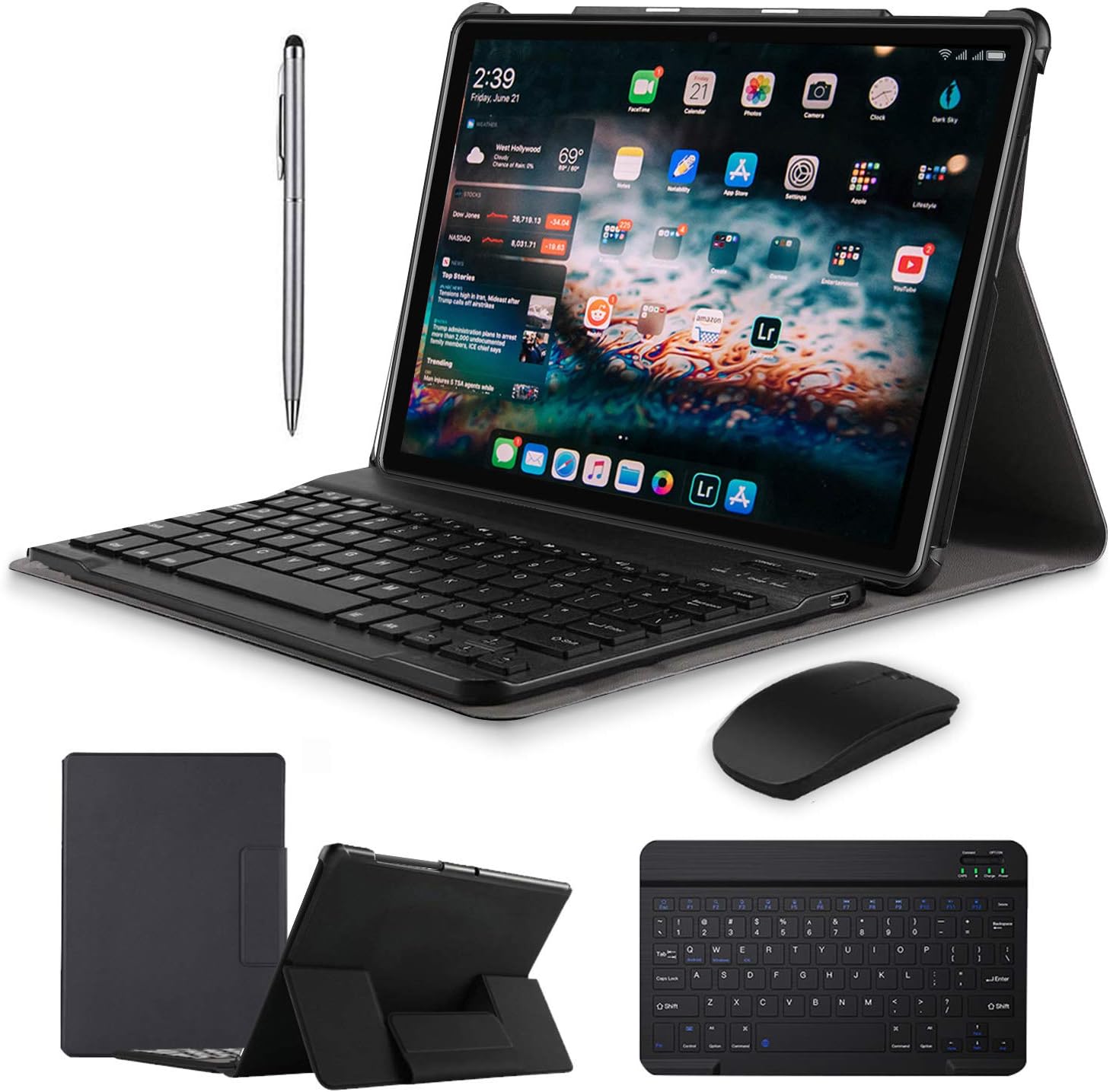
Figure 2.1: DUODUOGO DGO-P8 Tablet and its accessories.
3. Característiques del producte
- Alt rendiment: Dual SIM 4G Tablet PC with 10-Inch HD touch screen, Android 10.0 system, High-power 64-bit quad-core processor, 4GB RAM and 64GB ROM/128GB ensure fast loading of all content and runs fast. Built-in Bluetooth, WIFI, GPS, dual camera and micro SD card slot.
- Tablet Cases: Built-in double magnet design, automatic adsorption, make the appearance more concise and beautiful. Premium composition leather exterior and soft interior offer not only great protection against daily use, but also support the tablet to sit stably.
- Premium Peripherals: Bluetooth Keyboard connects with computer tablets, transforming it into a laptop for office or entertainment. The tablet case features a double magnetic lock for automatic adsorption, protecting both the tablet and keyboard.
- Dual-Use Pen: The touch screen pen is dual-purpose. One end is a silicone capacitive pen for the tablet screen, and the other is a ballpoint pen for writing on paper. It can be used on mobile phones or tablets and can be attached to the case for easy access.
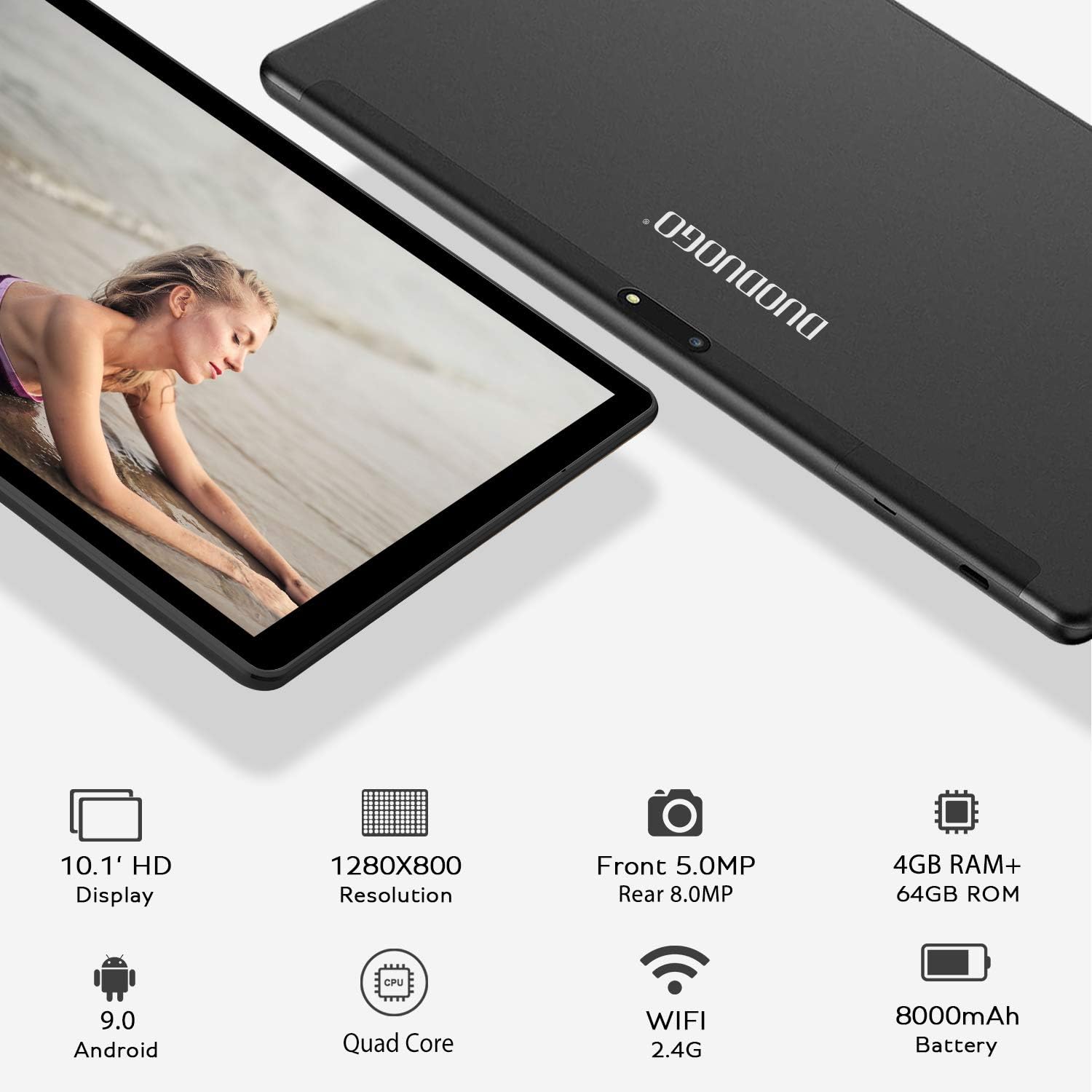
Figura 3.1: posterior view of the DUODUOGO DGO-P8 Tablet.
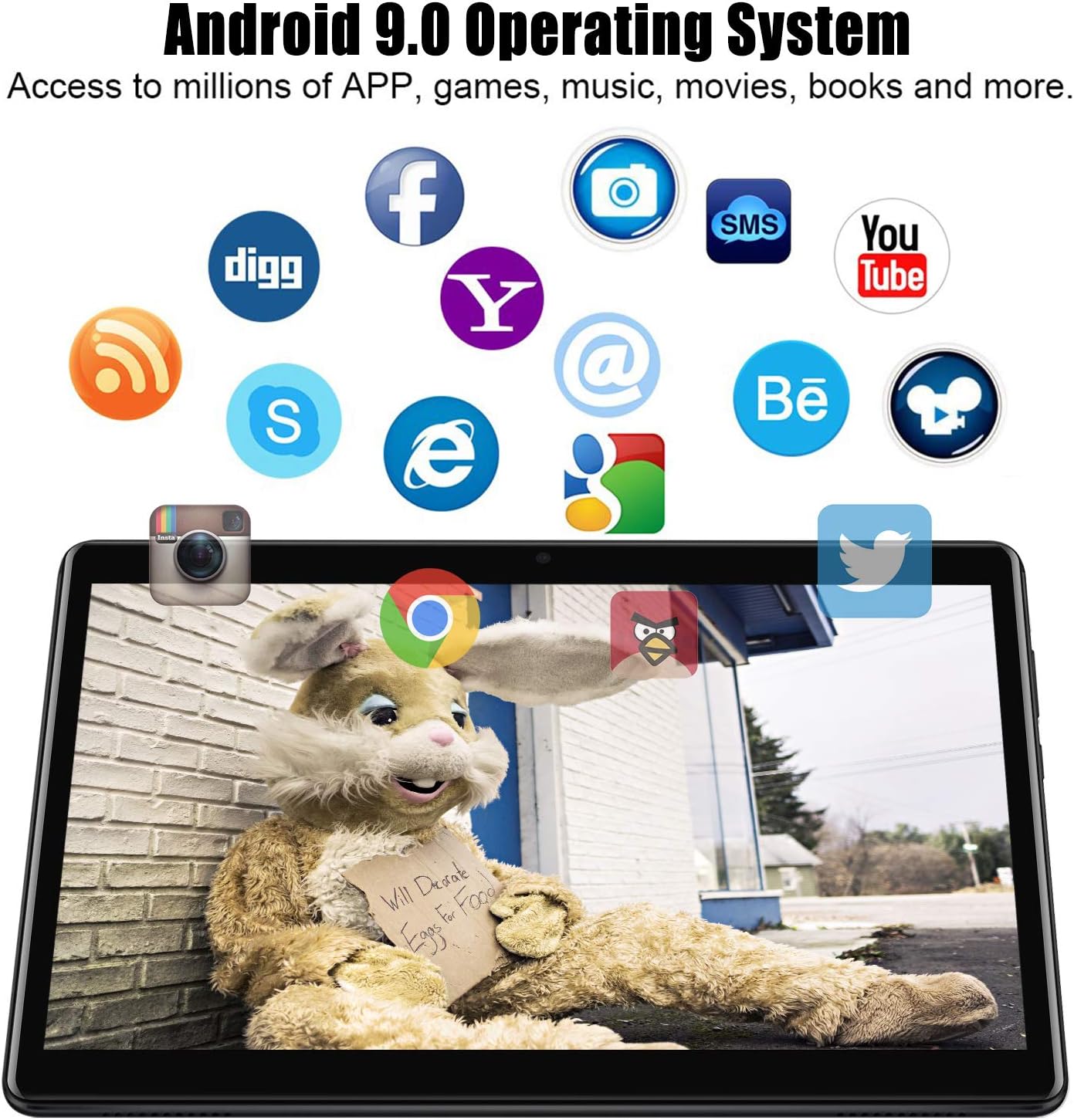
Figure 3.2: Android 9.0 Operating System interface.
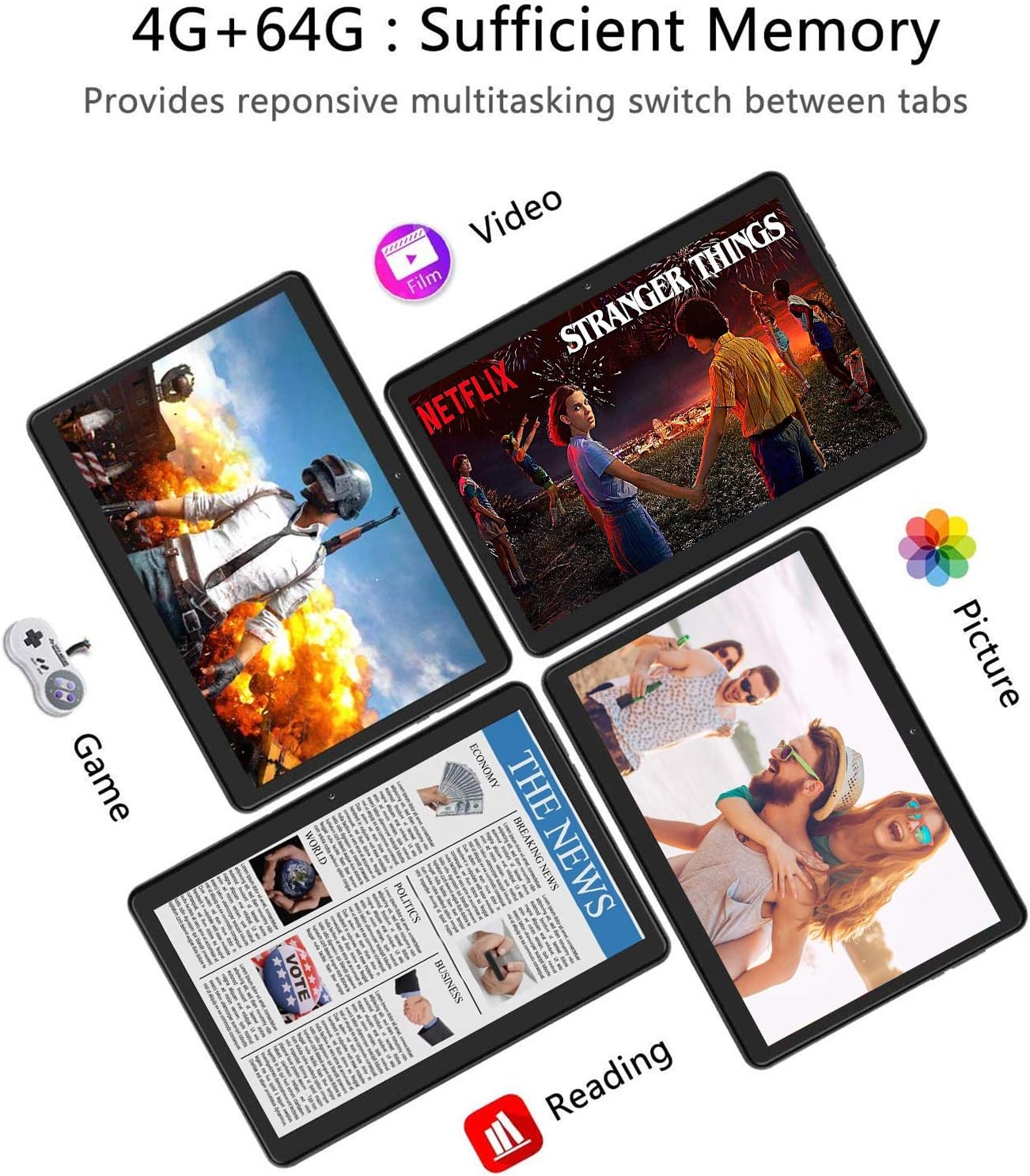
Figure 3.3: Diverse usage scenarios for the tablet.
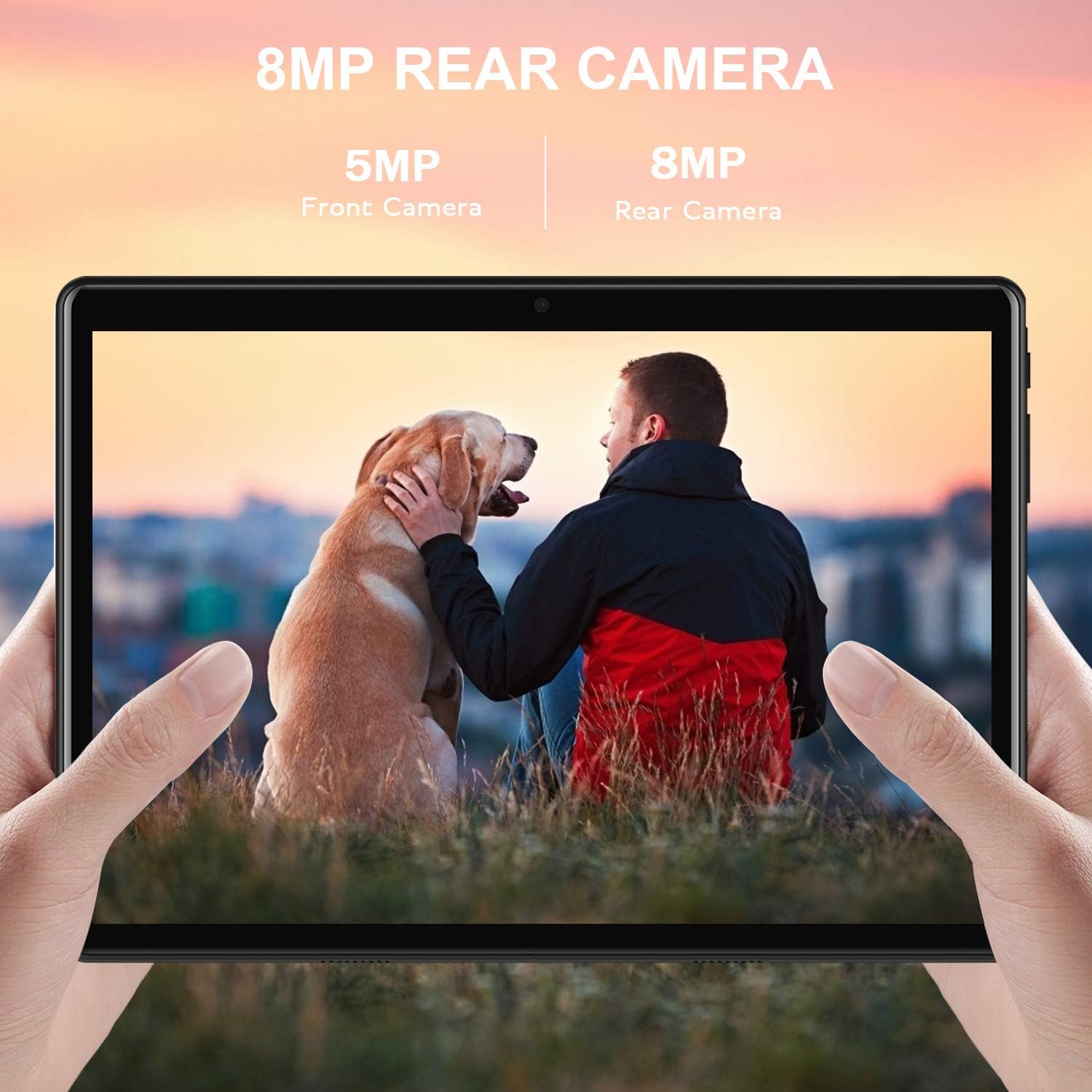
Figure 3.4: Camera quality demonstration.

Figure 3.5: Display clarity for text and video.
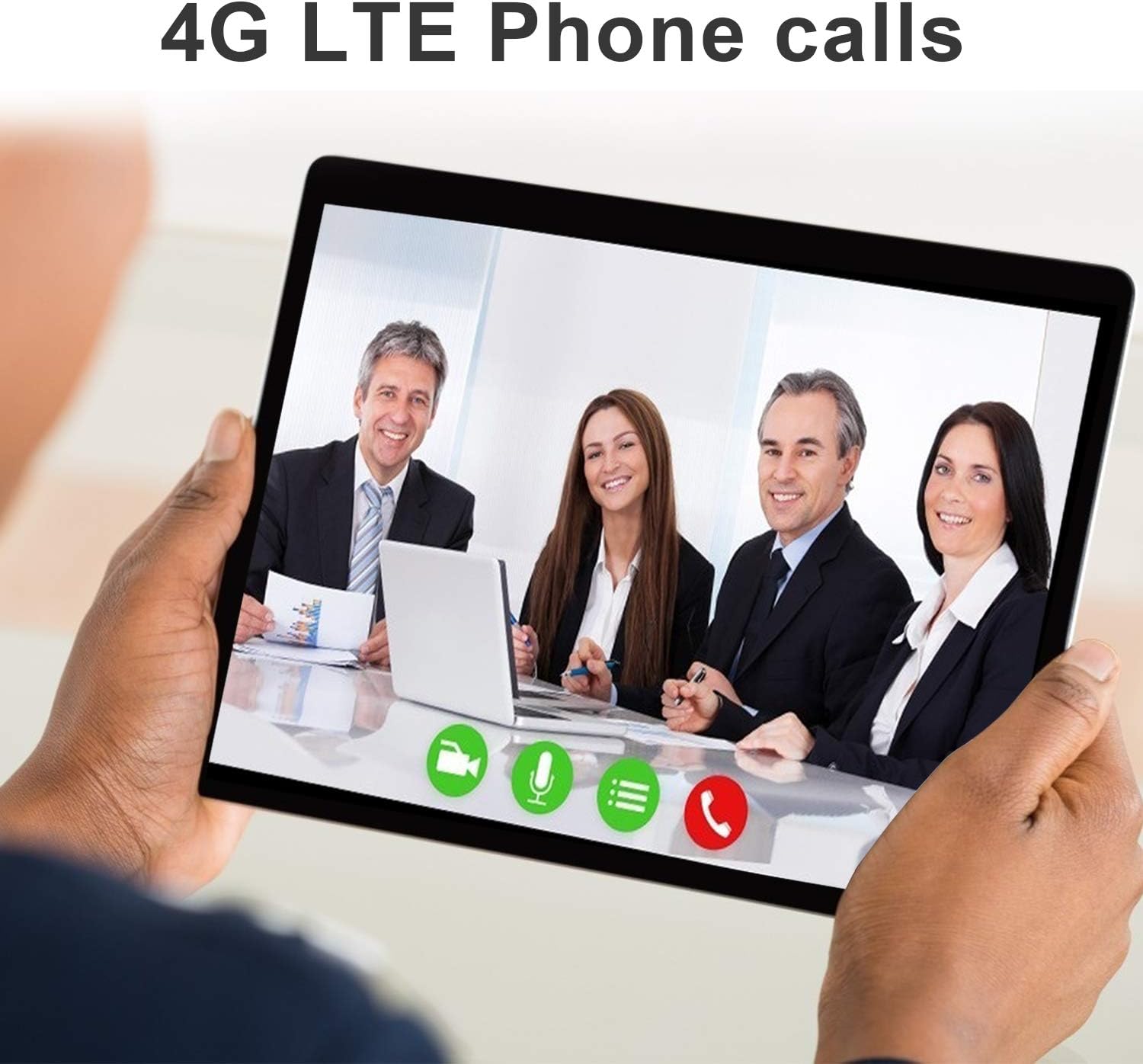
Figure 3.6: 4G LTE phone call functionality.
4. Configuració
4.1 Encès inicial
- Ensure the tablet has sufficient charge. If not, connect the provided USB charging cable and power adapter to charge the device.
- Press and hold the Power button (usually located on the side or top edge) for a few seconds until the DUODUOGO logo appears on the screen.
- Follow the on-screen prompts to complete the initial setup, including selecting your language, connecting to a Wi-Fi network, and signing in with your Google account.
4.2 Connexió de perifèrics
4.2.1 Teclat sense fil
- Ensure the wireless keyboard is charged and powered on. Look for a power switch on the keyboard.
- A la tauleta, vés a Configuració > Dispositius connectats > Bluetooth.
- Activa el Bluetooth. La tauleta cercarà els dispositius disponibles.
- Put the keyboard into pairing mode (refer to the keyboard's specific instructions, often by pressing a "Connect" or "Pair" button).
- Select the keyboard from the list of available devices on your tablet. Follow any on-screen prompts to complete the pairing process.
4.2.2 ratolí sense fil
- Ensure the wireless mouse is powered on and in pairing mode (if Bluetooth) or has its USB receiver plugged into the tablet via the OTG adapter.
- For Bluetooth mice, follow the same steps as for the wireless keyboard (Section 4.2.1).
- For USB receiver mice, simply plug the receiver into the OTG adapter, then plug the OTG adapter into the tablet's USB port. The tablet should automatically detect the mouse.
4.2.3 Dual-Use Stylus Pen
The provided dual-use stylus pen is a passive stylus and does not require Bluetooth pairing or charging. Simply use the silicone tip for touchscreen navigation and input, or the ballpoint end for writing on paper.
4.3 Instal·lació de la targeta SIM
The DUODUOGO DGO-P8 supports dual 4G SIM cards for cellular data and phone calls.
- Localitza la safata de la targeta SIM al lateral de la tauleta.
- Carefully open the SIM card slot cover.
- Insert your 4G SIM card(s) into the designated slots, ensuring correct orientation as indicated by the diagram near the slots.
- Tanqueu bé la tapa de la ranura de la targeta SIM.
- The tablet will detect the SIM card(s) and connect to the cellular network. You may need to configure APN settings for mobile data if it doesn't connect automatically.
4.4 Instal·lació de la targeta Micro SD
Expand your tablet's storage by installing a micro SD card.
- Locate the micro SD card slot, usually next to the SIM card slots.
- Carefully open the slot cover.
- Insert the micro SD card into the slot with the gold contacts facing down, pushing gently until it clicks into place.
- Tanqueu bé la tapa de la ranura.
- The tablet will recognize the new storage. You can then format it for internal or portable storage via Configuració > Emmagatzematge.
5. Instruccions de funcionament
5.1 Navegació bàsica
- Toca: Tap an icon to open an app, select an item, or activate a button.
- Toca i mantén premut: Press and hold an item to access more options or move it.
- Llisca: Arrossegueu el dit per la pantalla per desplaçar-vos per les llistes o canviar entre les pantalles d'inici.
- Pessiga per fer zoom: Col·loca dos dits a la pantalla i ajunta'ls o separa'ls per ampliar o reduir la imatge.
- Barra de navegació: Feu servir els botons Enrere, Inici i Aplicacions recents a la part inferior de la pantalla per navegar.
5.2 Using the Keyboard and Mouse
- Once connected (as per Section 4.2), the wireless keyboard and mouse function similarly to a desktop computer.
- The keyboard allows for faster typing and text input.
- The mouse provides precise cursor control for navigating the interface, clicking, and dragging.
5.3 Making Calls (4G SIM)
With an active 4G SIM card installed, you can make and receive phone calls directly from your tablet.
- Obriu el Telèfon aplicació.
- Dial the desired number or select a contact from your address book.
- Premeu el botó de trucada per iniciar la trucada.
5.4 Ús de la càmera
The tablet features dual cameras (front and rear) for photos and video calls.
- Obriu el Càmera aplicació.
- Toqueu la icona del canvi de càmera per alternar entre la càmera frontal i la posterior.
- Toqueu el botó de l'obturador per fer una foto o iniciar/aturar la gravació de vídeo.
- Explore various modes and settings within the camera app for different effects and adjustments.

Figure 5.1: Video call functionality.
5.5 Gestió de la bateria
The tablet is equipped with an 8000mAh battery. To optimize battery life:
- Adjust screen brightness: Go to Configuració > Mostra > Nivell de brillantor.
- Enable Battery Saver: Go to Configuració > Bateria > Estalvi de bateria.
- Close unused apps: Swipe up from the bottom of the screen (or tap the Recent Apps button) and swipe away apps you are not using.
- Turn off Wi-Fi, Bluetooth, or GPS when not in use.

Figure 5.2: 8000mAh Battery capacity.
5.6 Configuració d'idioma
To change the system language:
- Vés a Configuració > Sistema > Idiomes i entrada > Idiomes.
- Toqueu Afegeix un idioma to add your preferred language.
- Once added, drag your preferred language to the top of the list to set it as the primary system language.
6. Manteniment
6.1 Neteja de la tauleta
- Feu servir un drap suau i sense borrissol per netejar la pantalla i el cos de la tauleta.
- Per a taques persistents, lleugerament dampRenta el drap amb aigua o una solució netejadora de pantalles. Evita productes químics agressius.
- Assegureu-vos que tots els ports estiguin lliures de pols i deixalles.
6.2 Actualitzacions de programari
Comproveu i instal·leu regularment si hi ha actualitzacions de programari per garantir un rendiment òptim, seguretat i accés a noves funcions.
- Connect your tablet to a stable Wi-Fi network.
- Vés a Configuració > Sistema > Sobre la tauleta > Actualització sense fil (or System Update).
- Seguiu les instruccions que apareixen a la pantalla per descarregar i instal·lar les actualitzacions disponibles.
6.3 Gestió d'emmagatzematge
To maintain smooth operation, manage your tablet's internal storage.
- Vés a Configuració > Emmagatzematge a view ús d'emmagatzematge.
- Esborra les dades de la memòria cau regularment.
- Desinstal·la les aplicacions que no fas servir.
- Moure en gran files (photos, videos) to the micro SD card or cloud storage.
7. Solució De Problemes
If you encounter issues with your DUODUOGO DGO-P8 tablet, try the following solutions:
| Problema | Possible solució |
|---|---|
| La tauleta no s'encén | Assegureu-vos que la bateria estigui carregada. Premeu i manteniu premut el botó d'engegada durant 10-15 segons per forçar un reinici. |
| Rendiment lent | Close unused apps, clear cached data (Configuració > Emmagatzematge), uninstall unnecessary apps, or perform a factory reset (backup data first). |
| Problemes de connectivitat Wi-Fi/Bluetooth | Toggle Wi-Fi/Bluetooth off and on. Restart the tablet. Forget the network/device and reconnect. Ensure you are within range of the Wi-Fi router or Bluetooth device. |
| No s'ha detectat la targeta SIM | Ensure the SIM card is correctly inserted and activated by your carrier. Restart the tablet. Check Configuració > Targetes SIM. |
| La pantalla no respon | Restart the tablet. Ensure the screen is clean and free of debris. If a screen protector is installed, ensure it is properly applied. |
8. Especificacions
| Característica | Detall |
|---|---|
| Mida de la pantalla de peu | 10 polzades |
| Resolució de pantalla | 1280 x 800 |
| Resolució de pantalla màxima | 1280 x 800 |
| Processador | 1.5 GHz Quad-Core (MediaTek) |
| RAM | 3 GB |
| Hard Drive / Internal Storage | 128 GB |
| Mida de la memòria flash | 64 GB |
| Tipus sense fil | 802.11n, 802.11abg, 802.11a (Wi-Fi) |
| Sistema operatiu | Android 10 |
| Pes de l'article | 2.42 lliures |
| Dimensions del producte (LxWxH) | 10.1 x 6.7 x 0.3 polzades |
| Color | Negre |
| posterior WebResolució de la càmera | 13 MP |
| Càmera frontal | 5 MP |
| Bateria | Liti metàl·lic de 8000 mAh (inclosa) |
| Suport SIM | Doble SIM 4G |
Note: Some specifications may vary slightly based on production batch or regional models. The primary storage is 64GB/128GB as per product title and feature bullets, with 4GB RAM. Camera resolution is 13MP as per feature bullets.
9. Garantia i Suport
DUODUOGO offers comprehensive support for its products:
- Garantia de satisfacció: Tablet with Keyboard supports one month free replacement and one year service (except intentional damage).
- Atenció al client: For any questions or issues, please contact DUODUOGO customer service through Amazon. They aim to reply and resolve your problem within 12 hours.
- GMS Certified: DUODUOGO devices are GMS certified, allowing you to download applications from Google Play.
For further assistance, refer to the official DUODUOGO brand store on Amazon or contact their support team directly.
Ask a question about this manual
Ask about setup, troubleshooting, compatibility, parts, safety, or missing instructions. Manuals+ will review the question and use this page’s manual context to help answer it.