
1. Introducció
This manual provides essential information for setting up, operating, and maintaining your Contixo V8 7-inch Kids Tablet. Please read it thoroughly to ensure proper usage and to maximize your child's learning and entertainment experience.

Image: Contixo V8 7-inch Kids Tablet in its blue protective case, showcasing the device's design.
2. Què hi ha a la caixa
Your Contixo V8 Kids Tablet package includes the following items:
- Contixo V8 7-inch Kids Tablet
- Kid-Proof Case
- 50+ Disney Storybooks & Stickers (pre-loaded)
- 1-year manufacturer defect warranty information
- Charging Cable (USB 2.0)
- Adaptador d'alimentació
3. Producte acabatview
Familiarize yourself with the physical components and features of your Contixo V8 Kids Tablet.

Image: A detailed diagram illustrating the various ports, buttons, and camera locations on the Contixo V8 Kids Tablet, including the Power Button, Type C Charging Port, Reset Pinhole, Mic, 3.5mm Headphone Jack, Volume Up/Down, MicroSD Card Slot, Front Camera, Rear Camera, and Speaker.
Components clau:
- Botó d'encesa: Located on the top edge, used to power on/off or wake/sleep the device.
- Port de càrrega tipus C: Per connectar el cable de càrrega.
- Restableix el forat: Use a thin object to reset the device if unresponsive.
- Micròfon: Micròfon integrat per a l'entrada d'àudio.
- Presa d'auriculars de 3.5 mm: Per connectar auriculars.
- Pujar/baixar el volum: Buttons on the side for adjusting audio levels.
- Ranura per a targeta MicroSD: Amplieu l'emmagatzematge fins a 32 GB.
- Càmera frontal: 0.3 MP for video calls and selfies.
- Càmera posterior: 2 MP for capturing photos and videos.
- Ponent: Per a la sortida d'àudio.
4. Configuració
4.1 Fixació de la funda protectora
The tablet comes with a durable kid-proof silicone case. Carefully fit the tablet into the case, ensuring all ports and buttons align with the case cutouts.
4.2 Engegada i càrrega inicials
To power on the tablet, press and hold the Power Button until the Contixo logo appears. For optimal performance, ensure the tablet is fully charged before first use. Connect the provided charging cable to the Type C port and the power adapter to a wall outlet.
4.3 Installing Educational Apps
Your tablet comes with pre-loaded educational content. To ensure all apps are fully installed and updated, follow these steps:
- Enceneu la tauleta.
- Aneu al menú Configuració.
- Select "Accessibility".
- Locate the option "Install apps" and turn on its switch.
- Confirm by selecting "YES" when prompted. The tablet will restart, and all learning and game apps will be installed. This process may take up to 10 minutes.
If the tablet's power is less than 20% during this process, please connect the charger. If the tablet shuts down during restarting, it may not be able to install all applications correctly.
Video: This video demonstrates the process of installing pre-loaded educational and game applications on the Contixo V8-2 7-inch Android Kids Tablet, including how to navigate through settings and confirm the installation.
5. Instruccions de funcionament
5.1 Controls parentals
The Contixo V8 tablet features robust parental controls, including integration with Google Family Link, allowing you to manage your child's digital experience.
- Manage Permissions & Apps: Control which applications your child can access.
- Control del temps de pantalla: Set daily limits for tablet usage.
- Block Unsafe Internet Content: Filter inappropriate websites and content.
- Set Educational Goals: Customize learning objectives and app usage.

Image: Two children are shown happily using Contixo V8 tablets, with an overlay highlighting features like 'Manage Permissions & Apps', 'Control Screen Time', 'Block from Unsafe Internet Content', and 'Set Educational Goals', along with the Google Family Link logo.
5.2 Pre-loaded Educational Content
The tablet comes with Contixo Academy content, including over 15 storybook apps and various educational games for preschoolers to 5th graders, covering subjects like math, language arts, and science.

Image: The screen of a Contixo V8 tablet displays a selection of educational games categorized by grade level, such as 'Pre-K Lessons', '1st Grade', '2nd Grade', '3rd Grade', '4th Grade', and '5th Grade', featuring an owl mascot.
5.3 Media Playback and Camera Usage
The tablet supports up to 5 hours of offline video playback, 3.5 hours of video streaming, and 10 hours of reading. It features dual cameras (0.3 MP front, 2 MP rear) for capturing moments.

Image: Three toddlers are shown playing with a Contixo V8 tablet on a rug, with logos for YouTube Kids, Netflix, Nick Jr. Channel, Disney+, and Hulu displayed at the bottom, indicating media streaming capabilities.
6. Manteniment
6.1 Cleaning the Durable Case
The tablet's silicone case is designed for durability and protection against drops and bumps. It can be removed for cleaning. Use a soft, damp cloth to wipe down the case and the tablet screen. Avoid harsh chemicals.
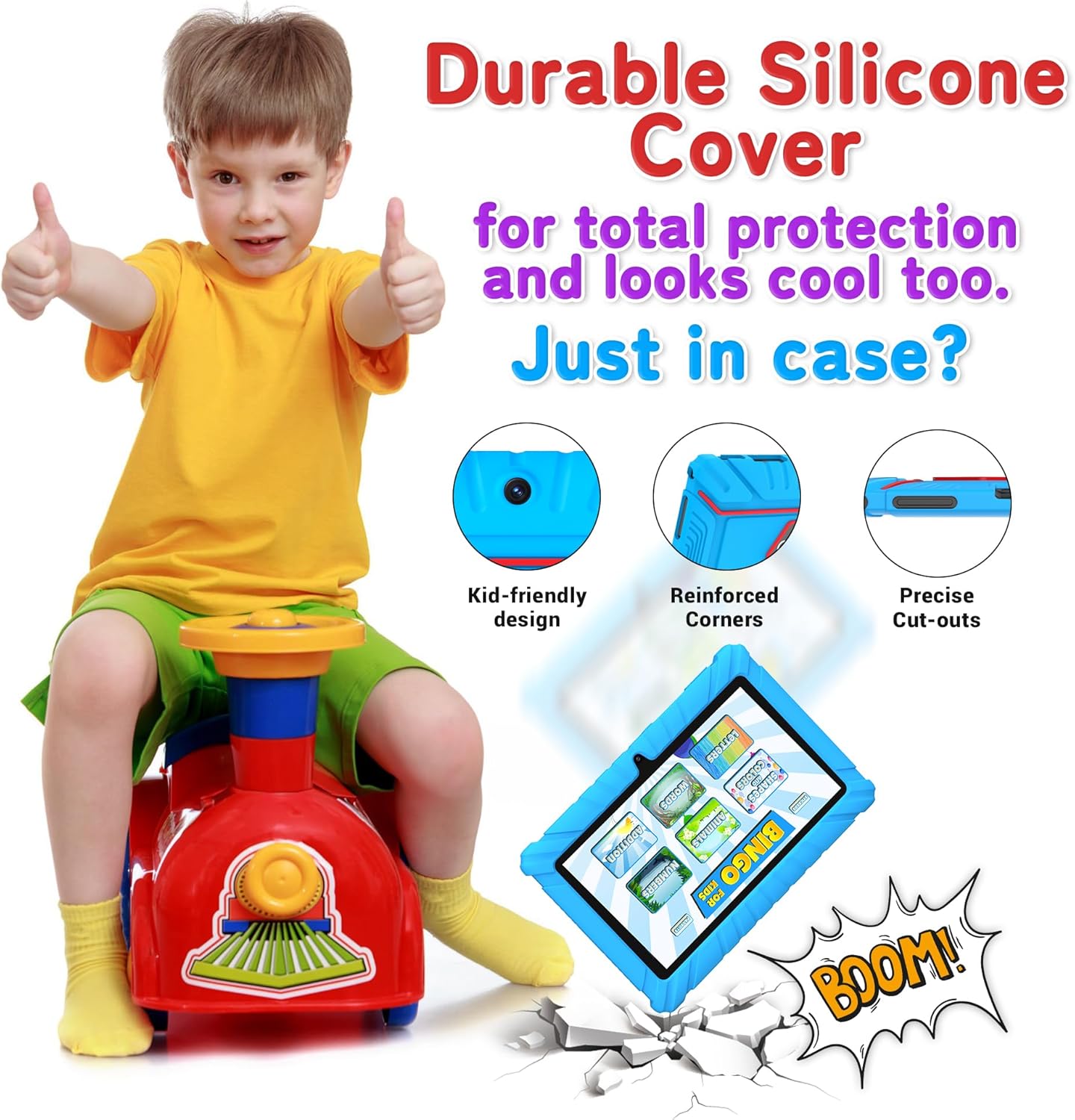
Image: A young boy gives a thumbs-up gesture next to a Contixo V8 tablet in its durable silicone case. Highlighted features include 'Kid-friendly design', 'Reinforced Corners', and 'Precise Cut-outs', emphasizing its protective qualities.
6.2 Cura de la bateria
The tablet is equipped with a 3100 mAh Lithium-ion battery. To prolong battery life, avoid fully discharging the battery frequently and store the tablet in a cool, dry place when not in use for extended periods.
7. Solució De Problemes
If you encounter issues with your Contixo V8 tablet, try the following basic troubleshooting steps:
- El dispositiu no respon: Press and hold the Power Button for 10-15 seconds to force a restart. If this doesn't work, use a thin object to press the Reset Pinhole.
- Problemes de càrrega: Ensure the charging cable and adapter are securely connected. Try a different outlet or USB port.
- Connectivitat Wi-Fi: Check if Wi-Fi is enabled in settings. Restart your router and the tablet.
- Mal funcionament de l'aplicació: Close and reopen the app. If the issue persists, clear the app's cache or reinstall it from the Play Store.
8. Especificacions
| Característica | Especificació |
|---|---|
| Marca | Contixo |
| Nom del model | V8 |
| Mida de la pantalla | 7 polzades |
| Resolució de visualització | 1024 x 600 píxels |
| Sistema operatiu | Android 11 |
| Capacitat d'emmagatzematge de memòria | 32 GB |
| Mida de la memòria RAM | 2 GB |
| Emmagatzematge ampliable | microSD, up to 32 GB |
| Processador | Quad-Core Cortex-A100 (1.5 GHz) |
| Càmera frontal | 0.3 MP |
| Càmera posterior | 2 MP |
| Capacitat de la bateria | 3100 milionsamp Hours (Lithium-ion) |
| Connectivitat | Wi-Fi, Bluetooth, 4G |
| Pes de l'article | 1.5 unces |
| Dimensions (L x W x Thickness) | 4.8 cm de llargada x 7.17 cm d'amplada x 0.4 cm de gruix |
| Franja d'edat | Majors de 3 anys |
9. Garantia i Suport
Your Contixo V8 Kids Tablet comes with a 1-year manufacturer defect warranty. For any support inquiries or warranty claims, please refer to the contact information provided in your product packaging or visit the official Contixo weblloc.