
iball Play A1
iBall Musi Play A1 Wireless Ultra-Portable Bluetooth Speaker User Manual
Model: Play A1
1. Introducció
Gràcies per la compraasing the iBall Musi Play A1 Wireless Ultra-Portable Bluetooth Speaker. This compact and versatile speaker is designed to provide high-quality audio on the go. It features Bluetooth connectivity, FM radio, a Micro SD card slot for music playback, and a built-in microphone for hands-free calling. Please read this manual carefully to understand the product's features and ensure proper operation.
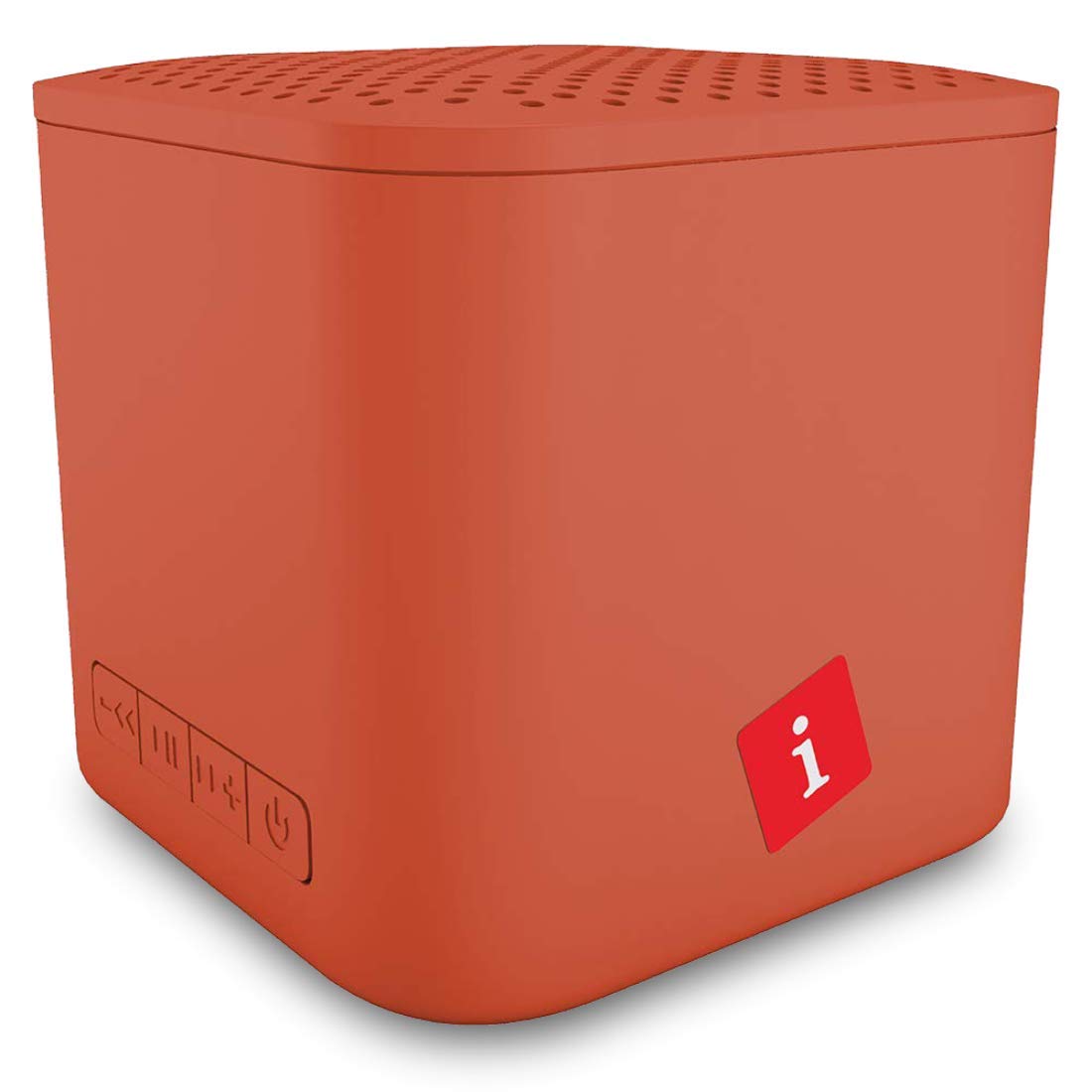
Image: iBall Musi Play A1 Wireless Ultra-Portable Bluetooth Speaker (Burnt Orange)
2. Què hi ha a la caixa
En desempaquetar, assegureu-vos que hi hagi tots els elements següents:
- Speaker – 1 N
- Charging Cable – 1 N
- User Manual – 1 N
3. Producte acabatview
3.1. Controls i ports
Familiaritzeu-vos amb els controls i els ports de l'altaveu per facilitar-ne el funcionament.

Image: Control buttons on the iBall Musi Play A1 speaker.
- Baixada de volum / Pista anterior: Press and hold for volume down, short press for previous track.
- Reproduir/Pausa: Press to play or pause music. Also used for answering/ending calls.
- Puja el volum / Pista següent: Press and hold for volume up, short press for next track.
- Power On / Off / Mode: Press and hold to power on/off. Short press to switch between Bluetooth, FM, and Micro SD modes.
3.2. Portability and Design
The iBall Musi Play A1 features an ultra-portable cube design, making it easy to carry and suitable for various environments.

Image: The compact size of the iBall Musi Play A1 speaker, measuring approximately 6.2 cm on each side.
4. Configuració
4.1. Càrrega inicial
Before first use, fully charge the speaker. Connect the provided charging cable to the speaker's charging port and a USB power source (e.g., computer USB port, USB wall adapter). The charging time is approximately 1.5 hours.
4.2. Encès / apagat
Per encendre l'altaveu, premeu i manteniu premut el botó Encès/Apagat/Mode button until you hear an audible prompt. To power off, press and hold the same button again.
5. Instruccions de funcionament
5.1. Emparellament Bluetooth
- Assegureu-vos que l'altaveu estigui encès i en mode Bluetooth. Si no, premeu breument el botó Encès/Apagat/Mode per anar canviant pels modes fins que sentiu l'indicació de Bluetooth.
- Al vostre telèfon intel·ligent o tauleta, activeu el Bluetooth i cerqueu els dispositius disponibles.
- Select "iBall Musi Play A1" from the list of devices.
- Once paired, the speaker will indicate a successful connection, and you can start playing audio from your device.
5.2. Ràdio FM
- Power on the speaker and short press the Encès/Apagat/Mode botó per canviar al mode de ràdio FM.
- Per escanejar automàticament i desar les emissores de FM disponibles, manteniu premut el botó Reproduir/Pausa botó. L'altaveu escanejarà i emmagatzemarà emissores automàticament.
- Un cop finalitzada l'escaneig, utilitzeu Pista anterior i Pista següent botons per navegar entre les emissores desades.
5.3. Reproducció amb targeta Micro SD
- Inseriu una targeta Micro SD (amb àudio MP3) files) into the Micro SD card slot on the speaker.
- The speaker will automatically switch to Micro SD mode and begin playing music. If not, short press the Encès/Apagat/Mode button to select Micro SD mode.
- Utilitza el Pista anterior i Pista següent buttons to skip tracks, and the Reproduir/Pausa botó per controlar la reproducció.
5.4. Trucades amb mans lliures
When connected to your smartphone via Bluetooth, the speaker's built-in microphone allows for hands-free calls.
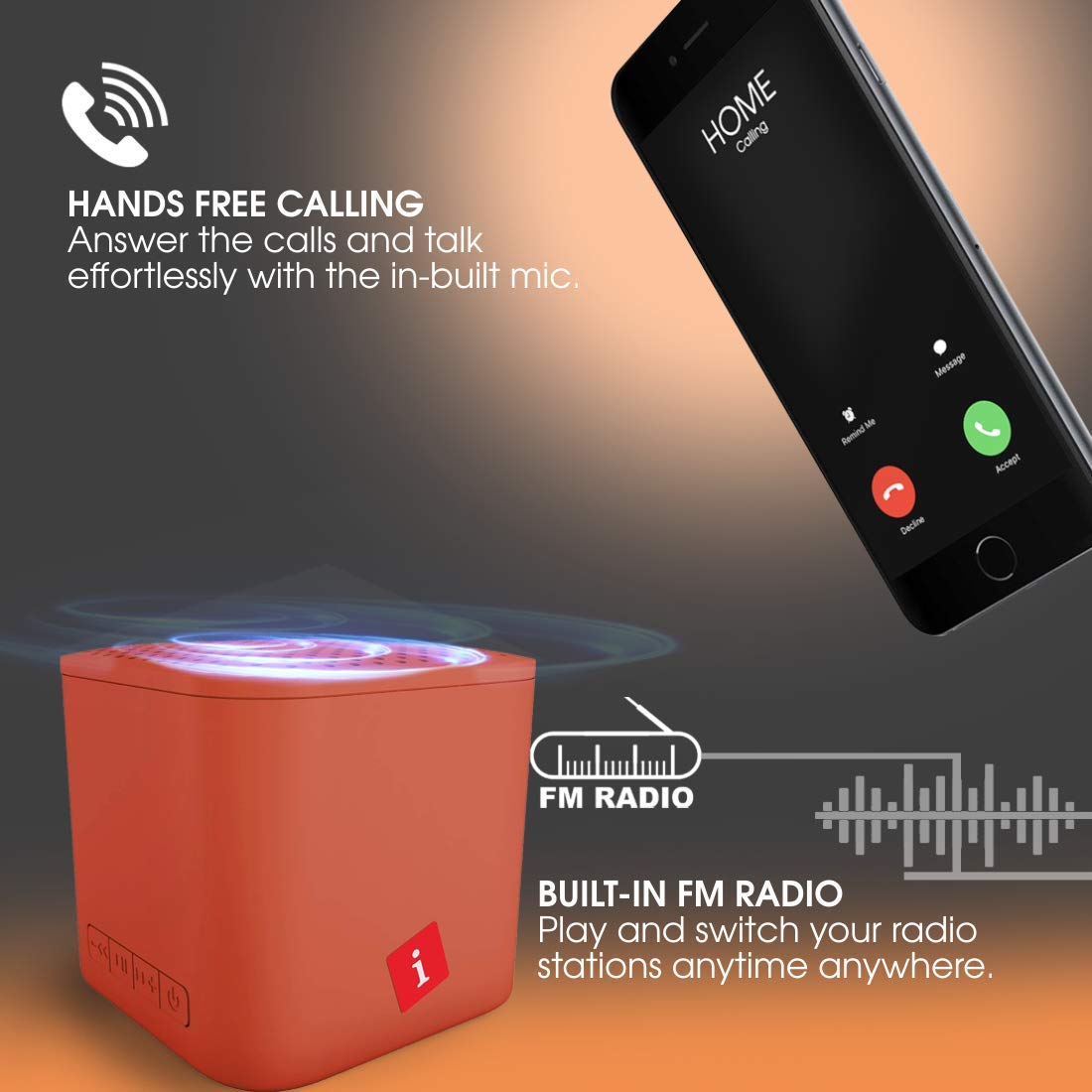
Image: Hands-free calling feature with the iBall Musi Play A1 speaker.
- Respon a la trucada: Quan soni una trucada entrant, premeu breument la tecla Reproduir/Pausa botó per respondre.
- Finalitzar la trucada: Durant una trucada, premeu breument la tecla Reproduir/Pausa botó per finalitzar la trucada.
- Rebutja la trucada: When an incoming call rings, press and hold the Reproduir/Pausa botó per rebutjar la trucada.
6. Càrrega
The speaker is equipped with a built-in rechargeable battery. To charge, connect the provided USB cable to the speaker's charging port and a standard USB power source. A full charge takes approximately 1.5 hours and provides up to 6 hours of playtime at mid-level volume.
7. Manteniment
- Mantingueu l'altaveu allunyat de l'aigua, la humitat i les temperatures extremes.
- Netegeu l'altaveu amb un drap suau i sec. No utilitzeu productes de neteja abrasius ni dissolvents.
- Eviteu deixar caure o sotmetre l'altaveu a forts impactes.
- When not in use for extended periods, charge the speaker at least once every three months to maintain battery health.
8. Solució De Problemes
| Problema | Possible solució |
|---|---|
| L'altaveu no s'encén. | Assegureu-vos que la bateria estigui carregada. Connecteu l'altaveu a una font d'alimentació i torneu-ho a provar. |
| No es pot emparellar per Bluetooth. |
|
| Sense so. |
|
| La recepció de ràdio FM és deficient. |
|
9. Especificacions
| Característica | Detall |
|---|---|
| Marca | iball |
| Nom del model | Play A1 |
| Potència de sortida màxima dels altaveus | 3 watts |
| Tecnologia de connectivitat | Bluetooth, Sense fil |
| Mode de sortida d'àudio | estèreo |
| Tipus de muntatge | Muntatge de taula |
| Tipus d'altaveu | A l'aire lliure |
| Característiques del producte | Micròfon incorporat |
| Colour (Current Model) | Taronja cremada |
| És impermeable | false (Not Water Resistant) |
| Mètode de control | Botó |
| Durada mitjana de la bateria | 6 hores |
| Temps de càrrega de la bateria | 1.5 hores |
| Dispositius compatibles | Smartphone, tauleta |
| Font d'alimentació | Funciona amb bateria |
| Nombre de bateries | 1 polímer de liti (inclòs) |
| Pes de l'article | 169 grams |
| País d'origen | Xina |
10. Garantia i Suport
For warranty information or technical support, please contact iBall customer service. You can reach them via the toll-free number: 18002666409.
Manufacturer Address: 87, Mistry Industrial Complex, MIDC Cross Road "A" Andheri (E), Mumbai 400 093. Maharashtra India.
Ask a question about this manual
Ask about setup, troubleshooting, compatibility, parts, safety, or missing instructions. Manuals+ will review the question and use this page’s manual context to help answer it.