
Introducció
This manual provides essential information for the proper installation, operation, and maintenance of your Philips 278E1A 27" 4K UHD IPS Monitor. Please read this guide thoroughly before using the product to ensure optimal performance and safety. Keep this manual for future reference.
Informació de seguretat
- Assegureu-vos que el monitor estigui col·locat sobre una superfície estable i plana per evitar caigudes accidentals.
- Use only the power adapter and cables supplied by Philips.
- No exposeu el monitor a la pluja ni a la humitat per evitar descàrregues elèctriques o incendis.
- Eviteu bloquejar les obertures de ventilació per evitar el sobreescalfament.
- No intenteu fer la reparació del monitor vosaltres mateixos. Encarregueu-vos de totes les tasques de manteniment a personal qualificat.
Configuració
1. Desembalatge i muntatge
Carefully remove the monitor and all components from the packaging. The box should contain the monitor, stand, HDMI cable, power cable, and user documentation.
- Fixeu la base del suport al coll del suport i fixeu-la amb el cargol proporcionat.
- Alineeu el suport muntat amb els forats de muntatge de la part posterior del monitor i fixeu-lo fermament.
2. Cables de connexió
Connecteu els cables necessaris al monitor i al vostre ordinador.
- Cable de corrent: Connecteu un extrem del cable d'alimentació a l'entrada d'alimentació del monitor i l'altre extrem a una presa de corrent.
- Entrada de vídeo: Connect either an HDMI cable (2 ports available) or a DisplayPort cable (1 port available) from your computer's video output to the corresponding input on the monitor.
- Entrada/sortida d'àudio: If desired, connect an audio cable from your computer's audio output to the monitor's audio input, or connect external speakers/headphones to the monitor's audio output.

Figura 1: posterior view of the Philips 278E1A monitor, highlighting the HDMI, DisplayPort, and audio input/output ports for connectivity.
3. Engegada inicial
Premeu el botó d'engegada situat a la part inferior dreta del monitor per engegar-lo. El monitor detectarà automàticament la font d'entrada activa.
Instruccions de funcionament
1. Navegació pel menú OSD
The On-Screen Display (OSD) menu allows you to adjust various monitor settings. Use the control buttons located on the bottom bezel of the monitor to navigate the menu.
- Press a button to activate the OSD menu.
- Use the directional buttons to move through menu options.
- Premeu el botó «D'acord» o «Enter» per seleccionar una opció o confirmar una configuració.
- Press the 'Exit' or 'Back' button to return to the previous menu or exit the OSD.
2. Configuració de la imatge
Ajusta les característiques de la pantalla per a una òptima viewing.
- Brillantor i contrast: Adjust these settings to control the overall luminance and the difference between light and dark areas.
- Configuració de color: Fine-tune color temperature, gamma, and saturation. The monitor supports 109% sRGB color gamut for accurate color reproduction.
- SmartContrast: This feature dynamically analyzes content and automatically adjusts backlight intensity to enhance contrast for optimal digital images and videos.
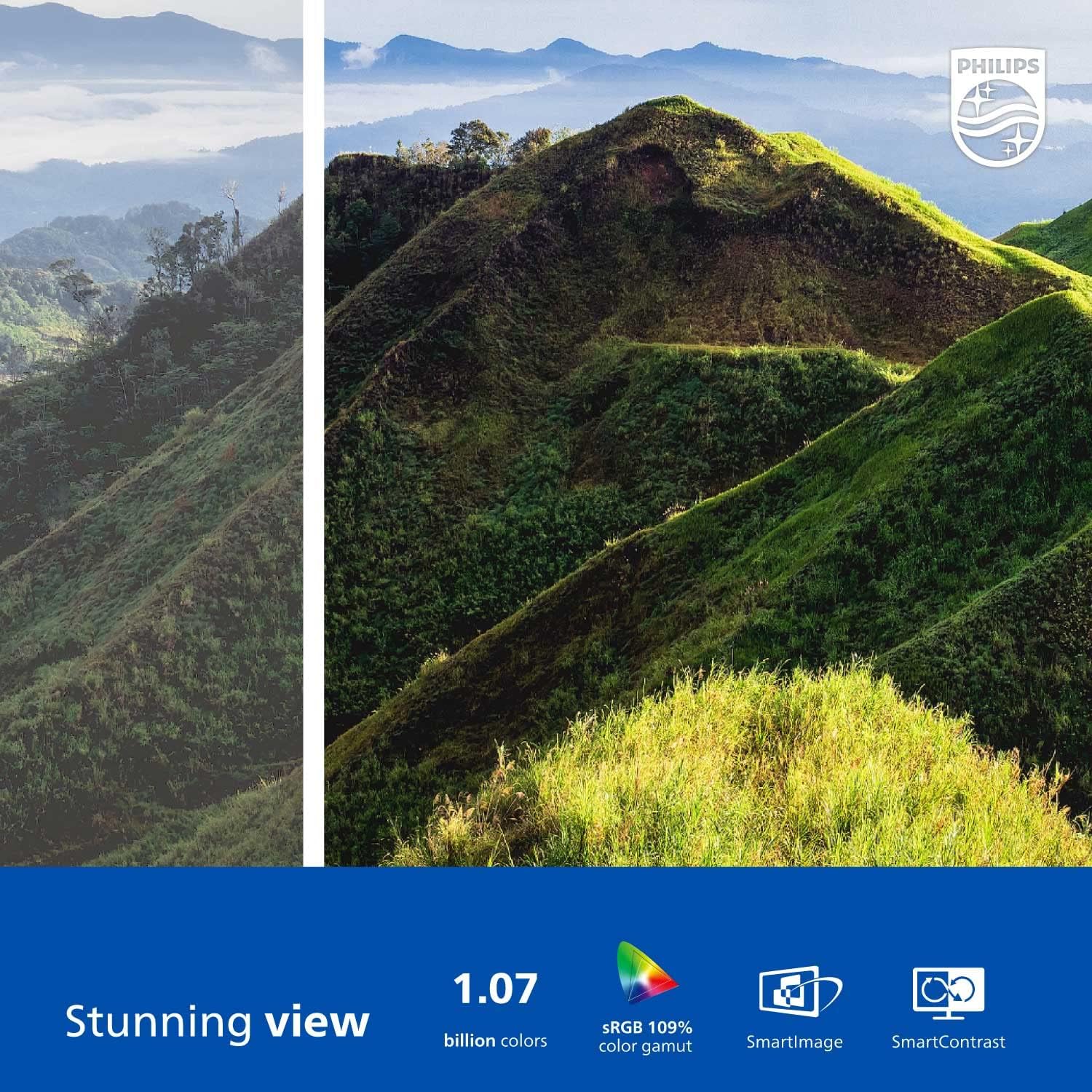
Figure 2: The Philips 278E1A monitor displaying a detailed and colorful mountain scene, illustrating its 4K UHD resolution and wide color gamut.
3. Selecció d'entrada
Manually select the desired video input source if the automatic detection does not work or if you have multiple devices connected.
4. Configuració d'àudio
Control the volume of the built-in speakers or connected audio devices.
5. Característiques de la cura dels ulls
The Philips 278E1A includes features designed to reduce eye strain during prolonged use.
- Tecnologia sense parpelleig: Regulates brightness and reduces screen flicker for more comfortable viewing.
- Mode LowBlue: A software solution that reduces harmful shortwave blue light emissions from the screen.

Figure 3: A split image demonstrating the visual difference when LowBlue Mode and Flicker-free technologies are active, reducing eye strain.
6. Frameless Design and ViewAngles
The monitor features a 3-sided frameless design, ideal for multi-monitor setups, and an IPS panel providing wide 178/178-degree viewing angles for consistent image quality from various perspectives.

Figure 4: A multi-monitor arrangement of Philips 278E1A displays, showcasing the minimal bezels and wide viewing angles suitable for extended desktop environments.
Manteniment
1. Neteja de la pantalla
Per netejar la pantalla, netegeu-la suaument amb un drap suau i sense borrissol. Per a marques difícils, dampen the cloth with a mild, non-abrasive screen cleaner. Never spray cleaner directly onto the screen.
2. Atenció general
Keep the monitor away from direct sunlight, excessive heat, and humidity. Avoid placing heavy objects on the monitor or its cables.
Resolució de problemes
Si teniu problemes amb el monitor, consulteu les solucions habituals següents:
- Sense energia: Assegureu-vos que el cable d'alimentació estigui connectat correctament tant al monitor com a la presa de corrent. Comproveu si la presa de corrent funciona.
- Sense senyal: Verify that the video cable (HDMI or DisplayPort) is correctly connected to both the monitor and your computer. Ensure the correct input source is selected via the OSD menu.
- Image Problems (e.g., flickering, distorted colors): Check cable connections. Adjust picture settings in the OSD menu. If using a DisplayPort connection, ensure your graphics card supports 4K resolution at 60Hz.
- Sense àudio: Check the monitor's volume settings and your computer's audio output settings. Ensure external speakers or headphones are properly connected if used.
For further assistance, please contact Philips customer support.
Especificacions
| Característica | Detall |
|---|---|
| Mida de la pantalla | 27 polzades |
| Resolució | 3840 x 2160 (4K UHD) |
| Tipus de panell | IPS |
| Gamma de colors | 109% sRGB |
| Connectivitat | 2x HDMI, 1x DisplayPort, Audio In & Out |
| Altaveus | Built-in (3W stereo) |
| Dimensions (amb suport) | 18.1 x 24.1 x 7.6 polzades |
| Pes (amb suport) | 13.57 lliures |
| Característiques de la cura dels ulls | Flicker-Free, LowBlue Mode |
Garantia i Suport
Informació de la garantia
Philips monitors sold in the United States come with a 4-Year Advance Replacement Warranty. This warranty minimizes downtime by providing a replacement unit in advance should your monitor require service.

Figure 5: Visual representation of the Philips 4-Year Warranty and Advance Replacement program, ensuring peace of mind for users.
Atenció al client
For technical support, warranty claims, or service inquiries, please visit the official Philips support website or contact their customer service hotline. Refer to the documentation included with your product for specific contact details in your region.
Vídeos de productes
Philips Frameless Monitor Overview
Aquest vídeo ofereix un finalview of the Philips 27-inch frameless monitor, highlighting its features and benefits for various work setups.
Why This Monitor is Top Rated
Learn about the key aspects that make this Philips monitor a top-rated choice, including its display quality and user-friendly features.