
Introducció
Thank you for choosing the REMAX CozyPods W8N Bluetooth Headphones. These in-ear headphones are designed to provide a high-quality audio experience with advanced features such as Bluetooth 5.3 connectivity, noise reduction, and a long-lasting battery. This manual will guide you through the setup, operation, maintenance, and troubleshooting of your new headphones.
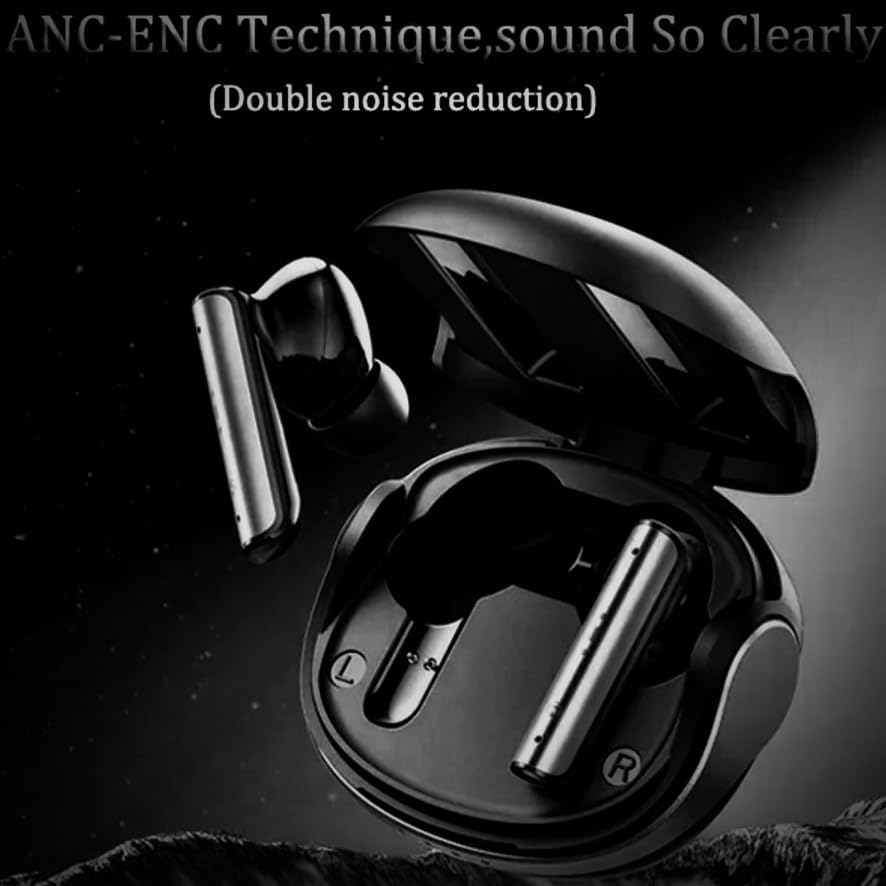
Image: The REMAX CozyPods W8N Bluetooth headphones resting inside their sleek black charging case, ready for use.
Configuració
1. Càrrega dels auriculars i l'estoig
Before first use, fully charge the CozyPods W8N and their charging case. The charging time for both is approximately 1.5 hours.
- Col·loqueu els auriculars a la caixa de càrrega.
- Connecteu la funda de càrrega a una font d'alimentació amb un cable USB compatible.
- Els indicadors lluminosos de la carcassa mostraran l'estat de càrrega. Un cop carregada completament, els llums indicaran que s'ha completat o s'apagaran.
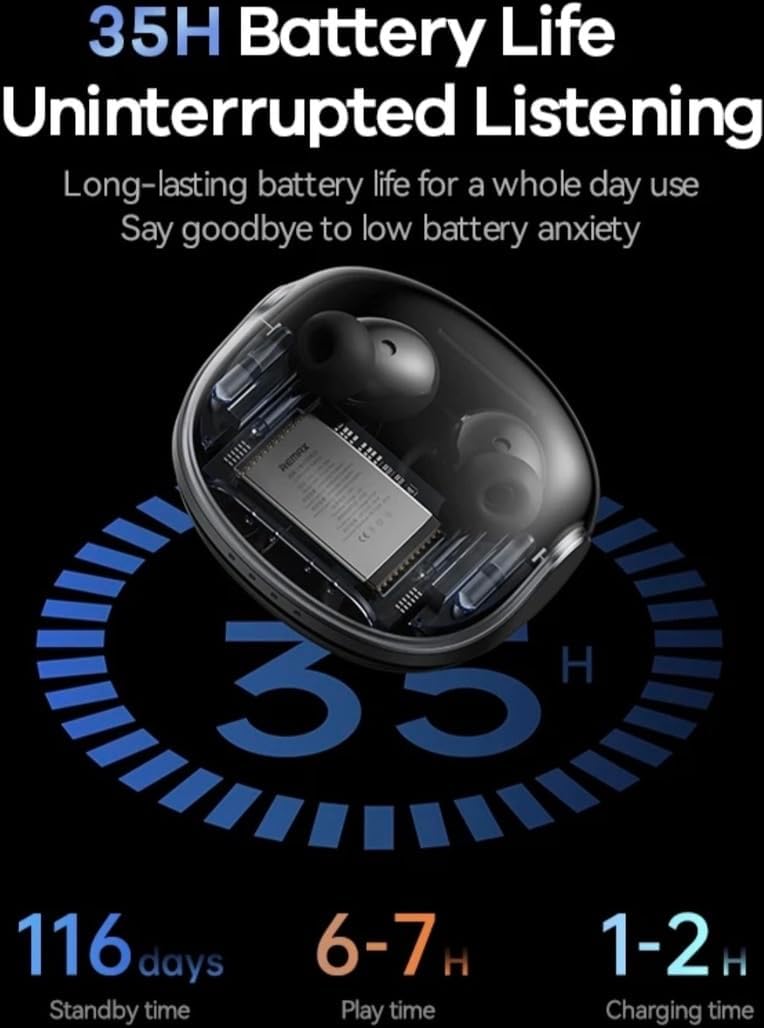
Image: An illustration detailing the battery performance of the CozyPods W8N, highlighting 35 hours of total battery life with the charging case, 116 days of standby time, 6-7 hours of continuous play time, and a 1-2 hour charging duration.
2. Emparellament Bluetooth
To connect your CozyPods W8N to a device:
- Assegureu-vos que els auriculars estiguin carregats i dins de l'estoig de càrrega.
- Obre l'estoig de càrrega. Els auriculars entraran automàticament en mode d'emparellament.
- On your device (smartphone, PC, Macbook, etc.), go to the Bluetooth settings.
- Cerca available devices and select "REMAX CozyPods W8N" from the list.
- Un cop connectat, sentireu un to de confirmació i els auriculars estaran a punt per utilitzar.
Instruccions de funcionament
1. Toqueu Controls
The CozyPods W8N feature intuitive touch controls for managing your audio and calls. Specific gestures may vary slightly, but common functions include:
- Reproduir/pausa: Un sol toc a qualsevol dels auriculars.
- Pista següent: Toqueu dues vegades l'auricular dret.
- Pista anterior: Toqueu dues vegades l'auricular esquerre.
- Respondre/Finalitzar la trucada: Un sol toc a qualsevol dels auriculars.
- Rebutja la trucada: Prem i mantén premut qualsevol dels auriculars.
- Activa l'Assistent de veu: Toqueu tres vegades qualsevol dels auriculars.
2. Noise Cancellation (ANC+ENC)
The CozyPods W8N incorporate ANC (Active Noise Cancellation) and ENC (Environmental Noise Cancellation) for an enhanced listening and call experience. ANC reduces ambient noise for clearer audio playback, while ENC focuses on isolating your voice during calls for improved clarity for the listener.

Image: A visual representation of the ANC-ENC technique in the CozyPods W8N, showing sound waves being actively cancelled to provide clear audio and calls.
3. Compatibilitat
These headphones are compatible with a wide range of Bluetooth-enabled devices, including:
- Smartphones (iOS, Android)
- Tauletes
- Laptops (PC, Macbook)
- Escriptoris
- Altaveus intel·ligents
4. Jocs de baixa latència
Experience gaming with minimal delay thanks to the headphones' low latency design, ensuring synchronized audio and visuals.

Image: A graphic highlighting the 38ms low latency feature of the CozyPods W8N, depicted with a mobile phone displaying a gaming scene, emphasizing a responsive audio experience for gamers.
Manteniment
1. Neteja
Per mantenir un rendiment i una higiene òptims:
- Netegeu suaument els auriculars i l'estoig de càrrega amb un drap suau, sec i sense borrissol.
- No utilitzeu netejadors abrasius, alcohol ni dissolvents químics.
- Assegureu-vos que els contactes de càrrega estiguin nets i lliures de brutícia.
2. Resistència a l'aigua
The CozyPods W8N are rated IPX6 water and dust resistant. This means they can withstand strong jets of water, making them suitable for workouts and light rain. However, they are not designed for submersion in water. Avoid exposing them to saltwater or other liquids.
3. Emmagatzematge
When not in use, store the headphones in their charging case to protect them from dust, damage, and to keep them charged.
Resolució de problemes
If you encounter issues with your CozyPods W8N, try the following solutions:
- Sense so: Ensure headphones are paired correctly and volume is turned up on both the headphones and your device. Check if the headphones are charged.
- Problemes d'aparellament: Turn off Bluetooth on your device, then turn it back on. Forget the device in your Bluetooth settings and try pairing again. Ensure no other devices are connected to the headphones.
- Problemes de càrrega: Verify the charging cable and power adapter are working. Ensure the charging contacts on the earbuds and case are clean.
- Connexió intermitent: Move closer to your connected device. Avoid environments with strong electromagnetic interference.
- Restablir: If issues persist, consult the manufacturer's website for specific reset instructions, as this can often resolve software glitches.
Especificacions
| Model | Cozypods W8N |
| Material | Plàstic ABS + PC |
| Versió Bluetooth | V5.3 (JL 7006A8) |
| Vol. Operatiutage | 3.3 V |
| Impedància | 32Ω |
| Potència dels altaveus | 3 mW |
| Bateria d’auriculars | 40 mAh |
| Caixa de càrrega de la bateria | 360 mAh |
| Temps de càrrega | 1.5 hores |
| Hora de trucada | 4 hores |
| Temps de reproducció de música | 5 hores (fins a 35 hores amb estoig de càrrega) |
| Temps d'espera | 180 dies |
| Resistència a l'aigua | IPX6 |
| Característiques especials | ANC+ENC Noise Reduction, Water & Dust Density |
| Mètode de control | Toca |
Garantia i Suport
REMAX products are designed and manufactured to the highest quality standards. For information regarding warranty coverage, technical support, or service inquiries, please refer to the warranty card included with your purchase or visit the official REMAX weblloc web. Si us plau, conserveu el comprovant de compra per a reclamacions de garantia.


